
Screen Mirroring for Roku


Esegui il mirroring wireless delle tue foto preferite, dei tuoi giochi e delle tue presentazioni con zero ritardo. La soluzione più affidabile per i possessori di Roku che desiderano una connessione fluida e senza abbonamenti dal loro iPhone o iPad.
Editore
Categoria
ProductivityDownload
3M+Valutazione
Valutazioni totali
70K+Lingue
1Scopri l'interfaccia usata da 3M+ utenti.
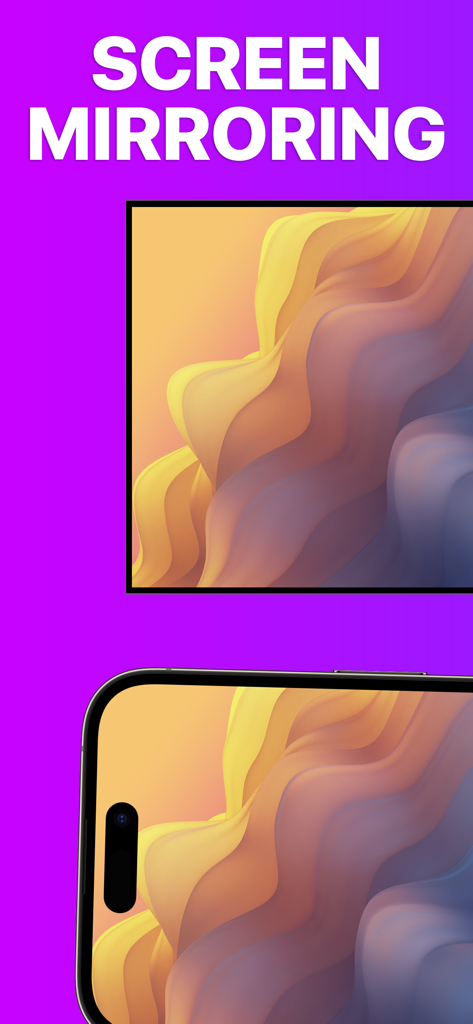

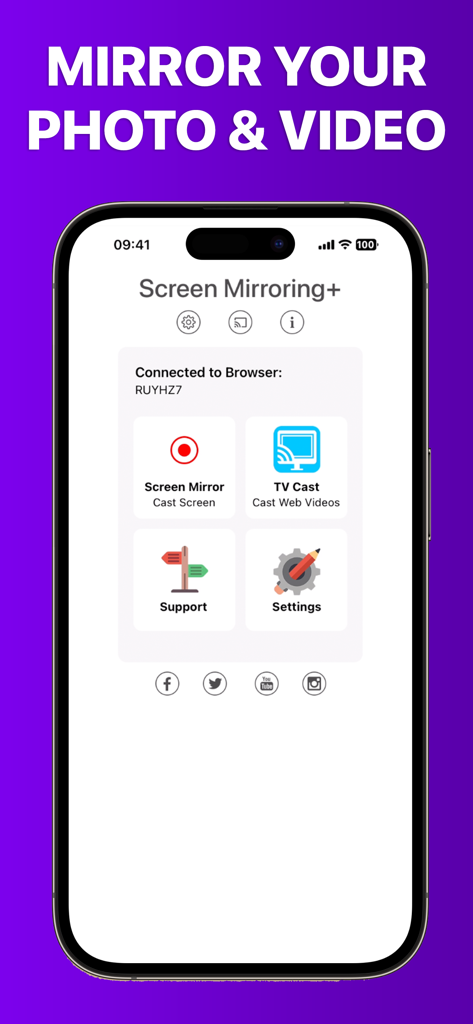
Gli strumenti che rendono questa app unica, scelti da 3M+ utenti.
Sperimenta la condivisione dello schermo fulminea con una latenza sub-secondo, dando la sensazione che il tuo dispositivo mobile faccia parte della tua televisione.
Smetti di passare il telefono. Trasmetti la tua intera libreria fotografica e i tuoi video domestici sul grande schermo per tutta la famiglia.
Perfetto per l'ufficio in casa. Esegui il mirroring wireless di documenti, siti web e fogli di calcolo dal tuo iPad su qualsiasi dispositivo abilitato Roku istantaneamente.
Tutto quello che devi sapere su Screen Mirroring for Roku.
Descrizione
Ultima versione
3.7
Dimensione
24.0 MB
Data di lancio
7 giu 2019
Unisciti a oltre 3 milioni di utenti e goditi lo screen mirroring di altissima qualità per il tuo dispositivo Roku. Nessun ritardo, nessun costo nascosto, solo una connessione istantanea.
Tutto quello che devi sapere su Screen Mirroring for Roku
Screen Mirroring per Roku è un'app che condivide lo schermo del tuo iPhone o iPad sui lettori di streaming Roku, stick Roku o TV Roku. Offre un mirroring dello schermo avanzato con ritardo zero e alta qualità dello schermo.
Screen Mirroring per Roku supporta TV Roku, Streaming Stick, Express, Premiere, Ultra, lettori Roku 2, 3, 4, HD (2500) e LT (2400+2450). Supporta anche le TV Roku di Hisense, Sharp, TCL, Insignia, Hitachi, Philips, Element, JVC, Metz, Coocaa, Westinghouse e Onn.
No, alcune app di terze parti come Netflix e Disney+ impediscono il mirroring dello schermo. Tentare di effettuarne il mirroring si traduce in uno schermo nero sulla TV. Questa è una restrizione imposta da tali app.
No, Screen Mirroring per Roku non ha abbonamenti o costi nascosti. L'app fornisce la sua funzionalità di mirroring senza costi aggiuntivi.
Il tuo iPhone/iPad e il dispositivo Roku devono connettersi alla stessa rete Wi-Fi. Non utilizzare VPN, Proxy, VLAN o Sottoreti per una funzionalità ottimale con Screen Mirroring per Roku.
Sì, Screen Mirroring per Roku offre una latenza suprema, tipicamente inferiore a un secondo, in buone condizioni di rete Wi-Fi. Ciò garantisce un'esperienza di mirroring fluida.
Screen Mirroring per Roku non supporta i modelli classici Roku (N1000, N1050, N1100, N1101), Roku 2000, 2050, 2100, Telstra TV, NOW TV Stick & Box o Sky Ticket (WOW TV).
Sì, Screen Mirroring per Roku effettua il mirroring di foto, video, giochi, siti web, app, presentazioni, documenti e fogli di calcolo dal tuo dispositivo iOS al tuo Roku.
App con funzionalità ed esperienza simili

InstantBits Inc

Sichuan FalconAI Technology Co., Ltd.

Mihkel Pikk

Ozuna Limited

TOGGLE APPS SP Z O O

AER SOFTWARE COMPANY LIMITED

SAND STUDIO CORPORATION LIMITED

Hainan Delta Software Co., Ltd

Dalma Innovation Solutions d.o.o.
App information, icons, screenshots, and descriptions displayed on this page are sourced from the Apple App Store and are the property of their respective developers. Download estimates and rankings are based on MWM's proprietary models and may not reflect actual figures. This page is provided for informational and analytical purposes only.
Believe this page infringes your intellectual property? File a dispute

