Screen Mirroring: Smart cast
Scarica su App Store

Questa pagina non è una pagina ufficiale dell'app o del suo sviluppatore, ma una pubblicazione editoriale indipendente creata a scopo informativo e di commento. Salvo espressa indicazione contraria, né l'app né il suo sviluppatore sono affiliati, approvati, sponsorizzati, autorizzati o altrimenti ufficialmente collegati a MWM, Apple, Google Play, all'editore dell'app o allo sviluppatore dell'app, e nulla in questa pagina implica che l'app sia stata sviluppata utilizzando i servizi di MWM. Tutti i marchi, loghi, screenshot e altri contenuti rimangono di proprietà dei rispettivi proprietari.

Logo di Screen Mirroring: Smart cast
Scarica su App Store

Screen Mirroring: Smart cast

Smetti di strizzare gli occhi su schermi piccoli. Effettua facilmente il mirroring delle tue foto, video e app preferite sul grande schermo per la migliore esperienza condivisa, senza hardware aggiuntivo.

Numeri Chiave

Download

326K+

Valutazione

1.8/5

Valutazioni totali

0

Editore

Pravin Gondaliya

Categoria

Utilities

Lingue

15

Ultima versione

1.8

Dimensione

60.0 MB

Data di lancio

7 dic 2023
Funzioni

Tutto ciò che ti serve per un'esperienza senza interruzioni sul grande schermo

Liberati dal piccolo schermo e goditi i tuoi contenuti preferiti sulla tua Smart TV. La nostra app colma il divario tra il tuo iPhone e qualsiasi marca di TV, offrendo una soluzione wireless e senza cavi per tutta la famiglia.

Mirroring Universale dello Schermo

Proietta istantaneamente l'intero schermo in alta definizione. Che si tratti di un gioco mobile, un'app di fitness o una presentazione aziendale, condividi tutto in tempo reale senza hardware costoso come Apple TV.

Casting Diretto di Foto e Video

Smetti di accalcarsi attorno a un display da 6 pollici. Trasmetti la tua libreria fotografica personale e i video di casa direttamente sullo schermo TV per rivivere i tuoi ricordi preferiti con amici e familiari in dettagli mozzafiato.

Gli screenshot e la descrizione seguenti provengono direttamente dall'elenco ufficiale dello store dell'app e sono di proprietà dello sviluppatore.

App Store

Screenshot
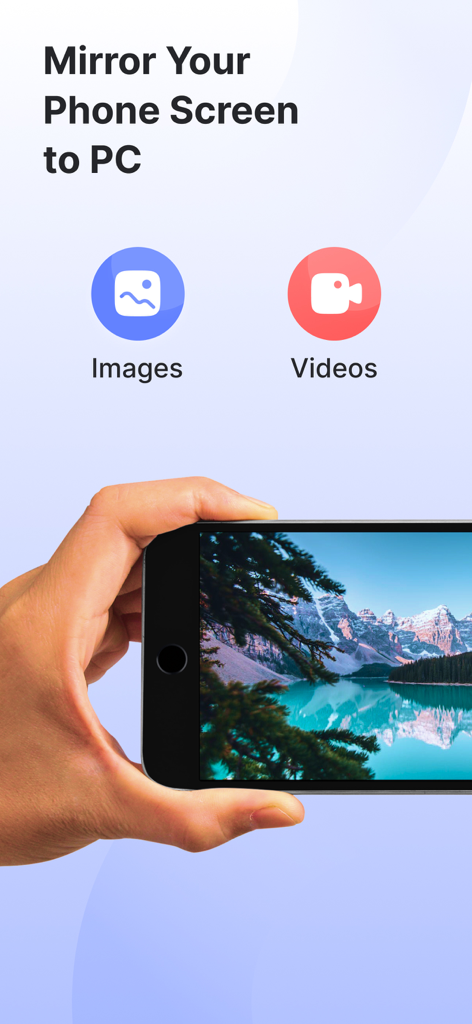
Screen Mirroring: Smart cast - Interfaccia dell'app di screen mirroring che mostra le opzioni per trasmettere immagini e video da un telefono a un computer
Interfaccia dell'app di screen mirroring che mostra le opzioni per trasmettere immagini e video da un telefono a un computer

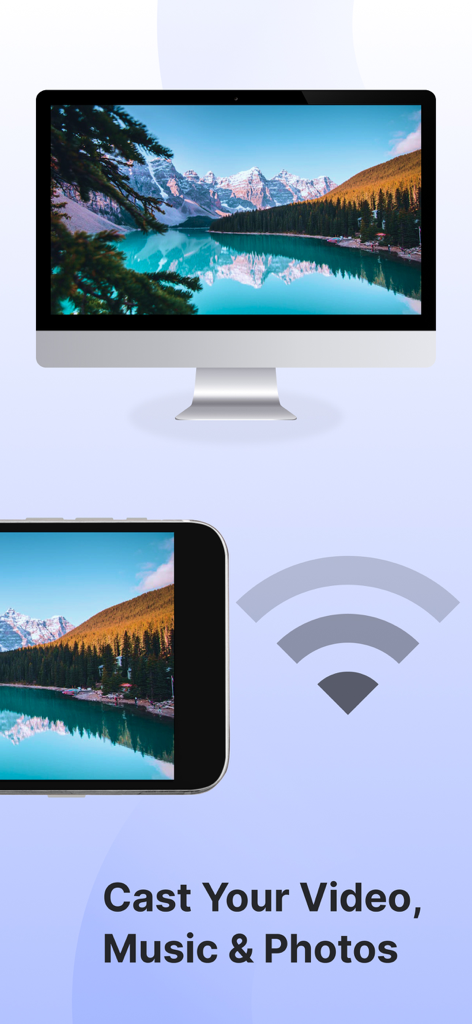
Screen Mirroring: Smart cast - Smartphone che trasmette una foto di un paesaggio montano su una smart TV utilizzando il Wi-Fi
Smartphone che trasmette una foto di un paesaggio montano su una smart TV utilizzando il Wi-Fi

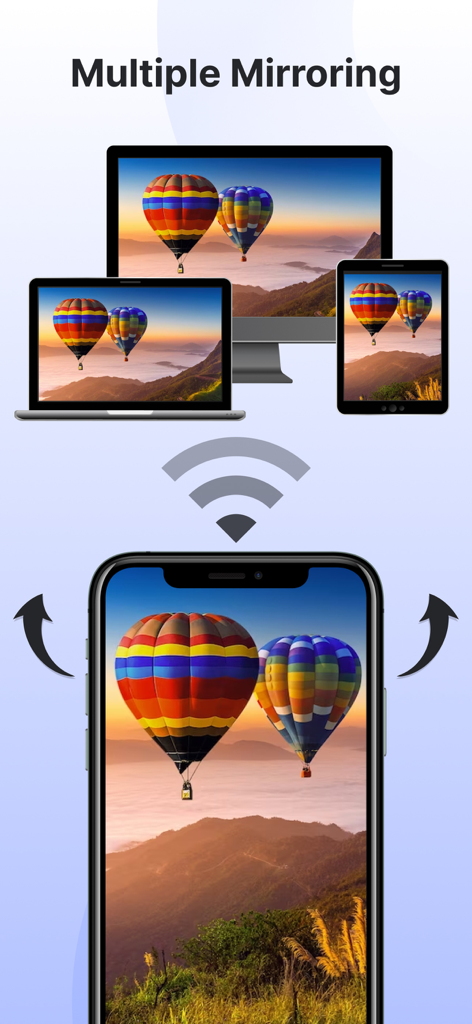
Screen Mirroring: Smart cast - Uno smartphone che effettua il mirroring wireless del proprio schermo su una TV, un laptop e un tablet contemporaneamente
Uno smartphone che effettua il mirroring wireless del proprio schermo su una TV, un laptop e un tablet contemporaneamente

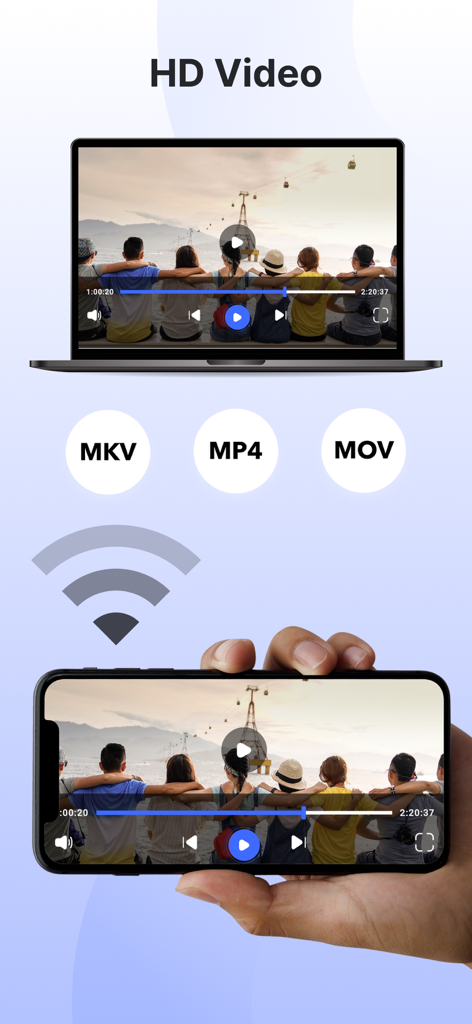
Screen Mirroring: Smart cast - Uno smartphone che effettua il mirroring di video HD su un display per laptop con formati supportati MKV MP4 e MOV

Uno smartphone che effettua il mirroring di video HD su un display per laptop con formati supportati MKV MP4 e MOV

Descrizione

Experience seamless connectivity & Elevate entertainment with our screen mirror app. Mirror phone to smart TV & embrace a new era of multimedia sharing! Screen Mirroring: Smarttv View app will Transform your viewing experience with this feature-packed app that empowers you to effortlessly mirror & share your device screen to Smart TVs. Whether it's for entertainment, presentations, or sharing moments with friends & family, our app is your go-to companion. The app has several features, including the ability to mirror your phone's screen to your TV, mirror photos and videos from your photo library to your TV, and mirror your phone's camera to your TV. Screen mirror & share apps are a popular way to display your phone's content on a smart TV. By using the Screen Mirror feature, you can effortlessly Cast project from phone screen to Smart TV. The Screen Mirroring app facilitates real-time screen mirroring for a seamless experience. Key Features for Screen Mirroring: Smarttv View: 1. Screen Mirroring to Smart Tv: Effortlessly mirror your smartphone or tablet screen to your Smart TV using advanced Miracast technology. Experience high-quality mirroring for a variety of content – from videos & photos to presentations & games. 2. Mirror Phone to Tv Screen: Share your screen in real-time, wirelessly. With just a tap, engage in collaborative work sessions, showcase your latest creations, or enjoy media content on the big screen. Connect seamlessly & share the joy. 3. Mirror your Smart TV: Turn your mobile device into a powerful remote control for your Smart TV. Navigate effortlessly through menus, control playback, and manage volume – all from the convenience of your device. The Screen Mirror app stands out for its user-friendly design and, notably, it's free to use! Key features of the Screen Mirror app include mirroring your phone's screen, sharing photos & videos from your phone's library, projecting your phone's camera to the TV, and supporting multiple screen mirroring simultaneously. To mirror your phone screen to your smart TV, ensure both devices are connected to the same Wi-Fi network, open the app, and follow the instructions. Here are the steps to mirror your screen: 1. Verify that your phone & TV are on the same Wi-Fi network. 2. Open the Screen Mirroring & Sharing app & connect to your Smart TV. (Note: On some devices, manual enabling may be required in System Settings.) 3. Activate the Wireless Display feature on your phone by clicking the "Start Mirroring" button & wait for the connection. When selecting a screen mirroring & sharing app, it's crucial to consider factors such as ensuring both your mobile device & the target device are connected to the same WiFi network. The Screen Mirroring app addresses these requirements, allowing you to effortlessly share your content on multiple TV screens & enhance your overall viewing experience. Important points to remember when using screen mirroring & sharing apps: 1. Connect both the target device & your TV to the same Wi-Fi network. 2. Ensure an internet connection for screen casting, mirroring, or TV projection. 3. Note that screen mirroring & sharing transfer only visual information, not audio signals from your device. Now, mirror phone to smart TV is a breeze! Simply mirror your phone to a TV or another device, and you'll be sharing your screen effortlessly in no time! Our app offers unlimited screen mirroring to Smart TVs. Enjoy the freedom to share without any financial constraints. Upgrade your screen mirroring experience today with "Screen Mirroring: Smarttv View." Download now & redefine how you connect & share with your Smart TV. Privacy Policy: https://vasundharaapps.com/screen-mirroring-and-sharing-ios/privacy-policy Terms of Use: https://vasundharaapps.com/screen-mirroring-and-sharing-ios/terms-of-use

Download

Scarica su App Store

Questa pagina non è una pagina ufficiale dell'app o del suo sviluppatore, ma una pubblicazione editoriale indipendente creata a scopo informativo e di commento. Salvo espressa indicazione contraria, né l'app né il suo sviluppatore sono affiliati, approvati, sponsorizzati, autorizzati o altrimenti ufficialmente collegati a MWM, Apple, Google Play, all'editore dell'app o allo sviluppatore dell'app, e nulla in questa pagina implica che l'app sia stata sviluppata utilizzando i servizi di MWM. Tutti i marchi, loghi, screenshot e altri contenuti rimangono di proprietà dei rispettivi proprietari.








