
Questa pagina non è una pagina ufficiale dell'app o del suo sviluppatore, ma una pubblicazione editoriale indipendente creata a scopo informativo e di commento. Salvo espressa indicazione contraria, né l'app né il suo sviluppatore sono affiliati, approvati, sponsorizzati, autorizzati o altrimenti ufficialmente collegati a MWM, Apple, Google Play, all'editore dell'app o allo sviluppatore dell'app, e nulla in questa pagina implica che l'app sia stata sviluppata utilizzando i servizi di MWM. Tutti i marchi, loghi, screenshot e altri contenuti rimangono di proprietà dei rispettivi proprietari.


Signature Creator: Signing app
Dimentica la stampante e passa al digitale. Crea firme manoscritte professionali, scansiona documenti e firma istantaneamente qualsiasi PDF dal tuo iPhone o iPad.
Download
1K+Valutazione
Valutazioni totali
0Editore
Categoria
ProductivityLingue
33Ultima versione
1.7Dimensione
26.8 MBData di lancio
2 giu 2025Firma senza sforzo per il professionista moderno
Smetti di perdere tempo con stampanti e scanner. Crea, personalizza e applica firme professionali a qualsiasi documento in pochi secondi, direttamente dal tuo dispositivo.
Firma istantanea con un tocco
Chiudi affari più velocemente firmando contratti e moduli direttamente sullo schermo con il dito o con Apple Pencil. Nessun hardware richiesto.
Branding professionale personalizzato
Progetta un autografo digitale unico con stili e colori regolabili per garantire che la tua firma sia professionale quanto te.
Gli screenshot e la descrizione seguenti provengono direttamente dall'elenco ufficiale dello store dell'app e sono di proprietà dello sviluppatore.
App Store
Screenshot
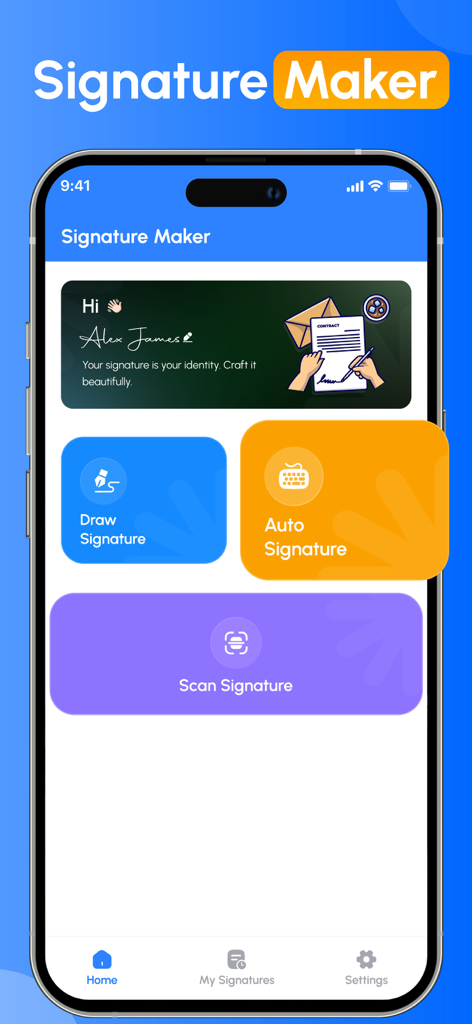
Dashboard dell'app Signature Maker con opzioni per disegnare, generare automaticamente o scansionare una firma.
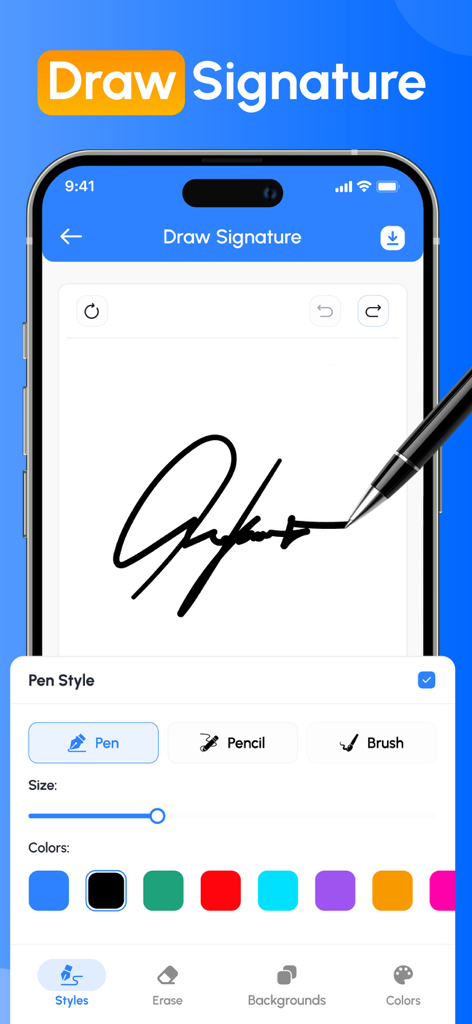
Schermata dell'app mobile che mostra una firma manoscritta mentre viene disegnata con stili e colori di penna personalizzabili.
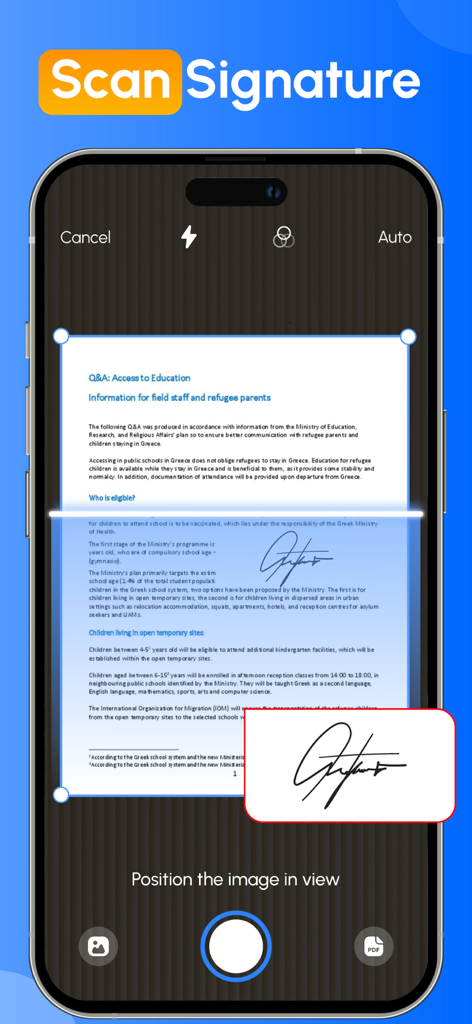
Schermata dello smartphone che utilizza la fotocamera per scansionare una firma manoscritta da un documento cartaceo.
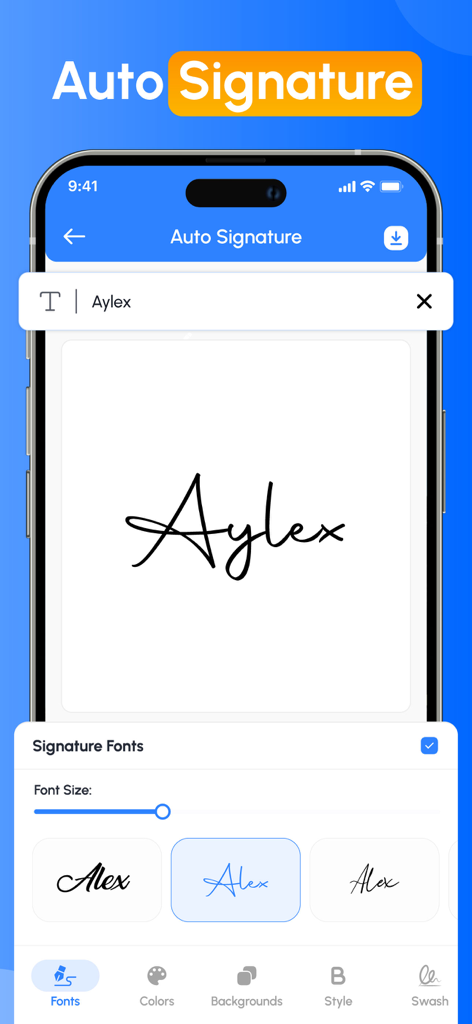
Interfaccia dell'app Signature Creator che mostra vari stili di font manoscritti per creare una firma automatica.
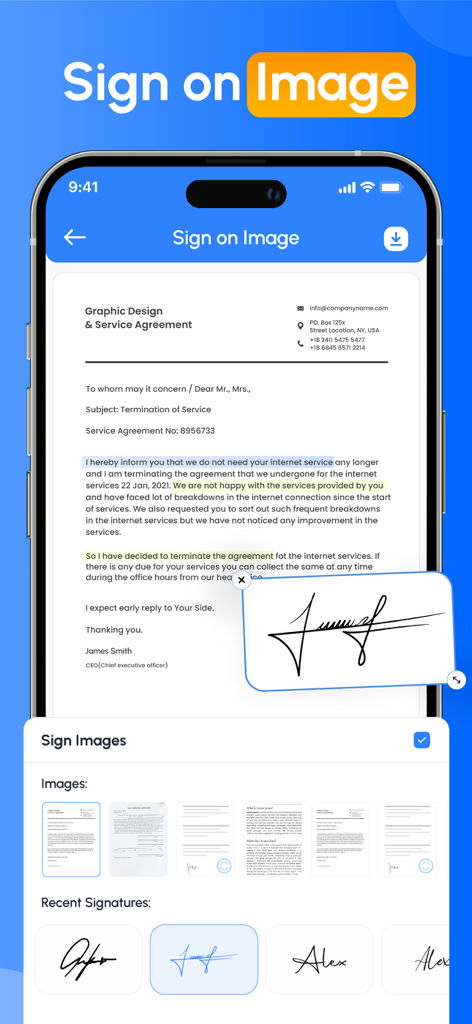
Un'interfaccia di smartphone che mostra un accordo di servizi professionali con una firma digitale manoscritta applicata al documento.
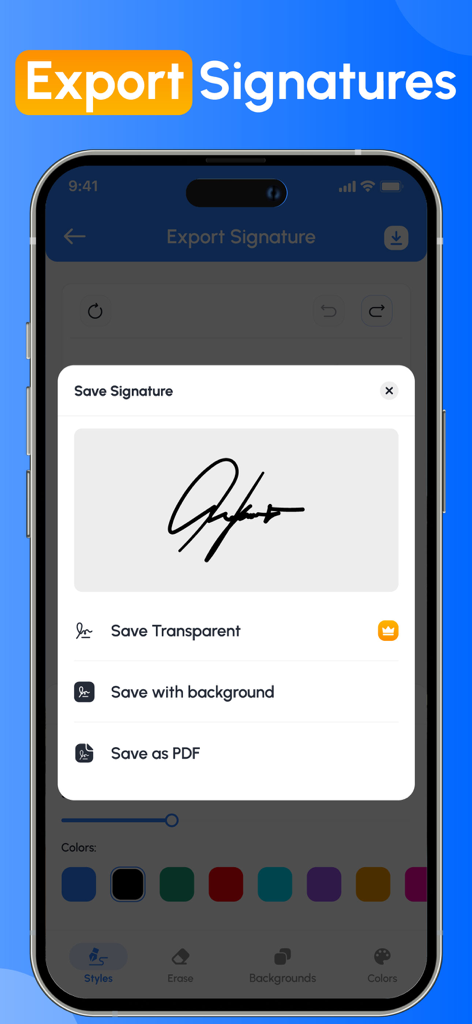
Interfaccia dell'app Signature Creator che mostra opzioni per salvare una firma digitale come immagine trasparente, con sfondo o come PDF.
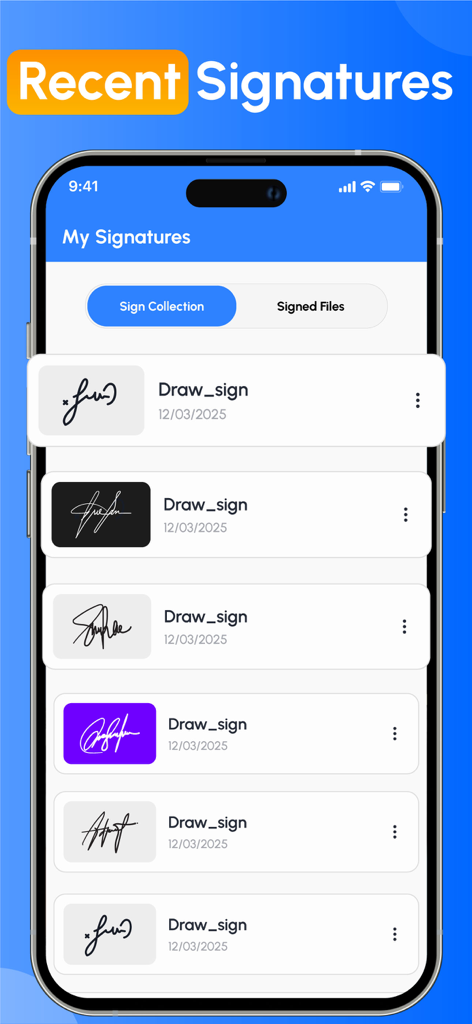
Un elenco di firme digitali salvate in vari stili e colori di sfondo all'interno dell'interfaccia dell'app Signature Creator.
Descrizione
Download
App Simili
App più classificate nella stessa categoria

ChatGPT
OpenAI OpCo, LLC

Google Gemini
Google LLC

Grok
X.AI Corporation

Gmail - Email by Google
Google LLC

千问 - 阿里最强大模型官方AI助手
Shanghai Zhixin Puhui Technology Co., Ltd.

Google Drive
Google LLC

Microsoft Authenticator
Microsoft Corporation

Google Sheets
Google LLC

Google Docs
Google LLC
Questa pagina non è una pagina ufficiale dell'app o del suo sviluppatore, ma una pubblicazione editoriale indipendente creata a scopo informativo e di commento. Salvo espressa indicazione contraria, né l'app né il suo sviluppatore sono affiliati, approvati, sponsorizzati, autorizzati o altrimenti ufficialmente collegati a MWM, Apple, Google Play, all'editore dell'app o allo sviluppatore dell'app, e nulla in questa pagina implica che l'app sia stata sviluppata utilizzando i servizi di MWM. Tutti i marchi, loghi, screenshot e altri contenuti rimangono di proprietà dei rispettivi proprietari.