
Questa pagina non è una pagina ufficiale dell'app o del suo sviluppatore, ma una pubblicazione editoriale indipendente creata a scopo informativo e di commento. Salvo espressa indicazione contraria, né l'app né il suo sviluppatore sono affiliati, approvati, sponsorizzati, autorizzati o altrimenti ufficialmente collegati a MWM, Apple, Google Play, all'editore dell'app o allo sviluppatore dell'app, e nulla in questa pagina implica che l'app sia stata sviluppata utilizzando i servizi di MWM. Tutti i marchi, loghi, screenshot e altri contenuti rimangono di proprietà dei rispettivi proprietari.


Snippety - Snippets Manager
Automatizza la digitazione ripetitiva con segnaposto intelligenti e integrazione AI. Sincronizza la tua libreria personale su iPhone, iPad e Mac con un unico acquisto una tantum, senza abbonamenti.
Download
5K+Valutazione
Valutazioni totali
100Editore
Categoria
ProductivityLingue
1Ultima versione
9.1.47Dimensione
28.0 MBData di lancio
8 set 2020Potenzia la tua efficienza
Il kit di strumenti definitivo per professionisti che apprezzano il loro tempo. Automatizza la digitazione ripetitiva, sfrutta la potenza dell'IA e sincronizza il tuo flusso di lavoro sull'intero ecosistema Apple.
Espansione testo istantanea
Trasforma brevi parole chiave in modelli completi, blocchi di codice o e-mail istantaneamente usando la tastiera dedicata di Snippety.
Assistente AI integrato
Bozza risposte professionali, correggi errori di battitura e riassumi testo direttamente da qualsiasi campo di testo senza cambiare app.
Gli screenshot e la descrizione seguenti provengono direttamente dall'elenco ufficiale dello store dell'app e sono di proprietà dello sviluppatore.
App Store
Screenshot
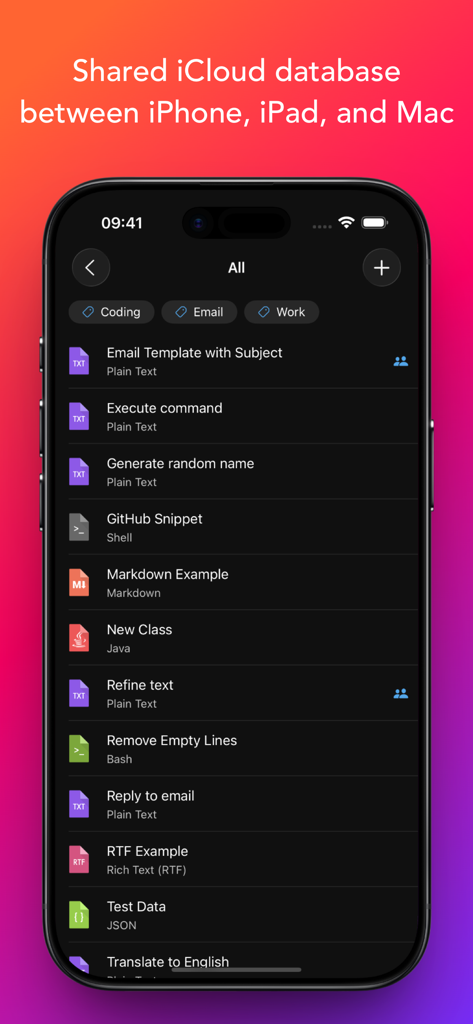
App Snippety su un iPhone che mostra un elenco di snippet di testo e codice con un'intestazione di sincronizzazione iCloud.
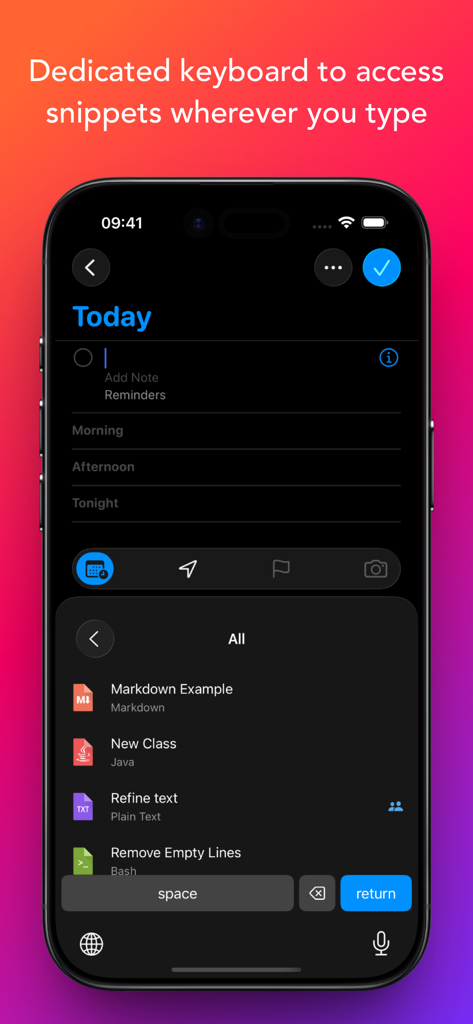
Screenshot dell'iPhone che mostra la tastiera personalizzata di Snippety con un elenco di snippet salvati per un facile inserimento.
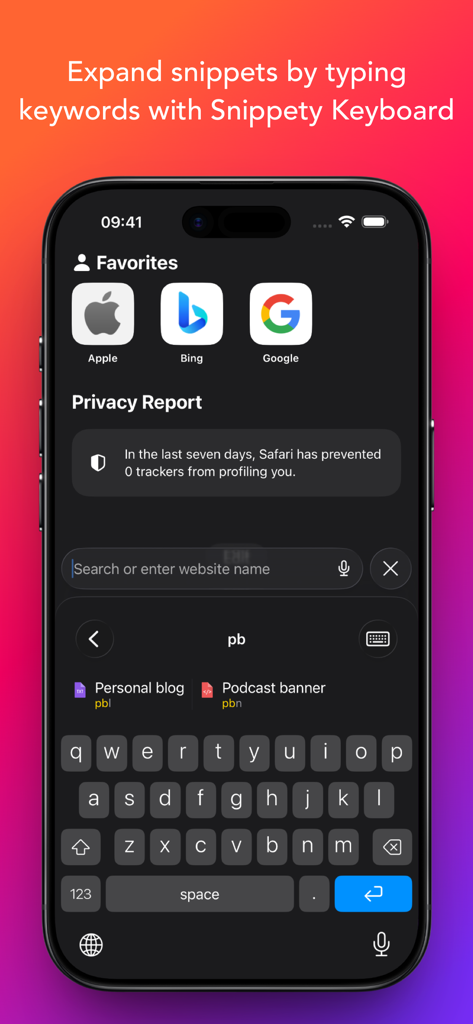
Schermata dell'iPhone che mostra la tastiera personalizzata di Snippety che espande gli snippet digitando una breve parola chiave.
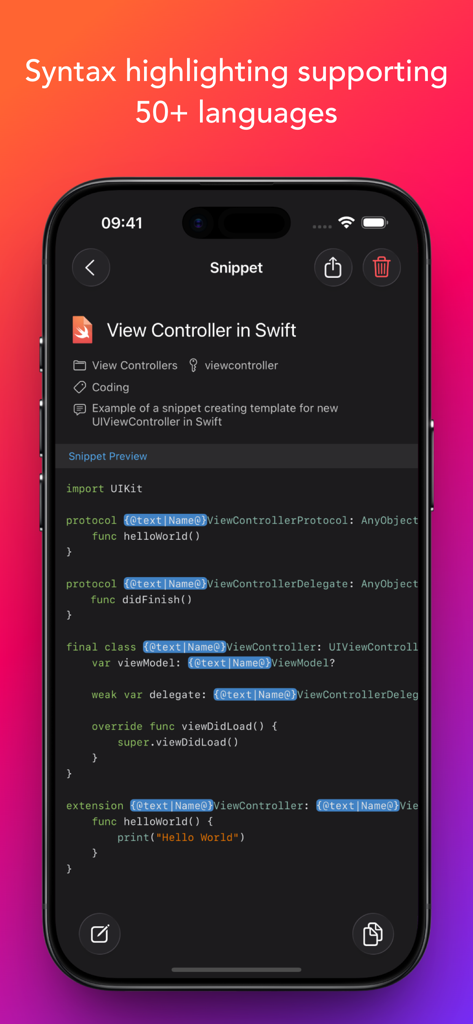
App Snippety che mostra uno snippet di codice Swift con evidenziazione della sintassi su un iPhone.
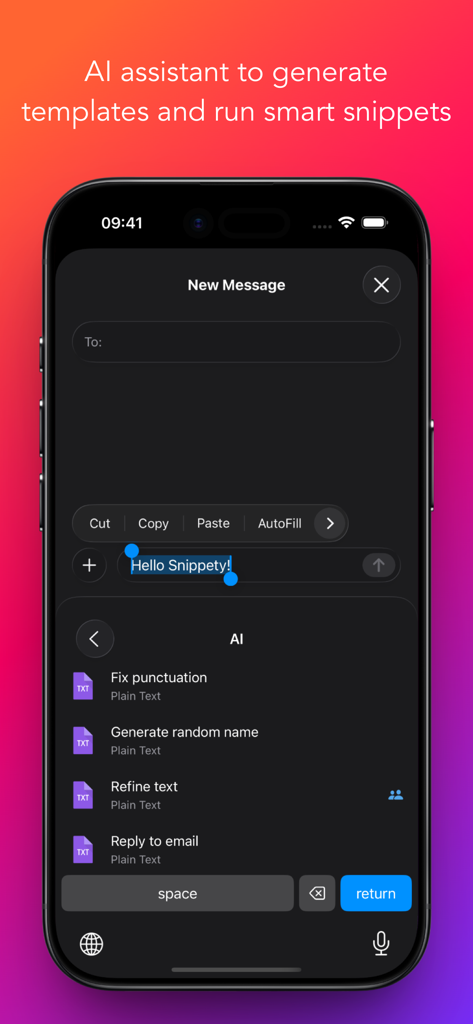
Tastiera Snippety su iPhone che mostra opzioni dell'assistente AI come correggi punteggiatura e perfeziona testo.
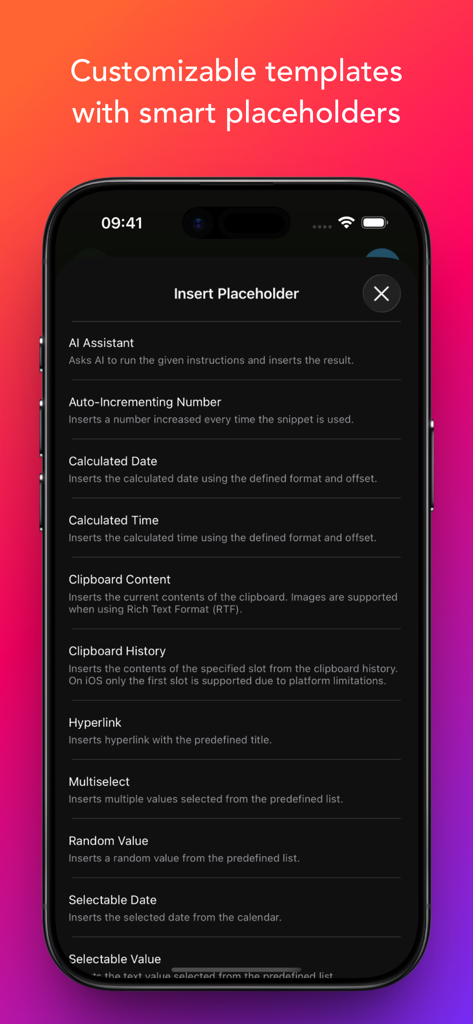
Un elenco di opzioni di segnaposto intelligenti nell'app Snippety, tra cui Assistente AI e data calcolata.
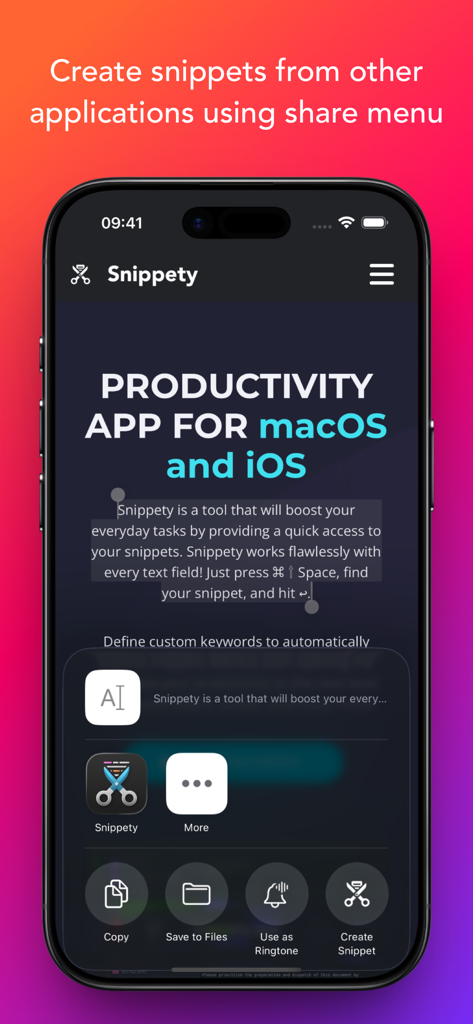
Interfaccia che mostra l'integrazione dell'app Snippety nel menu di condivisione di iOS per creare snippet da altre applicazioni.
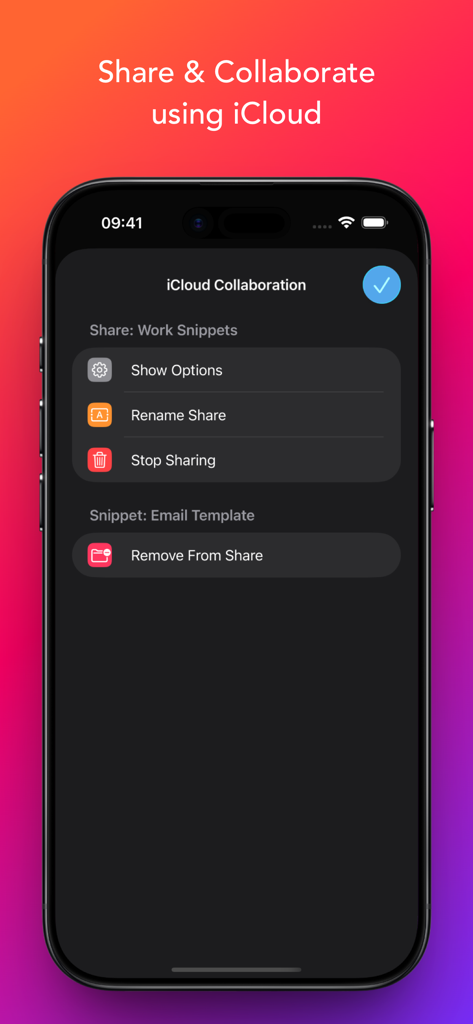
Interfaccia per la condivisione e la collaborazione su snippet utilizzando iCloud all'interno dell'app Snippety.
Descrizione
Download
App Simili
App più classificate nella stessa categoria

ChatGPT
OpenAI OpCo, LLC

Google Gemini
Google LLC

Grok
X.AI Corporation

Gmail - Email by Google
Google LLC

千问 - 阿里最强大模型官方AI助手
Shanghai Zhixin Puhui Technology Co., Ltd.

Google Drive
Google LLC

Microsoft Authenticator
Microsoft Corporation

Google Sheets
Google LLC

Google Docs
Google LLC
Questa pagina non è una pagina ufficiale dell'app o del suo sviluppatore, ma una pubblicazione editoriale indipendente creata a scopo informativo e di commento. Salvo espressa indicazione contraria, né l'app né il suo sviluppatore sono affiliati, approvati, sponsorizzati, autorizzati o altrimenti ufficialmente collegati a MWM, Apple, Google Play, all'editore dell'app o allo sviluppatore dell'app, e nulla in questa pagina implica che l'app sia stata sviluppata utilizzando i servizi di MWM. Tutti i marchi, loghi, screenshot e altri contenuti rimangono di proprietà dei rispettivi proprietari.