Sony | Creators' App for ENT
Scarica su App Store

Questa pagina non è una pagina ufficiale dell'app o del suo sviluppatore, ma una pubblicazione editoriale indipendente creata a scopo informativo e di commento. Salvo espressa indicazione contraria, né l'app né il suo sviluppatore sono affiliati, approvati, sponsorizzati, autorizzati o altrimenti ufficialmente collegati a MWM, Apple, Google Play, all'editore dell'app o allo sviluppatore dell'app, e nulla in questa pagina implica che l'app sia stata sviluppata utilizzando i servizi di MWM. Tutti i marchi, loghi, screenshot e altri contenuti rimangono di proprietà dei rispettivi proprietari.


Logo di Sony | Creators' App for ENT
Scarica su App Store

Sony | Creators' App for ENT

Ottimizza la tua produzione broadcast con trasferimenti camera-mobile ad alta velocità, gestione dei metadati a livello enterprise e integrazione diretta con Sony C3 Portal e Ci Media Cloud.

Numeri Chiave

Download

1K+

Valutazione

1.1/5

Valutazioni totali

100

Editore

Sony Corporation

Categoria

Utilities

Lingue

6

Ultima versione

2025.2

Dimensione

57.0 MB

Data di lancio

2 dic 2021
Funzioni

Accelera il tuo flusso di lavoro di produzione

Il ponte essenziale tra le tue fotocamere professionali Sony e il cloud. Progettato specificamente per troupe ENG, broadcaster sportivi e team di media enterprise per fornire contenuti in tempo reale.

Velocità istantanea di messa in onda

Bypassa il passaggio fisico. Carica clip video di alta qualità direttamente dalla tua fotocamera a C3 Portal o Ci Media Cloud tramite 5G, assicurando che la tua redazione o i tuoi editor ricevano il girato mentre è ancora in corso.

Metadati di storia automatizzati

Elimina la confusione post-produzione. Assegna automaticamente metadati e tag di storia durante il processo di trasferimento, in modo che il tuo team possa cercare, filtrare e iniziare il montaggio non appena il caricamento è completato.

Gli screenshot e la descrizione seguenti provengono direttamente dall'elenco ufficiale dello store dell'app e sono di proprietà dello sviluppatore.

App Store

Screenshot
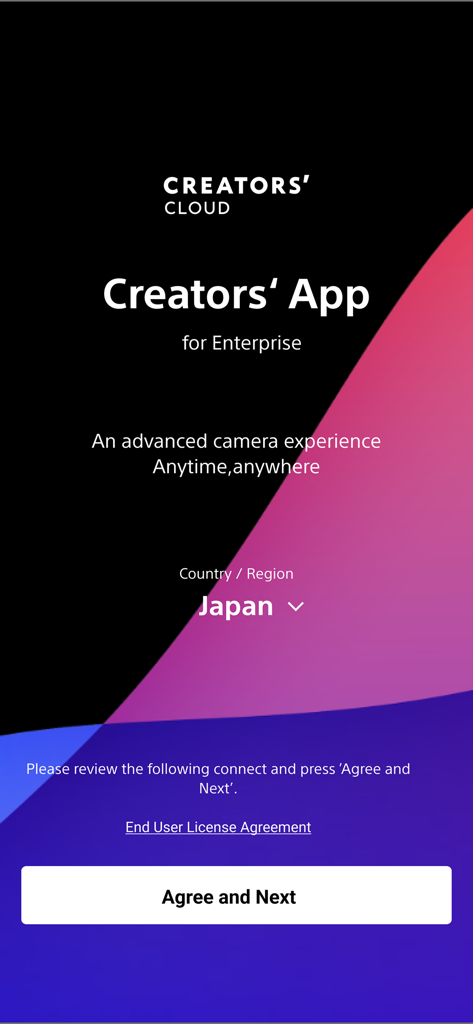
Sony | Creators' App for ENT - Schermata di benvenuto per la Sony Creators App for Enterprise che mostra la selezione della regione e il pulsante di accettazione
Schermata di benvenuto per la Sony Creators App for Enterprise che mostra la selezione della regione e il pulsante di accettazione

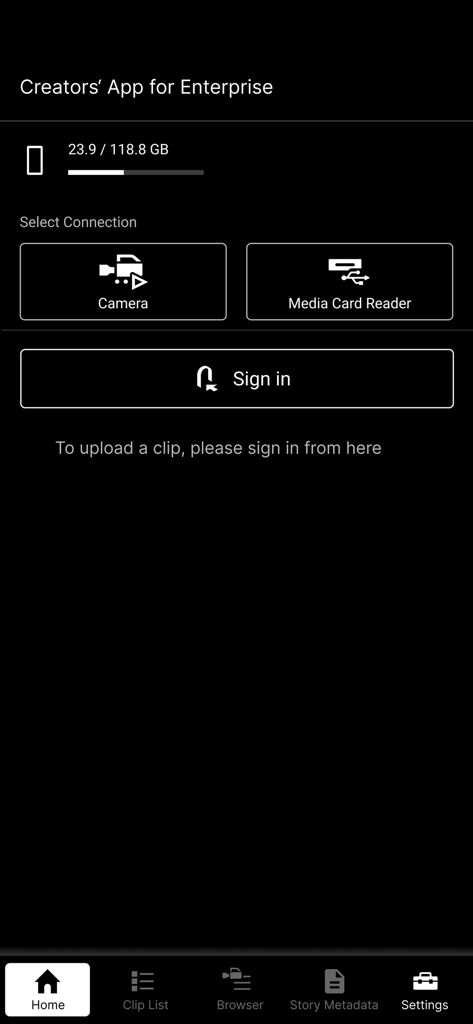
Sony | Creators' App for ENT - Schermata principale della Sony Creators' App for Enterprise con opzioni di connessione per fotocamere e lettori di schede di memoria.
Schermata principale della Sony Creators' App for Enterprise con opzioni di connessione per fotocamere e lettori di schede di memoria.

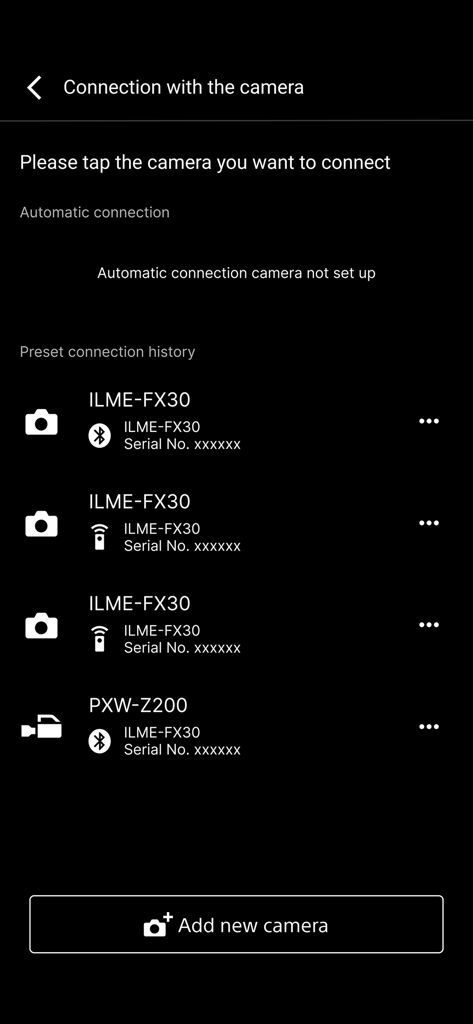
Sony | Creators' App for ENT - Un elenco di fotocamere professionali Sony accoppiate nel menu di connessione della Creators App for Enterprise
Un elenco di fotocamere professionali Sony accoppiate nel menu di connessione della Creators App for Enterprise

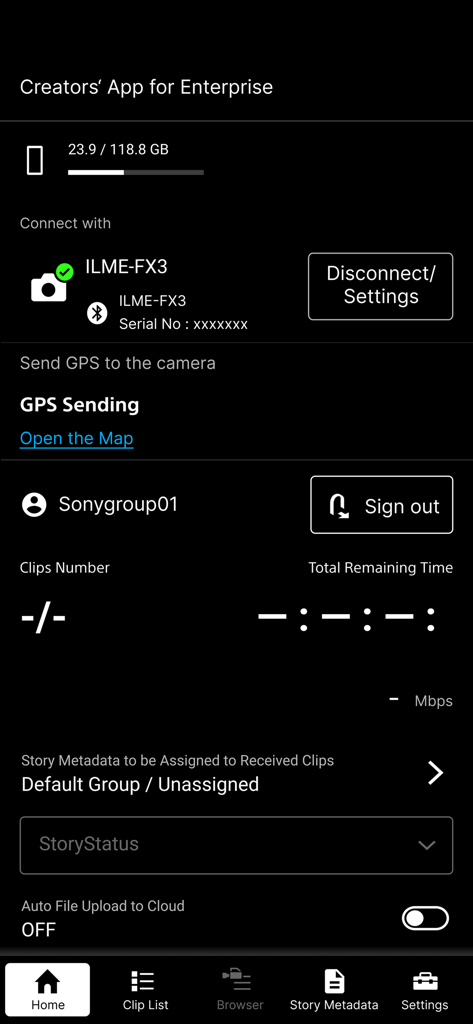
Sony | Creators' App for ENT - Schermata principale della Sony Creators App for Enterprise che mostra la fotocamera collegata e le opzioni di caricamento cloud
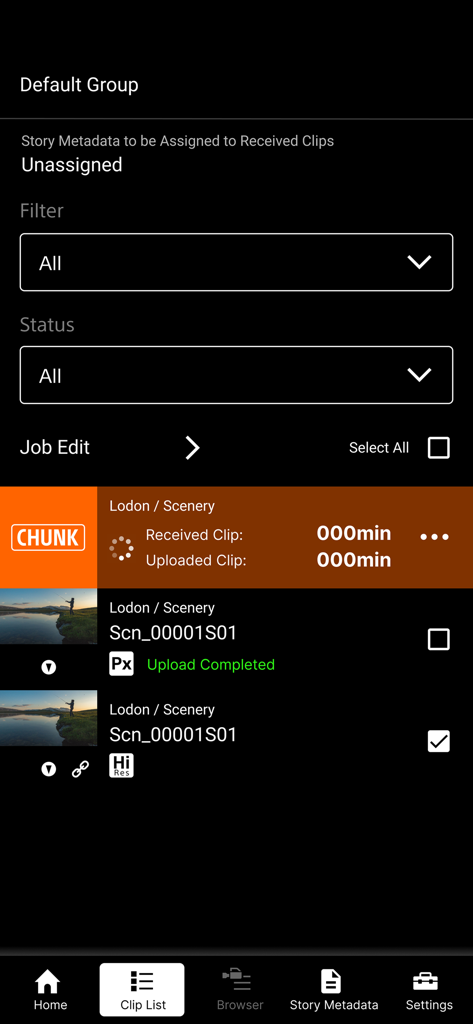
Schermata principale della Sony Creators App for Enterprise che mostra la fotocamera collegata e le opzioni di caricamento cloud

Sony | Creators' App for ENT - Interfaccia dell'elenco clip della Sony Creators App for ENT che mostra lo stato di caricamento video e la gestione dei file ad alta risoluzione.
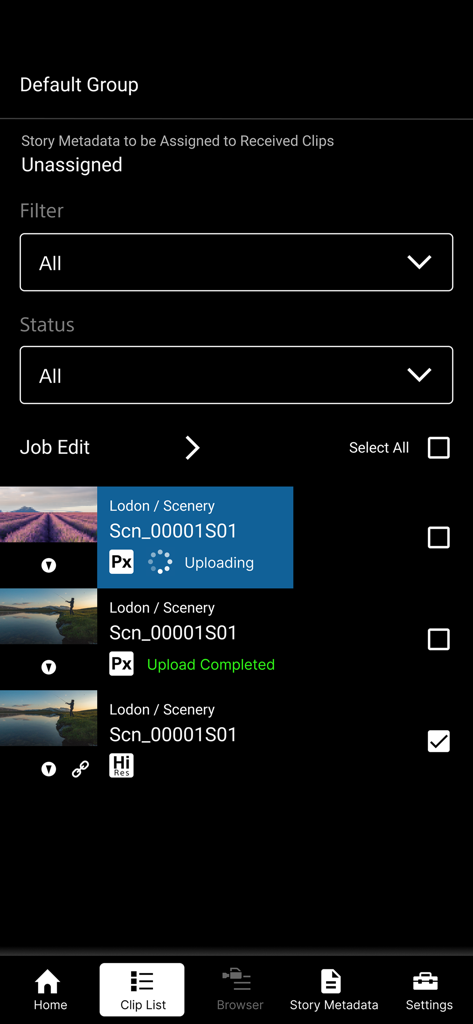
Interfaccia dell'elenco clip della Sony Creators App for ENT che mostra lo stato di caricamento video e la gestione dei file ad alta risoluzione.

Sony | Creators' App for ENT - Sony Creators App for Enterprise che mostra l'elenco delle clip video e lo stato di caricamento

Sony Creators App for Enterprise che mostra l'elenco delle clip video e lo stato di caricamento

Descrizione

※ Important Update Notice After this update, you will need to sign in to the service to display video clips that were saved prior to this update (including those imported in offline mode). "Creators' App for Enterprise (Abbreviation: C'App for ENT)" is an app for uploading video clips by connecting cameras to Sony’s C3 Portal and Ci Media Cloud (both are cloud services) via a smartphone. For details about C3 Portal, refer to the following. https://pro.sony/en_GB/technology/wireless-workflow/c3-portal For details about Ci Media Cloud, refer to the following. https://www.cimediacloud.com/ New features in version 2025.2 ■ Support for Sony camera model PXW-Z300/Z380. ■ Support for feature that send GPS information to the supported camera. ■ Enhanced user experience (UX). Existing features ■ Simple Camera Connection + Simple connection (via USB) to camera by scanning QR code displayed on the camera *1 + Simple connection (via USB) to camera by bluetooth pairing with the camera *8 + Simple connection (via USB) to camera by using Remote Shooting feature *9 ■ Transfer Video Clips from Camera to Smartphone ■ Upload Video Clips from Smartphone to cloud services ■ Load from Card Reader *2*3 ■ Auto Upload and Assign + Auto upload clips to cloud services when transferring clips to the smartphone (ON/OFF selectable) + Assign story metadata automatically when transferring clips to the smartphone (C3 Portal only) ■ Display Video Clip List + Play video clips *4 + Edit essence marks *5 ■ Camera Browser + List video clips saved on Sony camera + Transfer video clips from Sony camera to smartphone via this app + Play video clips saved on Sony camera *4 ■ Upload Job Edit + Editable video clip upload order + Can change upload status while viewing video clips Features for C3 Portal ■ Manage Story Metadata + Create and edit story metadata *6 + Display and assign story metadata allocated to groups, as well as the logged in user + Supports file attachments *7 Feature for Ci Media Cloud ■ Support File Request Code + Upload video clips to Ci Media Cloud using file request codes without Ci user account + Edit metadata information of file request *1 Refer to the Web Help for information about supported cameras. *2 Refer to the Web Help for information about verified card readers. *3 Media formatted in exFAT format may not be recognized, depending on the device. *4 Thumbnail image or playback image of interlaced proxy clips may not be displayed properly, depending on the device. *5 Video clips recorded by cameras other than Sony cameras (not all models) are not supported. *6 Items that can be edited will vary depending on the user. *7 Restricted to files that can be recognized by the smartphone. *8 Refer to the Web Help for information about supported cameras. *9 Refer to the Web Help for information about supported cameras. ■ Operating Environment iOS 16 to 18 ■ Web Help Page For details about usage, refer to the following help pages. https://helpguide.sony.net/promobile/c3p_app/v2/en/index.html ■ Other This application is not guaranteed to work on all smartphones and tablets. Note that we do not respond individually to inquiries from customers about this application and its services. You can report vulnerabilities related to this application and service via the “SECURE @ SONY” website. URL: https://secure.sony.net/

Download

Scarica su App Store

Questa pagina non è una pagina ufficiale dell'app o del suo sviluppatore, ma una pubblicazione editoriale indipendente creata a scopo informativo e di commento. Salvo espressa indicazione contraria, né l'app né il suo sviluppatore sono affiliati, approvati, sponsorizzati, autorizzati o altrimenti ufficialmente collegati a MWM, Apple, Google Play, all'editore dell'app o allo sviluppatore dell'app, e nulla in questa pagina implica che l'app sia stata sviluppata utilizzando i servizi di MWM. Tutti i marchi, loghi, screenshot e altri contenuti rimangono di proprietà dei rispettivi proprietari.








