
Questa pagina non è una pagina ufficiale dell'app o del suo sviluppatore, ma una pubblicazione editoriale indipendente creata a scopo informativo e di commento. Salvo espressa indicazione contraria, né l'app né il suo sviluppatore sono affiliati, approvati, sponsorizzati, autorizzati o altrimenti ufficialmente collegati a MWM, Apple, Google Play, all'editore dell'app o allo sviluppatore dell'app, e nulla in questa pagina implica che l'app sia stata sviluppata utilizzando i servizi di MWM. Tutti i marchi, loghi, screenshot e altri contenuti rimangono di proprietà dei rispettivi proprietari.


Split Screen & Dual Browser
Basta passare continuamente tra le schede. Sblocca il pieno potenziale del tuo dispositivo navigando, ricercando e guardando in streaming due siti web affiancati con efficienza di livello professionale.
Download
1K+Valutazione
Valutazioni totali
0Editore
Categoria
UtilitiesLingue
1Ultima versione
1.0Dimensione
5.6 MBData di lancio
29 ott 2025Padroneggia il Tuo Multitasking Mobile
Smetti di perdere tempo a passare da una scheda all'altra. Sblocca il pieno potenziale del tuo iPhone o iPad eseguendo due finestre del browser attive affiancate per un'esperienza di produttività di classe desktop.
Efficienza di Navigazione Parallela
Ricerca, studia o fai acquisti su due siti web diversi contemporaneamente. Elimina la fatica cognitiva del passaggio tra le app e mantieni fluido il tuo flusso di lavoro.
Controllo Preciso dello Spazio di Lavoro
Personalizza la tua visualizzazione con finestre doppie ridimensionabili. Trascina il divisore centrale per concentrarti su ciò che conta di più, che si tratti di un tutorial video o di un foglio dati complesso.
Gli screenshot e la descrizione seguenti provengono direttamente dall'elenco ufficiale dello store dell'app e sono di proprietà dello sviluppatore.
App Store
Screenshot
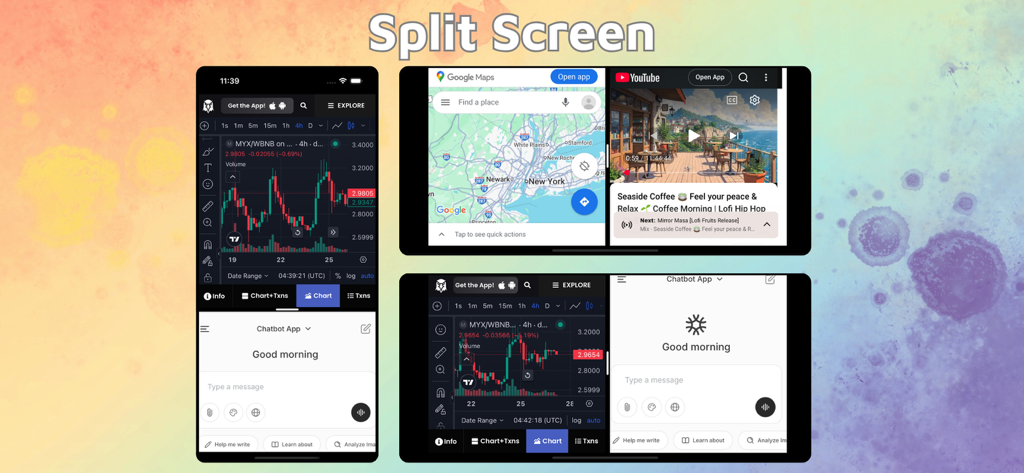
Interfaccia a schermo diviso che mostra doppie finestre del browser per il multitasking su iPhone e iPad.
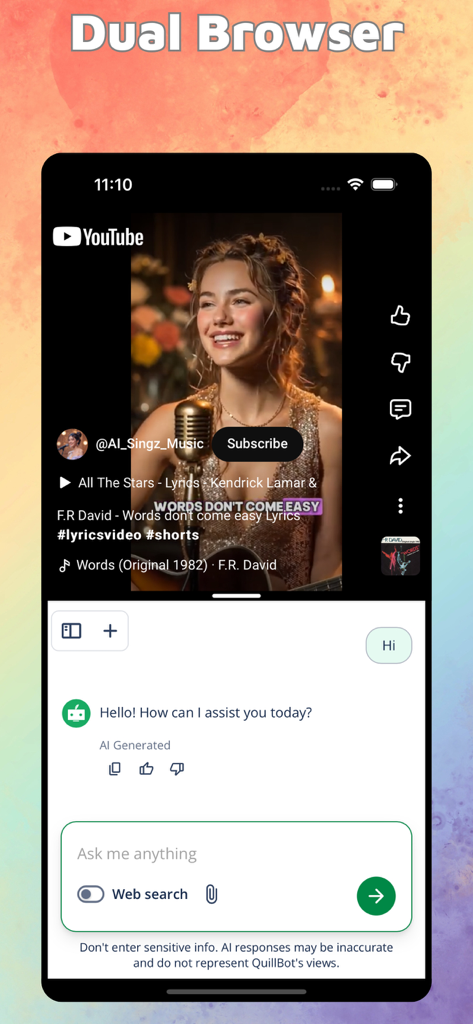
Schermata dell'iPhone in modalità schermo diviso per visualizzare contemporaneamente un video di YouTube e un'interfaccia di chat AI
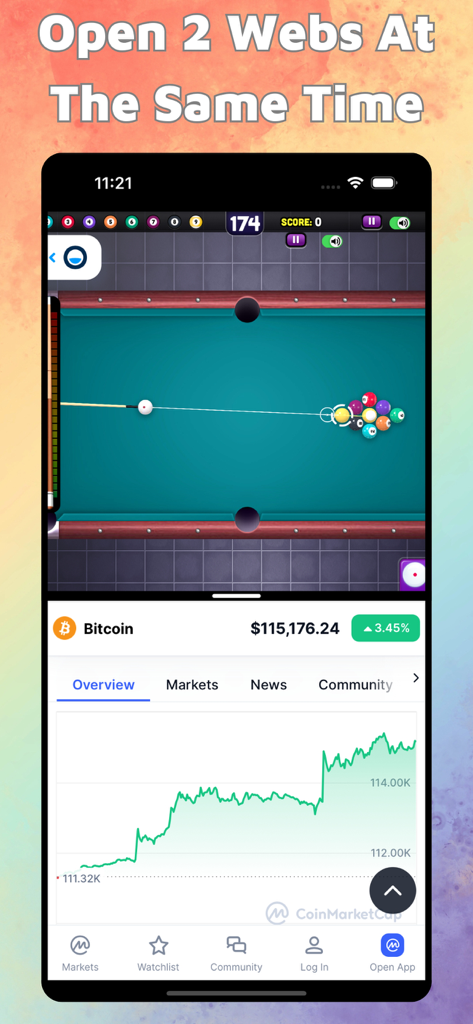
Interfaccia a schermo diviso dell'iPhone che mostra contemporaneamente un gioco di biliardo e un grafico dei prezzi di Bitcoin
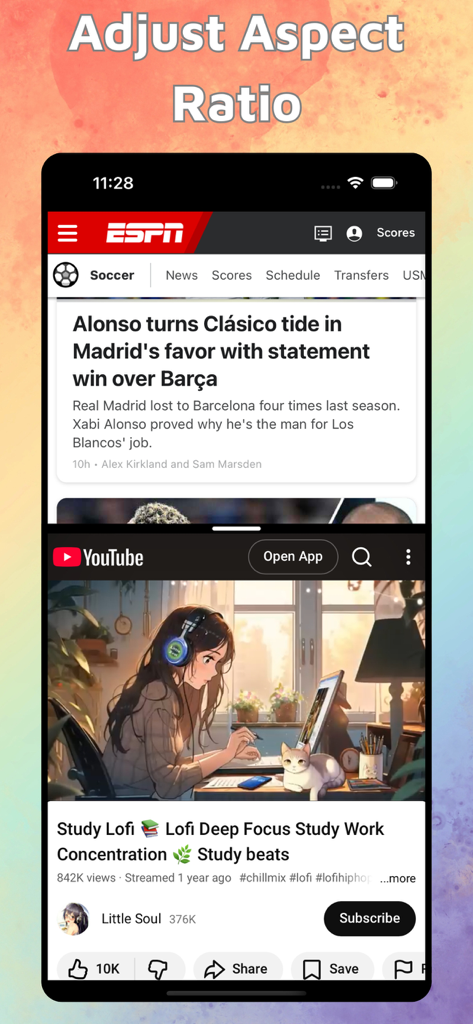
Schermo diviso dell'iPhone che mostra contemporaneamente notizie di ESPN e un video di studio lofi di YouTube
Descrizione
Download
App Simili
App più classificate nella stessa categoria

Google LLC

Google Chrome
Google LLC

中国移动(手机营业厅)
China Mobile Online Services Co., Ltd.

Google Authenticator
Google LLC

CNH do Brasil
Servicos e Informacoes do Brasil

Cleanup: Phone Storage Cleaner
DEEP FLOW SOFTWARE SERVICES - FZCO

gov.br
Servicos e Informacoes do Brasil

中国电信-全国统一官方服务平台
CHINA TELECOM Corporation Ltd.

Microsoft Edge: AI Browser
Microsoft Corporation
Questa pagina non è una pagina ufficiale dell'app o del suo sviluppatore, ma una pubblicazione editoriale indipendente creata a scopo informativo e di commento. Salvo espressa indicazione contraria, né l'app né il suo sviluppatore sono affiliati, approvati, sponsorizzati, autorizzati o altrimenti ufficialmente collegati a MWM, Apple, Google Play, all'editore dell'app o allo sviluppatore dell'app, e nulla in questa pagina implica che l'app sia stata sviluppata utilizzando i servizi di MWM. Tutti i marchi, loghi, screenshot e altri contenuti rimangono di proprietà dei rispettivi proprietari.