Sticky Notes App Remind Widget
Scarica su App Store

Questa pagina non è una pagina ufficiale dell'app o del suo sviluppatore, ma una pubblicazione editoriale indipendente creata a scopo informativo e di commento. Salvo espressa indicazione contraria, né l'app né il suo sviluppatore sono affiliati, approvati, sponsorizzati, autorizzati o altrimenti ufficialmente collegati a MWM, Apple, Google Play, all'editore dell'app o allo sviluppatore dell'app, e nulla in questa pagina implica che l'app sia stata sviluppata utilizzando i servizi di MWM. Tutti i marchi, loghi, screenshot e altri contenuti rimangono di proprietà dei rispettivi proprietari.


Logo di Sticky Notes App Remind Widget
Scarica su App Store

Sticky Notes App Remind Widget

Trasforma il tuo iPhone in un hub di produttività personalizzato. Cattura idee tramite voce, scrittura a mano o foto e tieni le tue priorità in primo piano con widget personalizzati e promemoria sulla schermata di blocco.

Numeri Chiave

Download

977K+

Valutazione

4.4/5

Valutazioni totali

5K+

Editore

Epiphany Labs

Categoria

Productivity

Lingue

1

Ultima versione

3.1.45

Dimensione

165.5 MB

Data di lancio

21 mar 2013
Funzioni

Domina il tuo Caos con Facilità Visiva

L'evoluzione digitale del post-it. Progettato per pensatori visivi che necessitano di catturare idee velocemente e tenerle in primo piano.

Cattura in Qualsiasi Formato

Scrivi a mano, parla o scatta una foto. Scarica i tuoi pensieri istantaneamente con strumenti flessibili che si adattano ai tuoi momenti più frenetici.

Sempre in Vista

Smetti di dimenticare. Usa widget dinamici e sfondi della schermata di blocco per mantenere visibili le tue priorità ogni volta che accendi il telefono.

Gli screenshot e la descrizione seguenti provengono direttamente dall'elenco ufficiale dello store dell'app e sono di proprietà dello sviluppatore.

App Store

Screenshot
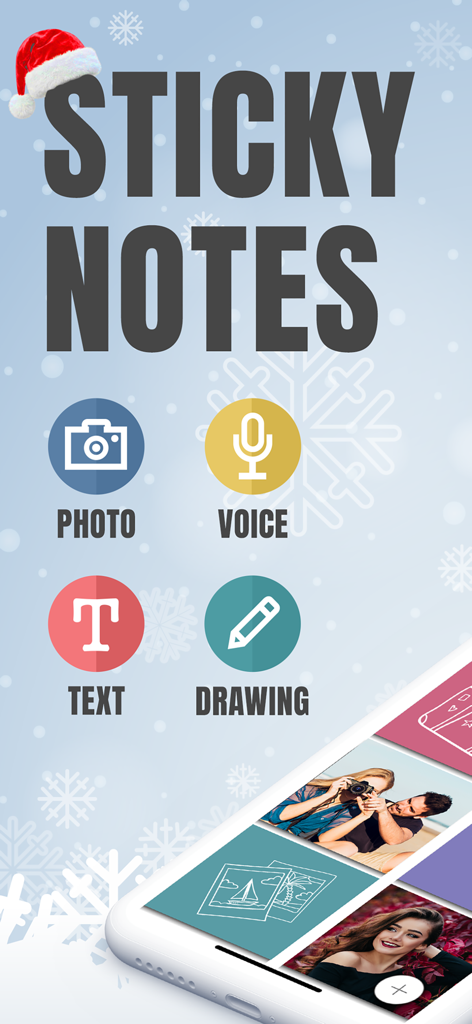
Sticky Notes App Remind Widget - Schermata principale dell'app Sticky Notes che evidenzia le opzioni per note fotografiche, vocali e disegnate
Schermata principale dell'app Sticky Notes che evidenzia le opzioni per note fotografiche, vocali e disegnate

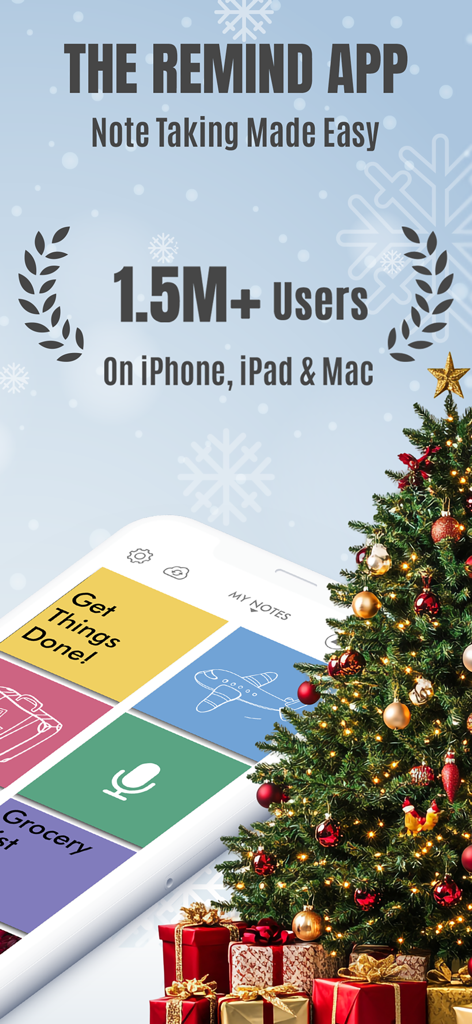
Sticky Notes App Remind Widget - Schermata promozionale per il Widget Promemoria App Sticky Notes che mostra 1,5 milioni di utenti e un'interfaccia visiva per prendere appunti.
Schermata promozionale per il Widget Promemoria App Sticky Notes che mostra 1,5 milioni di utenti e un'interfaccia visiva per prendere appunti.

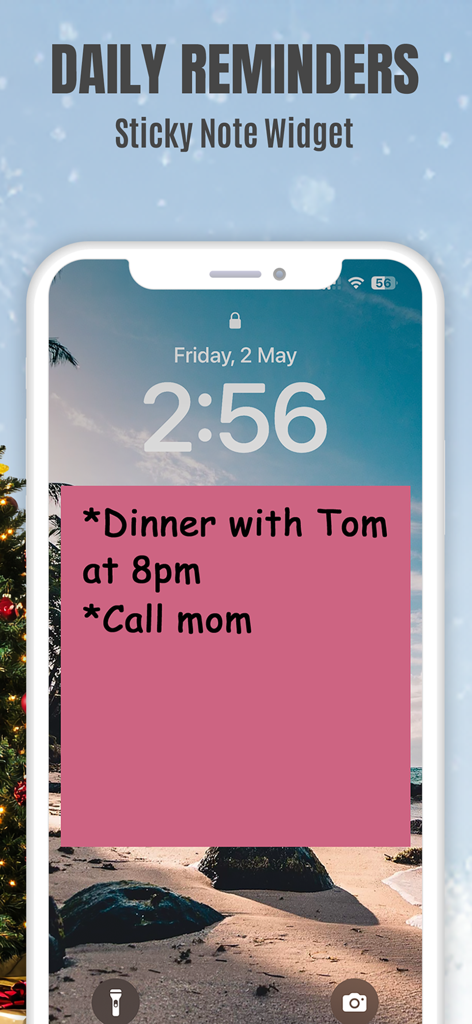
Sticky Notes App Remind Widget - Schermata di blocco di un iPhone che mostra un widget post-it di Sticky Notes con promemoria giornalieri per cena e per chiamare la mamma.
Schermata di blocco di un iPhone che mostra un widget post-it di Sticky Notes con promemoria giornalieri per cena e per chiamare la mamma.

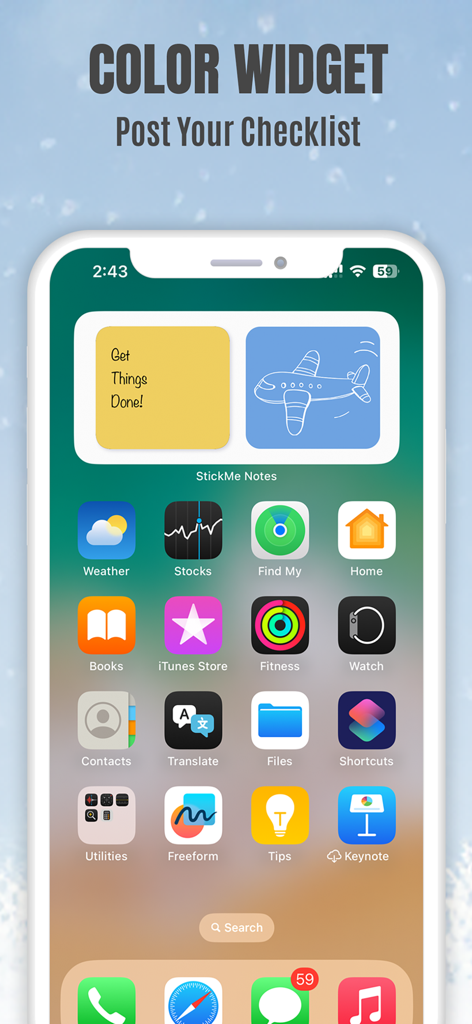
Sticky Notes App Remind Widget - Schermata principale di un iPhone che mostra widget post-it gialli e blu con una checklist e un disegno di un aeroplano
Schermata principale di un iPhone che mostra widget post-it gialli e blu con una checklist e un disegno di un aeroplano

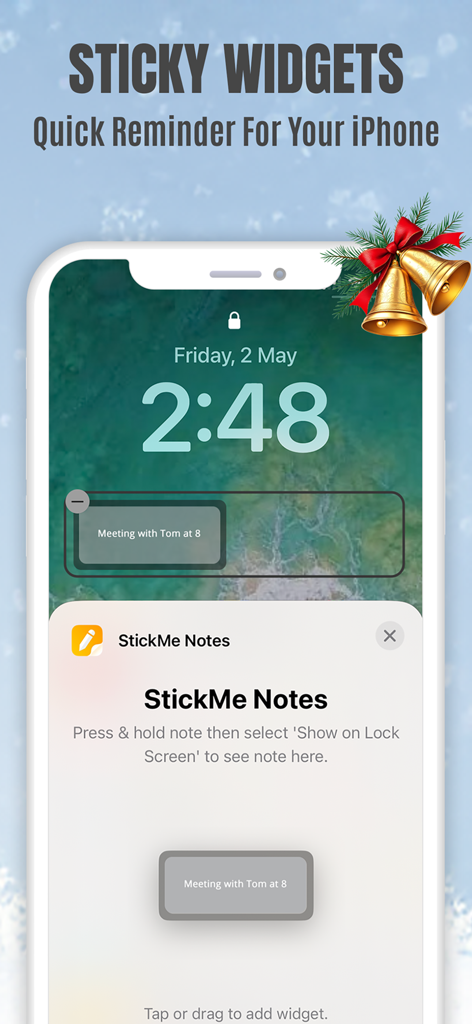
Sticky Notes App Remind Widget - Schermata di blocco di un iPhone che mostra un widget post-it di StickMe Notes con un promemoria di riunione
Schermata di blocco di un iPhone che mostra un widget post-it di StickMe Notes con un promemoria di riunione

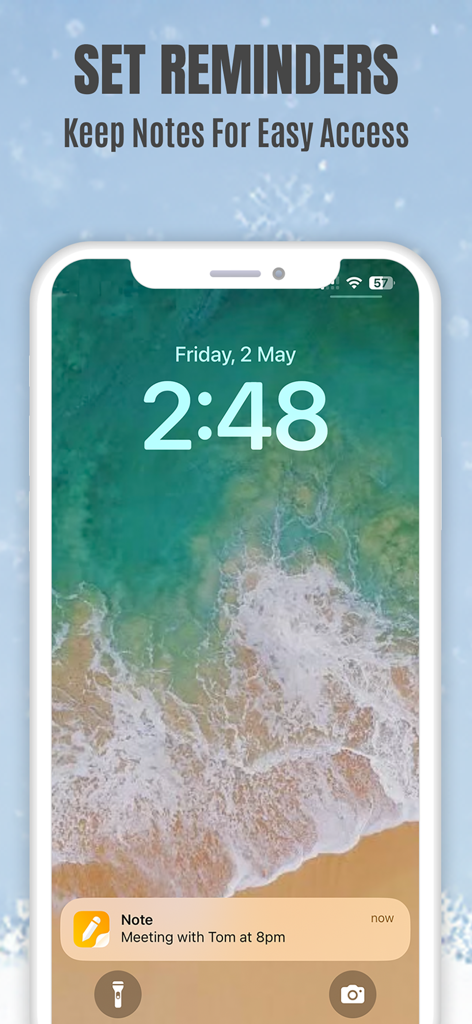
Sticky Notes App Remind Widget - Notifica promemoria post-it su una schermata di blocco di un iPhone per una riunione alle 20:00
Notifica promemoria post-it su una schermata di blocco di un iPhone per una riunione alle 20:00

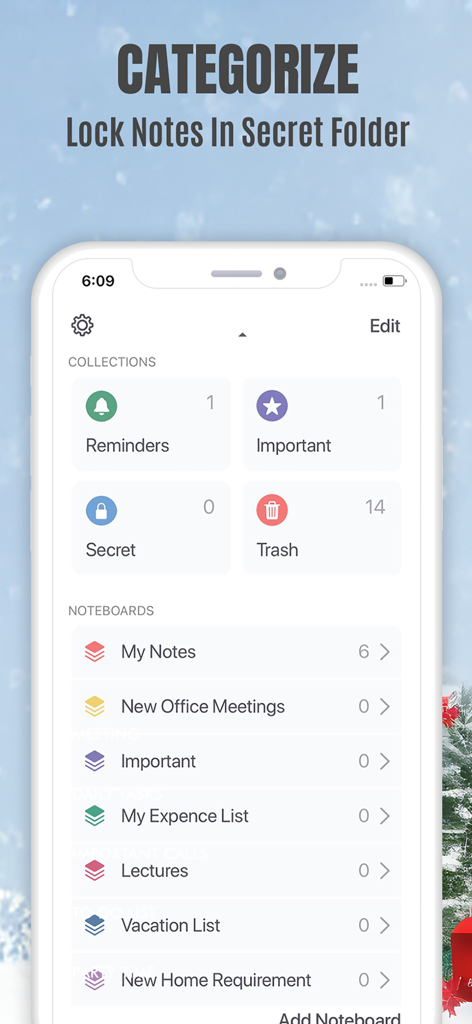
Sticky Notes App Remind Widget - Interfaccia di un'app mobile che mostra la categorizzazione delle note e una cartella segreta bloccata per promemoria privati
Interfaccia di un'app mobile che mostra la categorizzazione delle note e una cartella segreta bloccata per promemoria privati

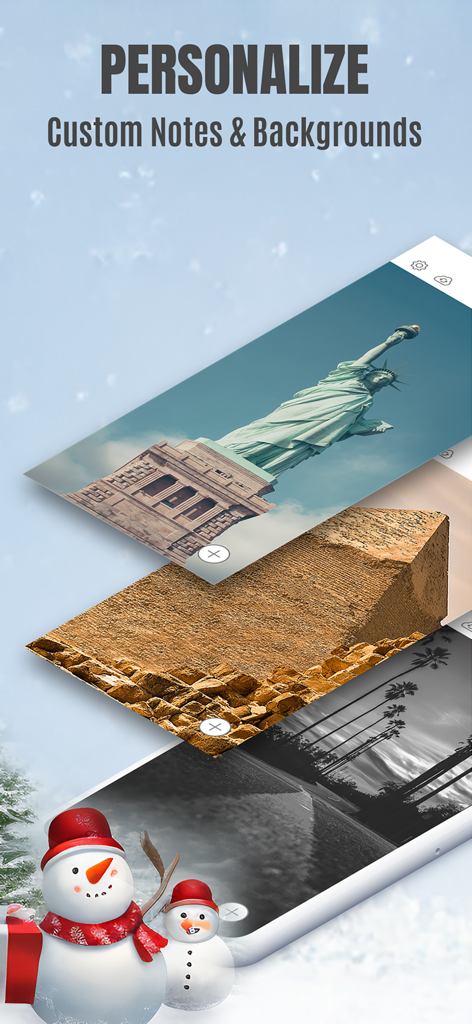
Sticky Notes App Remind Widget - Schermata dell'app Sticky Notes che mostra opzioni di personalizzazione per sfondi di note personalizzati.
Schermata dell'app Sticky Notes che mostra opzioni di personalizzazione per sfondi di note personalizzati.

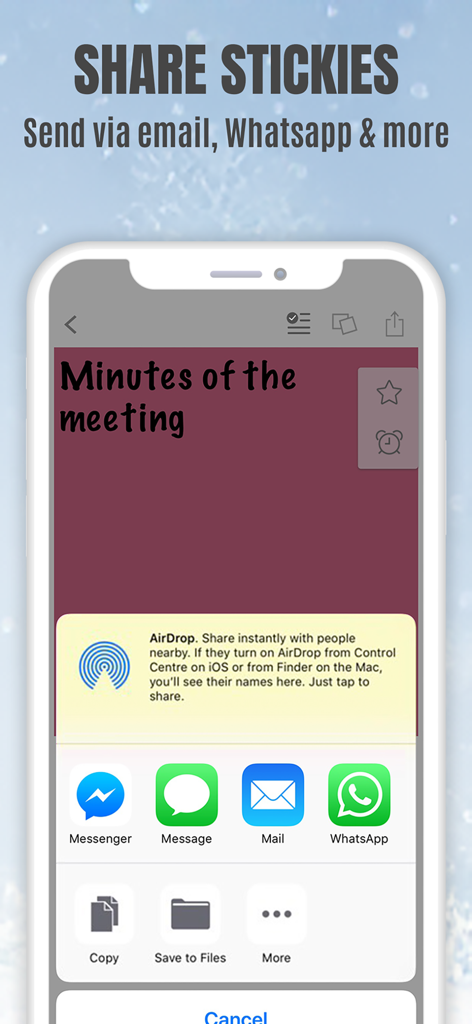
Sticky Notes App Remind Widget - Interfaccia dell'app StickMe Notes su un iPhone che mostra le opzioni di condivisione di un post-it tramite email e app di messaggistica

Interfaccia dell'app StickMe Notes su un iPhone che mostra le opzioni di condivisione di un post-it tramite email e app di messaggistica

Descrizione

*Over 1.5 million downloads* Featured in 'What's Hot' & 'New & Noteworthy' Organize your to do list, task list, and reminders with StickMe Notes - the most awesome sticky note & task manager app with built in alarm for iPhone. Use StickMe Notes to upgrade the boring old paper note with HANDWRITTEN or TEXT or notes on your iPhone. If you are too tired to draw or type, you can simply ATTACH A PHOTO or RECORD YOUR AUDIO NOTES. You can stick these notes with attachments such as text, drawing, record/audio or photo notes to your personalized notice board, set them as your lock screen image or share with friends using email or whatsapp. Use StickMe Note as your notebook & create grocery and shopping lists on the go. StickMe Notes is a notepad & memo app which makes note taking easy. Use memo notes to capture ideas on the fly, create to-do lists & tasks list, checklist & set up personal daily reminders. It’s a digital note pad that helps you get things done. Download the best notes maker app now & become notefuly efficient. Keep google urls or pages in sticky notes & revisit them later. MAKE QUICK NOTES *Create unlimited sticky notes in any color. Use the note color to organize the stickies better. *Use the app as task manager & create a todo check list, shopping lists or grocery lists. *Write in digital ink with your finger. Create quick daily notes or a memo. *Record voice notes. StickMe Notes can be your audio note pad. *Take a photo or choose one from your camera roll to create a photo note. Make StickMe Notes your picture notebook. *Google things & keep important links in sticky notes to revisit later. WIDGET, SPOTLIGHT & SIRI (For iOS 15 and above) *Instantly create notes to access your sticky notes on your home screen and lock screen (iPhone only) using widgets. ORGANIZE *Drag & move a note to any custom folder. *Mark notes as ‘Important’. *Use ‘Secret’ folder for to hide your daily personal notes. *Make good notes & keep in Folders. SYNC ACROSS DEVICES *Access notes on your iPhone, iPad & Mac SET REMINDERS & USE AS WALLPAPER *Set alarm for your notes & stickies to remind you about your check list. *Use note as wallpaper or lock screen image to easily remind yourself about your todo tasks with colorful stickies. PERSONALIZE & SHARE *Be creative with Stickies *Set default sticky note color, font size & name *Personalise the notice board background *Use the fully loaded text & draw toolbar with multiple font styles, sizes, thickness plus colors. Get the most awesome sticky notes app for iPhone. Create grocery & shopping lists or any other checklist using the notepad, set alarms, & enjoy note making on the go. Use the app as a personal notebook, a meeting note pad or a daily planner to make good memo/notes. PRICING StickMe Notes offers a 7 day free trial that comes with the subscription pack(s). There is a monthly & yearly pack. The user needs to subscribe to one of the packs to continue making daily notes & setting task reminders. TERMS OF USE: • There's a 7-day free trial that comes along with the subscription packs. • StickMe Notes offers 3 subscription packages - Annual @ $19.99, Half-yearly @ $10.99, Monthly @ $1.99. • All subscriptions are valid for at least 30 days. • Payment will be charged to iTunes Account at confirmation of purchase • Subscription automatically renews unless auto-renew is turned off at least 24-hours before the end of the current period • Account will be charged for renewal within 24-hours prior to the end of the current period, and identify the cost of the renewal • Subscriptions may be managed by the user and auto-renewal may be turned off by going to the user's Account Settings after purchase • Any unused portion of a free trial period, if offered, will be forfeited when the user purchases a subscription to that publication. Terms of Use - http://epiphanylabs.in/termsofuse/ Privacy Policy - http://epiphanylabs.in/privacy/ Sound effects obtained from https://www.zapsplat.com

Download

Scarica su App Store

Questa pagina non è una pagina ufficiale dell'app o del suo sviluppatore, ma una pubblicazione editoriale indipendente creata a scopo informativo e di commento. Salvo espressa indicazione contraria, né l'app né il suo sviluppatore sono affiliati, approvati, sponsorizzati, autorizzati o altrimenti ufficialmente collegati a MWM, Apple, Google Play, all'editore dell'app o allo sviluppatore dell'app, e nulla in questa pagina implica che l'app sia stata sviluppata utilizzando i servizi di MWM. Tutti i marchi, loghi, screenshot e altri contenuti rimangono di proprietà dei rispettivi proprietari.








