THX tune-up™

THX tune-up™

Scarica su App Store
Logo di THX tune-up™

THX tune-up™: Calibrazione Cinematografica Professionale per il Tuo Home Theater

Raggiungi l'intento del regista. Calibra il tuo display e gli altoparlanti con tutorial interattivi, pattern di test tecnici e il leggendario THX Deep Note, tutto dal tuo dispositivo mobile.

Scarica su App Store

Editore

THX Ltd.

Categoria

Utilities

Download

2K+

Valutazione

3.1/5

Valutazioni totali

100

Lingue

1

Visualizza la Perfezione Cinematografica

Scopri l'interfaccia usata da 2K+ utenti.
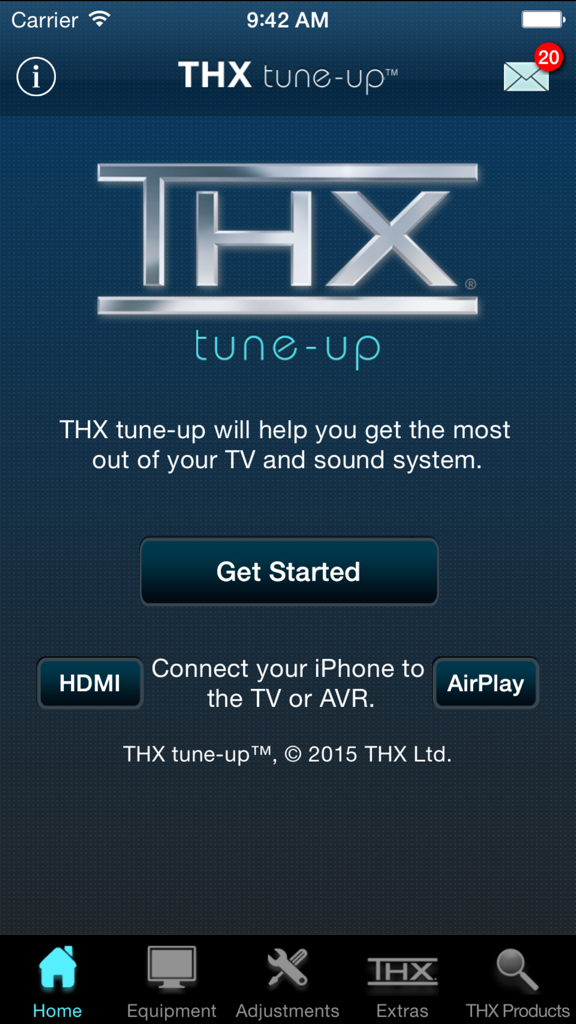
Schermata principale dell'app THX tune-up per la calibrazione dell'home theater che mostra il logo e il pulsante di avvio

Schermata principale dell'app THX tune-up per la calibrazione dell'home theater che mostra il logo e il pulsante di avvio

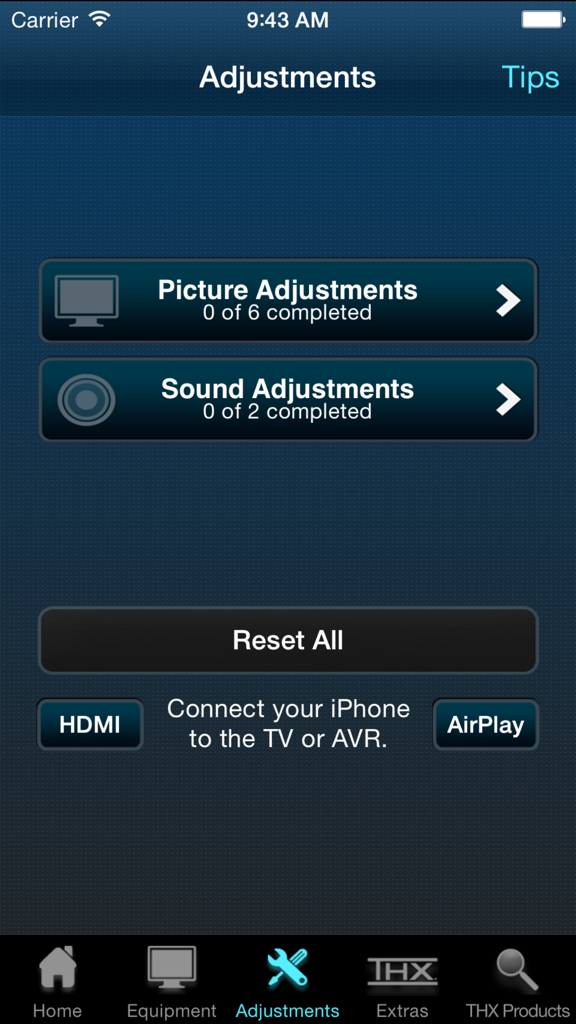
Menu dell'app THX tune-up per le regolazioni di immagine e suono

Menu dell'app THX tune-up per le regolazioni di immagine e suono

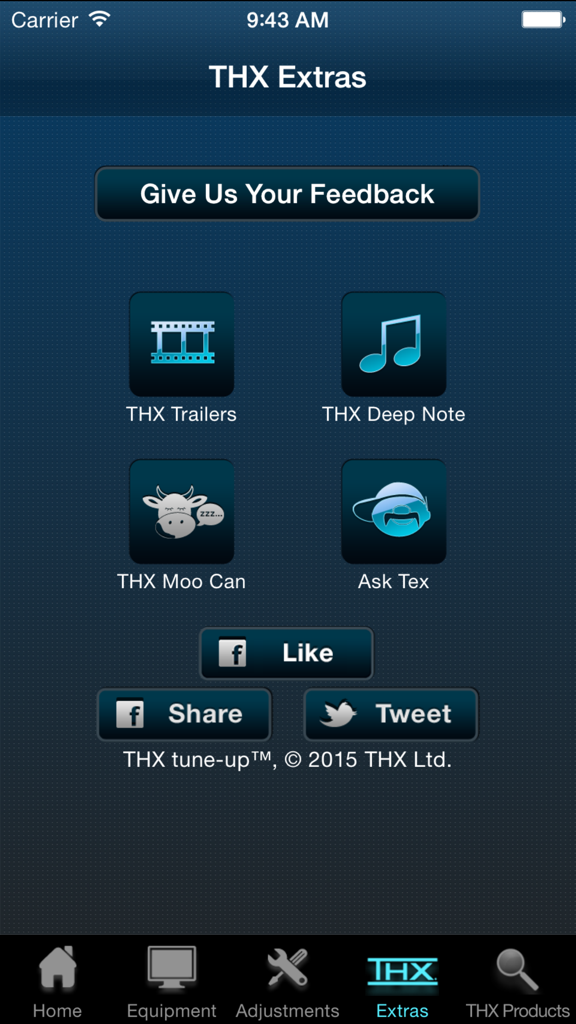
Schermata Extra dell'app THX tune-up che mostra trailer e funzionalità di test audio

Schermata Extra dell'app THX tune-up che mostra trailer e funzionalità di test audio

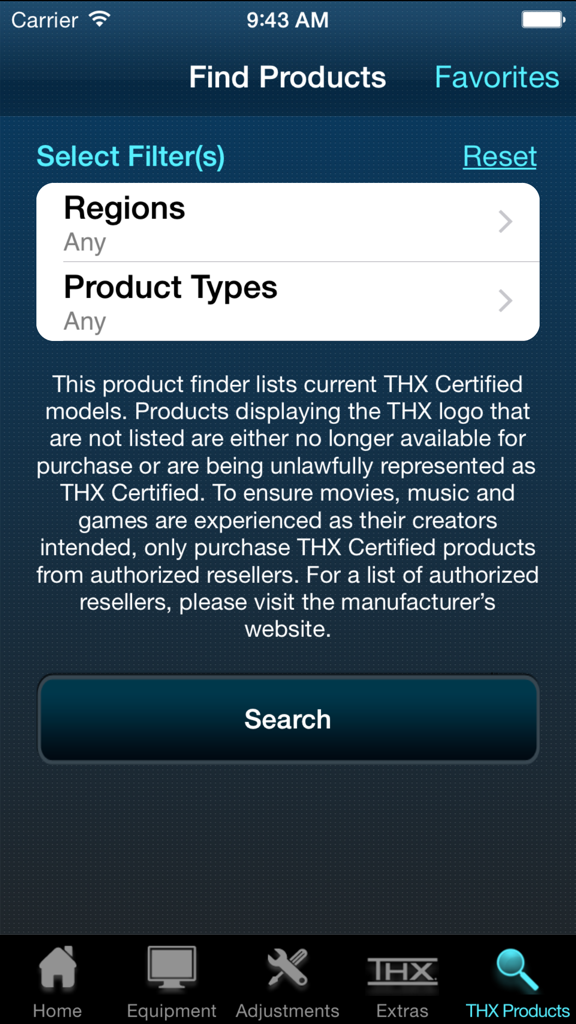
La schermata di ricerca prodotti nell'app THX tune-up che mostra filtri per regioni e tipi di prodotto per trovare attrezzature certificate.

La schermata di ricerca prodotti nell'app THX tune-up che mostra filtri per regioni e tipi di prodotto per trovare attrezzature certificate.

Libera l'Intento del Regista nel Tuo Salotto

Gli strumenti che rendono questa app unica, scelti da 2K+ utenti.

🎨

Accuratezza Visiva di Precisione

Regola finemente colore, tinta e contrasto utilizzando la fotocamera del tuo iPhone come filtro digitale per garantire che ogni fotogramma appaia esattamente come inteso dal cineasta.

🔊

Audio Surround Perfetto

Verifica la fase e il posizionamento degli altoparlanti per un audio 5.1 o stereo senza interruzioni che elimina le zone morte e ti pone al centro dell'azione.

🎬

La Suite Demo Definitiva

Mostra la potenza del tuo sistema con il leggendario THX Deep Note e trailer cinematografici progettati per sfruttare appieno il potenziale della tua attrezzatura.

Info sull'app

Tutto quello che devi sapere su THX tune-up™.

Descrizione

THX tune-up (TM) allows you to properly adjust your TV, projector and speakers, helping you get the most out of your entertainment system. NOTE: Before you download and get started, please read the "Additional Requirements" & "Connection to TV/AVR" sections below to ensure enjoyment and proper use. For a video preview of the THX tune-up app, check out the THX YouTube http://bit.ly/X9h5rbchannel at YouTube.com/THXVids.   Additional Requirements • Supported iOS devices: iPhone 4, 4S, 5; iPad, 2, 3, 4 & Mini; iPod Touch 4 & 5; iOS 7.1 or later • If using Apple TV, must be 3rd gen version or later • iPhone 4 & iPod Touch 4 are not supported by Apple TV; must use AV adapter & HDMI cable connection to TV or AVR for picture adjustment (720p only) • For 5.1 audio tests, iOS device must be directly connected to AVR with adapter & HDMI cable (5.1 audio tests are not supported on Apple TV) • App is optimized for iOS 7.1 or later for 4S & 5, iPad 2, 3, 4 & Mini, & iPod Touch 5 with an HDMI adapter & cable directly connected to TV or AVR  Connection to TV/AVR • HDMI cable at least 2 meters (6 ft) & Cat 2-certified • 30-pin Apple Digital AV Adapter for iPad 2 & 3, iPhone 4 & 4S, & iPod Touch 4 • Lightning Digital AV Adapter for iPhone 5, iPad 4 & Mini, & iPod Touch 5 • Apple TV (3 gen) for picture adjustments is compatible with iPhone 4S & 5, iPad 2, 3, 4 & Mini, & iPod Touch 5 • Connect iOS device via Airplay to your Apple TV (3rd gen) & turn Mirroring ON THX tune-up features custom video test patterns, carefully selected photos and tutorials to help adjust and confirm the best picture settings on your display based on room lighting. Using special audio tests, THX tune-up also lets you check external speakers to make sure they are working in phase and are connected properly for 2-channel stereo or 5.1 sound systems.    THX tune-up is completely interactive — go through it at your own pace, in any order. Connect a supported iOS device to the display or sound system with an HDMI adapter & cable, or via AirPlay with Apple TV (3rd gen).   Locate the adjustment buttons on your TV and AVR remote controls and then follow the THX app tutorials which walk you through your “THX tune-up.” The app offers tips about your remote control, room lighting, viewing distance and other helpful advice.    Video adjustments • Aspect ratio – ensure your TV displays shapes & sizes correctly • Brightness – make certain shadow details & night scenes are clearly visible • Contrast – confirm white detail is distinct on your television • Color – make sure colors are bright & vibrant but not cartoonish • Tint – check skin tones look natural & are not too green or red   THX tune-up uses your iOS device’s camera to set color and tint with a special built in color filter. Point the device camera at the TV screen and see if the color or tint is adjusted correctly.   Audio adjustments • Speaker assignment – ensure speakers are connected to the correct AVR output & intended sound is coming from the correct speaker • Speaker phase – confirm that positive & negative speaker wires are connected correctly and all speakers are in phase   Extras • Turn “moo can” on & tilt your device to hear it “moo” • Play extraordinary THX trailers (just like in THX Certified cinemas) to show off your newly tuned TV & sound system to friends and family • Show off your audio system by playing “THX Deep Note” in 5.1 surround sound, just like in the theater • Have a question for THX or just want to provide feedback? Ask Tex! This app is not a professional calibration tool and is not intended to replace an in-home professional calibration.

Ultima versione

1.3.1

Dimensione

137.6 MB

Data di lancio

29 gen 2013

Libera il Pieno Potenziale del Tuo Home Cinema

Sperimenta i tuoi film esattamente come li hanno intesi i registi. Scarica THX tune-up™ oggi stesso e calibra il tuo sistema con precisione di livello professionale.

Scarica su App Store

App information, icons, screenshots, and descriptions displayed on this page are sourced from the Apple App Store and are the property of their respective developers. Download estimates and rankings are based on MWM's proprietary models and may not reflect actual figures. This page is provided for informational and analytical purposes only.

Believe this page infringes your intellectual property? File a dispute