Web site to App Pro : No Ads
Scarica su App Store

Questa pagina non è una pagina ufficiale dell'app o del suo sviluppatore, ma una pubblicazione editoriale indipendente creata a scopo informativo e di commento. Salvo espressa indicazione contraria, né l'app né il suo sviluppatore sono affiliati, approvati, sponsorizzati, autorizzati o altrimenti ufficialmente collegati a MWM, Apple, Google Play, all'editore dell'app o allo sviluppatore dell'app, e nulla in questa pagina implica che l'app sia stata sviluppata utilizzando i servizi di MWM. Tutti i marchi, loghi, screenshot e altri contenuti rimangono di proprietà dei rispettivi proprietari.


Logo di Web site to App Pro : No Ads
Scarica su App Store

Web site to App Pro : No Ads

Sperimenta il web a schermo intero senza barre degli URL o menu in fondo. Mantieni i tuoi accessi sicuri, la tua cronologia privata e la tua concentrazione acuta con un ambiente bloccato da codice di accesso e senza pubblicità.

Numeri Chiave

Download

0

Valutazione

1.0/5

Valutazioni totali

0

Editore

MINERVA K.K.

Categoria

Productivity

Lingue

1

Ultima versione

1.0

Dimensione

30.1 MB

Data di lancio

16 mag 2025
Funzioni

Sperimenta un Web più pulito e veloce

Trasforma qualsiasi sito web in uno spazio di lavoro dedicato a schermo intero. Elimina le distrazioni, proteggi la tua privacy e accedi ai tuoi siti più utilizzati con un solo tocco.

Accesso istantaneo con un tocco

Salta i segnalibri e gli accessi ripetitivi. Rimani connesso e avvia istantaneamente i tuoi siti preferiti senza alcun intoppo.

Visualizzazione immersiva a schermo intero

Massimizza lo spazio dello schermo. Rimuovendo la barra degli URL e il piè di pagina, offriamo un'esperienza nativa simile a un'app, senza distrazioni.

Gli screenshot e la descrizione seguenti provengono direttamente dall'elenco ufficiale dello store dell'app e sono di proprietà dello sviluppatore.

App Store

Screenshot
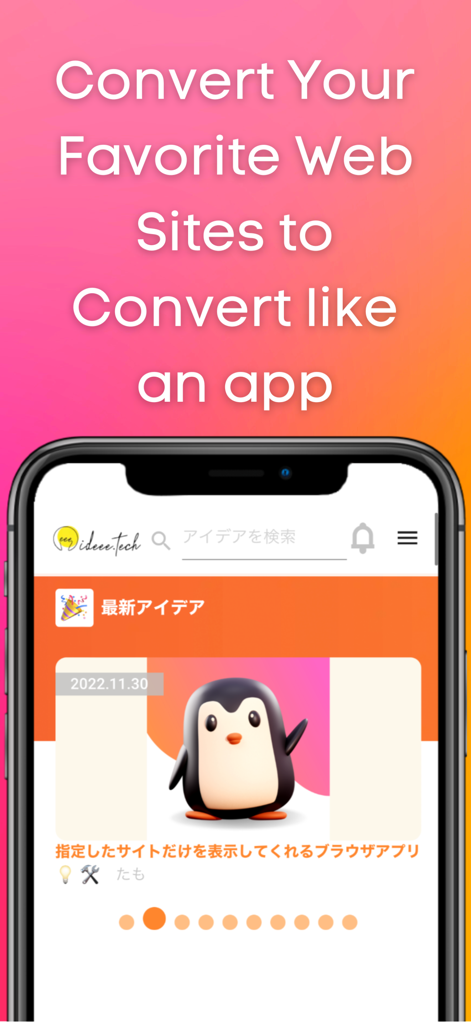
Web site to App Pro : No Ads - Smartphone che visualizza un sito web convertito in un'interfaccia di app mobile a schermo intero

Smartphone che visualizza un sito web convertito in un'interfaccia di app mobile a schermo intero
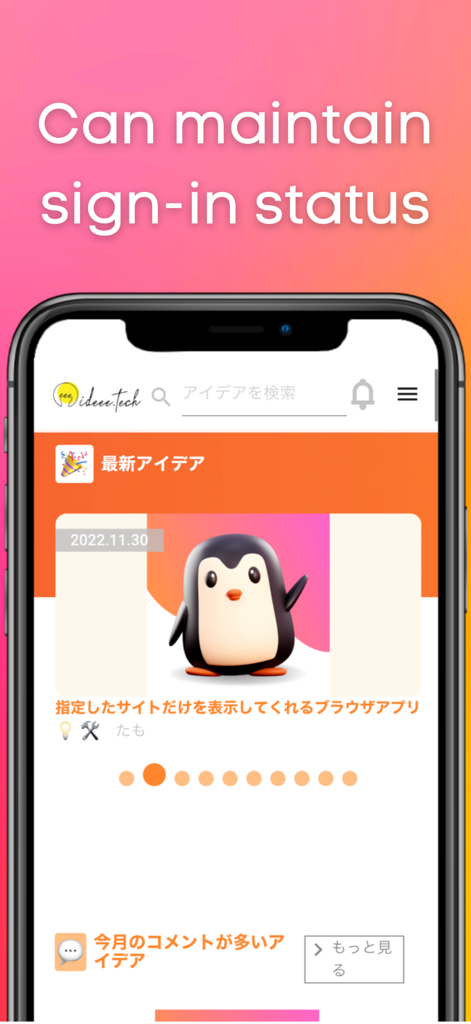
Web site to App Pro : No Ads - Uno smartphone che mostra un sito web in modalità a schermo intero con testo che indica che può mantenere lo stato di accesso.
Uno smartphone che mostra un sito web in modalità a schermo intero con testo che indica che può mantenere lo stato di accesso.

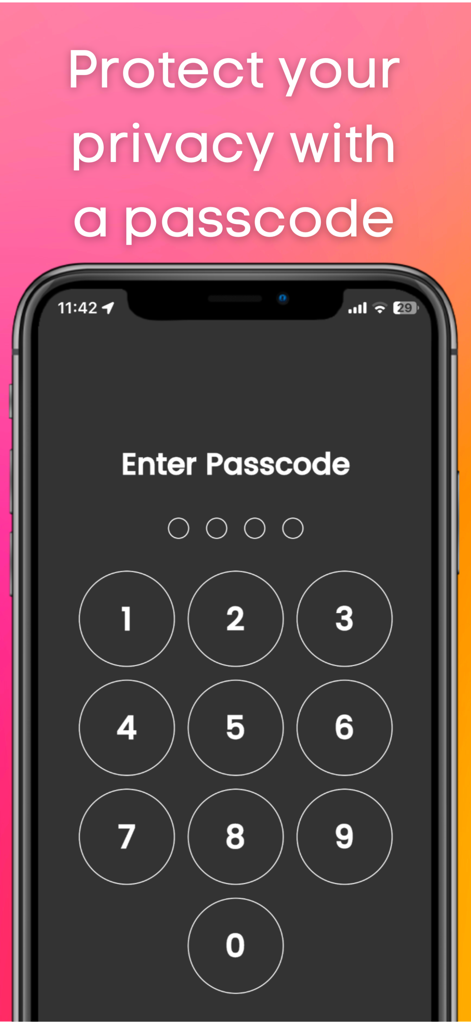
Web site to App Pro : No Ads - Schermata di uno smartphone che mostra l'immissione di un codice numerico per la protezione della privacy
Schermata di uno smartphone che mostra l'immissione di un codice numerico per la protezione della privacy

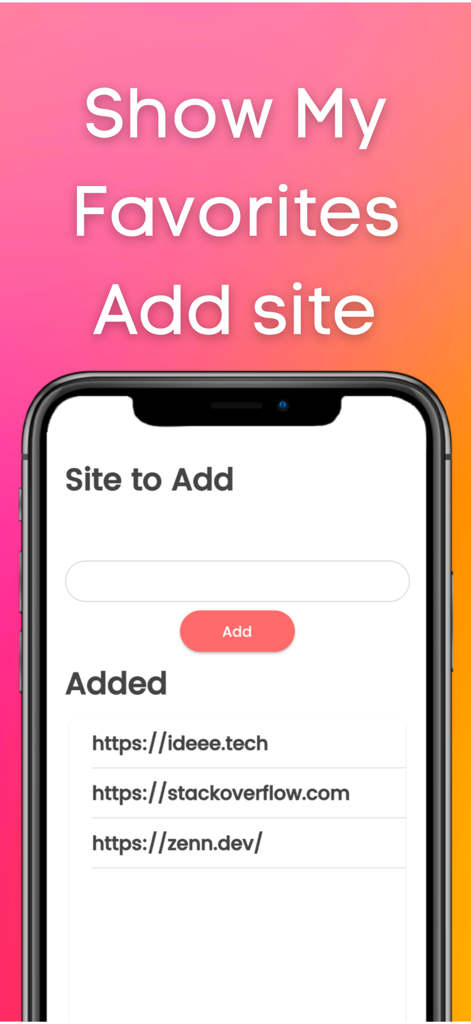
Web site to App Pro : No Ads - Interfaccia di Web site to App Pro che mostra il campo per aggiungere un sito e un elenco di siti aggiunti come StackOverflow
Interfaccia di Web site to App Pro che mostra il campo per aggiungere un sito e un elenco di siti aggiunti come StackOverflow

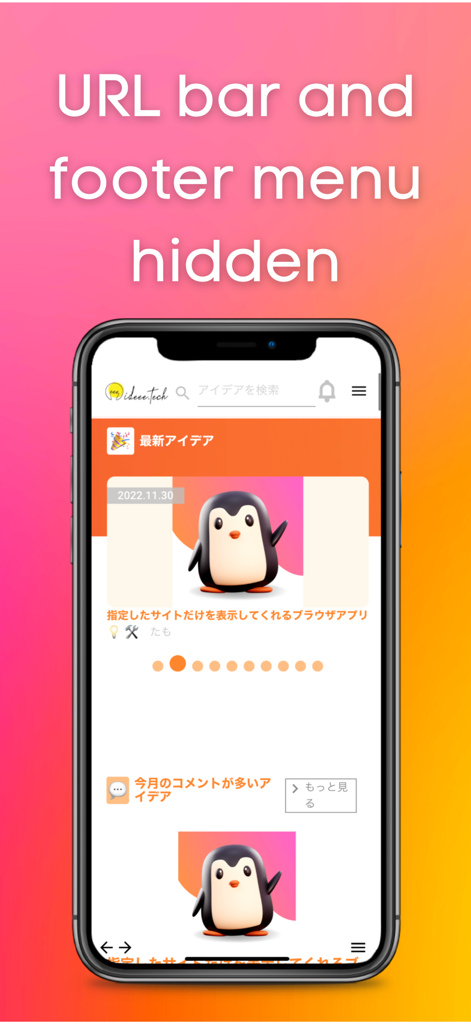
Web site to App Pro : No Ads - Interfaccia di app mobile che visualizza un sito web in modalità a schermo intero con la barra degli URL e il menu piè di pagina nascosti

Interfaccia di app mobile che visualizza un sito web in modalità a schermo intero con la barra degli URL e il menu piè di pagina nascosti

Descrizione

This app allows you to quickly launch frequently used sites. You can use it like an app. It hides the URL bar and footer bar found in standard browsers, so you can view sites on a larger screen. Login information is retained, which is very convenient. If you usually use a private browser such as safari or chrome, this app will free you from the troublesome login process. There is also a passcode lock function. You can protect your privacy. Also, this app does not save history, so there is no need to delete history. ■How to use 1, Add the site you want to view. 2, Select the site you want to view. Functions 1, Add site function 2, Function to switch display sites 3, Retention of login information 4, Passcode function 5, Lock function 6, Function to switch to dark mode Language switching (defaults to the language set by the user on the device) Use Cases 1, Users who usually display a private browser 2, Those who want to keep their login information 3. those who want to display the site they want to view first when they open the application 4. who find it tedious to "click the bookmark button ⇨ find the URL of the site ⇨ click the bookmark button ⇨ log in 5. you want to protect your privacy by locking your browser with a passcode 6, you do not want to be able to see your history. 7. you want the site to be displayed on the entire screen. 8. you do not want others to know your history or the sites you are viewing. 9. you feel that the URL bar or footer menu is in the way. 10. if you want to put a password on your browser. My use case I am the developer of this application. I use a private browser in safari on my iPhone. Before using this app, I used to close the private browser once and set the regular browser. I then opened my bookmarks and viewed the site. I mainly did such tedious operations to view Stackoverflow. However, when I started using this app, I was freed from such tedious operations because once I open this app, stackoverflow is displayed with my login. Since the URL bar and footer menu are not displayed, I can display stackoverflow on a large screen. ■Reviews from testers 1. I am a fan of a certain website that has not been made into an app. I used to use safari until now. I started using this app because logging in was a hassle. I am satisfied with this app because it not only frees me from the login process, but also allows me to view the site larger than when opening it in safari. (Momo,student ,23 years old) 2. I used this app because I wanted to lock my browser. This app allows you to open your browser by entering your passcode. And I can view the display site out of the blue, so I don't have to open the site from my bookmarks anymore. I have this app available from a shortcut on my iPhone so I can open it right away. (John, Engineer, age 36)

Download

Scarica su App Store

Questa pagina non è una pagina ufficiale dell'app o del suo sviluppatore, ma una pubblicazione editoriale indipendente creata a scopo informativo e di commento. Salvo espressa indicazione contraria, né l'app né il suo sviluppatore sono affiliati, approvati, sponsorizzati, autorizzati o altrimenti ufficialmente collegati a MWM, Apple, Google Play, all'editore dell'app o allo sviluppatore dell'app, e nulla in questa pagina implica che l'app sia stata sviluppata utilizzando i servizi di MWM. Tutti i marchi, loghi, screenshot e altri contenuti rimangono di proprietà dei rispettivi proprietari.








