
Questa pagina non è una pagina ufficiale dell'app o del suo sviluppatore, ma una pubblicazione editoriale indipendente creata a scopo informativo e di commento. Salvo espressa indicazione contraria, né l'app né il suo sviluppatore sono affiliati, approvati, sponsorizzati, autorizzati o altrimenti ufficialmente collegati a MWM, Apple, Google Play, all'editore dell'app o allo sviluppatore dell'app, e nulla in questa pagina implica che l'app sia stata sviluppata utilizzando i servizi di MWM. Tutti i marchi, loghi, screenshot e altri contenuti rimangono di proprietà dei rispettivi proprietari.

WiFi Analyzer: Device Finder
Proteggi la tua privacy in hotel e affitti con il rilevamento di telecamere nascoste basato sull'IA, la scansione della rete e i sensori magnetici. Ottieni tranquillità immediata senza bisogno di competenze tecniche.
Download
47K+Valutazione
Valutazioni totali
0Editore
Categoria
UtilitiesLingue
12Ultima versione
1.1.6Dimensione
112.2 MBData di lancio
7 giu 2024Protezione Totale della Privacy Ovunque
Viaggia con fiducia utilizzando la nostra suite di strumenti professionali per scansionare l'ambiente circostante alla ricerca di dispositivi nascosti e minacce di rete.
Trova Hardware Nascosto
Scansiona i campi magnetici e i riflessi delle lenti per scoprire telecamere nascoste in Airbnbs, hotel e spogliatoi.
Monitora la Sicurezza della Rete
Identifica tutti i dispositivi connessi alla tua rete Wi-Fi per prevenire accessi non autorizzati e proteggere la tua impronta digitale.
Gli screenshot e la descrizione seguenti provengono direttamente dall'elenco ufficiale dello store dell'app e sono di proprietà dello sviluppatore.
App Store
Screenshot
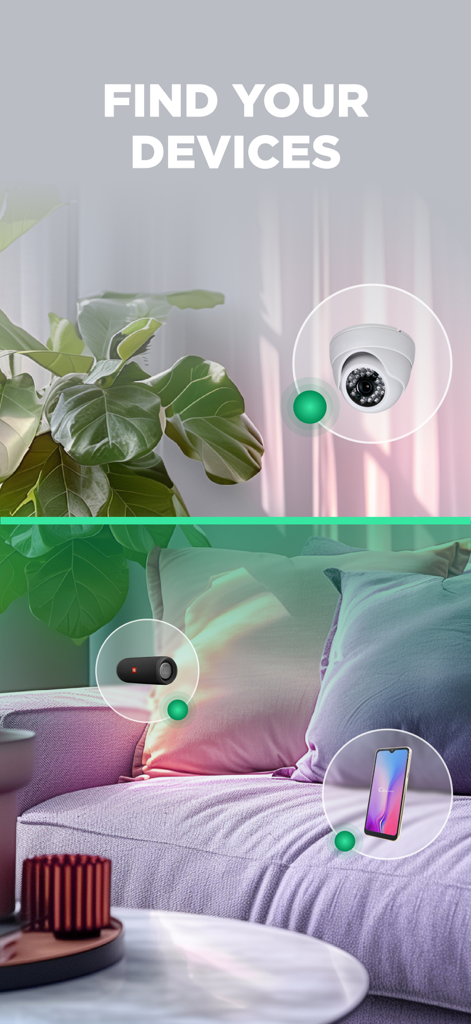
Schermata che mostra l'app che rileva una telecamera nascosta e altri dispositivi elettronici
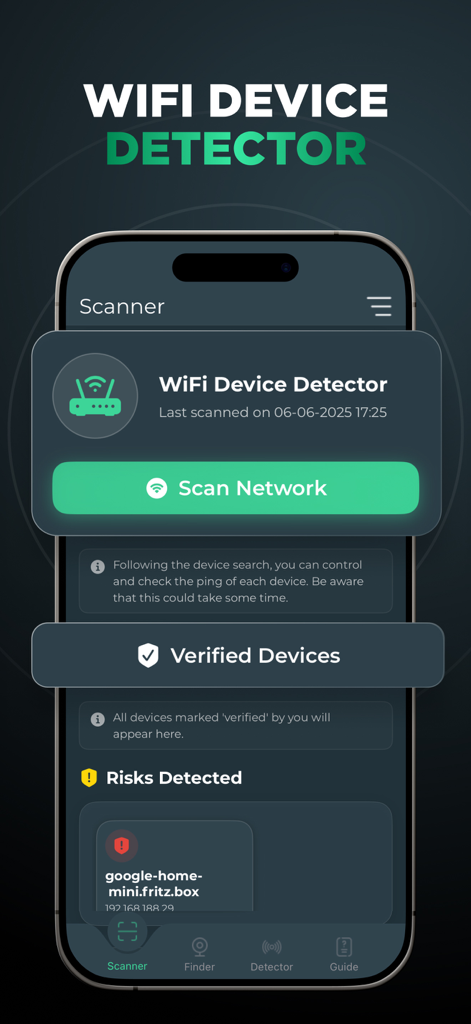
Interfaccia dell'app WiFi Analyzer per la scansione delle reti e il rilevamento dei dispositivi connessi.

Interfaccia di un'app mobile che mostra un filtro verde della fotocamera che scansiona una stanza alla ricerca di dispositivi nascosti
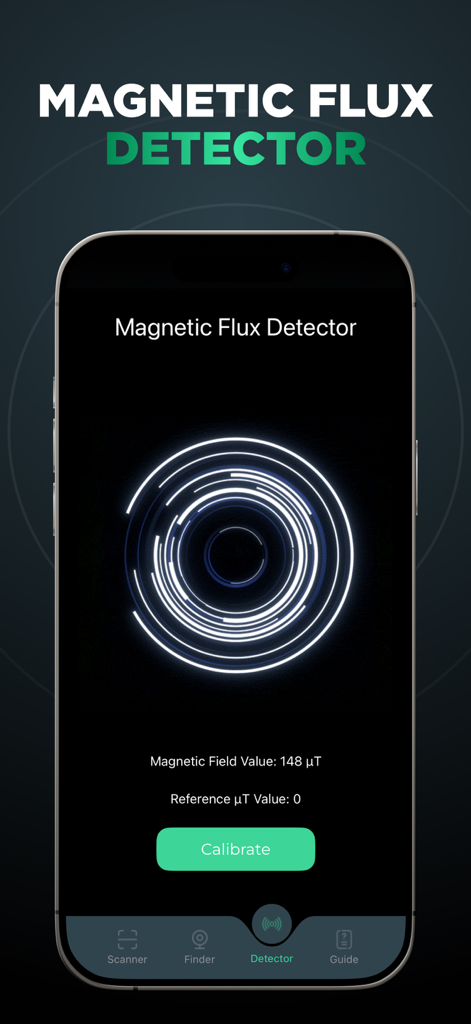
Schermata dello smartphone che visualizza uno strumento di rilevamento del flusso magnetico per trovare dispositivi nascosti
Descrizione
Download
App Simili
App più classificate nella stessa categoria

Google LLC

Google Chrome
Google LLC

中国移动(手机营业厅)
China Mobile Online Services Co., Ltd.

Google Authenticator
Google LLC

CNH do Brasil
Servicos e Informacoes do Brasil

Cleanup: Phone Storage Cleaner
DEEP FLOW SOFTWARE SERVICES - FZCO

gov.br
Servicos e Informacoes do Brasil

中国电信-全国统一官方服务平台
CHINA TELECOM Corporation Ltd.

Microsoft Edge: AI Browser
Microsoft Corporation
Questa pagina non è una pagina ufficiale dell'app o del suo sviluppatore, ma una pubblicazione editoriale indipendente creata a scopo informativo e di commento. Salvo espressa indicazione contraria, né l'app né il suo sviluppatore sono affiliati, approvati, sponsorizzati, autorizzati o altrimenti ufficialmente collegati a MWM, Apple, Google Play, all'editore dell'app o allo sviluppatore dell'app, e nulla in questa pagina implica che l'app sia stata sviluppata utilizzando i servizi di MWM. Tutti i marchi, loghi, screenshot e altri contenuti rimangono di proprietà dei rispettivi proprietari.