
Questa pagina non è una pagina ufficiale dell'app o del suo sviluppatore, ma una pubblicazione editoriale indipendente creata a scopo informativo e di commento. Salvo espressa indicazione contraria, né l'app né il suo sviluppatore sono affiliati, approvati, sponsorizzati, autorizzati o altrimenti ufficialmente collegati a MWM, Apple, Google Play, all'editore dell'app o allo sviluppatore dell'app, e nulla in questa pagina implica che l'app sia stata sviluppata utilizzando i servizi di MWM. Tutti i marchi, loghi, screenshot e altri contenuti rimangono di proprietà dei rispettivi proprietari.

WordBoard: Copy Paste Keyboard
Smetti di perdere tempo a scrivere ripetutamente. Inserisci istantaneamente snippet, modelli e risposte professionali con un solo tocco, ora potenziato dall'IA per aiutarti a lavorare in modo più rapido e intelligente.
Download
104K+Valutazione
Valutazioni totali
5K+Editore
Categoria
UtilitiesLingue
4Ultima versione
8.2.2Dimensione
54.5 MBData di lancio
4 feb 2015L'arma definitiva per la produttività dei professionisti
Smetti di perdere tempo a scrivere ripetutamente. Trasforma il tuo flusso di lavoro mobile con una tastiera personalizzata creata per velocità, precisione e comunicazione professionale.
Snippet con un tocco
Invia indirizzi aziendali, link di pagamento o modelli complessi con un singolo tocco. Smetti di scrivere le stesse cose ancora e ancora e inizia a rispondere istantaneamente.
Cartelle Pro Intelligenti
Mantieni la tua vita professionale organizzata. Categorizza le tue risposte in cartelle per Vendite, Supporto o Lavoro sul campo per trovare la frase perfetta in pochi secondi.
Gli screenshot e la descrizione seguenti provengono direttamente dall'elenco ufficiale dello store dell'app e sono di proprietà dello sviluppatore.
App Store
Screenshot
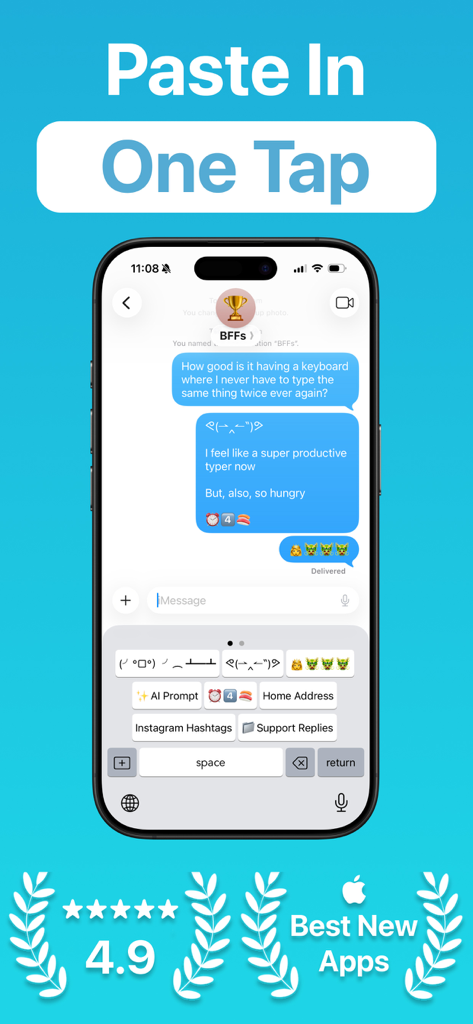
App WordBoard che mostra una tastiera personalizzata con scorciatoie di testo con un tocco per messaggi più veloci.
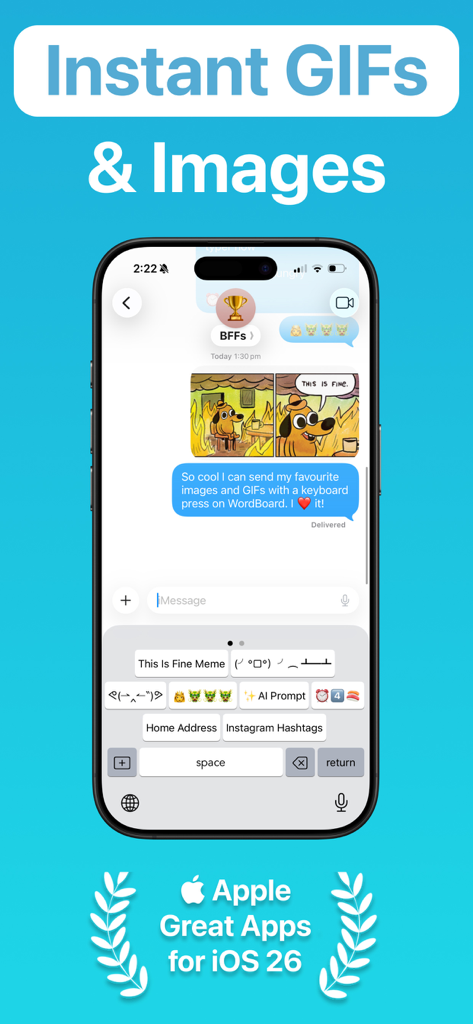
Interfaccia della tastiera personalizzata di WordBoard che mostra pulsanti di scelta rapida per GIF e immagini in un messaggio di chat.
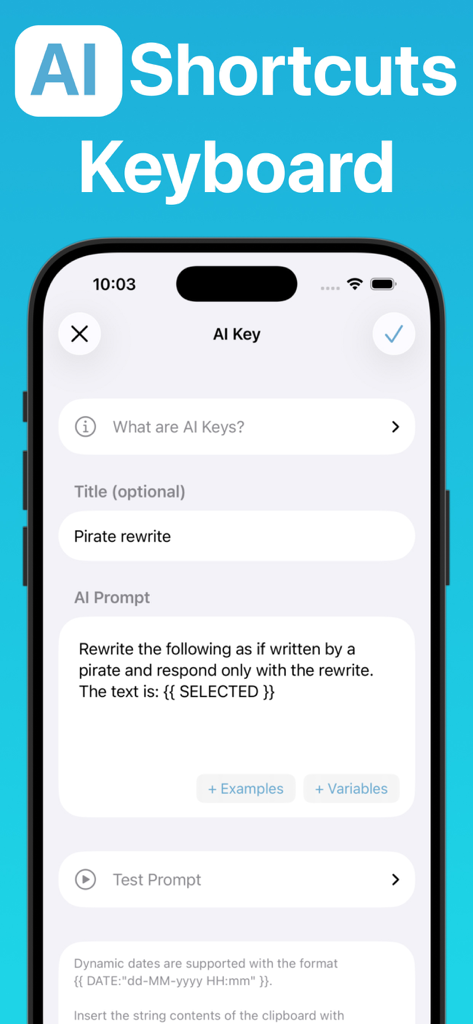
Interfaccia dell'app WordBoard che mostra la configurazione di un tasto di scelta rapida IA personalizzato per riscrivere il testo.
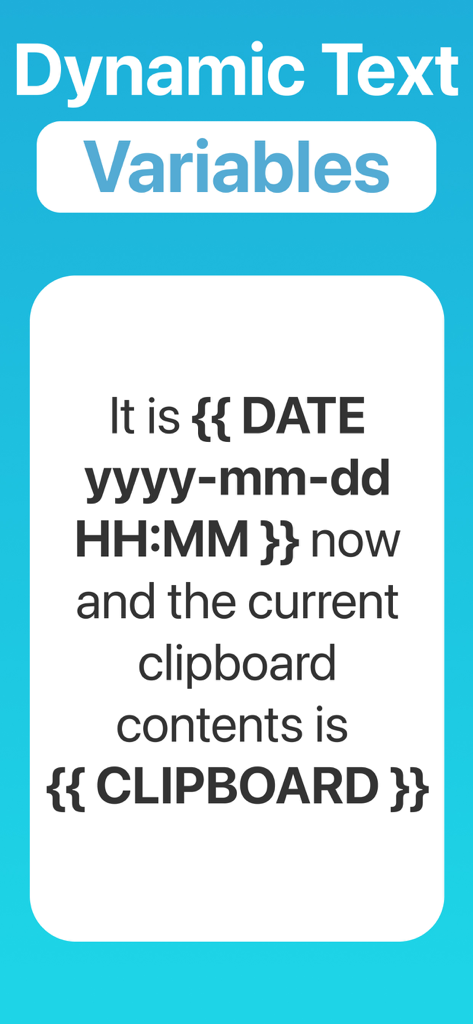
Schermata dell'app WordBoard che mostra variabili di testo dinamiche per data e contenuti degli appunti
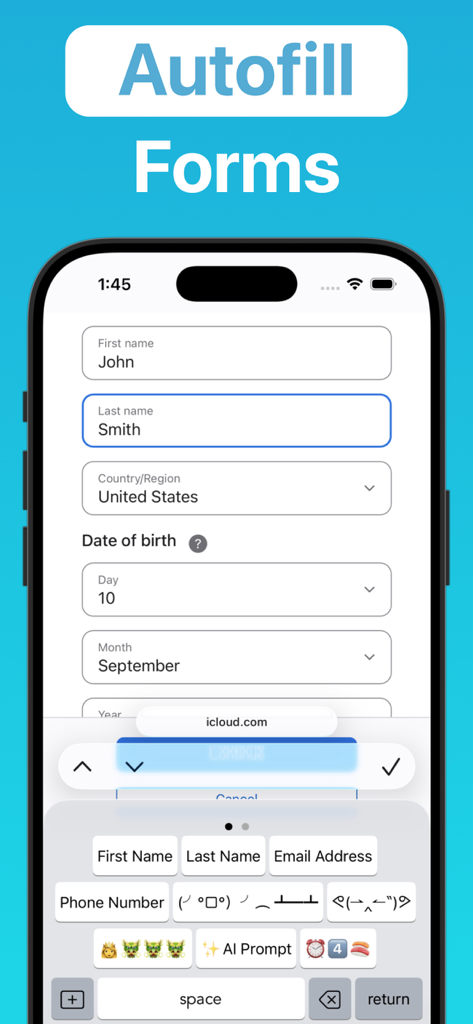
Interfaccia dell'app WordBoard che mostra la tastiera personalizzata che compila automaticamente un modulo web utilizzando scorciatoie di informazioni personali
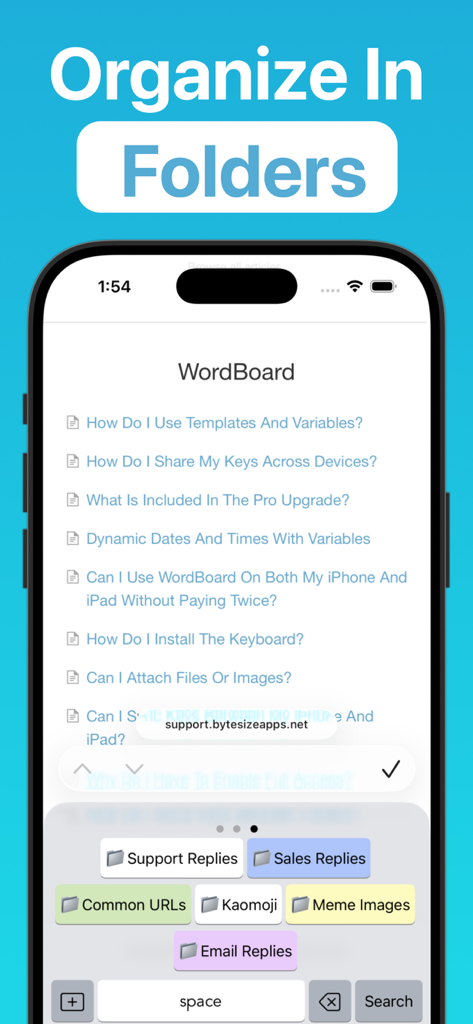
Interfaccia dell'app WordBoard che mostra una tastiera personalizzata con cartelle organizzate per risposte di supporto, risposte di vendita e URL comuni.
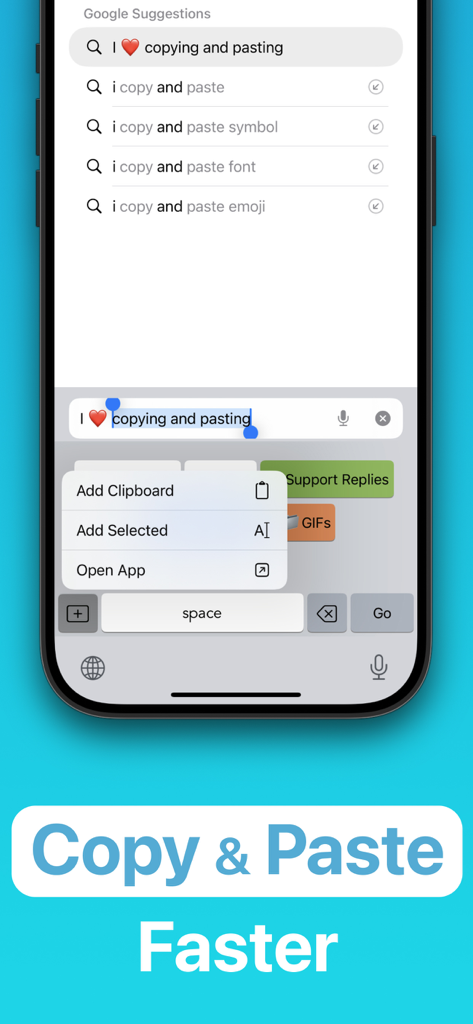
Interfaccia dell'app WordBoard che mostra scorciatoie da tastiera personalizzate per copiare e incollare testo più velocemente su un dispositivo mobile
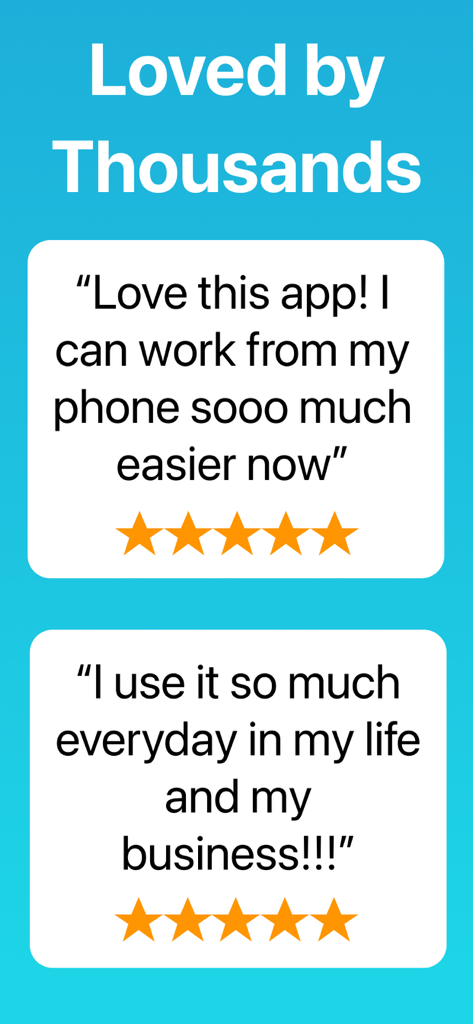
Due recensioni positive a cinque stelle per l'app WordBoard che la mostrano amata da migliaia di persone per il lavoro e la vita quotidiana.
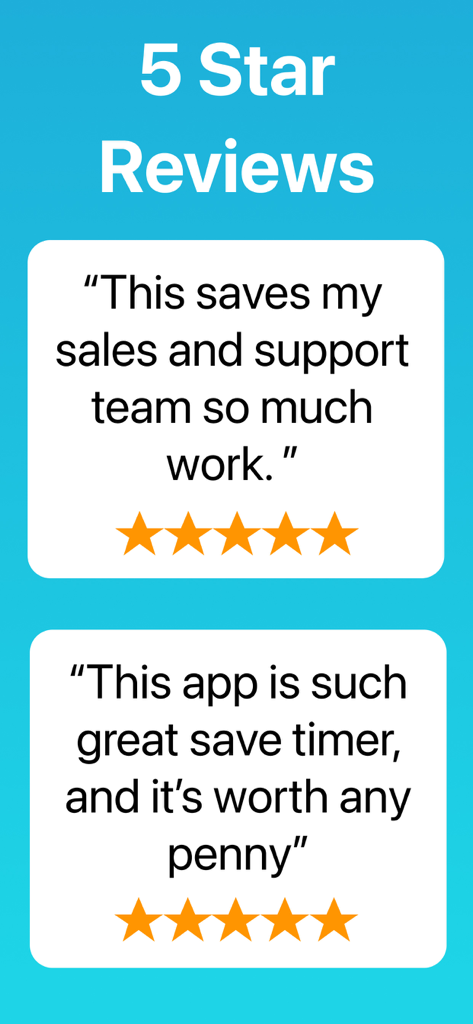
Testimonianze degli utenti e recensioni a cinque stelle per l'app tastiera WordBoard.
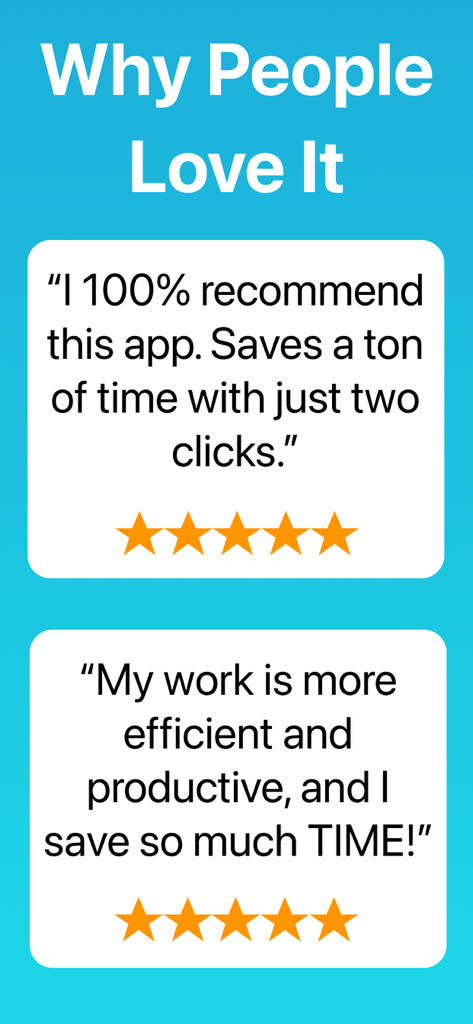
Recensioni positive degli utenti per l'app tastiera WordBoard che evidenziano il risparmio di tempo e la produttività
Descrizione
Download
App Simili
App più classificate nella stessa categoria

Google LLC

Google Chrome
Google LLC

中国移动(手机营业厅)
China Mobile Online Services Co., Ltd.

Google Authenticator
Google LLC

CNH do Brasil
Servicos e Informacoes do Brasil

Cleanup: Phone Storage Cleaner
DEEP FLOW SOFTWARE SERVICES - FZCO

gov.br
Servicos e Informacoes do Brasil

中国电信-全国统一官方服务平台
CHINA TELECOM Corporation Ltd.

Microsoft Edge: AI Browser
Microsoft Corporation
Questa pagina non è una pagina ufficiale dell'app o del suo sviluppatore, ma una pubblicazione editoriale indipendente creata a scopo informativo e di commento. Salvo espressa indicazione contraria, né l'app né il suo sviluppatore sono affiliati, approvati, sponsorizzati, autorizzati o altrimenti ufficialmente collegati a MWM, Apple, Google Play, all'editore dell'app o allo sviluppatore dell'app, e nulla in questa pagina implica che l'app sia stata sviluppata utilizzando i servizi di MWM. Tutti i marchi, loghi, screenshot e altri contenuti rimangono di proprietà dei rispettivi proprietari.