2FA - Authenticator, Verify ID

2FA - Authenticator, Verify ID

ダウンロード: App Store
ロゴ: 2FA - Authenticator, Verify ID

2FA - オーセンティケーター、ID認証: オンラインセキュリティのための究極のプライバシーファースト・ボルト

暗号化された2FAコード、FaceIDアクセス、内蔵プライベートブラウザでアカウントを保護します。広告なし、トラッキングなし—あなたのデジタルライフのためのシームレスで安全な認証。

ダウンロード: App Store

開発元

Thao Tran

カテゴリ

Utilities

ダウンロード

300

ユーザー評価

1.0/5

評価数

0

対応言語

1

フォーカスされたセキュリティ

このインターフェースを利用する 300 人のユーザー.

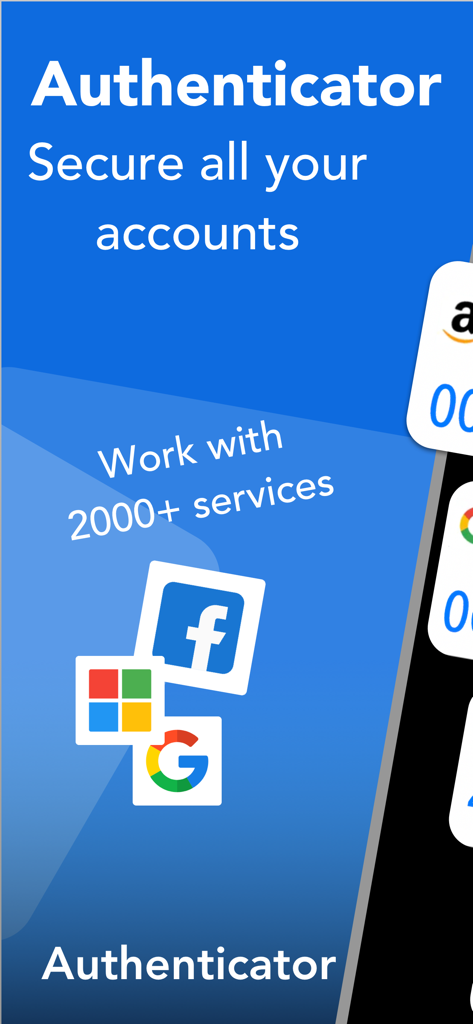
Google、Facebook、Microsoftなどのさまざまなオンラインアカウントのセキュリティを示すオーセンティケーターアプリ画面

Google、Facebook、Microsoftなどのさまざまなオンラインアカウントのセキュリティを示すオーセンティケーターアプリ画面

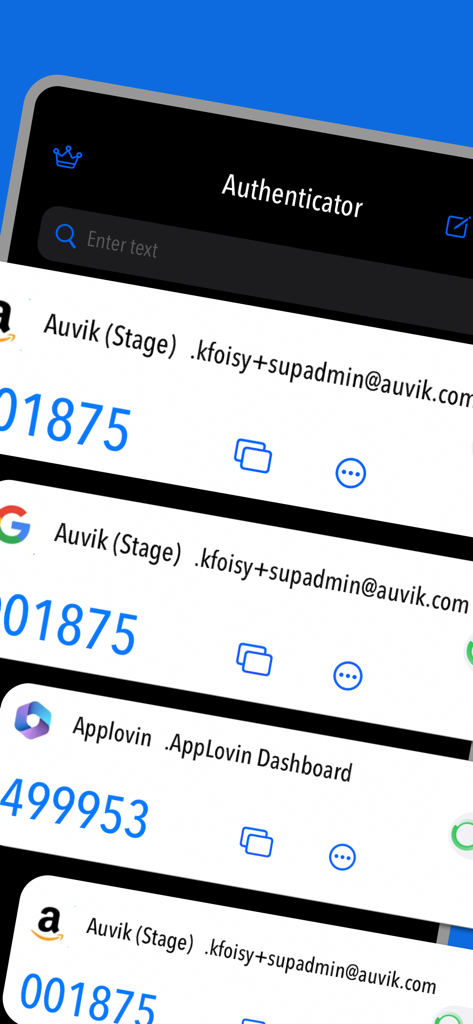
カスタムアイコン付きの複数の安全なアカウント確認コードを示す2FAオーセンティケーターアプリのインターフェース

カスタムアイコン付きの複数の安全なアカウント確認コードを示す2FAオーセンティケーターアプリのインターフェース

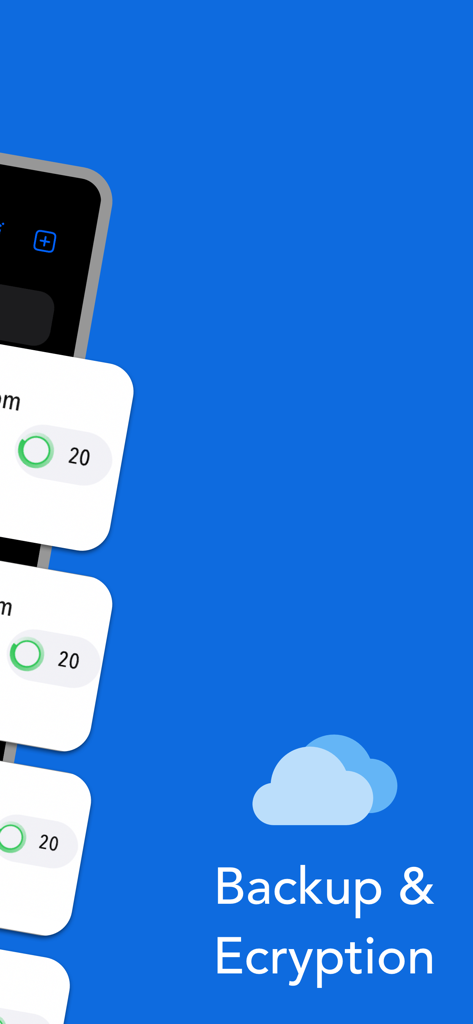
クラウドバックアップと暗号化機能を示す2FAアプリ画面

クラウドバックアップと暗号化機能を示す2FAアプリ画面

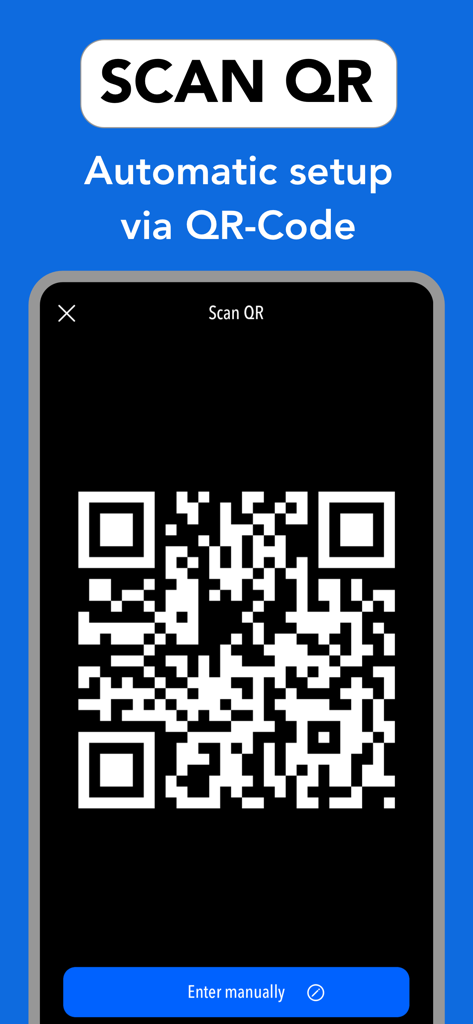
QRコードスキャンによる2FAアカウントの自動セットアップを示すインターフェース

QRコードスキャンによる2FAアカウントの自動セットアップを示すインターフェース

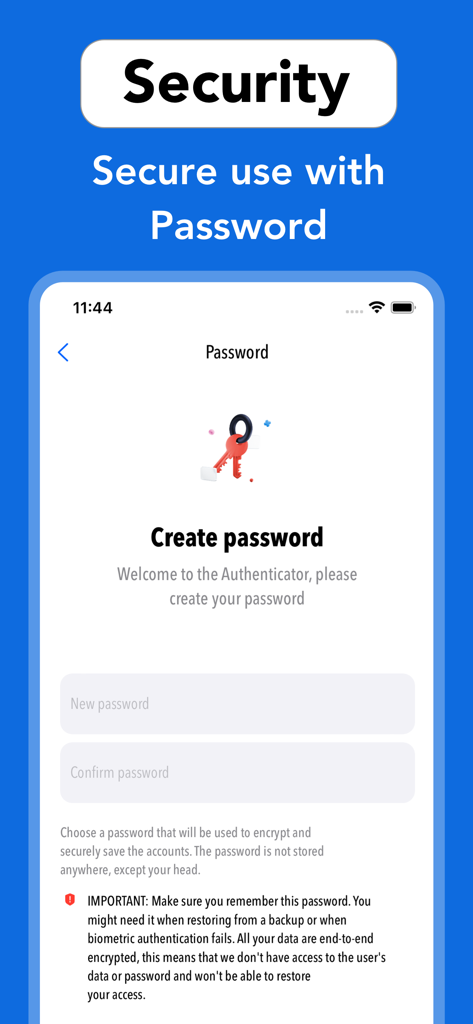
ユーザーアカウントを暗号化および保護するために使用される2FAオーセンティケーターアプリのパスワード作成画面。

ユーザーアカウントを暗号化および保護するために使用される2FAオーセンティケーターアプリのパスワード作成画面。

最大限のセキュリティ、最小限の手間

このアプリを際立たせるツール、 300 人のユーザーが選択.

🛡️

ローカルファースト暗号化

あなたの秘密はあなただけのもの。すべてのデータはデバイスとiCloud上でローカルに暗号化され、機密性の高い認証コードへの外部アクセスをゼロにします。

🎨

スマートなビジュアル整理

カスタムアイコンでセキュリティハブをパーソナライズしましょう。Coinbase、GitHub、ソーシャルアカウントを、一目で簡単に管理・区別できます。

🕵️

統合プライベートボルト

痕跡を残さずにブラウズしてログインしましょう。内蔵プライベートブラウザは、すべての履歴とCookieを自動的にクリアし、あなたのデジタルフットプリントを見えないようにします。

アプリについて

について知っておくべきこと 2FA - Authenticator, Verify ID.

説明

Secure & Private: All data stored in Authenticator is always encrypted, even when it's stored in iCloud, to ensure that you are the only one who can access your data. 2FA Authenticator is a secure application for two-factor authentication (2FA) that stores and generates time-based codes (OTP) to protect your online accounts by adding an additional layer of security when signing in. 2FA Authenticator is a highly recommended free 2FA app used for securing your accounts on different platforms such as Instagram, Google, Facebook, Github, Twitter and many more. We support 1000+ apps for authentication! The 6-digit code will update to a new one every 30 seconds. This timer is so you never have to use the same time-based one-time password (TOTP) more than once and you don’t have to remember the number since it will change all the time. Once our code generator app is configured, you can get verification codes without the need for a network or cellular connection. ***MAIN FEATURE*** - Enter Code Manually: Enter a secret key to the app for secure authentication. - Super Safe & Secure: Your passwords are safe and sound as the app has no data exchange with the internet, so no one can get to know it except you. - Scan QR Code: Just one tap QR scan for easy access and hassle-free registration. - Custom Icons: Add custom or system icons to any of your 2FA codes to better recognize them on the list with many codes. The application automatically recognizes the service icon (favicon). - Easy and user friendly:No account setup is required, just scan the 2FA QR-Code and the Authenticator app is automatically ready to use. - Unlock with Password or FaceID: To add an extra layer of security you can setup FaceID or a password in the app so you are the only one who can read your codes and for a faster access. - 100% Ad-Free: Enjoy a completely Ad Free mobile two factor authentication experience for IOS and compatible with all Apple devices. - Supports All Popular Accounts: Authenticator app supports the most popular services including Facebook, Coinbase, Amazon, Google, Instagram, Roblox and thousands of other providers. - Private browser: Fast and secure browser with no history, logs or cookies, allowing you to browse the web without leaving any traces. It also includes bookmarking and tabbed browsing for a convenient and personalized browsing experience Subscription terms: Payment will be charged to the credit card connected to your iTunes Account when you confirm the initial subscription purchase. Subscriptions automatically renew unless auto-renew is turned off at least 24 hours before the end of the current subscription period. Your account will be charged for renewal within 24 hours prior to the end of the current period, and the cost of the renewal will be identified. You may manage your subscription and auto-renewal may be turned off by going to your Account Settings after the purchase. Any unused portion of a free trial period, if offered, will be forfeited when you purchase a subscription, where applicable. Privacy policy: https://sites.google.com/view/thaotran2022dev/privacy Terms of use: https://sites.google.com/view/thaotran2022dev/term

最新バージョン

1.0.4

サイズ

35.5 MB

リリース日

2023年6月6日

あなたのデジタルライフにふさわしいセキュリティにアップグレード

プライバシーファーストのムーブメントに参加しましょう。暗号化されたバックアップ、FaceIDアクセス、プライベートブラウザでアカウントを保護—すべてが1つの洗練された広告なしのiOS体験に。

ダウンロード: App Store

App information, icons, screenshots, and descriptions displayed on this page are sourced from the Apple App Store and are the property of their respective developers. Download estimates and rankings are based on MWM's proprietary models and may not reflect actual figures. This page is provided for informational and analytical purposes only.

Believe this page infringes your intellectual property? File a dispute