
このページはアプリまたはその開発者の公式ページではなく、情報提供および論評を目的として作成された独立した編集出版物です。明示的に別段の記載がない限り、アプリおよびその開発者は、MWM、Apple、Google Play、アプリのパブリッシャー、またはアプリの開発者と提携、承認、後援、認可、またはその他の公式的な関係はなく、このページのいかなる内容も、アプリがMWMのサービスを使用して開発されたことを意味するものではありません。すべての商標、ロゴ、スクリーンショット、その他のコンテンツはそれぞれの所有者の財産です。

Google Authenticator
パスワード単体では無力な現代において、Google Authenticatorはユーザーに、デジタル防衛の最終砦を構築する力を授ける。セキュリティの脆弱性に終止符を打つ、それが本アプリの存在意義だ。
ダウンロード
100M+ユーザー評価
評価数
4.3M開発元
カテゴリ
Utilities対応言語
32最新バージョン
5.0.0サイズ
37.6 MBリリース日
2010年9月20日Google Authenticator: テックアナリストによる主要機能分析
この評価は、オンラインセキュリティを重視するユーザー向けの主要な利点と機能に焦点を当てています。
二段階認証の提供
オンラインアカウントへの不正アクセスを防ぐために、パスワードに加え、追加の認証ステップを提供します。これにより、アカウントのセキュリティが大幅に強化されます。
オフラインでのコード生成
ネットワーク接続がない環境でも、認証コードを生成できます。これにより、インターネット接続の有無にかかわらず、アカウントにアクセスする能力が保証されます。
Googleアカウントとのコード同期
生成された認証コードをGoogleアカウントに同期させ、複数のデバイス間でアクセスできるようにします。これにより、デバイスを紛失した場合でもコードへのアクセスが保証されます。
QRコードによる簡単なアカウント設定
QRコードをスキャンするだけで、新しいアカウントのセットアップを迅速かつ正確に行うことができます。これにより、手動入力に伴うエラーのリスクが低減されます。
複数アカウント管理
複数のオンラインアカウントの認証コードを単一のアプリで管理できます。これにより、ユーザーは異なる認証アプリを切り替える手間を省くことができます。
QRコードによるデバイス間アカウント転送
QRコードを利用して、既存の認証アカウントを新しいデバイスへ簡単に移行できます。これにより、デバイスの買い替え時などの移行プロセスが簡素化されます。
よくある質問
について知っておくべきこと Google Authenticator
What is Google Authenticator?
Google Authenticator adds an extra layer of security to online accounts. It generates a unique verification code on your phone, which you enter in addition to your password during sign-in for 2-Step Verification.
Does Google Authenticator work offline?
Yes, Google Authenticator generates verification codes on your phone even if you do not have a network or cellular connection. This ensures continuous access to your codes.
Can I sync my Google Authenticator codes across devices?
Yes, Google Authenticator syncs your verification codes to your Google Account. This feature allows you to access your codes across all your devices, even if you lose your phone.
How do I set up Google Authenticator for a new account?
You can set up Google Authenticator accounts automatically by scanning a QR code with your camera. This method is quick, easy, and ensures correct setup within your 2-Step Verification settings.
Does Google Authenticator support multiple accounts?
Yes, Google Authenticator supports multiple accounts. You can manage several accounts within the app, eliminating the need to switch between different applications for sign-ins.
Can I transfer my Google Authenticator accounts to a new phone?
Yes, Google Authenticator allows you to transfer accounts between devices. You can use a QR code for this process, which provides a convenient way to move your accounts to a new device.
Is Google Authenticator secure?
Yes, Google Authenticator provides stronger security by adding a second step of verification to your online accounts. It requires a unique code generated by the app in addition to your password.
以下のスクリーンショットと説明は、アプリの公式ストアリスティングから直接取得されたものであり、アプリ開発者の所有物です。
アプリストア
スクリーンショット
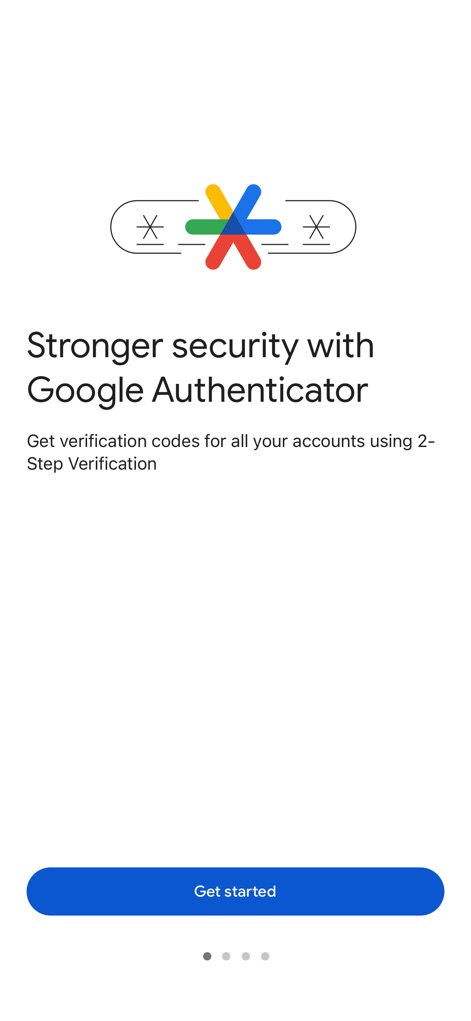
堅牢なセキュリティ
本アプリは、二段階認証導入によるオンラインアカウントのセキュリティ強化を促進し、視覚的には認証コード生成のコンセプトと「Get started」ボタンが明確に示されています。
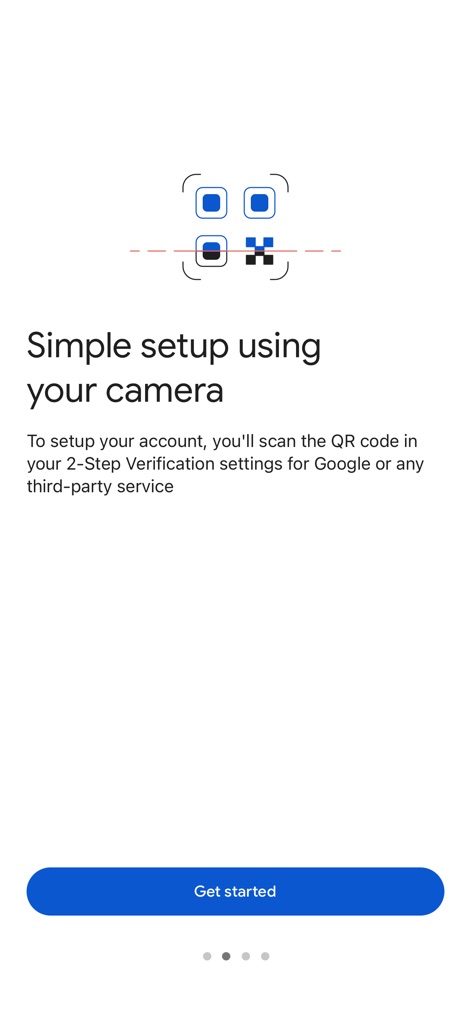
簡単セットアップ
このスクリーンショットは、アカウント設定の容易さを強調しており、カメラを使用したQRコードスキャン機能と「Get started」ボタンを通じて迅速な開始を可能にします。
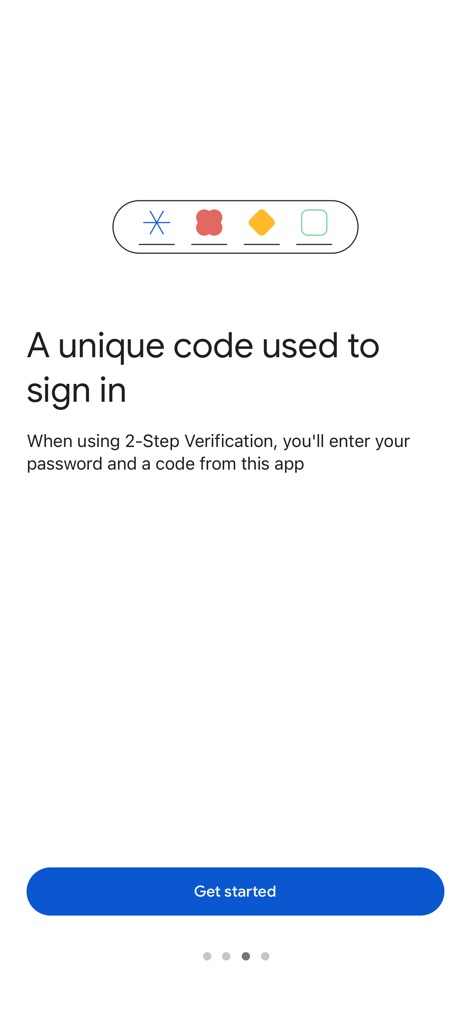
固有の認証コード
本アプリはサインイン時に使用する固有の認証コードを生成し、ビジュアルでは様々なコードの種類を示すアイコンと、二段階認証のプロセスを促す「Get started」ボタンが特徴です。
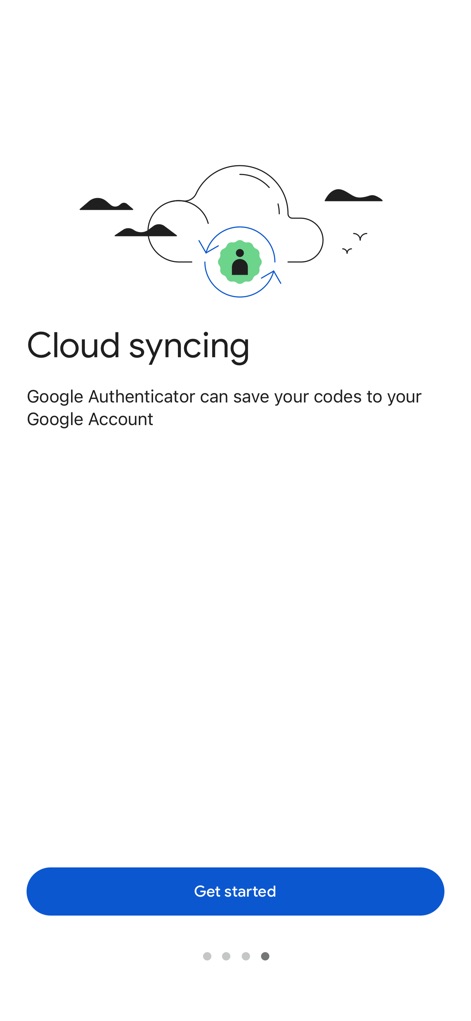
コードの同期
ユーザーはクラウド同期機能を利用して認証コードをGoogleアカウントに安全に保存でき、視覚的にはクラウドアイコンと「Get started」ボタンがこのプロセスを案内します。
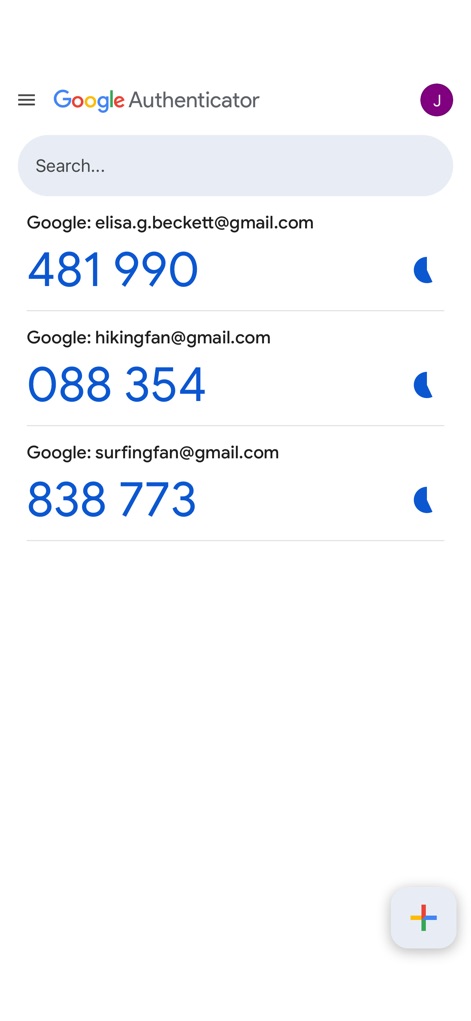
複数アカウント管理
この画面では、複数のGoogleアカウント(例: elisa.g.beckett@gmail.com)の認証コードを一元的に管理でき、視覚的にはアカウントリストと時間ベースのコード有効期限を示すアイコンが特徴です。
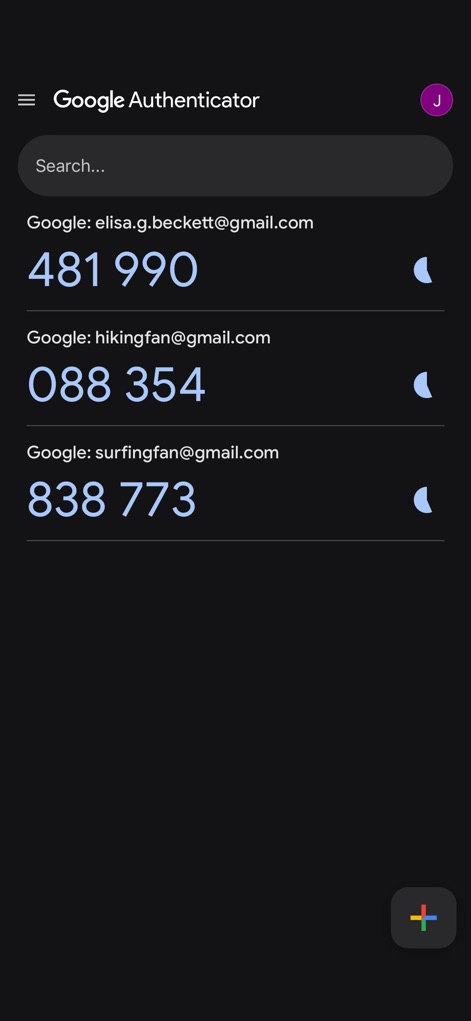
ダークモード対応
本アプリはダークモードに対応しており、ユーザーは視覚的に快適な環境で複数のアカウント(例: hikingfan@gmail.com)の認証コードを確認でき、視覚的にはダークテーマとアカウントリストが特徴です。
説明
Download
類似アプリ
似た機能とユーザー体験を持つアプリ

Duo Mobile
Duo Security LLC

Authenticator App - 2FA &. MFA
APPLY DIJITAL HIZMETLER TICARET LIMITED SIRKETI

authenticator . app
Mustafa Uz

SafeNet MobilePASS+
Thales DIS (Singapore) Pte Ltd

Čítačka
Tatra banka, a.s.

Authenticator App - SafeAuth
Brilliant App Limited

Authenticator App - 2FA Auth
UNIVERSE DIJITAL HIZMETLER LIMITED SIRKETI

Authenticator App : Scan & 2FA
XSOFT GLOBAL LIMITED
Authenticator: Secure 2FA, MFA
Stefan Philipsen
このページはアプリまたはその開発者の公式ページではなく、情報提供および論評を目的として作成された独立した編集出版物です。明示的に別段の記載がない限り、アプリおよびその開発者は、MWM、Apple、Google Play、アプリのパブリッシャー、またはアプリの開発者と提携、承認、後援、認可、またはその他の公式的な関係はなく、このページのいかなる内容も、アプリがMWMのサービスを使用して開発されたことを意味するものではありません。すべての商標、ロゴ、スクリーンショット、その他のコンテンツはそれぞれの所有者の財産です。