ApowerMirror- Screen Mirroring

ApowerMirror- Screen Mirroring


ダウンロード: App Storeダウンロード: Google Play
ロゴ: ApowerMirror- Screen Mirroring

ApowerMirror: モバイル画面をあらゆるデバイスにミラーリング&コントロール

iOSとWindowsのギャップを埋める。高品質なモバイルゲームプレイをストリーミングし、マウスとキーボードでアプリを管理し、異なるネットワーク間で簡単に画面を共有できます。

開発元

Apowersoft Limited

カテゴリ

Utilities

ダウンロード

16M+

ユーザー評価

3.0/5

評価数

11K+

対応言語

18

一目でわかるパワー

このインターフェースを利用する 16M+ 人のユーザー.

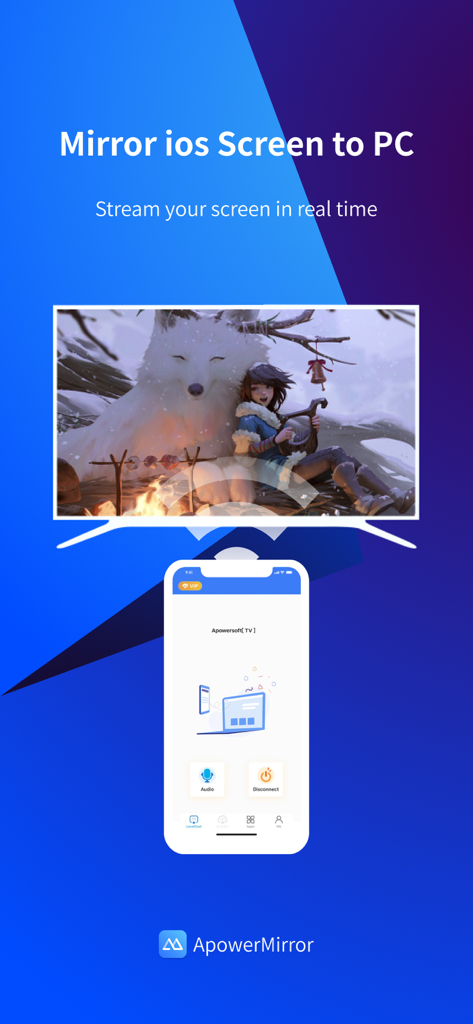
ApowerMirrorアプリのインターフェース。iOSからPCモニターへのリアルタイム画面ミラーリングを表示。

ApowerMirrorアプリのインターフェース。iOSからPCモニターへのリアルタイム画面ミラーリングを表示。

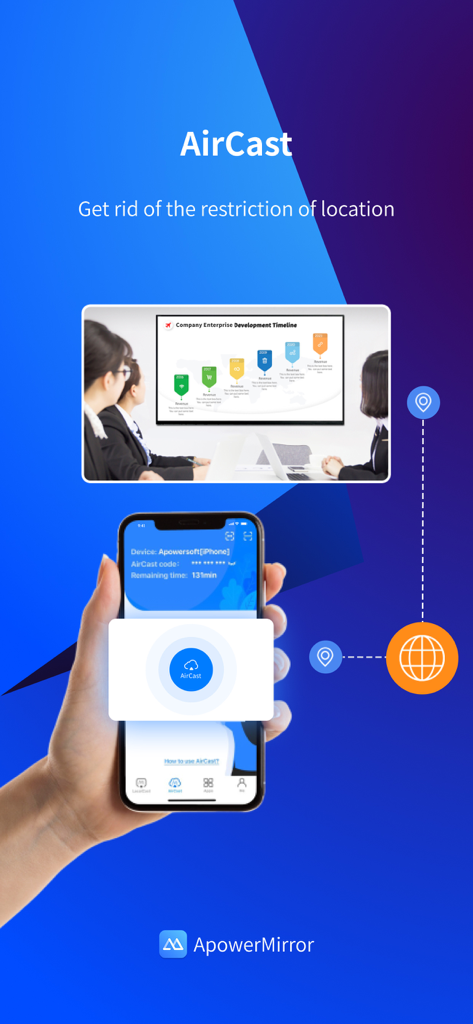
ApowerMirrorのAirCast機能。異なるネットワーク間でスマートフォンと会議室のプレゼンテーション画面との間でリモート画面共有を表示。

ApowerMirrorのAirCast機能。異なるネットワーク間でスマートフォンと会議室のプレゼンテーション画面との間でリモート画面共有を表示。

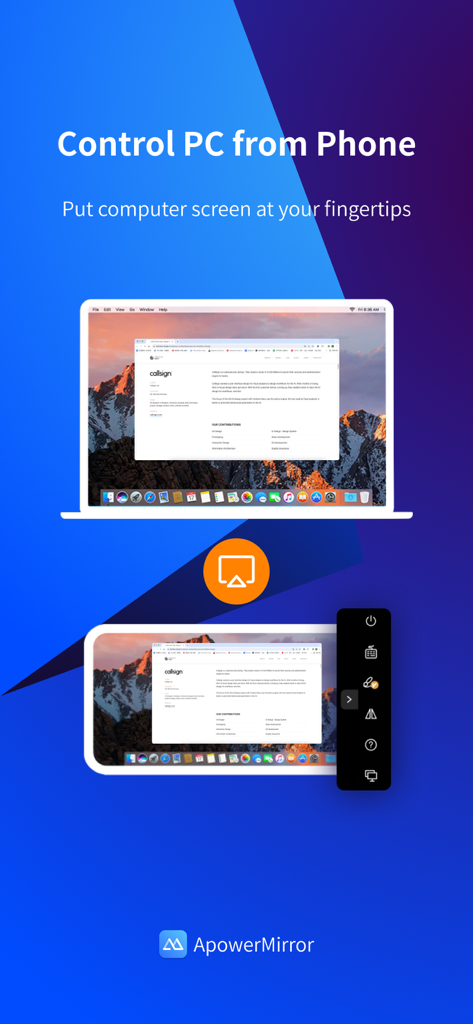
ApowerMirrorアプリのインターフェース。モバイルデバイスでのリモートPC画面操作をデモンストレーション。

ApowerMirrorアプリのインターフェース。モバイルデバイスでのリモートPC画面操作をデモンストレーション。

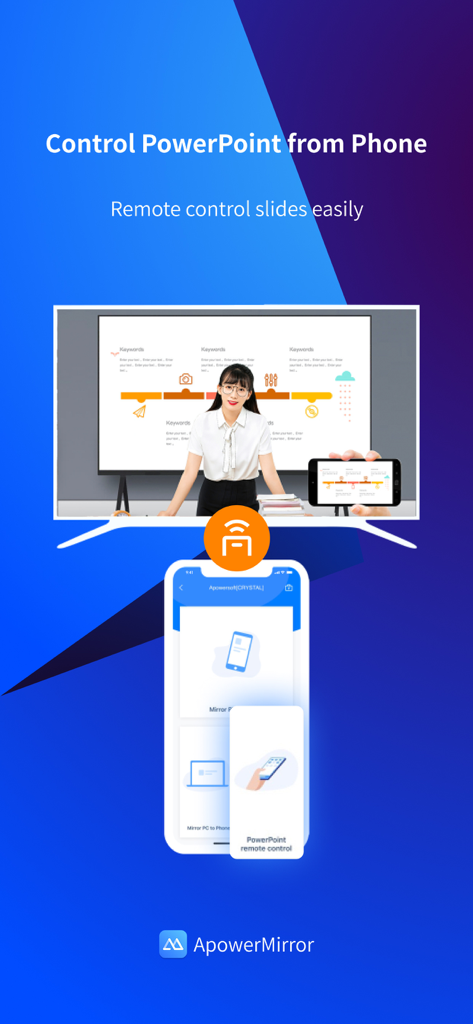
ApowerMirrorアプリのインターフェース。スマートフォンを大型画面のPowerPointスライドのリモートコントロールとして使用する方法を示す。

ApowerMirrorアプリのインターフェース。スマートフォンを大型画面のPowerPointスライドのリモートコントロールとして使用する方法を示す。

あらゆるシナリオに対応する強力な画面ミラーリング

このアプリを際立たせるツール、 16M+ 人のユーザーが選択.

⌨️

完全なデスクトップ制御

小さな画面から解放され、PCやMacからマウスとキーボードを使ってiPhoneやiPadを直接操作し、最大限の生産性を実現します。

🎮

プロ級のゲーム&ストリーミング

高負荷なモバイルゲームプレイをモニターに遅延なくキャストし、Twitch、Discord、YouTubeでのストリーミング設定をレベルアップさせましょう。

🌐

AirCastによるリモートミラーリング

ローカルWi-Fiの制限を打ち破り、異なるネットワーク間で画面を共有することで、リモートコラボレーションや技術サポートがこれまで以上に簡単になります。

アプリについて

について知っておくべきこと ApowerMirror- Screen Mirroring.

説明

ApowerMirror is a screen mirroring app that can be used to cast phone to computer or Smart TV (TV box) with audio. It allows you to mirror&control phone from another phone freely, and you can remotely control iPhone&iPad from computer with your mouse and keyboard. Moreover, 4 devices can be streamed simultaneously without delay. ApowerMirror also performs well when streaming videos, photos and documents saved on your phone in a business meeting. ==Key Features== • Mirror Phone to computer and Vice Versa Screen sharing on the computer makes it possible to get a better video experience by watching movies from YouTube and Netflix on a bigger screen. Whether you’re playing PUBG Mobile, Call of Duty Mobile, Free Fire, Clash Royale, Pokemon GO, or any other mobile game, the app makes it easy to share gameplay with your fans during live streaming. Besides, controlling PC from phone is no longer a difficult thing. • Cast Phone to TV ApowerMirror supports screen mirroring or casting a variety of file types (including videos, pictures, and music) from phone to TV or other DLNA device. Save your eyes from the small phone screen and enjoy big screen TV series shows in the family area now. • Mirror&Control Phone from Phone ApowerMirror is also a good screen mirroring app to mirror phone to phone. You can also control the phone from another phone using ApowerMirror to watch videos and movies with your friends and share your files with your audience more efficiently. For classroom set-up, the wireless screen mirroring can introduce new ways for instructors, students, teams, and meeting groups to communicate their ideas and collaborate on projects. • Control iPhone/iPad from PC You can take full control of your iPhone/iPad device, without cables, just need to connect to PC via Bluetooth, to do whatever you want to do on your iPhone/iPad freely, ex, play games, open an app, check the phone status and send messages from WhatsApp. • Screen Sharing Between Different Networks This advanced feature is AirCast! It allows screen mirroring between devices that cannot be connected to the same network. If you use AirCast, even if you are located in different places and on different network connections, you can share the screen with each other. This can be used to mirror phone to phone, cast phone to PC, and stream PC to phone. ==Suitable for Various Screen Mirroring Occasions== * Personal use * Business meeting * Online class /Education * Live streaming from Youtube, Twitch, Facebook, Instagram, TikTok etc * Movies/Sports video mirroring * Presentation * Work from home ...... ==Quick Guide== 1. Connect your phone and computer/TV to the same WiFi network. 2. Install and run this screen casting app( ApowerMirror) on your phone and computer/TV. 3. On your iPhone, open the Control Center and then tap "Screen Mirroring". Select the name of "Apowersoft + your device" and then your phone screen will successfully be mirrored. If you want to mirror the devices from different networks, you can try the USB connection or AirCast. ==Supported Devices== 1. Windows & Mac 2. iPhone & iPad 3. Smart TV: Sony, Sharp, Philips, Hisense, Skyworth, Xiaomi, LG etc. 4. Devices with built-in DLNA or AirPlay protocol. Some projectors and car screens. Start using your favorite mouse and keyboard to take full control of phone from the computer right now! Feedback: 1. Contact us at support@apowersoft.com 2. Send feedback from "Settings" > "Feedback" on the ApowerMirror desktop program. 3. Discord: https://discord.gg/dK7y8Sf3Re

最新バージョン

1.6.0

サイズ

123.1 MB

リリース日

2017年6月28日

デバイス間のギャップを埋める準備はできましたか?

1600万人以上のユーザーに加わり、PCやTVからiPhoneを完全にコントロールしましょう。今すぐApowerMirrorをダウンロードして、遅延なくミラーリング、ゲーム、ストリーミングを始めましょう。

ダウンロード: App Storeダウンロード: Google Play
FAQ

よくある質問

について知っておくべきこと ApowerMirror- Screen Mirroring

ApowerMirrorは何に使用されますか?

ApowerMirrorは、電話をコンピューターまたはスマートテレビに音声付きでキャストする画面ミラーリングアプリです。また、電話間でのミラーリングと制御、およびコンピューターからiPhone/iPadを制御することもできます。

ApowerMirrorは一度に複数のデバイスをストリーミングできますか?

はい、ApowerMirrorは遅延なく最大4台のデバイスを同時にストリーミングできます。この機能は、さまざまな用途で複数の画面間での共有とコラボレーションを強化します。

ApowerMirrorは異なるネットワーク間で画面共有をサポートしていますか?

はい、ApowerMirrorはAirCast機能を備えており、同じネットワークに接続されていないデバイス間での画面ミラーリングを可能にします。これは、電話から電話、電話からPC、PCから電話へのストリーミングで機能します。

ApowerMirrorを使用してコンピューターからiPhoneまたはiPadを制御できますか?

はい、ApowerMirrorを使用すると、ユーザーはマウスとキーボードを使用してコンピューターからiPhoneまたはiPadをリモートで制御できます。この機能は、Bluetooth経由で接続するワイヤレスで動作します。

ApowerMirrorは電話からコンピューターを制御できますか?

はい、ApowerMirrorを使用すると、ユーザーは電話からPCを制御できます。この機能は、プレゼンテーションの管理やコンピューターへのリモートナビゲーションなどのタスクに役立ちます。

ApowerMirrorは、画面ミラーリングのためにどのデバイスとオペレーティングシステムをサポートしていますか?

ApowerMirrorは、Windows、Mac、iPhone、iPad、およびSony、Sharp、Philips、Hisense、Skyworth、Xiaomi、LGなどのさまざまなスマートテレビをサポートしています。また、DLNA/AirPlayデバイス、プロジェクター、カーディスプレイでも機能します。

ApowerMirrorは、モバイルゲームプレイをより大きな画面にミラーリングするのに適していますか?

はい、ApowerMirrorは、PUBG Mobile、Call of Duty Mobile、Free Fireなどのモバイルゲームのゲームプレイをより大きな画面で共有するのに最適です。ユーザーは、ライブストリーミングセッション中にこれらのゲームをより大きな画面にミラーリングできます。

画面ミラーリングのためにApowerMirrorを使用して電話とコンピューターを接続するにはどうすればよいですか?

まず、両方のデバイスを同じWiFiネットワークに接続し、両方にApowerMirrorをインストールします。iPhoneでは、コントロールセンターを開き、「画面ミラーリング」をタップし、「Apowersoft + デバイス」を選択します。

App information, icons, screenshots, and descriptions displayed on this page are sourced from the Apple App Store and are the property of their respective developers. Download estimates and rankings are based on MWM's proprietary models and may not reflect actual figures. This page is provided for informational and analytical purposes only.

Believe this page infringes your intellectual property? File a dispute