
このページはアプリまたはその開発者の公式ページではなく、情報提供および論評を目的として作成された独立した編集出版物です。明示的に別段の記載がない限り、アプリおよびその開発者は、MWM、Apple、Google Play、アプリのパブリッシャー、またはアプリの開発者と提携、承認、後援、認可、またはその他の公式的な関係はなく、このページのいかなる内容も、アプリがMWMのサービスを使用して開発されたことを意味するものではありません。すべての商標、ロゴ、スクリーンショット、その他のコンテンツはそれぞれの所有者の財産です。

AirDroid Cast-screen mirroring
真のクロスプラットフォームの自由を体験してください。iPhoneをWindowsまたはMacにミラーリングし、マウスでモバイルアプリを操作し、最大5つの画面を同時に共有して、シームレスなプレゼンテーションとリモートコラボレーションを実現します。
ダウンロード
3M+ユーザー評価
評価数
10K+開発元
カテゴリ
Utilities対応言語
10最新バージョン
1.4.3サイズ
67.5 MBリリース日
2021年1月27日ハイブリッドワークフローを強化
AirDroid Castはデバイスの障壁を取り除き、iOS、Windows、Mac環境間でシームレスにミラーリング、コントロール、コラボレーションを可能にします。
iOSからWindowsへシームレスに
遅延なく複雑な設定なしで、iPhoneまたはiPadをWindows PCまたは任意のWebブラウザに直接ミラーリングして、エコシステムの制限を回避します。
デスクトップレベルのモバイルコントロール
コンピューターのマウスとキーボードを使用して、デバイスを手に取ることなくスマートフォンのアプリを操作し、生産性を最大化します。
よくある質問
について知っておくべきこと AirDroid Cast-screen mirroring
AirDroid Castは何に使われますか?
AirDroid Castは、iOS、Windows、Mac用のクロスプラットフォーム画面ミラーリングアプリです。USB、AirPlay、またはワイヤレス接続を介したシームレスな画面ミラーリングを提供し、最大5台の同時画面とリモートモバイル制御をサポートします。
AirDroid Castは画面ミラーリングのためにどのようにデバイスを接続しますか?
AirDroid Castは、ワイヤレス、AirPlay、またはUSBケーブルを介してデバイスを接続します。これらの明確な接続オプションにより、ユーザーはさまざまなシステムで画面ミラーリングのニーズに最適な方法を選択できます。
AirDroid Castでコンピューターからモバイルデバイスを制御できますか?
はい、AirDroid Castには制御機能があります。これにより、ユーザーは接続されたラップトップまたはコンピューターから直接iOSデバイス(iPhone/iPad)の画面を完全に制御でき、生産性と利便性が向上します。
AirDroid Castはさまざまなオペレーティングシステムと互換性がありますか?
はい、AirDroid Castはクロスプラットフォーム互換性があります。iPhone、Windows、Macデバイスの画面ミラーリングをサポートし、これらのシステム間での手間のかからないキャストを可能にします。
AirDroid Castは同時に何台のデバイスをミラーリングできますか?
AirDroid Castは、最大5台のデバイスを同時に1つの画面にキャストできます。この機能は、複数のディスプレイを必要とする会議、プレゼンテーション、または教育シナリオに最適です。
AirDroid Castはリモート画面ミラーリングをサポートしていますか?
はい、AirDroid Castはリモートネットワークでシームレスに機能します。ユーザーは遠く離れた同僚と画面を簡単に共有でき、プロジェクトの共同作業やフィードバックの提供が容易になります。
AirDroid CastのWebバージョンはありますか?
はい、AirDroid Castにはwebcast.airdroid.comで利用できるWebバージョンがあります。これにより、受信デバイスにソフトウェアをインストールせずに、任意のブラウザに画面を共有できます。
AirDroid Castのサブスクリプションを管理するにはどうすればよいですか?
ユーザーは、購入後にiTunesアカウント設定にアクセスして、AirDroid Castのサブスクリプションを管理し、自動更新をオフにすることができます。このプロセスにより、サブスクリプション設定を完全に制御できます。
AirDroid Castのサブスクリプションはいつ更新されますか?
AirDroid Castのサブスクリプションは、現在の期間が終了する少なくとも24時間前に自動更新がオフにされない限り、自動的に更新されます。アカウントは、この期間の終了前に24時間以内に更新のために請求されます。
AirDroid Castはオンラインクラスや教育に使用できますか?
はい、AirDroid Castはオンラインクラスや教育に適しています。ユーザーは動的な資料を表示でき、リモート教育を容易にし、仮想学習環境でのエンゲージメントを向上させます。
以下のスクリーンショットと説明は、アプリの公式ストアリスティングから直接取得されたものであり、アプリ開発者の所有物です。
アプリストア
スクリーンショット
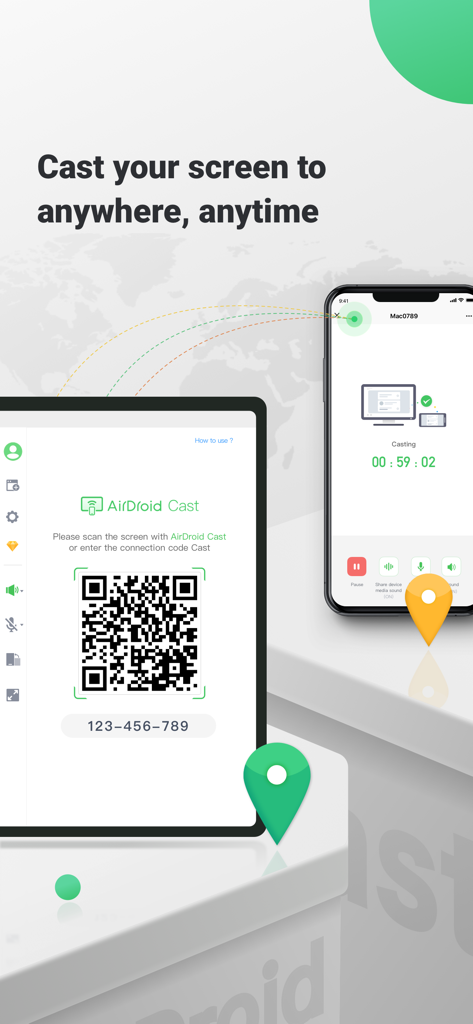
AirDroid Castの画面ミラーリングインターフェイス。QRコードを介してスマートフォンとタブレット間の接続を表示
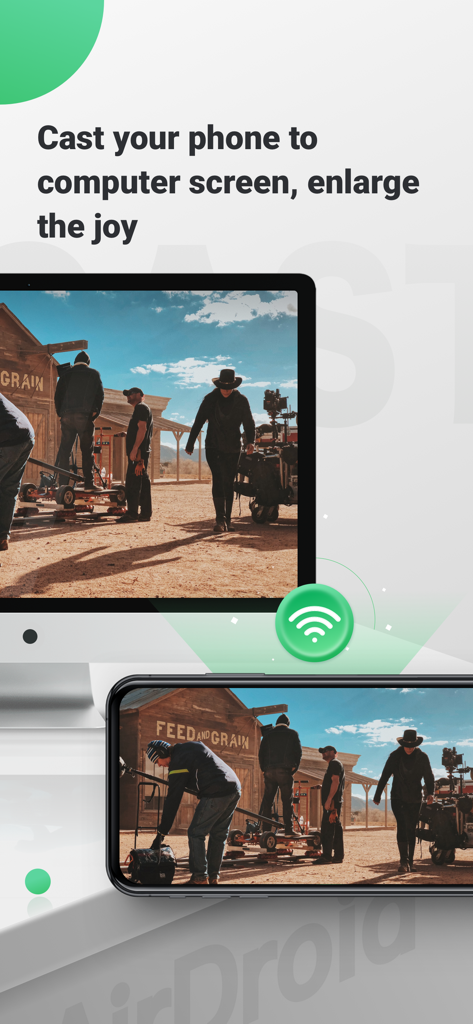
AirDroid Castを使用して、より大きなディスプレイ表示のためにコンピューターモニターにミラーリングされたスマートフォンの画面。
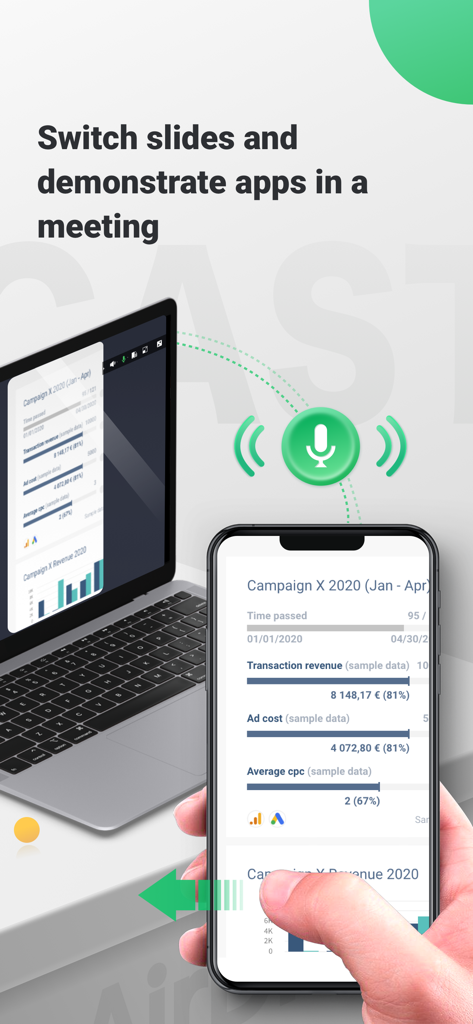
ビジネスプレゼンテーション中にラップトップにiPhone画面をミラーリングするAirDroid Cast
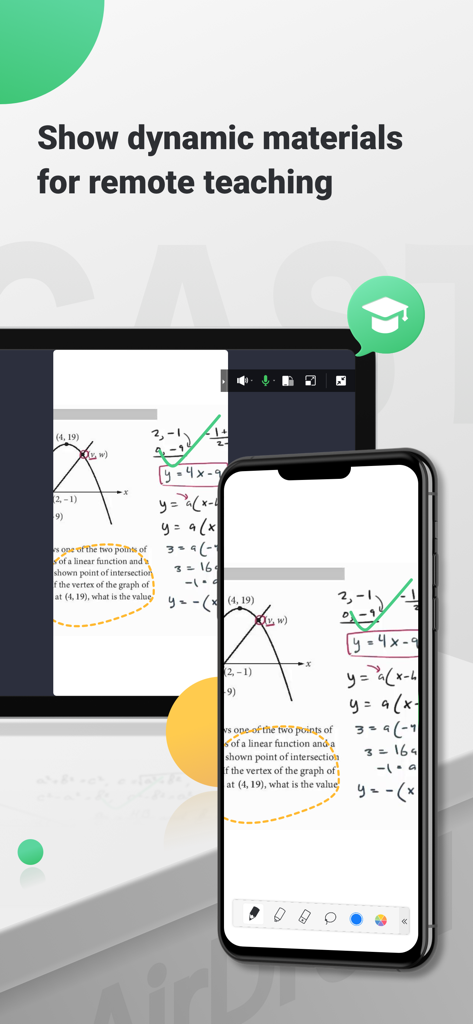
リモート教育のためにコンピューターに数学のレッスンとグラフをミラーリングするスマートフォンの画面
説明
Download
類似アプリ
似た機能とユーザー体験を持つアプリ

Web Video Cast | Browser to TV
InstantBits Inc

PigeonCast:Send by Google Cast
Sichuan FalconAI Technology Co., Ltd.

Screen Mirroring • Smart TV
Mihkel Pikk

Screen Mirroring | Cast to TV
Ozuna Limited

Screen Mirroring・Smart View TV
TOGGLE APPS SP Z O O

UbeCast: Music Streamer & PiP
AER SOFTWARE COMPANY LIMITED

Miracast: Screen Mirroring TV
Hainan Delta Software Co., Ltd

Screen Mirroring・Air Cast TV
Dalma Innovation Solutions d.o.o.

投屏助手-手机投屏电视&睿宸手机快速投屏助手
梦 孟
このページはアプリまたはその開発者の公式ページではなく、情報提供および論評を目的として作成された独立した編集出版物です。明示的に別段の記載がない限り、アプリおよびその開発者は、MWM、Apple、Google Play、アプリのパブリッシャー、またはアプリの開発者と提携、承認、後援、認可、またはその他の公式的な関係はなく、このページのいかなる内容も、アプリがMWMのサービスを使用して開発されたことを意味するものではありません。すべての商標、ロゴ、スクリーンショット、その他のコンテンツはそれぞれの所有者の財産です。