ApowerREC: Record Screen

ApowerREC: Record Screen

ダウンロード: App Store
ロゴ: ApowerREC: Record Screen

ApowerREC: オールインワン画面レコーダー&AIビデオエディター

HDゲームプレイ、オンライン授業、プロフェッショナルな会議をキャプチャ。AI字幕、ピクチャーインピクチャーリアクション、そして即座に共有できるよう設計されたプロレベルの編集ツールでコンテンツを向上させましょう。

ダウンロード: App Store

開発元

Apowersoft Limited

カテゴリ

Utilities

ダウンロード

1M+

ユーザー評価

2.9/5

評価数

1K+

対応言語

9

その力を体験する

このインターフェースを利用する 1M+ 人のユーザー.

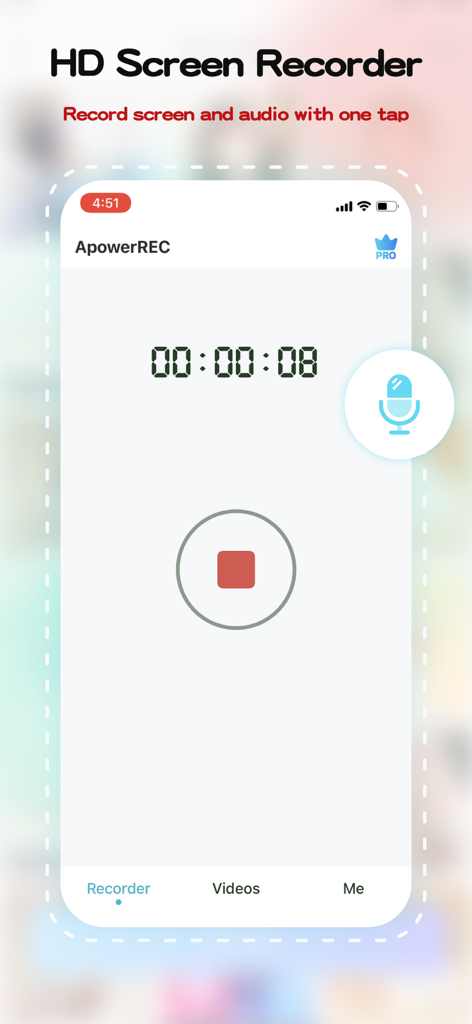
タイマーと停止ボタンが表示された、画面録画中のApowerRECモバイルアプリのインターフェース

タイマーと停止ボタンが表示された、画面録画中のApowerRECモバイルアプリのインターフェース

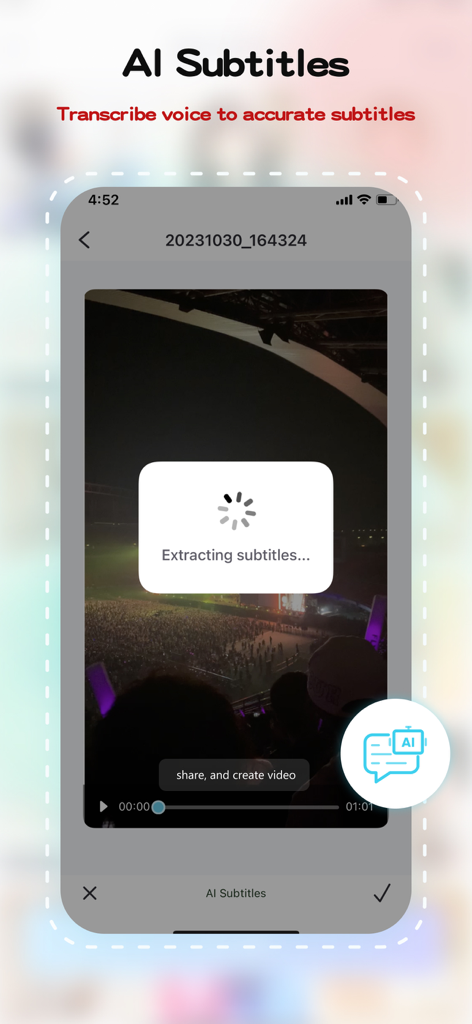
モバイルビデオからテキストを抽出するAI字幕機能を示すApowerRECアプリのインターフェース

モバイルビデオからテキストを抽出するAI字幕機能を示すApowerRECアプリのインターフェース

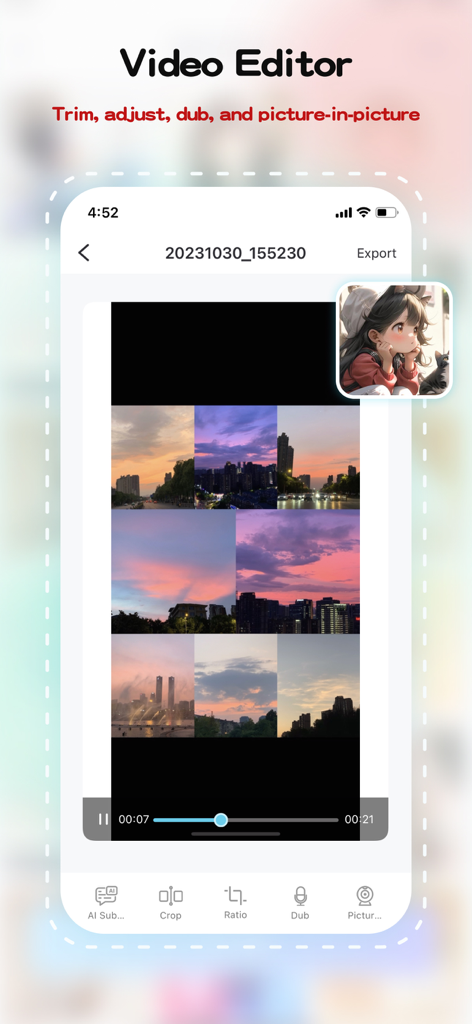
ピクチャーインピクチャーと編集ツールを表示するApowerRECモバイルビデオエディター

ピクチャーインピクチャーと編集ツールを表示するApowerRECモバイルビデオエディター

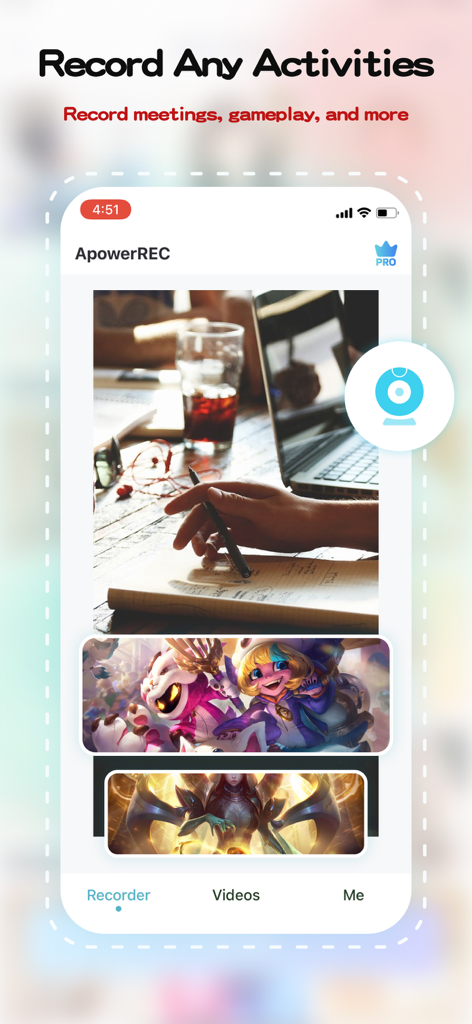
会議やゲームプレイの画面録画オプションを示すApowerRECモバイルアプリのインターフェース

会議やゲームプレイの画面録画オプションを示すApowerRECモバイルアプリのインターフェース

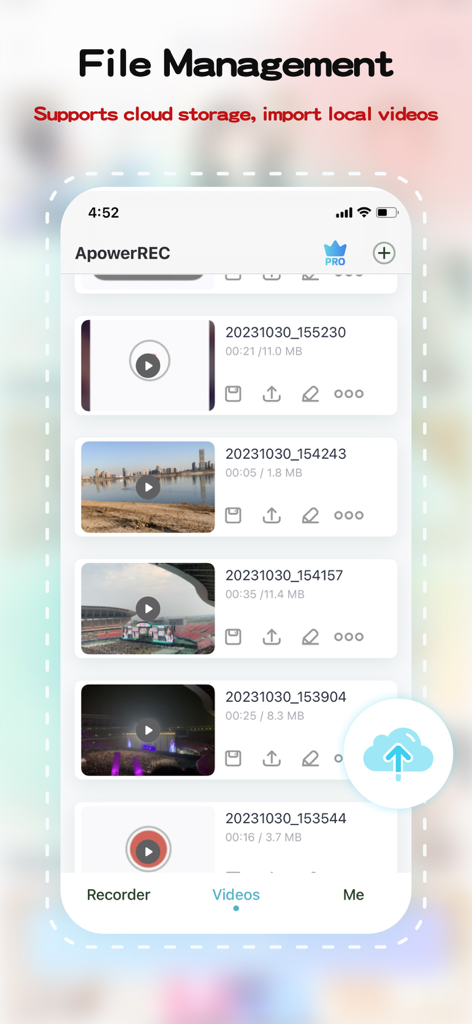
録画された動画のリストとファイル管理オプションを表示するApowerRECモバイルアプリの画面

録画された動画のリストとファイル管理オプションを表示するApowerRECモバイルアプリの画面

キャプチャし、創造し、制覇する

このアプリを際立たせるツール、 1M+ 人のユーザーが選択.

🎮

プログレードHD録画

最も激しいゲームセッションや重要なリモート会議を超HDで録画。ワンタップで開始でき、完璧な音声同期により、速度のために品質を犠牲にする必要はありません。

🪄

インスタントAI字幕

ソーシャルメディアのリーチを最大化。当社のAIがあなたの会話を自動的に字幕に起こし、動画をアクセスしやすく、ミュートでスクロールする視聴者にも完璧に表示します。

🤳

ピクチャーインピクチャー&アフレコ

リアクションスタイルの動画でブランドを構築しましょう。PiPモードを使用して顔と画面を同時に録画し、カスタムのボイスオーバーを追加して個性的なタッチを加えましょう。

アプリについて

について知っておくべきこと ApowerREC: Record Screen.

説明

ApowerREC is not merely a free screen recorder - it's your one-stop solution for intuitive and versatile screen recording coupled with powerful video editing capabilities. Be it HD videos, live games, online classes, or remote meetings, a single click is all it takes to start recording. Save your recording instantaneously or generate a quick link for seamless sharing. Unleash the power of video editing with ApowerREC. Trim your videos, customize your content. Use our AI Subtitle feature for automatic subtitle generation. This not only enhances the viewer experience, it also increases your productivity. Our picture-in-picture feature adds layers to your videos, making them more dynamic and engaging. Add dubbing to your videos directly to make them more lively. With a single click, export your edited videos, share them with friends, or post them on popular social platforms. ApowerREC redefines professional screen recording, combining simplicity and professionalism in every recording. Advantages: HD screen recording: We provide ultra-high-definition screen recording services, ensuring your content is clear and detailed. Flexible settings: Personalize your recording with customizable resolution, bitrate, and frame rate options. One-click operation: Starting and stopping recording has never been easier - it takes just one click. Professional video editing features: Our comprehensive video editing suite offers AI subtitle generation, aspect ratio cropping, video editing, voiceover, and picture-in-picture features. Features: 1. Screen recording function: ● One-click start/stop recording ● Freely set resolution, bitrate, frame rate ● Supports automatic, horizontal, and vertical recording directions ● HD recording quality ● Perfect audio and video synchronized recording 2. Video editing features: ● AI Subtitle: Intelligently recognizes dialogue and automatically generates subtitles ● Aspect ratio cropping: Offers a variety of aspect ratio choices, including original, 1:1, 4:3, 16:9, 9:16 ● Video trimming: Accurately edit video content to optimize for sharing ● Dubbing: Personalize your video with voiceover features ● Picture-in-picture: Record your screen activity and live camera feed simultaneously, thereby creating an engaging and comprehensive viewing experience. ApowerREC is dedicated to offering you an efficient, simple, and professional screen recording experience. Regardless of whether you're working, studying, or seeking entertainment, you'll find the features and services you need right here. Let's use ApowerREC together to record every brilliant moment in life. If you find our software helpful, a positive review would be greatly appreciated! If you have any issues or suggestions, feel free to contact us at support@apowersoft.com - we're always here to help!

最新バージョン

1.1.7

サイズ

112.1 MB

リリース日

2018年2月7日

次の重要な瞬間を記録する準備はできましたか?

ApowerRECを使用してHD画面録画を即座にキャプチャ、編集、共有している100万人以上のクリエイターやプロフェッショナルに参加しましょう。今すぐダウンロードして、制作を始めましょう。

ダウンロード: App Store

App information, icons, screenshots, and descriptions displayed on this page are sourced from the Apple App Store and are the property of their respective developers. Download estimates and rankings are based on MWM's proprietary models and may not reflect actual figures. This page is provided for informational and analytical purposes only.

Believe this page infringes your intellectual property? File a dispute