Authenticator App : 2FA & MFA

Authenticator App : 2FA & MFA


ダウンロード: App Store
ロゴ: Authenticator App : 2FA & MFA

認証アプリ:2FA & MFA — デジタルライフのための安全で独立した盾

プロフェッショナルグレードのTOTP認証でデジタルセキュリティを管理しましょう。ビッグテックからの独立を重視する方のために設計された、プライバシー重視のオフライン対応ソリューションでアカウントを保護します。

ダウンロード: App Store

開発元

Ahmad Zohaib

カテゴリ

Utilities

ダウンロード

0

ユーザー評価

1.0/5

評価数

0

対応言語

1

セキュリティの動作

このインターフェースを利用する 0 人のユーザー.

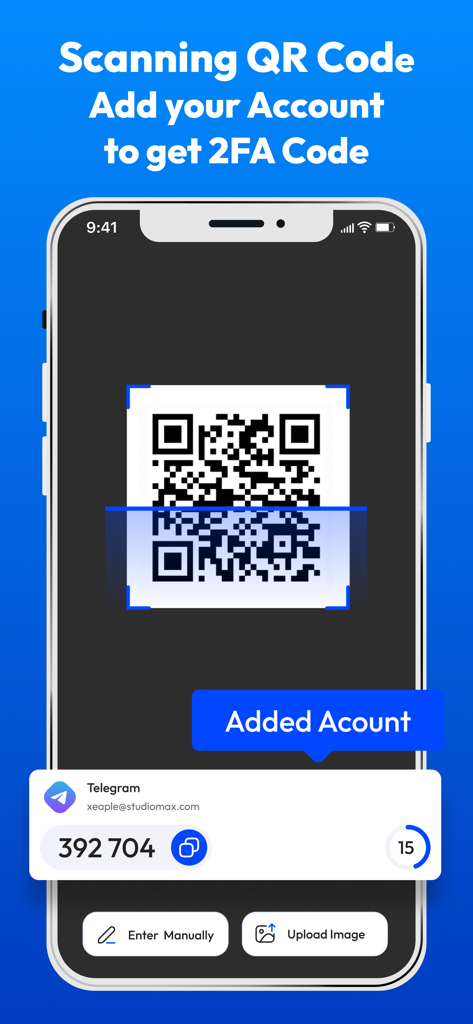
認証アプリのインターフェースがQRコードをスキャンしてアカウントを追加し、2FAセキュリティコードを生成している様子

認証アプリのインターフェースがQRコードをスキャンしてアカウントを追加し、2FAセキュリティコードを生成している様子

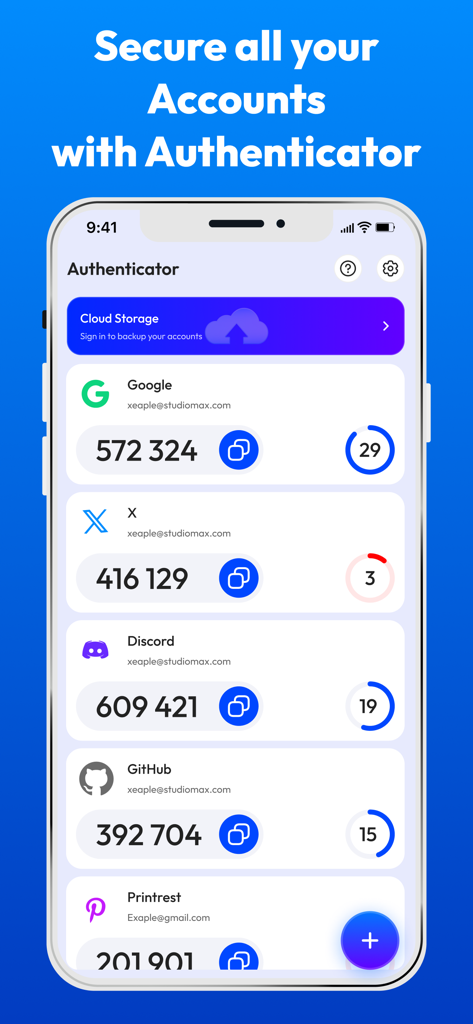
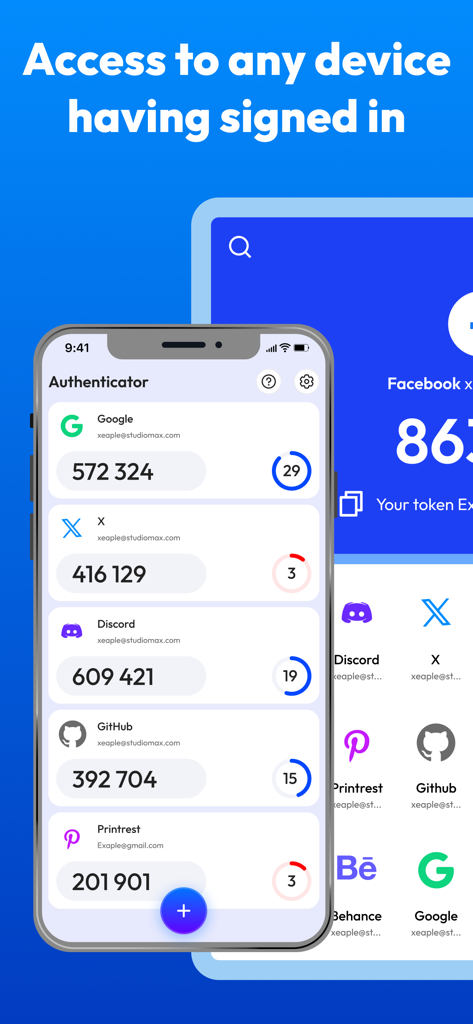
Google、X、Discord、GitHubなどのアカウントの複数の2FAコードが表示された認証アプリのインターフェースを示すスマートフォンの画面。

Google、X、Discord、GitHubなどのアカウントの複数の2FAコードが表示された認証アプリのインターフェースを示すスマートフォンの画面。

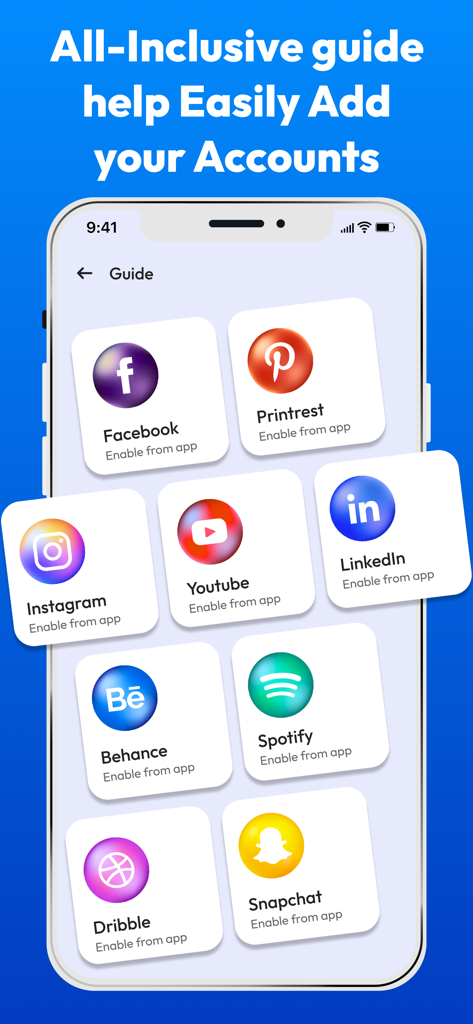
Facebook、Instagram、LinkedInなどの人気アカウントの2FAを簡単に追加するための包括的なガイドを示すモバイルインターフェース。

Facebook、Instagram、LinkedInなどの人気アカウントの2FAを簡単に追加するための包括的なガイドを示すモバイルインターフェース。

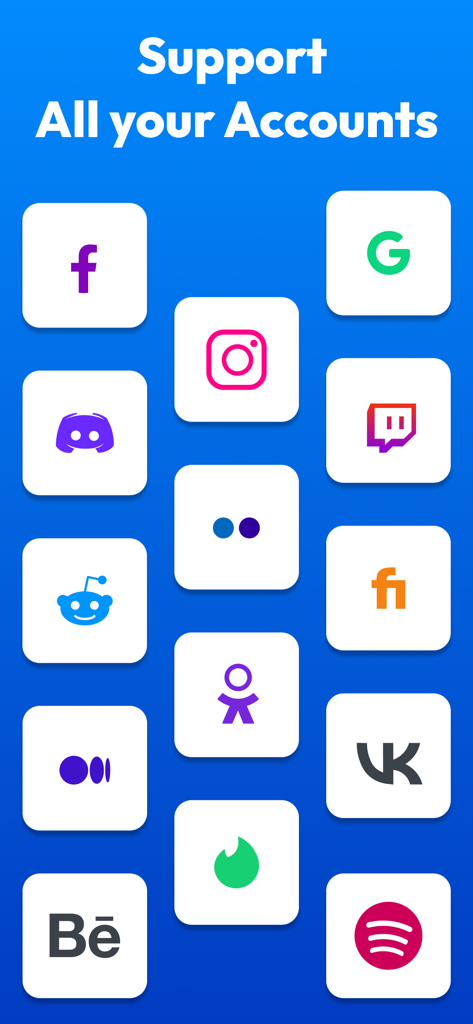
Google、Facebook、Instagram、Discordなどのさまざまなアカウントの2要素認証のサポートを示す認証アプリのインターフェース。

Google、Facebook、Instagram、Discordなどのさまざまなアカウントの2要素認証のサポートを示す認証アプリのインターフェース。

Google、Discord、GitHubなどのさまざまなアカウントの2FA認証コードのリストを示すスマートフォンの画面。

Google、Discord、GitHubなどのさまざまなアカウントの2FA認証コードのリストを示すスマートフォンの画面。

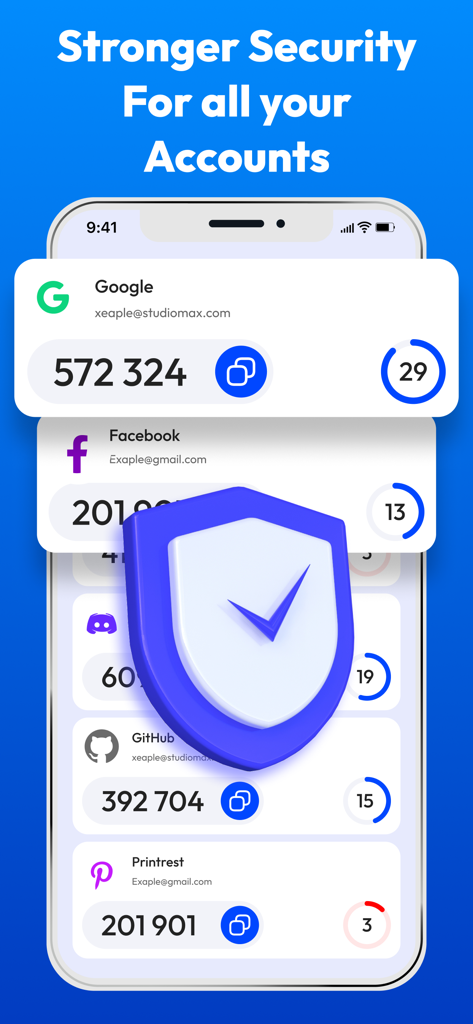
GoogleやFacebookなどの複数のアカウントの2FAコードとセキュリティシールドアイコンが表示された認証アプリの画面。

GoogleやFacebookなどの複数のアカウントの2FAコードとセキュリティシールドアイコンが表示された認証アプリの画面。

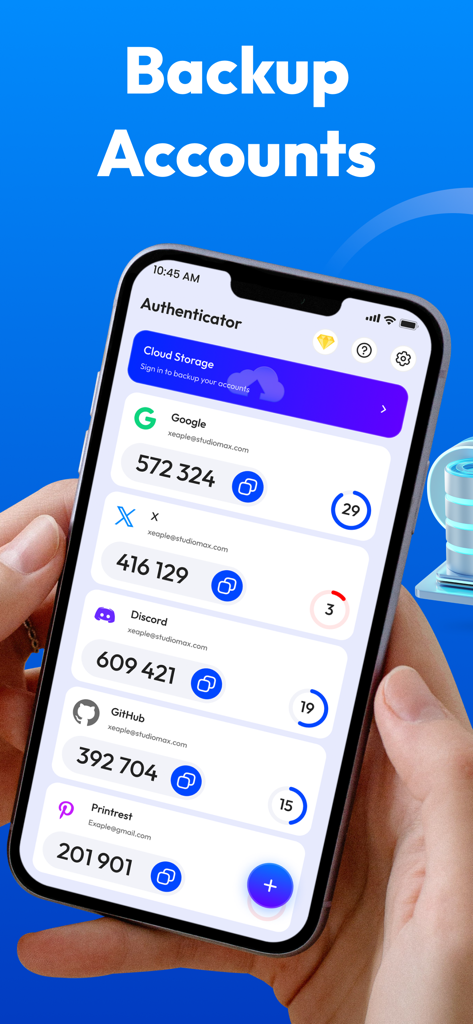
複数のアカウントの2FAコードとバックアップ機能が表示された認証アプリのインターフェースを示すスマートフォンを持つ人。

複数のアカウントの2FAコードとバックアップ機能が表示された認証アプリのインターフェースを示すスマートフォンを持つ人。

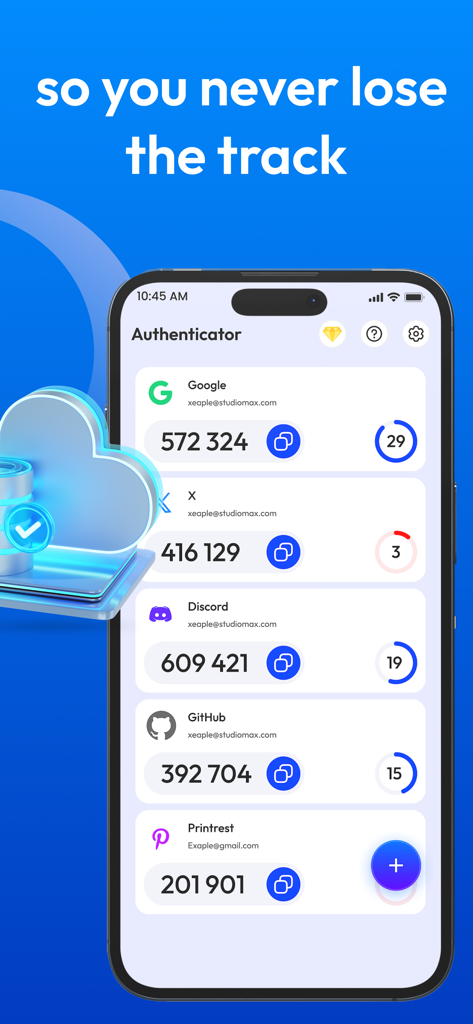
GoogleやFacebookなどのさまざまなオンラインアカウントの2FAセキュリティコードを表示する認証アプリのユーザーインターフェース

GoogleやFacebookなどのさまざまなオンラインアカウントの2FAセキュリティコードを表示する認証アプリのユーザーインターフェース

デジタル保護をシンプルに

このアプリを際立たせるツール、 0 人のユーザーが選択.

🛡️

プライバシー重視のセキュリティ

大手テック企業の代替製品とは異なり、当社はあなたのデータを収集または追跡しません。認証コードはデバイス上にローカルで安全に保管されます。

✈️

常にオフラインで動作

世界中どこにいても安全なTOTPコードを生成できます。インターネット接続や携帯電話信号を必要とせずにアカウントにアクセスできます。

ワンタップでのアカウント設定

当社の高速QRスキャナーを使用して、プロフェッショナル、金融、仮想通貨アカウントを即座にリンクし、摩擦のないセキュリティ体験を実現します。

アプリについて

について知っておくべきこと Authenticator App : 2FA & MFA.

説明

Protect Your Digital Security with Conclusive MFA 2FA Authenticator App! In an era of increasing cyber threats, protecting your online accounts is paramount. Introducing two factor Authentication App, your shield against unauthorized access. This 2FA Authenticator App empowers you with robust two factor authentication 2FA,MFA,OTP, TOTP ensuring your digital life remains secure and private. Why Choose Our 2FA Authenticator App? Authenticator App is designed to provide seamless and reliable multi factor authentication (MFA), leveraging industry standard protocols like TOTP (Time-based One-Time Password). With mfa app, you can effortlessly generate secure OTP (One-Time Password) codes, adding an essential layer of protection to your accounts. Key Features of Authenticator App: 2FA Two Factor Authenticator: Experience unparalleled security with our dedicated 2FA authenticator functionality to safeguard your sensitive accounts. Multi Factor Authentication (MFA): Enhance your security with comprehensive MFA multi factor authentication capabilities. QR Code Scanner: Scan QR codes to add accounts quickly with authentication app using qr code scanner. Manual Code Entry: Select code manually as well as select qr code from gallery. 2 Step Verification: Easily implement 2 step verification for added security. TOTP Support: Leverage the widely recognized TOTP protocol for seamless integration with various services. OTP Generation: Generate secure OTP codes with a single tap using authentication. 2FA Codes: Easily access and manage your 2FA codes within the app. How mfa 2fa Authenticator App Works: Download and Install: Download the mfa 2fa Authenticator App from the App Store. Scan QR Codes: Effortlessly add accounts by scanning QR codes provided by your online services with authentication. Generate OTPs: The app automatically generates time based OTP codes. Enter Codes: Use the generated 2FA codes during login to complete the verification process. Benefits of Using MFA 2FA Authenticator App: Enhanced Security: Protect your accounts from unauthorized access with strong 2FA codes and MFA. User Friendly Interface: Enjoy a seamless and intuitive user experience. Offline Access: Generate OTP codes even without an internet connection. Multiple Account Support: Manage all your 2FA accounts in one centralized location using authentication. Why is 2FA Authenticator App Essential? Protection Against Phishing: Even if your password is compromised, 2FA codes adds an extra layer of security. Account Security: Prevent unauthorized access to your email, social media, and financial accounts. Data Protection: Safeguard your sensitive data from potential breaches. Download the 2FA Authenticator App today and take control of your digital security! Disclaimer: This app is an independent Authenticator App designed to provide secure two-factor authentication (2FA) for your accounts. It is not affiliated with Google, Microsoft, Facebook, or any other company providing authentication services. This app does not collect, store, or share any of your personal data, authentication codes, or account credentials. Privacy Poilicy: https://docs.google.com/document/d/e/2PACX-1vQTSOAWmRxrGCp8OsH5giv1d940zKXFgvAD_Wb8cRUKOTQiR5U_fAtbSps0bldEFRtaJAuEd-KzNtZz/pub Terms of Use: https://docs.google.com/document/d/e/2PACX-1vSIGU4kwvsIelRB94DH4RX_HCgn1ebRg1KB7C2RsSB0QV8kW6sHVmZztO6WFr3L-KJ6jz6D7eQNHrtl/pub

最新バージョン

1.0.3

サイズ

111.9 MB

リリース日

2025年3月7日

今日からデジタルセキュリティを管理しましょう

プライバシーを意識した何千人ものプロフェッショナルに加わり、当社の独立したオフライン対応2FA認証アプリでアカウントを保護しましょう。あなたのデータ、あなたの鍵、あなたの安心。

ダウンロード: App Store

App information, icons, screenshots, and descriptions displayed on this page are sourced from the Apple App Store and are the property of their respective developers. Download estimates and rankings are based on MWM's proprietary models and may not reflect actual figures. This page is provided for informational and analytical purposes only.

Believe this page infringes your intellectual property? File a dispute