Awesome Screen Recorder

Awesome Screen Recorder

ダウンロード: App Store
ロゴ: Awesome Screen Recorder

Awesome Screen Recorder:プロ向けコンテンツのオールインワンスタジオ

フェイスカム、ボイスオーバー、ウォーターマークなしで、高解像度のゲームプレイやチュートリアルを録画。数秒でTikTokまたはYouTubeにトリミング、圧縮、共有。

開発元

Diigo

カテゴリ

Utilities

ダウンロード

7K+

ユーザー評価

4.8/5

評価数

600

対応言語

17

プロコンテンツを一目で確認

このインターフェースを利用する 7K+ 人のユーザー.

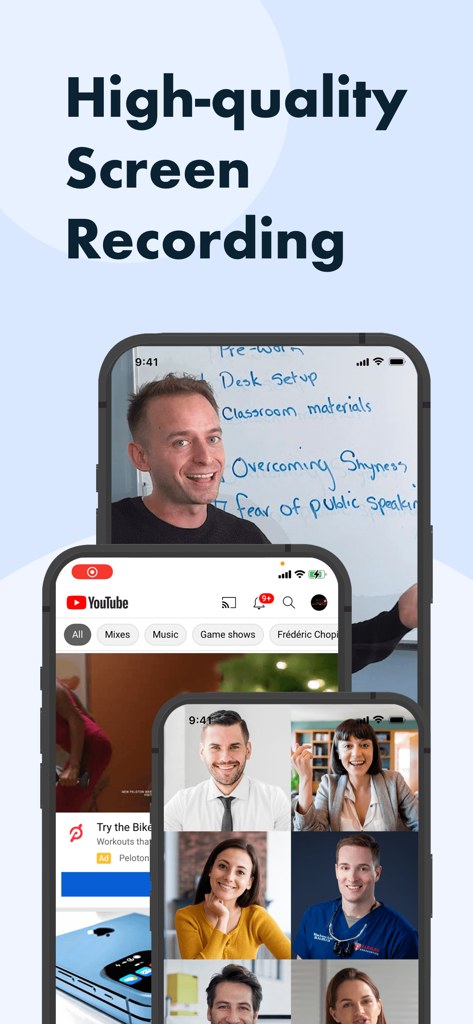
Awesome Screen Recorderアプリのインターフェース。フェイスカムとチュートリアルを備えた高品質な画面録画の例を3台のiPhoneに表示。

Awesome Screen Recorderアプリのインターフェース。フェイスカムとチュートリアルを備えた高品質な画面録画の例を3台のiPhoneに表示。

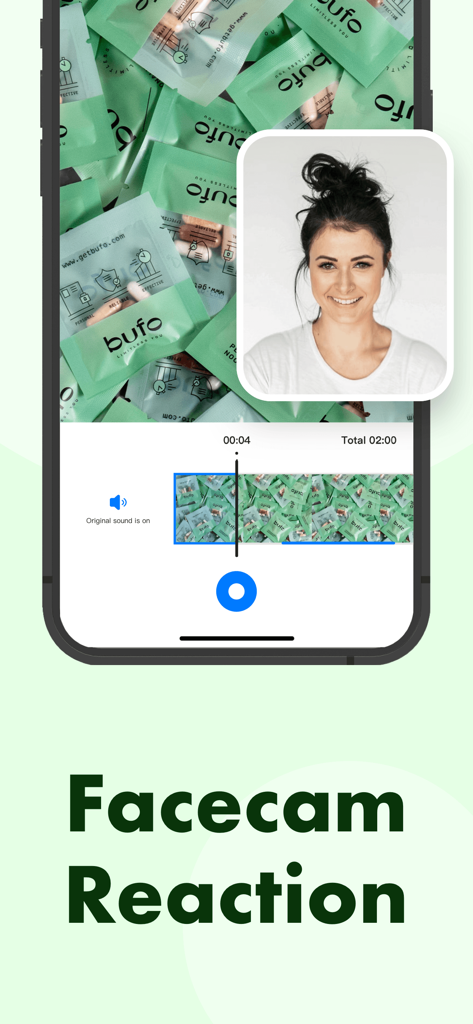
iPhone上のAwesome Screen Recorderアプリのフェイスカムリアクション機能。

iPhone上のAwesome Screen Recorderアプリのフェイスカムリアクション機能。

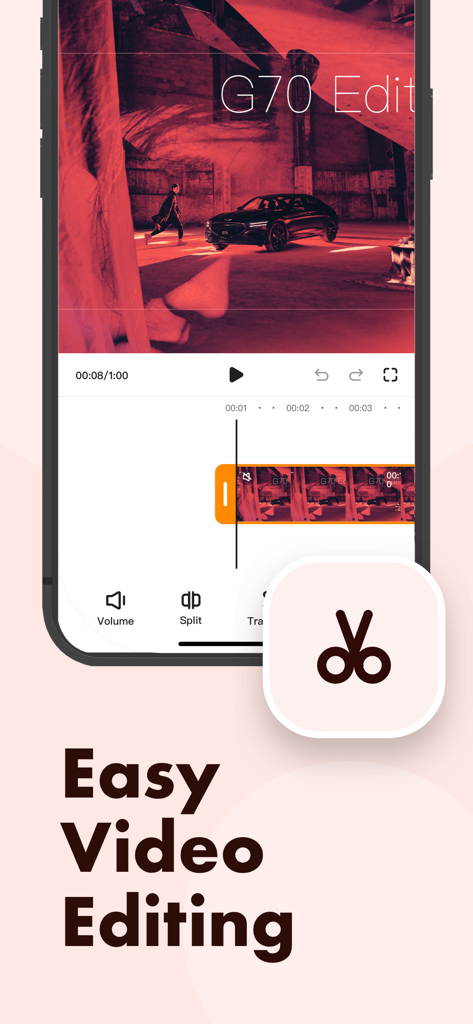
Awesome Screen Recorderアプリのモバイルインターフェース。ビデオ編集ツールと簡単なビデオ編集のためのタイムラインを表示。

Awesome Screen Recorderアプリのモバイルインターフェース。ビデオ編集ツールと簡単なビデオ編集のためのタイムラインを表示。

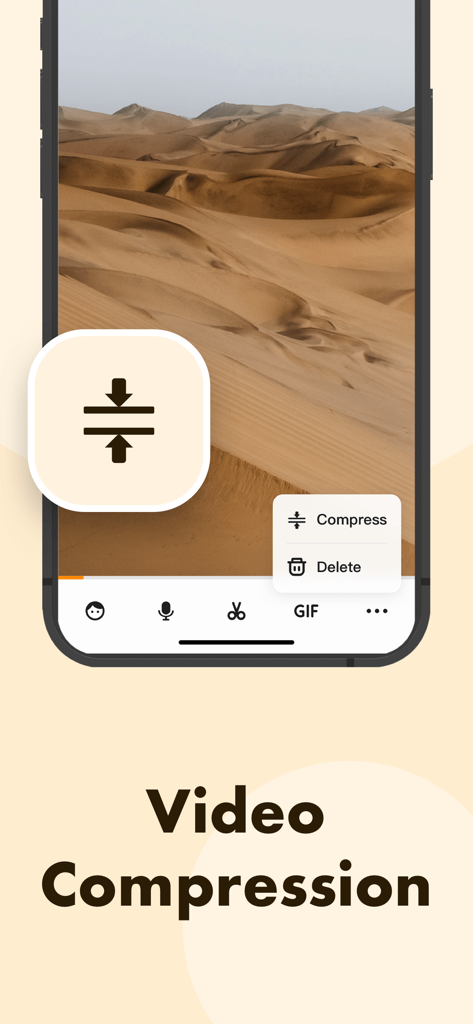
Awesome Screen Recorderのビデオ圧縮ツールのインターフェース。

Awesome Screen Recorderのビデオ圧縮ツールのインターフェース。

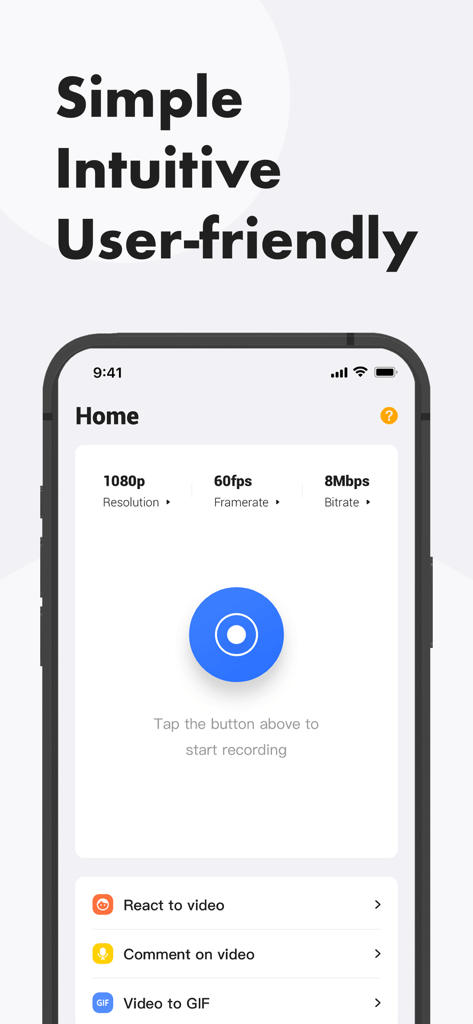
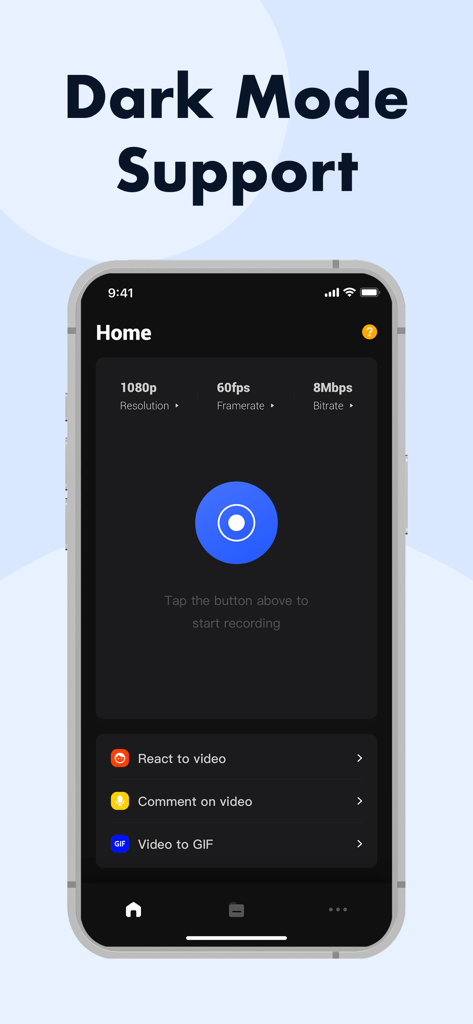
Awesome Screen Recorderアプリのホーム画面。1080pビデオ設定と録画ボタンを表示。

Awesome Screen Recorderアプリのホーム画面。1080pビデオ設定と録画ボタンを表示。

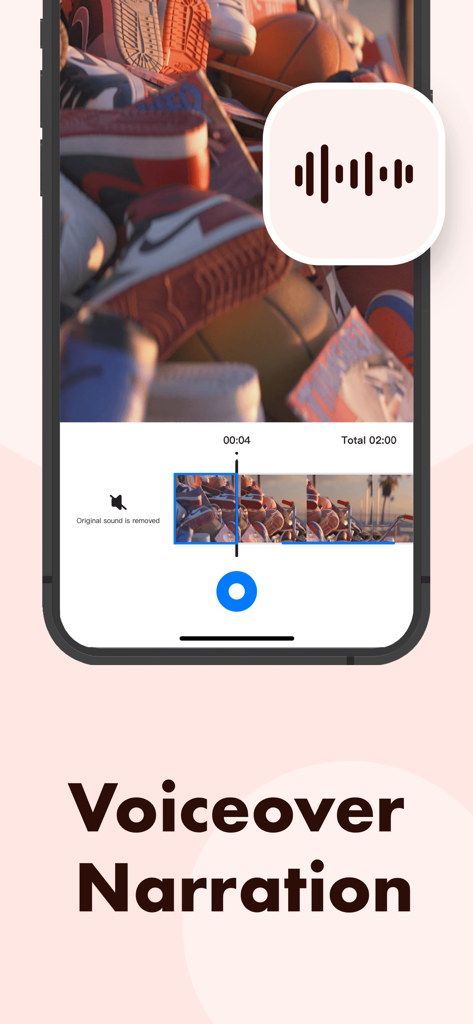
ビデオにボイスオーバーナレーションを追加するためのAwesome Screen Recorderアプリのインターフェース。

ビデオにボイスオーバーナレーションを追加するためのAwesome Screen Recorderアプリのインターフェース。

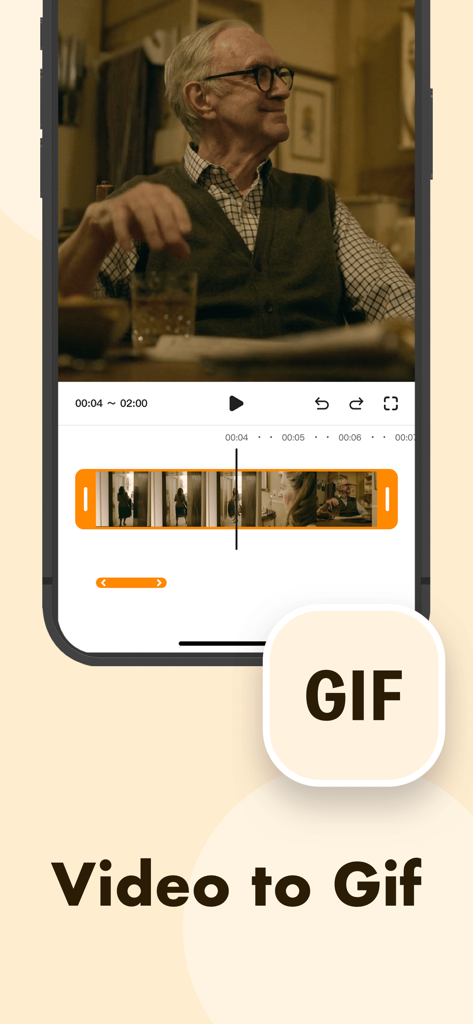
ビデオ編集タイムラインを使用してビデオからGIFへの変換機能を示すAwesome Screen Recorderのモバイルインターフェース。

ビデオ編集タイムラインを使用してビデオからGIFへの変換機能を示すAwesome Screen Recorderのモバイルインターフェース。

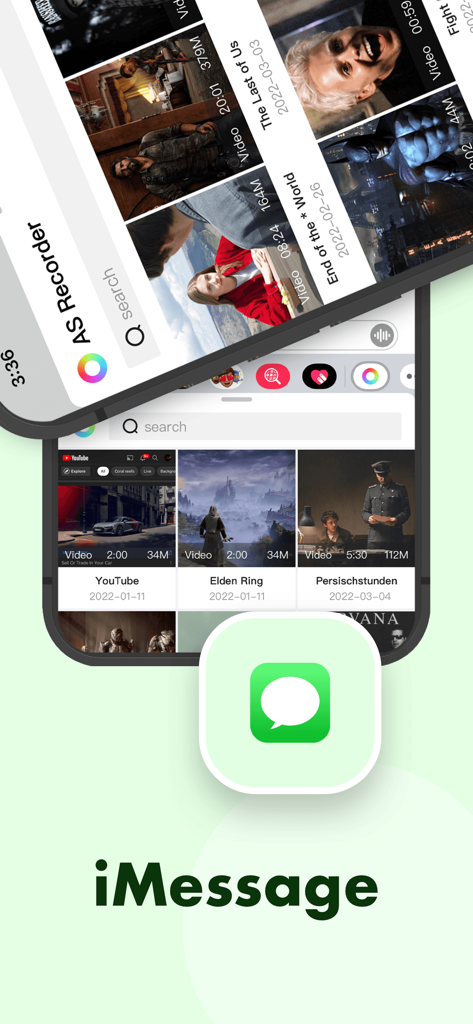
iMessage経由のビデオ共有を示すAwesome Screen Recorderのインターフェース。

iMessage経由のビデオ共有を示すAwesome Screen Recorderのインターフェース。

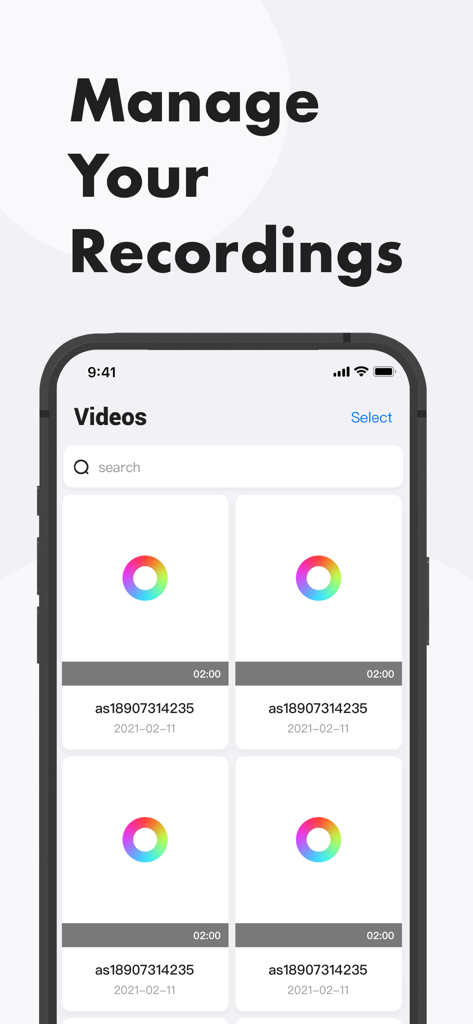
Awesome Screen Recorderアプリのビデオライブラリと管理インターフェースを示す画面。

Awesome Screen Recorderアプリのビデオライブラリと管理インターフェースを示す画面。

ダークモードのサポートと録画設定を示すAwesome Screen Recorderアプリのインターフェース。

ダークモードのサポートと録画設定を示すAwesome Screen Recorderアプリのインターフェース。

コンテンツゲームをレベルアップ

このアプリを際立たせるツール、 7K+ 人のユーザーが選択.

🤳

プロのフェイスカムリアクション

自分の顔と声をオーバーレイして、フォロワーが愛する魅力的な「Let's Play」ビデオやチュートリアルを作成します。

クリスタルクリア&ウォーターマークフリー

プロフェッショナルな美観を損なう迷惑な広告やロゴなしで、細部まで高解像度でキャプチャします。

🎬

数秒で編集して投稿

クリップをトリミングし、TikTokのアスペクト比を調整し、お気に入りのソーシャルプラットフォームに即座にエクスポートします。

アプリについて

について知っておくべきこと Awesome Screen Recorder.

説明

Want to record gameplay or live stream, or make app demos and tutorials on your iPhone? Awesome Screen Recorder can help. It allows you to capture everything on your screen easily, edit the recordings with various useful tools and export the videos to your photo library. Check out the description below to see how it can help. Record Your Screen •One tap to start recording • High-resolution for free •No ads or watermarks •System audio and microphone sound Edit Your Recording •Change length by trimming and splitting •Mute audio •Change aspect ratio •Add facecam reaction •Add voice commentary •Compress video •Convert video to GIF Share Your Video •Save to Photos •Share through Messages •Share to other apps Get the app and start creating your recording videos today! Feel free to contact us if you have any questions or suggestions.

最新バージョン

1.1.8

サイズ

52.5 MB

リリース日

2021年12月16日

際立つコンテンツを作成する準備はできましたか?

ゲームプレイをキャプチャし、フェイスカムリアクションを追加し、ウォーターマークや広告なしでプロのように編集。今すぐ高解像度ビデオの無料録画を開始しましょう。

ダウンロード: App Store

App information, icons, screenshots, and descriptions displayed on this page are sourced from the Apple App Store and are the property of their respective developers. Download estimates and rankings are based on MWM's proprietary models and may not reflect actual figures. This page is provided for informational and analytical purposes only.

Believe this page infringes your intellectual property? File a dispute