CalcMe Calculator

CalcMe Calculator

ダウンロード: App Store
ロゴ: CalcMe Calculator

CalcMe Calculator: 科学計算機の進化形

古いハードウェアを持ち歩くのはやめましょう。直感的な2D表記、リアルタイムプロット、インタラクティブスライダーで複雑な方程式をマスターしましょう。すべて、現代のSTEMワークフローのために設計された洗練されたプロフェッショナルインターフェースにまとめられています。

ダウンロード: App Store

開発元

Edoardo Orzes

カテゴリ

Utilities

ダウンロード

1K+

ユーザー評価

1.0/5

評価数

0

対応言語

8

すべてのピクセルに精度

このインターフェースを利用する 1K+ 人のユーザー.

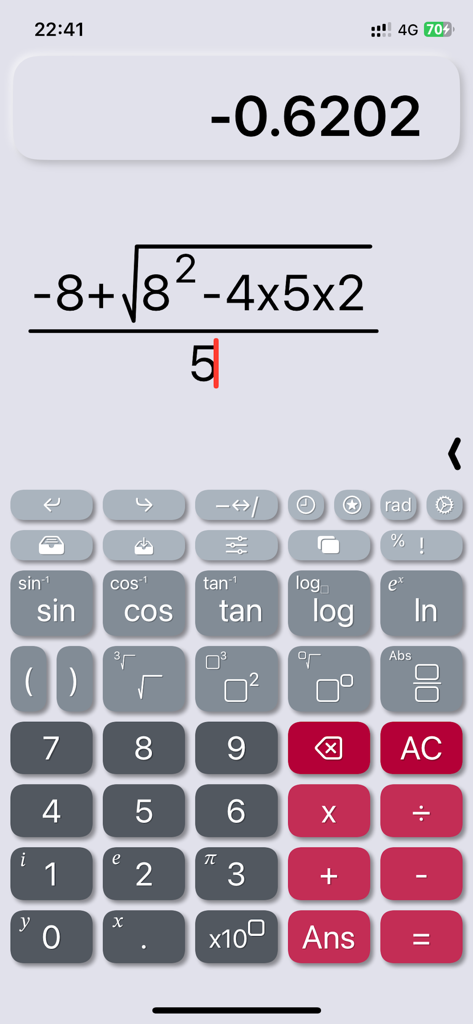
CalcMeアプリのインターフェースに、自然な表記法を使用した複雑な代数式が表示されている

CalcMeアプリのインターフェースに、自然な表記法を使用した複雑な代数式が表示されている

CalcMe科学計算機のインターフェースに、関数グラフと自然な表記法の数式が表示されている

CalcMe科学計算機のインターフェースに、関数グラフと自然な表記法の数式が表示されている

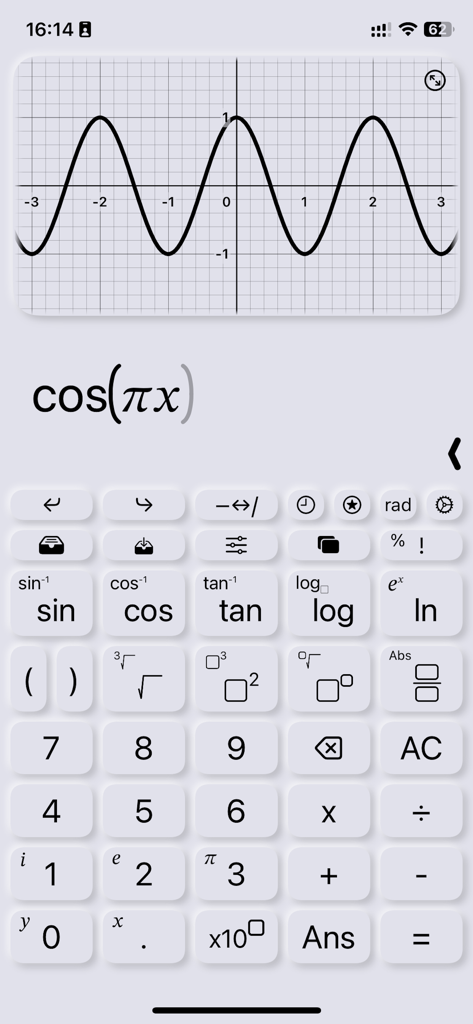
CalcMe科学計算機アプリのインターフェースに表示されたコサイン関数のグラフ

CalcMe科学計算機アプリのインターフェースに表示されたコサイン関数のグラフ

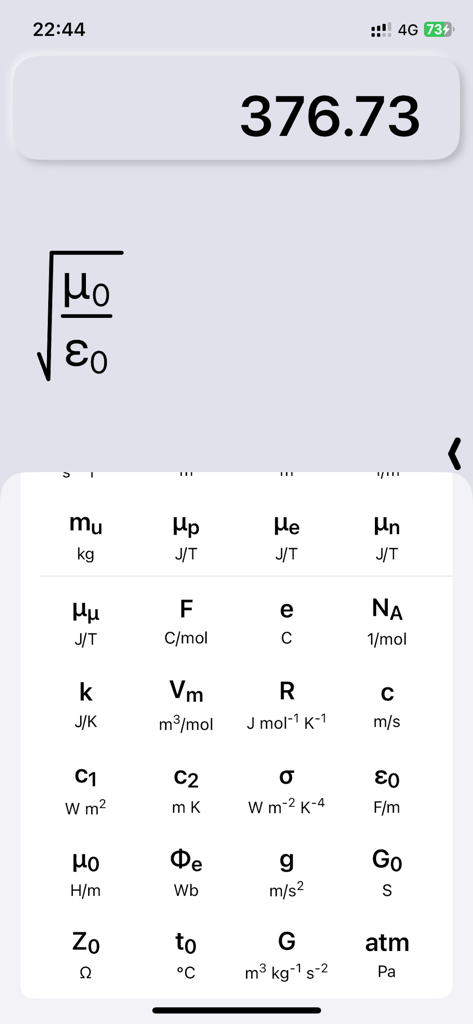
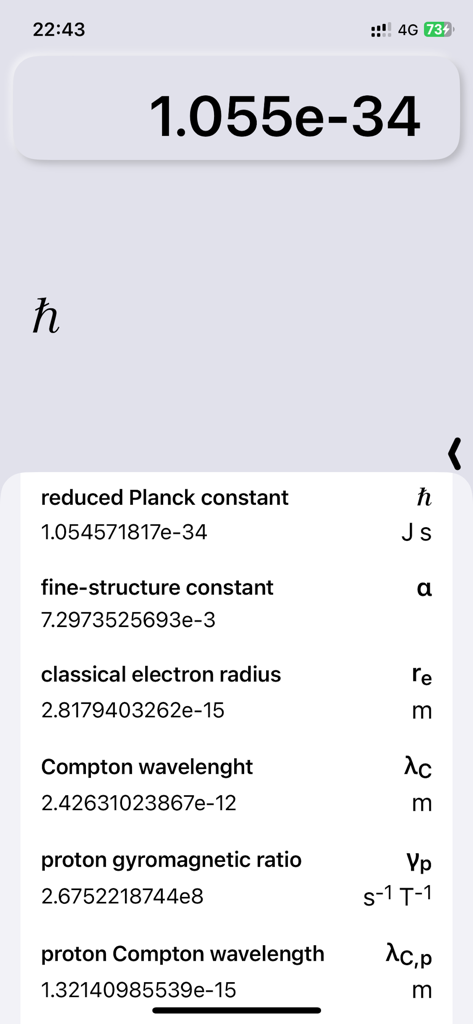
CalcMeアプリに、物理定数のライブラリと自然な数学表記の数式が表示されている

CalcMeアプリに、物理定数のライブラリと自然な数学表記の数式が表示されている

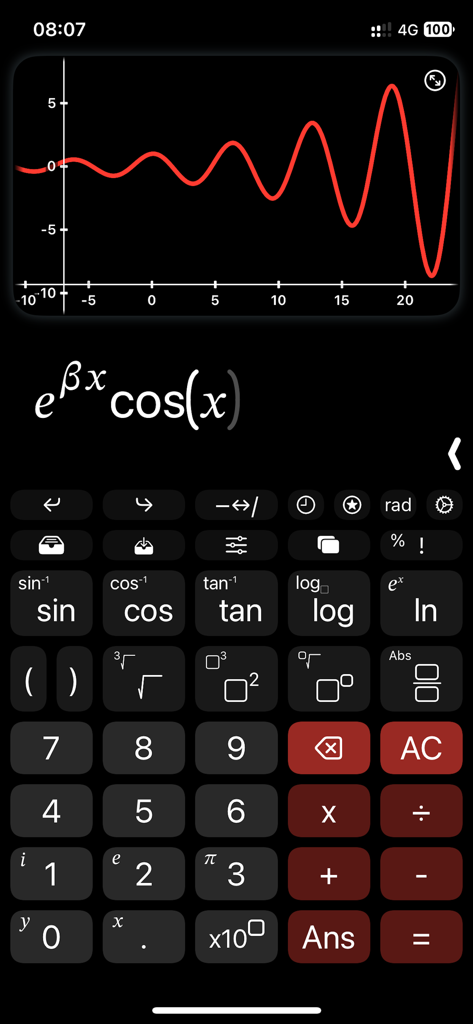
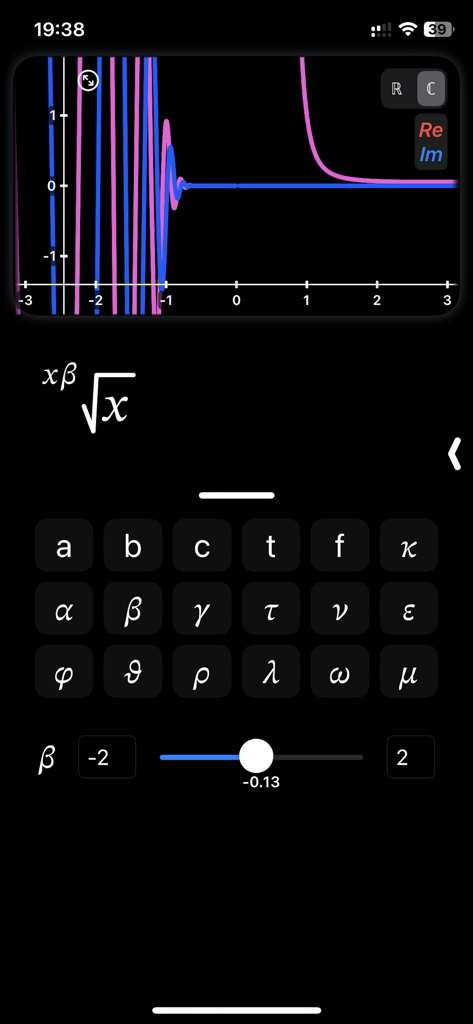
CalcMe Calculatorアプリのインターフェースに、パラメータを調整するためのインタラクティブスライダーを備えた複雑な関数グラフが表示されている

CalcMe Calculatorアプリのインターフェースに、パラメータを調整するためのインタラクティブスライダーを備えた複雑な関数グラフが表示されている

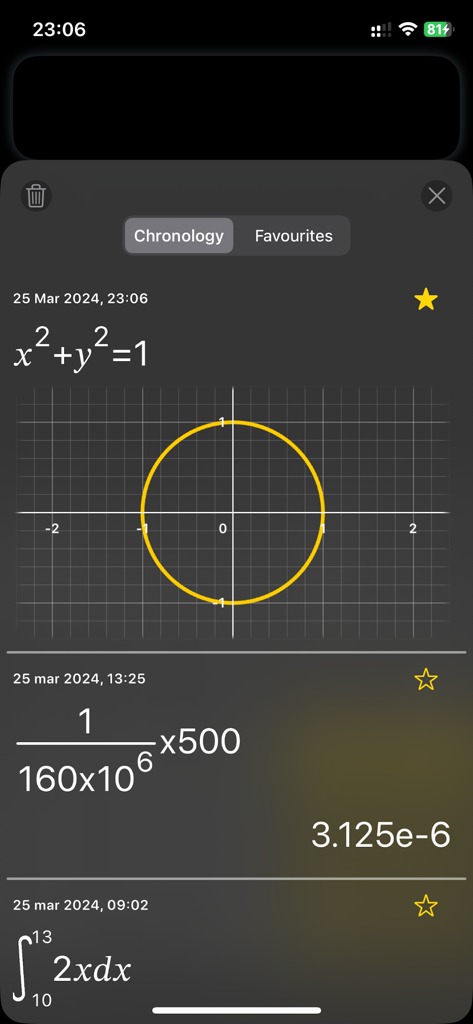
CalcMe Calculatorのクロノロジー画面のスクリーンショット。円グラフ、自然表記の分数計算、定積分が表示されている。

CalcMe Calculatorのクロノロジー画面のスクリーンショット。円グラフ、自然表記の分数計算、定積分が表示されている。

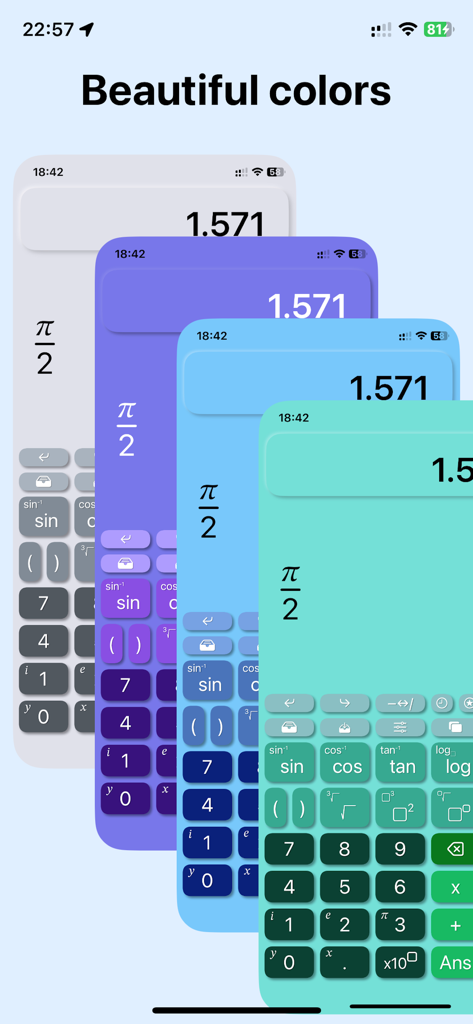
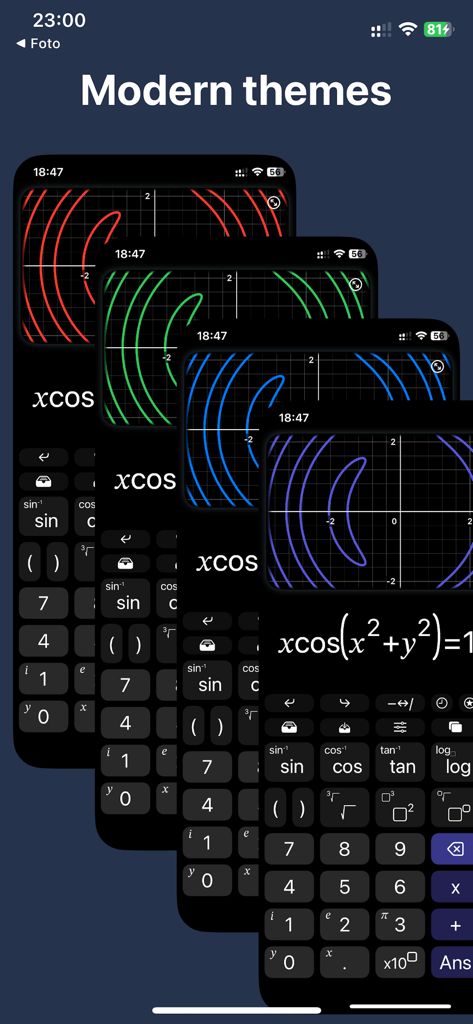
CalcMe科学計算機の洗練されたモダンなカラーテーマ

CalcMe科学計算機の洗練されたモダンなカラーテーマ

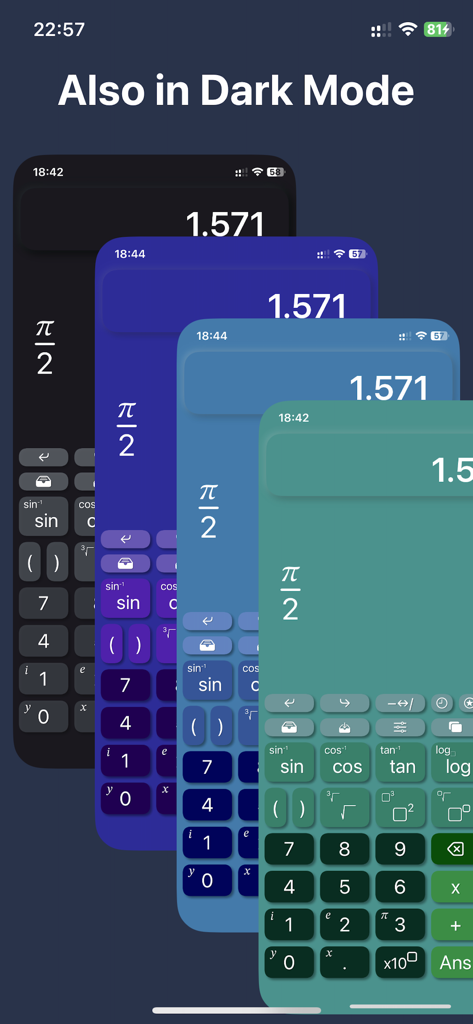
CalcMe科学計算機に、iOS上の洗練された様々なカラーテーマとダークモードオプションが表示されている

CalcMe科学計算機に、iOS上の洗練された様々なカラーテーマとダークモードオプションが表示されている

CalcMe計算機アプリの4つの重なり合った画面。ダークUI上のグラフプロット用の様々なモダンなカラーテーマが紹介されている。

CalcMe計算機アプリの4つの重なり合った画面。ダークUI上のグラフプロット用の様々なモダンなカラーテーマが紹介されている。

CalcMe科学計算機アプリに、値と単位が表示された基本的な物理定数のリストが表示されている

CalcMe科学計算機アプリに、値と単位が表示された基本的な物理定数のリストが表示されている

再想像されたプロフェッショナルな数学

このアプリを際立たせるツール、 1K+ 人のユーザーが選択.

📐

自然な2D表記

教科書に表示されるそのままの複雑な分数、べき乗、根を書き込み、編集します。もう混乱するような一行の文字列はありません。

📈

インタラクティブスライダーとプロット

概念を即座に視覚化します。スライダーでパラメータを調整し、プロットがリアルタイムで進化するのを見て、より深い直感的な洞察を得ましょう。

⚛️

STEMの厳密さのために構築

モードを切り替えたり、メニューを掘り下げたりすることなく、40の基本的な物理定数とネイティブな複素数サポートにアクセスできます。

アプリについて

について知っておくべきこと CalcMe Calculator.

説明

This scientific calculator has been created to overcome the lack of a both good and nice looking calculator on App Store. I spent my high school and university periods using hardware calculators, they were very quick to use, but I always thought why should I carry around a second device while I have my phone in the pocket. So I searched for years for a good calculator app that was able to replace the hardware one, but I never found one, they were all too unhandy to use, with important buttons on a second page, annoying to reach when you need them often; with a complex interface and very difficult to tap and edit directly on the calculation. I thought it's crazy that no one have exploited the amazing system provided by Apple to not only create a really good scientific calculator, but to make it even easier to use and interact with than the hardware ones. So I decided to do it. What CalcMe offers: - Nice looking interface, intuitive, immediate and able to not only replace, but to enrich hardware calculators. - Elegant and modern themes and colors to choose from, all included in the first purchase. - A little magic feature: in scientific notation, swipe over the result to move the decimal dot and see the ten power change :) - All scientific function (sin, cos, tan, ..., log, ln, exp, ..., atan2). - Calculation structured in 2D, with fractions, powers, roots, brackets and so on, with very easy to nest operations, no limits! - Tap on the calculation to place the cursor and write. - Undo/Redo buttons - A catalog with 40 physics fundamentals constants, with name and unit of measure, ready to be inserted. - Possibility to store values. - Chronology. - Sliders: yes, you can insert many parameters and change them swiping on a slider to see the effect in real time. - Spaces: access to up to 4 spaces on which you can edit and keep calculations, useful also to superpose different plots. - Joystick mode: swipe over the buttons to move the cursor (still in beta). - Plots: inserting a variable, like x or y, the calculator automatically generates the plot. - Locus of points: if you insert both a variable and the = symbol, instead of showing the function of the variable, it is shown the locus of points. - Complex numbers: the app automatically uses complex numbers when needed, no need to set the complex mode. - Plots also support for complex values. - Integrals and derivatives (in the future also limits). - Export plot and calculation as image/PDF, copy result as text Enjoy! I wish this app existed while I was a student.

最新バージョン

3.1

サイズ

8.2 MB

リリース日

2023年1月3日

ハードウェア計算機を置き換える準備はできましたか?

iOSで最も洗練され、強力で、直感的な科学ツールに、古い、扱いにくいデバイスを移行した何千人ものSTEMプロフェッショナルや学生に加わりましょう。今すぐCalcMeをダウンロードして、高精細な数学を体験してください。

ダウンロード: App Store

App information, icons, screenshots, and descriptions displayed on this page are sourced from the Apple App Store and are the property of their respective developers. Download estimates and rankings are based on MWM's proprietary models and may not reflect actual figures. This page is provided for informational and analytical purposes only.

Believe this page infringes your intellectual property? File a dispute