User feedback indicates an overwhelmingly negative experience with the app, primarily due to the severe intrusion of advertisements, often appearing after every calculation, and a highly criticized shift to an expensive subscription model to remove them. Many report significant performance degradation following recent updates, including slow loading times, app crashes, and a complete failure to open for some, especially on specific versions like 14.4. These critical issues, combined with reports of essential offline functionality being removed and privacy concerns, have led many users to consider the app unusable and uninstall it.
主なテーマ
Intrusive Ads(28)
Performance/Loading Speed(15)
Recent Updates Issues(13)
Subscription/Pricing(12)
Offline Mode(4)
Basic Usability(4)
Privacy Concerns(1)
アプリについて
について知っておくべきこと Calculator Pro+ for iPad.
説明
A simple calculator for your iPad with unit & currency converter and multitasking mode. Get it now for free!
Calculator Pro main features:
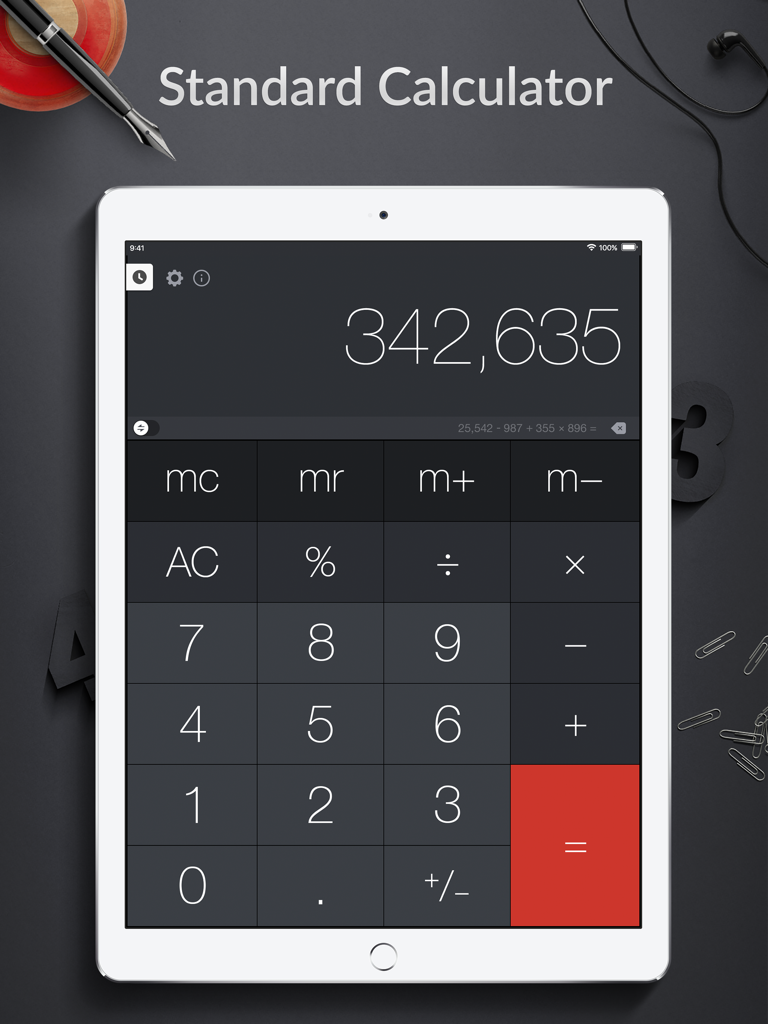
- Basic calculator in Portrait Mode
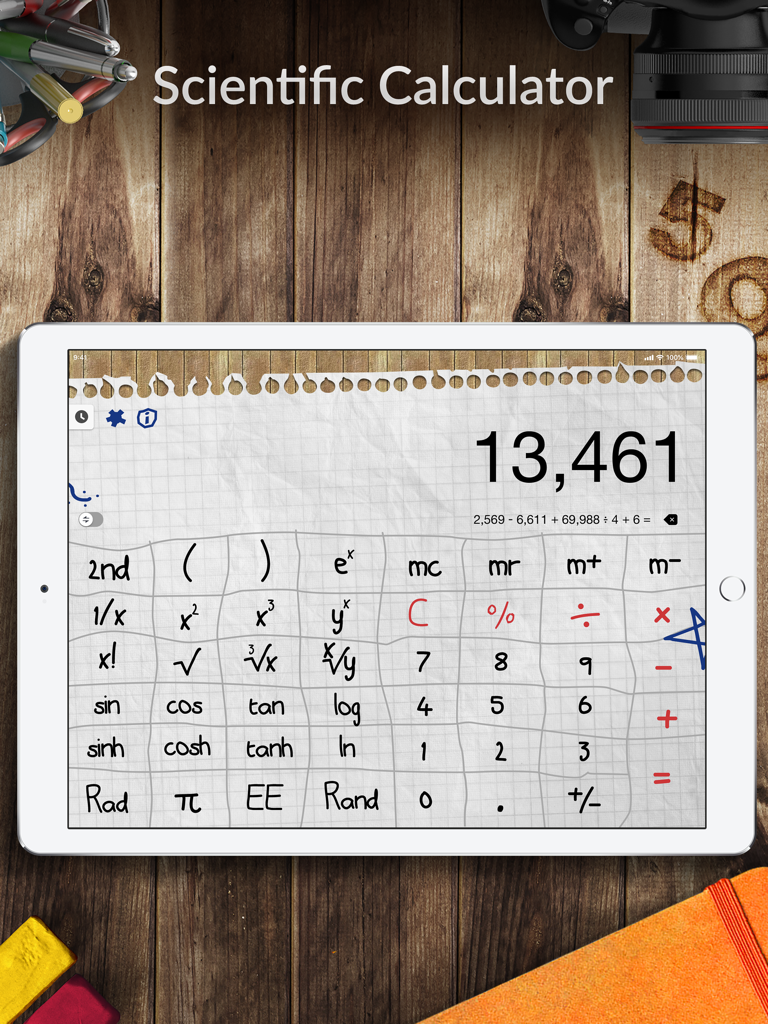
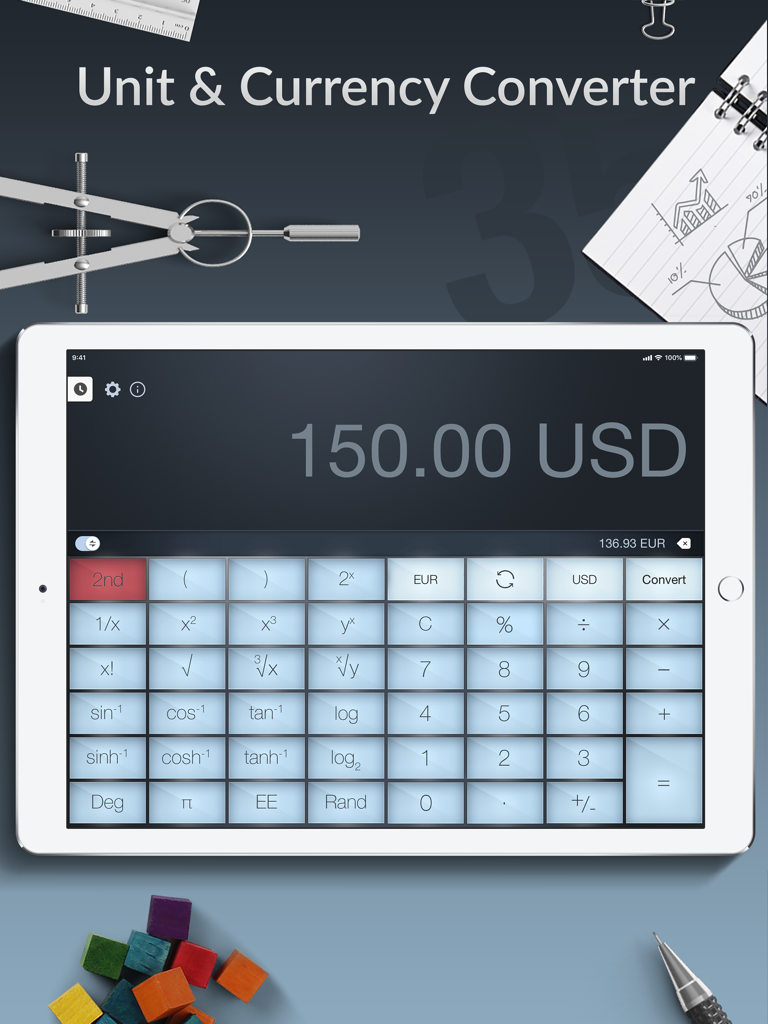
- Scientific calculator in Landscape Mode
- Universal converter for Currency, Length, Time, Weight, Pressure, Temperature, Fuel Consumption, Speed and many more categories
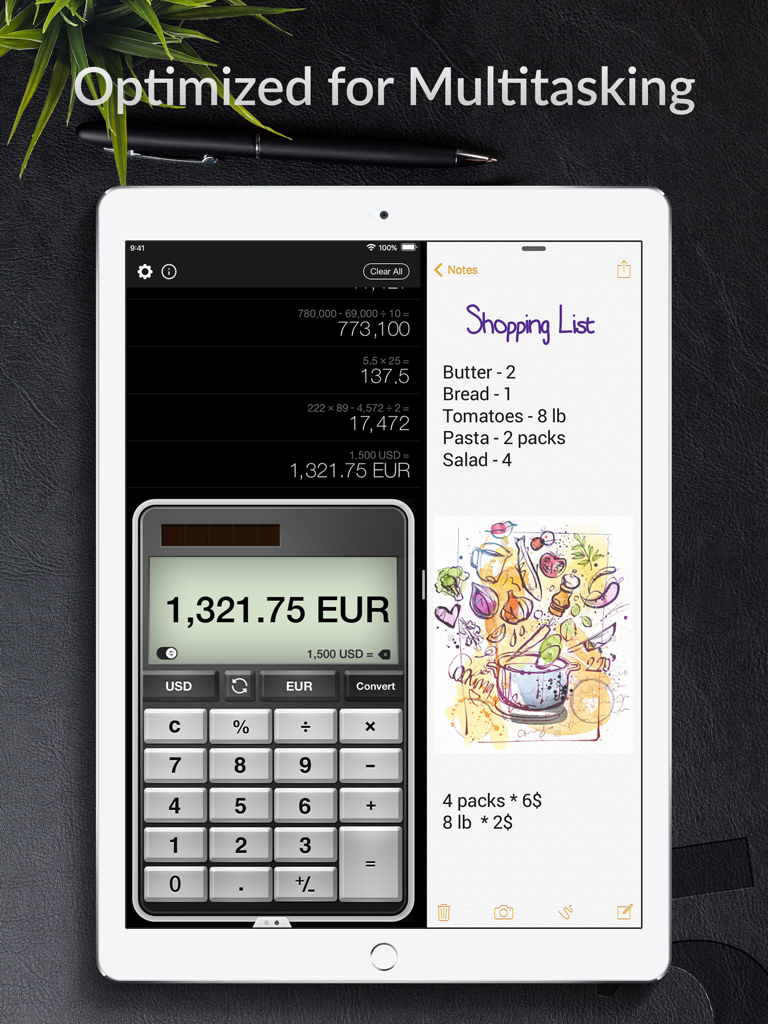
- Multitasking mode: use Calculator Pro and any other app simultaneously
Calculator Pro+ for iPad is designed for everyone looking for simplicity and functionality. Enjoy basic calculations in Portrait Mode with big handy buttons, or make complex calculations in scientific calculator, available in Landscape Mode. Calculator Pro is the only one calculator needed for math classes from primary school through college. The app is great in basic everyday calculations and solving complex problems in physics, astronomy or chemistry as well.
Need to convert one unit to another? With the intuitive and beautifully designed converter, you can easily switch between currencies, temperatures, length, speed and other numerous units, and continue calculation without interruptions.
Features:
• Two modes are available: do basic calculations in Portrait Mode or go advanced in Landscape Mode
• Degrees and Radians calculations
• History Bar: see your full calculation history directly on the screen
• Track Calculations History: view, save, delete selected equation or clear all
• Universal converter with 19 categories, including Currency, Length, Time, Weight, Pressure, Temperature, Area, Data Size, Energy, Force, Frequency, Power, Acceleration, Density, Angle, Typography, Volume, Fuel Consumption and Speed
• Handy text search to find categories and units instantly
• Multitasking mode: bring in Calculator Pro while viewing web pages, photos, taking notes and more to get results instantly!
• Calculator Pro is now accessible via VoiceOver as well
• Smart Keyboard support: take full advantage of seamless and intuitive calculations on your iPad Pro
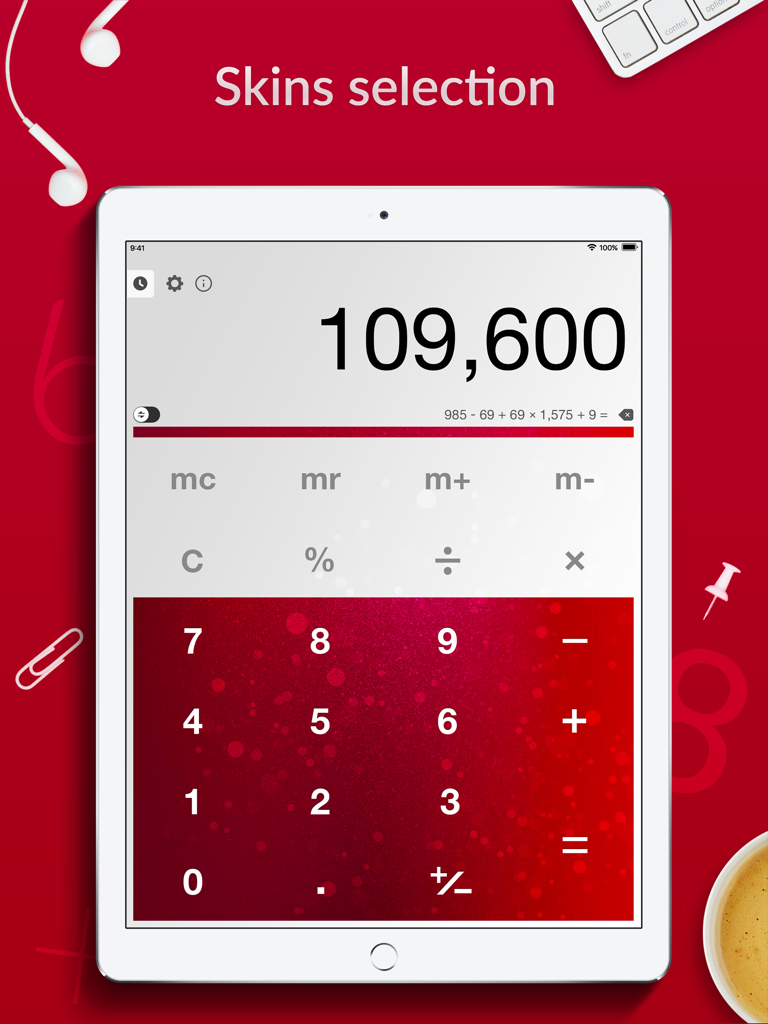
• Pick the look from a bunch of skins to suit your own preference (Modern, Rose, Wood, Old, Doodle, Minimalistic, Zombie, Yellow, New Year)
• Memory buttons to help you out with complex calculations
• Accidentally input the wrong number? Just swipe with your finger to edit it!
• Copy and paste results and expressions directly into the current calculation
• Comment on the equation and send the calculation results with comments via email
Now you can do calculations on the go seamlessly!
For complete access to all Calculator Pro+ for iPad features, you will need to allow access to the following:
*Location data - this will enable automatic currency selection in the Converter.
Privacy Policy: http://apalon.com/privacy_policy.html
EULA: http://www.apalon.com/terms_of_use.html
California Privacy Notice: https://apalon.com/privacy_policy.html#h
AdChoices: https://apalon.com/privacy_policy.html#i
App information, icons, screenshots, and descriptions displayed on this page are sourced from the Apple App Store and are the property of their respective developers. Download estimates and rankings are based on MWM's proprietary models and may not reflect actual figures. This page is provided for informational and analytical purposes only.
Believe this page infringes your intellectual property? File a dispute