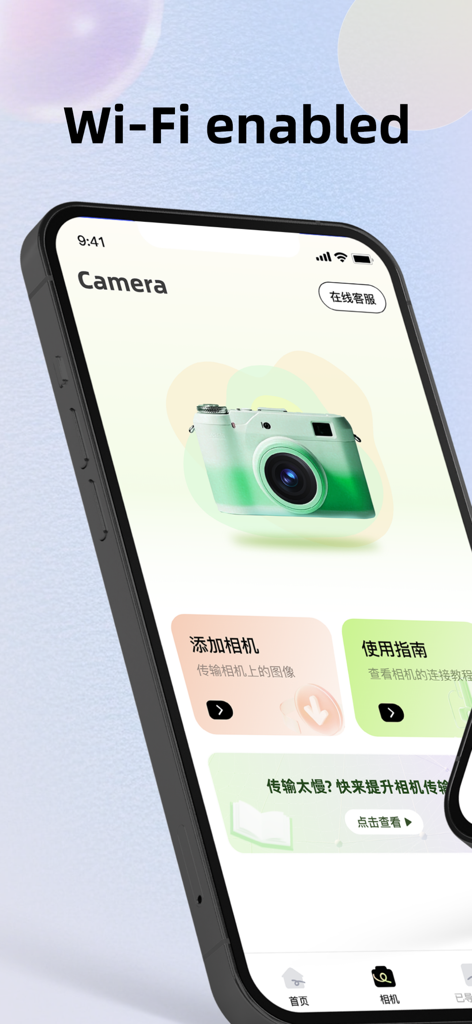
Camera Connect is a dedicated tool for wireless photo transfer via Wi-Fi from Canon. With it, you can wirelessly transfer photos and videos from your camera to your mobile phone.
Support browsing and downloading of photos and videos in JPG and MOV formats. Supports quick connection to cameras, sliding to select multiple photos, and batch concurrent downloads.
Meanwhile, the software also features a photo editing function and is a platform integrating hardware control and image transmission.
Seamless camera connection and ultra-fast transmission
Stable connection: Supports quick and stable connection with mainstream brand cameras via Wi-Fi.
Fast transfer: After shooting, the photos can be automatically or manually transferred to the mobile phone quickly, retaining the original image quality. Say goodbye to the hassle of card readers. Check the details on your larger-screen phone in the first place and share them on social media immediately.
Currently supported Canon camera models:
R, RP, M3, M5, M6, M6 Mark II, M10, M50, M100, M200, 5D Mark IV, 6D, 6D Mark II, 70D, 80D, 90D, 200D, 250D, 750D, 760D, 800D, 1300D, 1500D, 2000D, 3000D, 4000D, Rebel SL2, Rebel SL3, Rebel T6, Rebel T6i, Rebel T6s, Rebel T7, Rebel T7i, Rebel T100, Kiss X8i, Kiss X9, Kiss X9i, Kiss X10, etc
2. Revolutionary AI intelligent image matting and editing
One-click precise image cutting: Utilizing leading AI artificial intelligence technology, it can intelligently recognize the edges of subjects (such as human figures, objects, pets, etc.), achieving one-click hair-level precise image cutting. Say goodbye to the cumbersome manual application.
Free background replacement: Easily change the background of your photos, whether it's a solid color background, a dreamy scene or a custom picture. The operation is simple, the effect is natural, and it meets various needs.
App information, icons, screenshots, and descriptions displayed on this page are sourced from the Apple App Store and are the property of their respective developers. Download estimates and rankings are based on MWM's proprietary models and may not reflect actual figures. This page is provided for informational and analytical purposes only.
Believe this page infringes your intellectual property? File a dispute