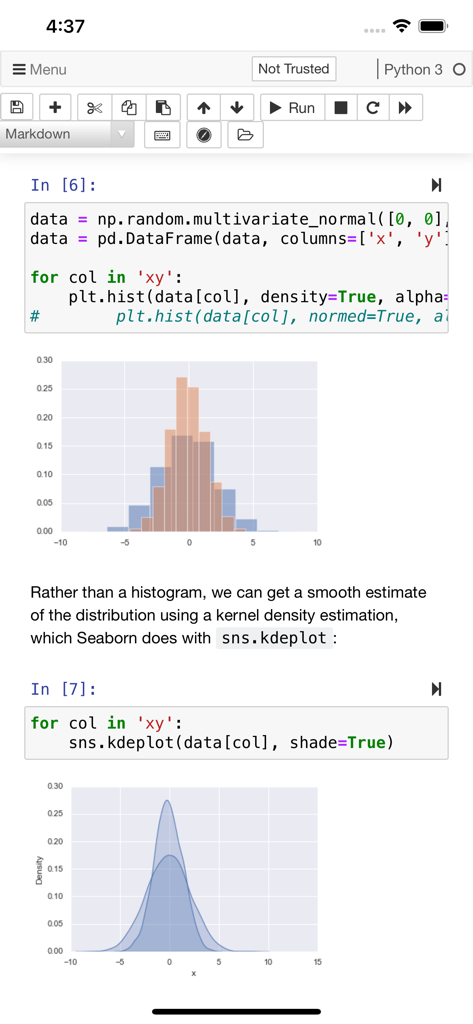
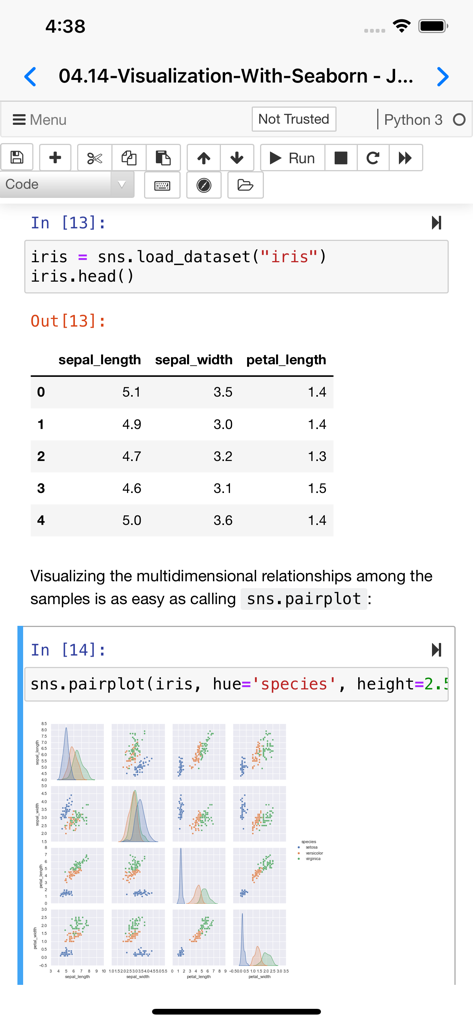
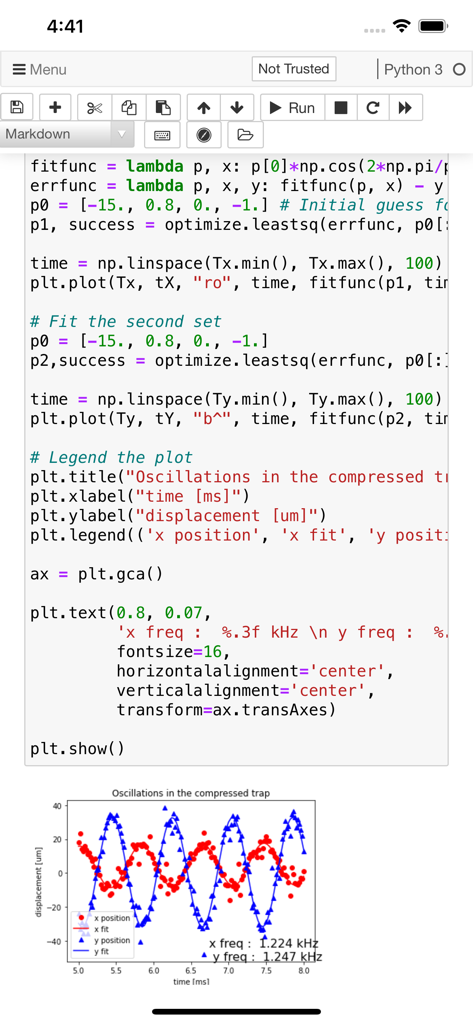
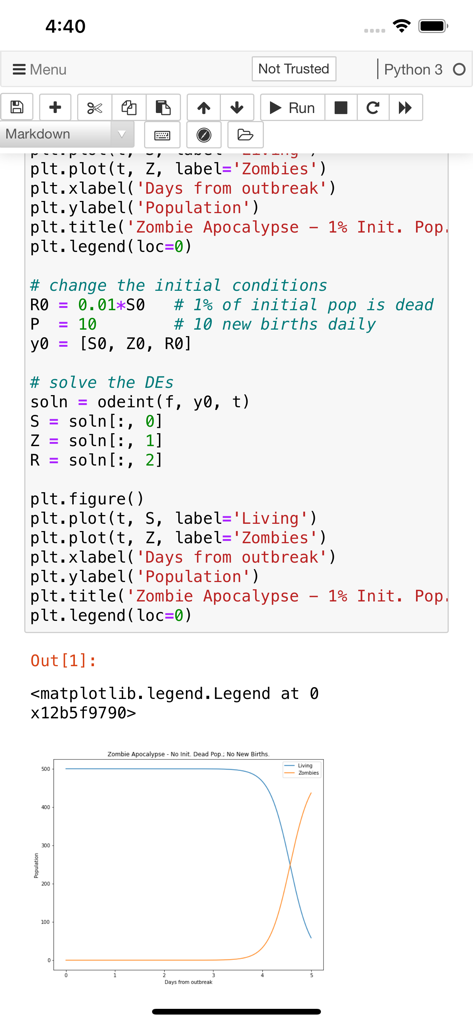
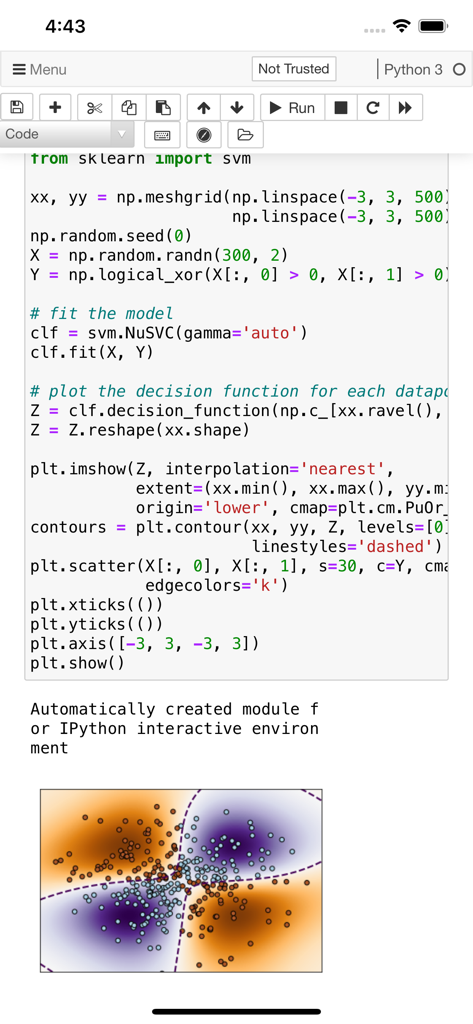
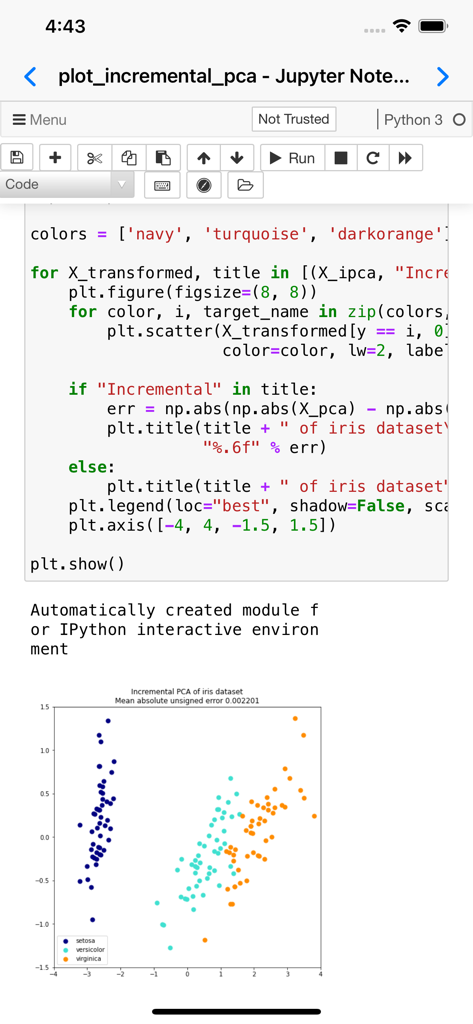
Jupyter notebooks are a powerful tool used in education and research. You can write small snippets of Python code and observe the result on screen, combine with paragraphs of text, using Markdown.
Carnets provides a complete, stand-alone, implementation of Jupyter notebooks. Everything runs on your device, using the embedded Python interpreter; you do not need an internet connection. Compared to the standard version (Carnets), this app adds several packages targeted for scientific computation and learning: scipy, sklearn, seaborn and coremltools. You can switch between standard notebooks and the more modern jupyterlab using the Settings app.
Of course, all the packages included with the standard app are present too: numpy, simply, matplotlib... To see the full list of installed packages, type "%pip list" in a code window. You can add more packages using "%pip install packageName", but only if they are pure Python.
You can share your notebooks with other apps and also open notebooks or directories managed by other apps.
Partial list of installed packages: astropy, babel, bokeh, cartopy, cryptography, cvxopt, Fiona, geopandas, geopy, gym, inequality, libpysal, lxml, mapclassify, matplotlib, networkx, nltk, numpy, openCV, pandas, parso, pillow, pyFFTW, pyproj, qutip, rasterio, regex, Rtree, scikit-learn, scipy, seaborn, segregation, shapely, soupsieve, spopt, statsmodels, sympy, wordcloud.
App information, icons, screenshots, and descriptions displayed on this page are sourced from the Apple App Store and are the property of their respective developers. Download estimates and rankings are based on MWM's proprietary models and may not reflect actual figures. This page is provided for informational and analytical purposes only.
Believe this page infringes your intellectual property? File a dispute