Data Transfer & File Sharing

Data Transfer & File Sharing

ダウンロード: App Store
ロゴ: Data Transfer & File Sharing

データ転送&ファイル共有:クラウドを使わずにデジタルライフ全体を移動

写真、動画、連絡先の超高速ワイヤレス移行を体験してください。サブスクリプション不要、ケーブル不要、ストレージ容量制限なし—お使いのiOSデバイスすべてで、安全なローカルWi-Fi共有が可能です。

ダウンロード: App Store

開発元

9FT Apps Inc

カテゴリ

Utilities

ダウンロード

195K+

ユーザー評価

4.4/5

評価数

0

対応言語

1

簡単さを体験

このインターフェースを利用する 195K+ 人のユーザー.

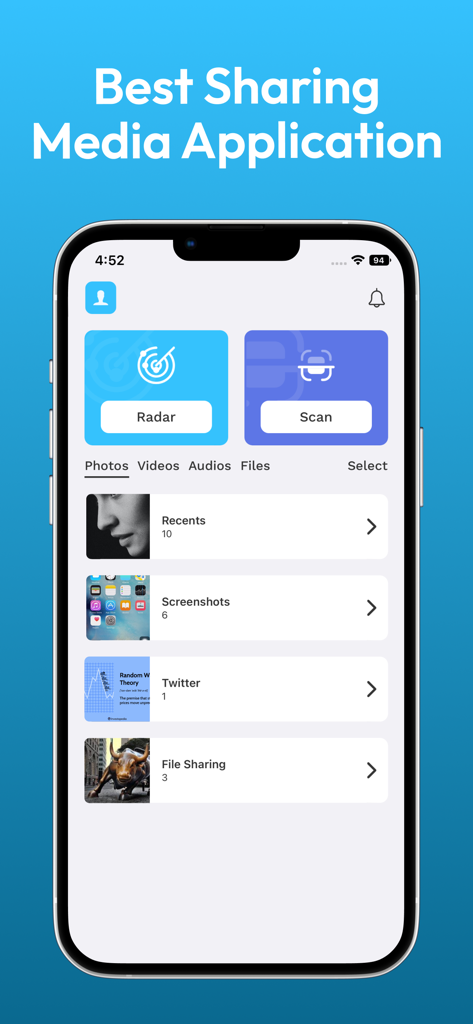
iPhone上のデータ転送&ファイル共有アプリのインターフェース。写真フォルダやメディア共有ツールが表示されています。

iPhone上のデータ転送&ファイル共有アプリのインターフェース。写真フォルダやメディア共有ツールが表示されています。

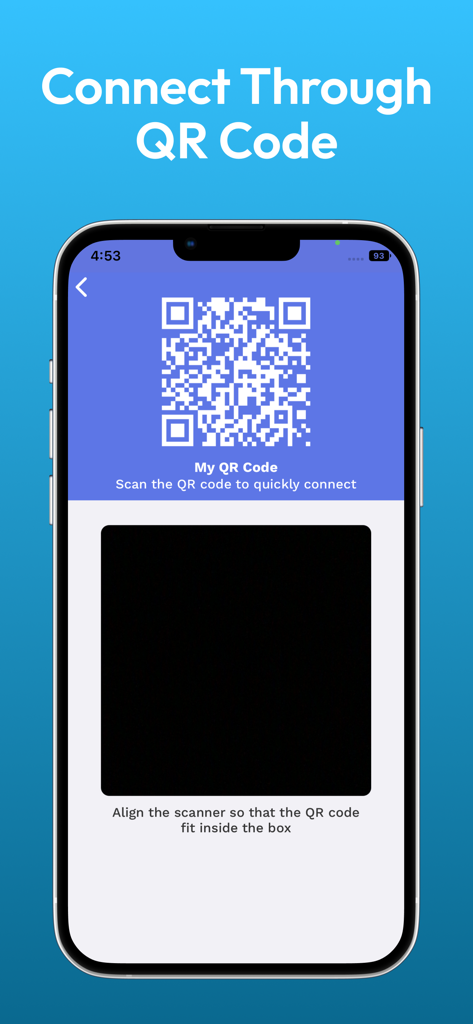
ファイルやデータをワイヤレスで転送するために、デバイスをすばやく接続するためのQRコードスキャナーが表示されているインターフェース。

ファイルやデータをワイヤレスで転送するために、デバイスをすばやく接続するためのQRコードスキャナーが表示されているインターフェース。

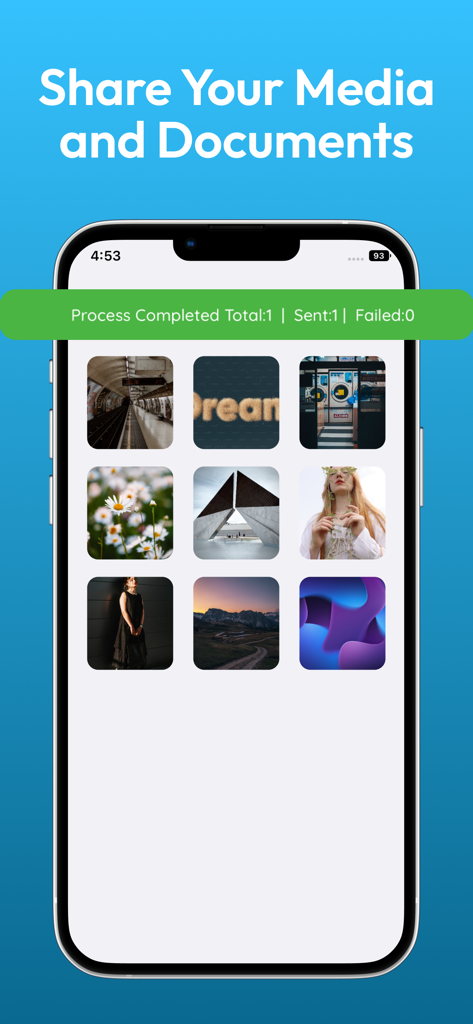
データ転送アプリで写真やドキュメントの転送が成功したことを示すスマートフォンの画面。

データ転送アプリで写真やドキュメントの転送が成功したことを示すスマートフォンの画面。

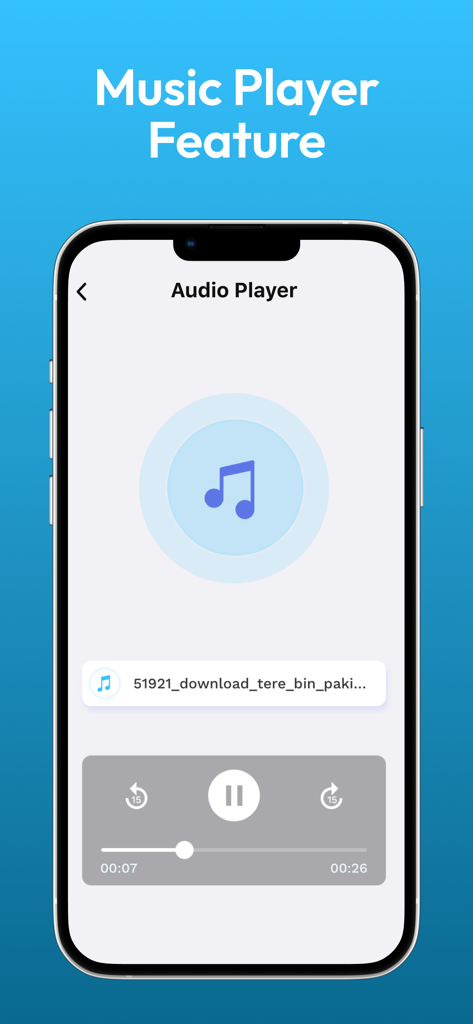
iPhone上の音楽再生コントロールが表示されている、データ転送&ファイル共有アプリの組み込みオーディオプレーヤーのインターフェース。

iPhone上の音楽再生コントロールが表示されている、データ転送&ファイル共有アプリの組み込みオーディオプレーヤーのインターフェース。

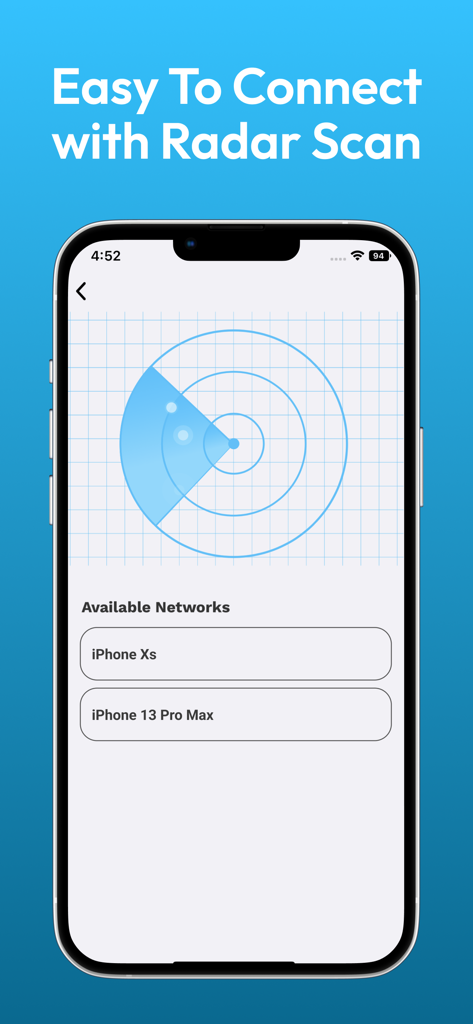
ファイル共有のために近くのデバイスを検出するためのレーダーをスキャンしているスマートフォンの画面。

ファイル共有のために近くのデバイスを検出するためのレーダーをスキャンしているスマートフォンの画面。

クラウドを使わない、シームレスなデータ共有

このアプリを際立たせるツール、 195K+ 人のユーザーが選択.

超高速大容量ファイル対応

4K動画や高解像度写真アルバムに最適です。低速なクラウドアップロードやストレージキャップに引っかかることなく、巨大なファイルを瞬時に転送できます。

📲

インスタントデバイス移行

新しいiPhoneに買い替えますか?連絡先リスト全体と重要なドキュメントを、ケーブルや複雑なバックアップなしでワンタップでクローンします。

🛡️

プライベート&サブスクリプションフリー

データはサードパーティサーバーではなく、ローカルネットワーク上に留まります。月額料金なしで、すべての機能にフルアクセスできます。

アプリについて

について知っておくべきこと Data Transfer & File Sharing.

説明

File transfer and Data sharing app is an easy file sharing app which is designed with the best development expertise to provide best user experience. You can easily transfer files, Share Photos, send music files, transfer videos, copy contacts and send documents from one device to other by simply connecting through wifi. Large file transfer is supported by File transfer/Data Sharing App. If you like to send your files or transfer data to your friends without involving any tangible things just connect your devices to same internet connection. Copy your data to any connected device easily and fastliy. How File Transfer & Data sharing app works: The primary purpose of this file sharing app is to make it easy for the user to send data in few clicks. You have just to search for other devices in your wifi network which also have installed File transfer and Data Sharing app. After connecting both devices select photos, videos, music, Contacts and documents. Multiple files transfer: File transfer and data sharing app supports multiple files selection but it’s depend on device memory. If your selected files shouldn’t be exceed than available memory. Enjoy this free copy my data with multiple selection of contacts, photos, videos and documents without the limits. Easy connectivity: Easy connectivity is the Ace feature of this app. Click on search devices and all the devices with this file share app will be listed in shared wifi. Just select the device, targeted device will get a notification and if the other device accepts the invitation to connect then Easy File transfer is in your hands. Select files and Send data. Share Photos: After successful connectivity, first option is to send photo through wifi. Click on Photo and your photos gallery will be opened, select photo, single or multiple and click on send. This is the easiest way to send or share photos. Send Videos: Like transfer photos, It’s also very easy to send videos even share large video files. Select Videos and Share it in just few clicks like photos method. Sharing data with a secure connection is promised in this fileshare app. Share Music: Share your favorite music with your friends and family without any constraints. Like the Photos sharing and sending videos, share music is also can be done very easily and securely. Now learn tips for sharing through file transfer audio, video & files. Easily Copy contacts: Copy your contacts in just a click is possible with copy data app. Select contacts to copy and tell your “how easily I can copy my data”. That’s the beauty of this file sharing app. Transfer Documents: Transfer your selected documents file and send through wifi. Why to use this copying data app: • Share large files in the connected wifi network • Don’t need any internet for sending data • With ultra-high speed transfer • File sharing and transfer data app is compatible with all iOS devices • Transfer files as much as you want without any subscriptions • Use local wifi with great secure connection Requirements: • Both devices should be on the same network. • Both devices should be installed Transfer data and sharing data app • Other user has to accept the connectivity invitation • Selected data size will not beyond the memory of devices to share it • Devices should be in range for wifi file transfer Compatibility: This app is compatible with all iOS devices like iphone, ipod and ipad. You have not to worry about any compatibility in any devices and versions. Privacy Policy: http://www.mobiletin.com/apps/9ft-Learning-&-Games-iOS-privacy-policy.html Terms of Use We are using default EULA. https://www.apple.com/legal/internet-services/itunes/dev/stdeula/

最新バージョン

2.3

サイズ

37.7 MB

リリース日

2018年2月1日

手間のかからない転送を今すぐ開始

数千人のユーザーが写真、動画、連絡先を数秒で移動しています。サブスクリプション不要、クラウド容量制限なし—高速で安全なローカルWi-Fi共有をご利用ください。

ダウンロード: App Store

App information, icons, screenshots, and descriptions displayed on this page are sourced from the Apple App Store and are the property of their respective developers. Download estimates and rankings are based on MWM's proprietary models and may not reflect actual figures. This page is provided for informational and analytical purposes only.

Believe this page infringes your intellectual property? File a dispute