DOCX Reader To PDF Converter

DOCX Reader To PDF Converter

ダウンロード: App Store
ロゴ: DOCX Reader To PDF Converter

DOCXリーダー PDFコンバーター:プロフェッショナルな書類管理を簡単に

Wordファイルを数秒で洗練されたPDFに変換。重いオフィススイートのかさばりなしで、外出先で書類を読み取り、編集、整理するための、高速で軽量な方法です。

ダウンロード: App Store

開発元

Marouane Baid

カテゴリ

Utilities

ダウンロード

5K+

ユーザー評価

4.3/5

評価数

600

対応言語

1

効率を実証

このインターフェースを利用する 5K+ 人のユーザー.

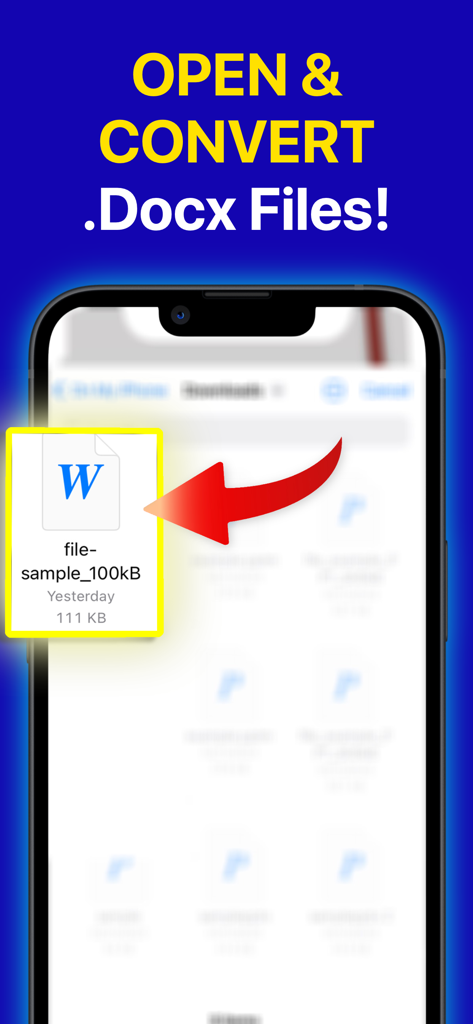
DOCX Readerアプリを使用してDocxファイルを開き、変換する方法を示すスマートフォンの画面

DOCX Readerアプリを使用してDocxファイルを開き、変換する方法を示すスマートフォンの画面

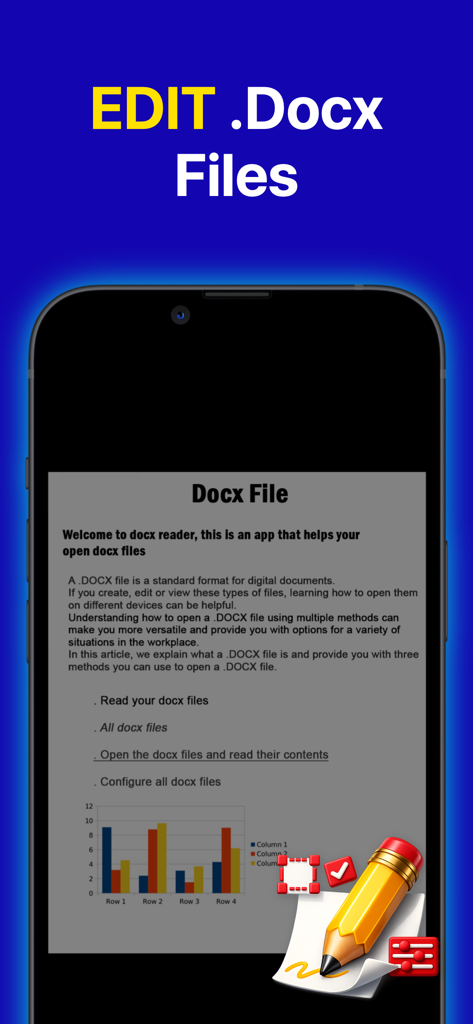
テキストと棒グラフを含むDOCXドキュメントの編集インターフェイスを示すスマートフォンの画面

テキストと棒グラフを含むDOCXドキュメントの編集インターフェイスを示すスマートフォンの画面

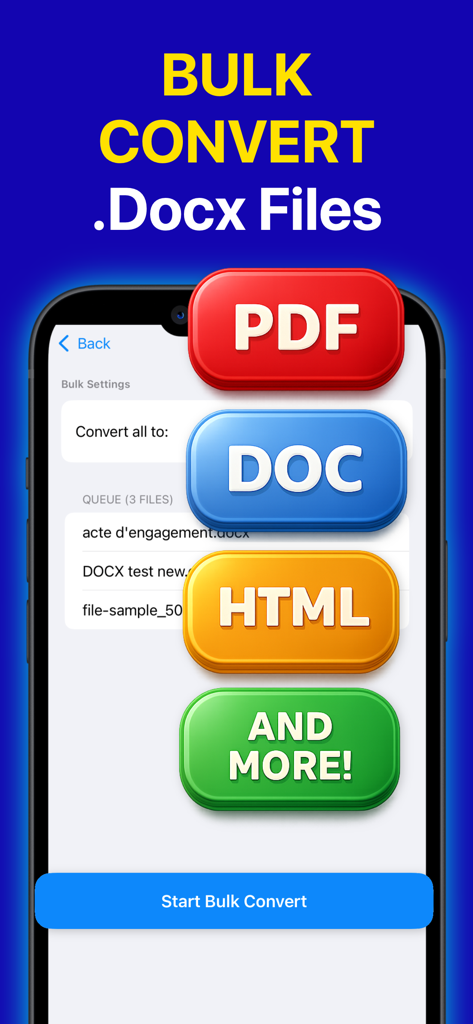
PDF、DOC、HTML形式へのDOCXファイルのバルク変換機能を示すモバイルインターフェイス

PDF、DOC、HTML形式へのDOCXファイルのバルク変換機能を示すモバイルインターフェイス

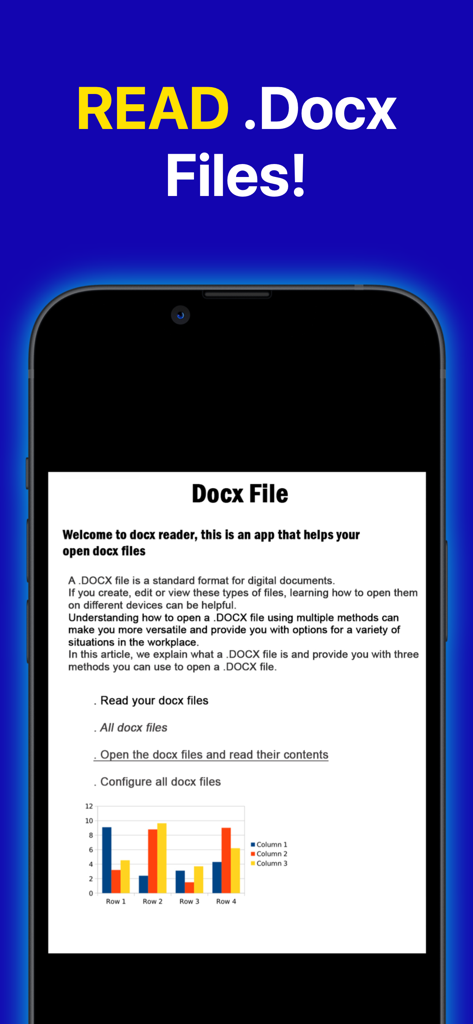
テキストと棒グラフを含むdocxファイルを表示する携帯電話の画面

テキストと棒グラフを含むdocxファイルを表示する携帯電話の画面

ポケットの中の書類マスター

このアプリを際立たせるツール、 5K+ 人のユーザーが選択.

🚀

ワンタップPDF変換

DOCXファイルをプロフェッショナルなPDFに即座に変換します。フォーマットとフォントを保持するため、履歴書や課題はどのデバイスでも完璧に見えます。

🖋️

外出先での編集と読書

ノートパソコンを開かずに、タイポを修正したり、画像を入れ替えたりできます。没入型のナイトモードを使用して、深夜に長い契約書や学習ノートを快適にレビューしてください。

📁

スマートファイル管理

デジタルな混乱をなくしましょう。構造化されたフォルダに作業を整理し、超高速検索を使用して、最も重要な書類を数秒で見つけましょう。

アプリについて

について知っておくべきこと DOCX Reader To PDF Converter.

説明

DOCX Reader To PDF Converter is a fast way of reading documents on your device. It supports viewing of document files. DOCX Reader To PDF Converter is offering features of reading multiple Documents including docx, doc files. DOCX Reader To PDF Converter key features: - All document files are managed and organized in folder structure view. - All the document files are also available in a single place, making it easy to search and document viewer. - Document converter lets you easily view document files - Supports multiple compatibility with office formats - Open, view DOCX files from the file manager or directly from other apps - Search, scroll, and zoom in and out with converted PDF version - Easily print and share DOCX documents through another app. - Read documents as a book after you convert them - Docx viewer with a simple and elegant reader screen which has the essential controls. - Quickly find any desired file with the simple search option. - Docx file readers represent all formats of documents - Xls viewer read all excel file formats Docx, Docs, Documents supported formats: - PDF files - Document : DOCX Document Manager: - The office viewer allows you to manage and arrange all document files in folder structure view. - All document files are also available in a single place which is very easy to search and view. Read DOCX files easily just tap and done: - Fast and stable performance - Night mode to protect your eyes - Automatically resume the latest page - Goto page number directly - DOCX to PDF Converter - Search, create, save the converted pdf file quickly - Easily share & send PDF Files Doc Viewer / Doc Reader: - Docx Reader or docx viewer is the best & fast way of reading documents on your mobile phone. - Docx viewer is a simple & lightweight app. - Docx file readers represent all formats of documents in the best way Docx Editor / Edit Docx: - Edit unlimited docx files - Open, change the text, add/remove images, add/remove tables - Save & export your docx files and read them We are working our best on making the documents viewer: Docx, Docs, Documents application better and more useful for you. This docx viewer: PDF, Docx, Docs, Documents is still in development period so your feedback is welcome. Office viewer is a simple & lightweight app- the best productivity at work and school. - One time purchase is 14.99$ for premium usage - Weekly Subscription is 4.99$ for premium usage with 3 days free trial - Terms of use EULA: https://sites.google.com/view/xmleula/home - Privacy Policy: https://sites.google.com/view/odtconverterreader/home

最新バージョン

26.0.0

サイズ

27.0 MB

リリース日

2023年11月8日

数秒で変換する準備はできましたか?

フォーマットの格闘はもうやめましょう。外出先でDOCXをPDFに読み取り、編集、変換するために、この軽量ツールを使用している5,000人以上のプロフェッショナルや学生に加わりましょう。

ダウンロード: App Store

App information, icons, screenshots, and descriptions displayed on this page are sourced from the Apple App Store and are the property of their respective developers. Download estimates and rankings are based on MWM's proprietary models and may not reflect actual figures. This page is provided for informational and analytical purposes only.

Believe this page infringes your intellectual property? File a dispute