Email Aqua Mail Secure Client

Email Aqua Mail Secure Client


ダウンロード: App Storeダウンロード: Google Play
ロゴ: Email Aqua Mail Secure Client

Aqua Mail セキュア クライアント: プロフェッショナルのための究極の統合受信トレイ

すべてのアカウントを 1 つのスマートでプライバシー重視の体験に統合する、安全で高度にカスタマイズ可能なメール コマンド センターで生産性を向上させましょう。

開発元

Aqua Mail Inc

カテゴリ

Business

ダウンロード

36K+

ユーザー評価

4.4/5

評価数

1K+

対応言語

8

メールのコマンド センター

このインターフェースを利用する 36K+ 人のユーザー.

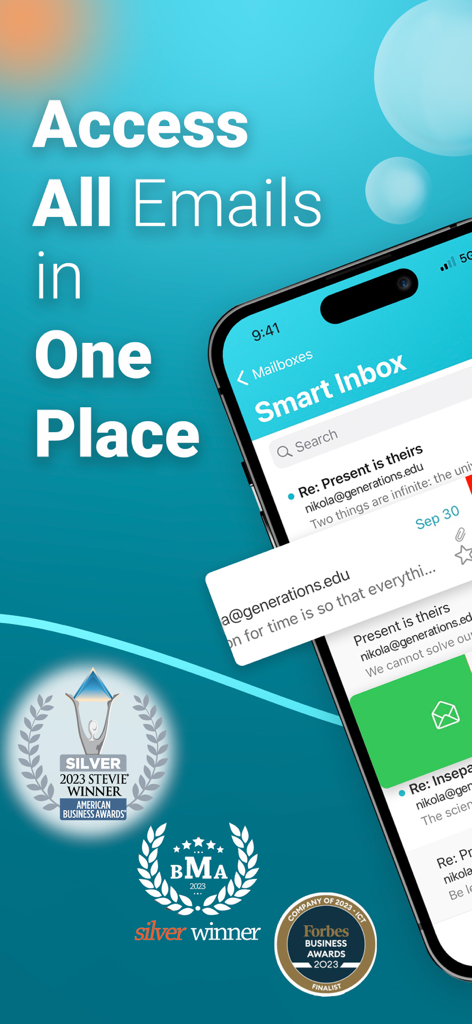
Aqua Mail スマート受信トレイ インターフェイスで複数のメール アカウントを 1 か所で管理

Aqua Mail スマート受信トレイ インターフェイスで複数のメール アカウントを 1 か所で管理

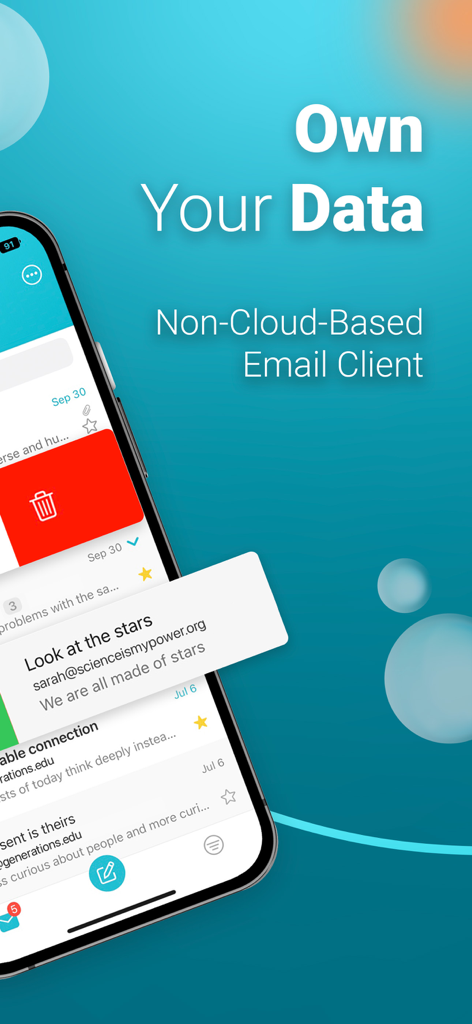
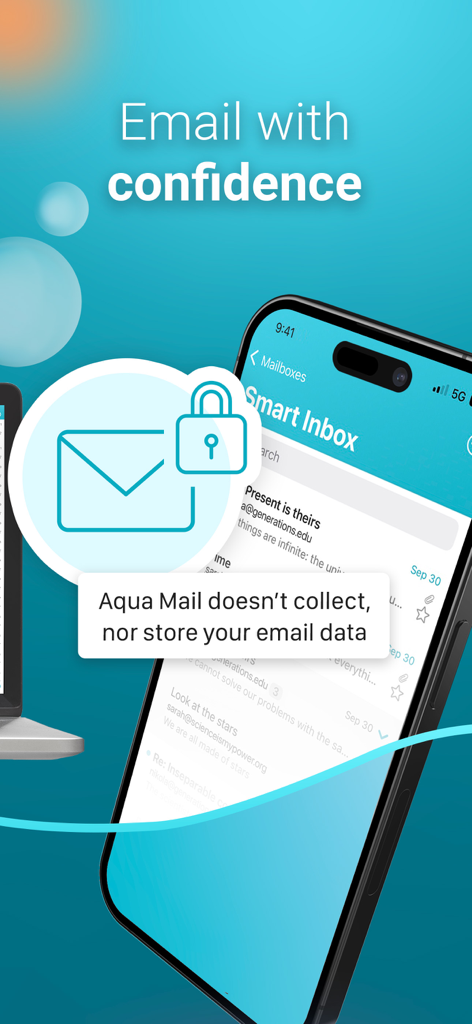
Aqua Mail インターフェイスは、セキュアな非クラウド メール クライアント機能とデータ プライバシーを強調

Aqua Mail インターフェイスは、セキュアな非クラウド メール クライアント機能とデータ プライバシーを強調

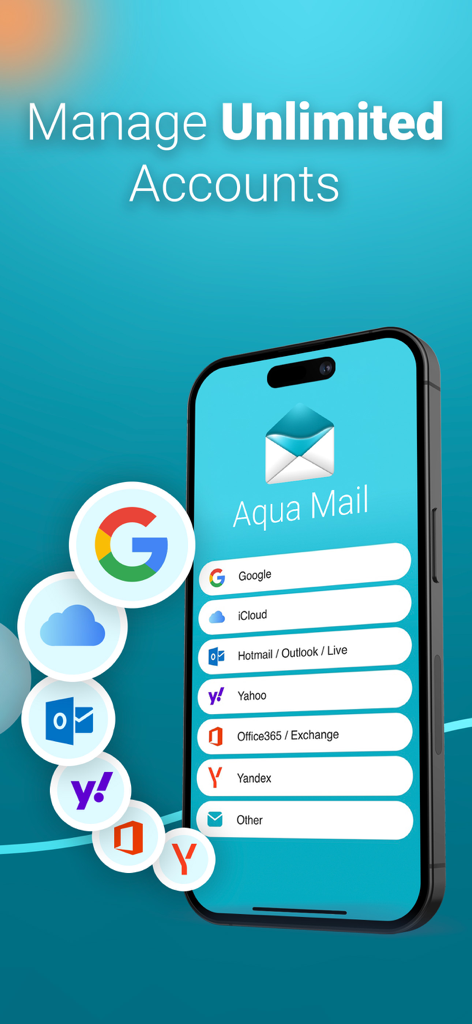
Aqua Mail アプリ インターフェイス iPhone に、無制限のアカウントを管理するためのサポートされているメール プロバイダーのリストを表示

Aqua Mail アプリ インターフェイス iPhone に、無制限のアカウントを管理するためのサポートされているメール プロバイダーのリストを表示

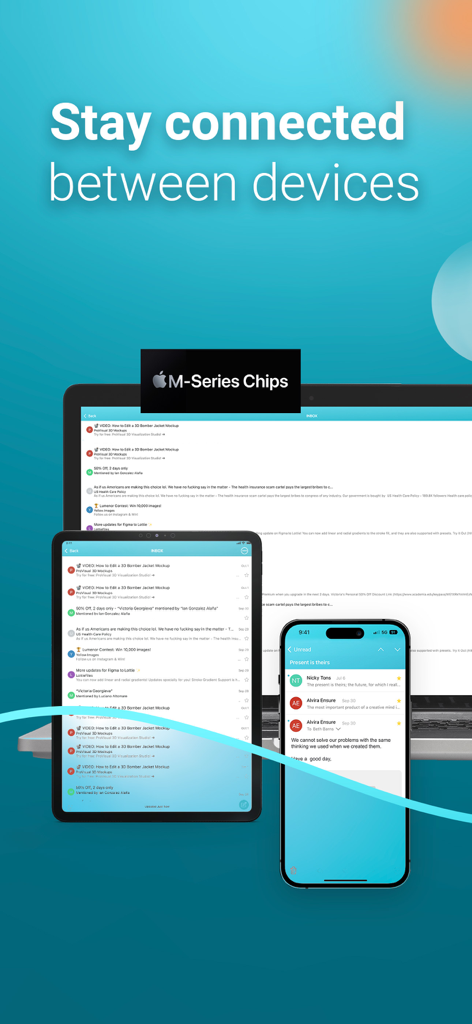
Aqua Mail メール クライアントがラップトップ、タブレット、スマートフォンの 3 つのデバイスに表示され、マルチデバイス接続を示しています

Aqua Mail メール クライアントがラップトップ、タブレット、スマートフォンの 3 つのデバイスに表示され、マルチデバイス接続を示しています

iPhone に Aqua Mail スマート受信トレイが表示され、セキュアなデータ ストレージに関するメッセージが表示されています

iPhone に Aqua Mail スマート受信トレイが表示され、セキュアなデータ ストレージに関するメッセージが表示されています

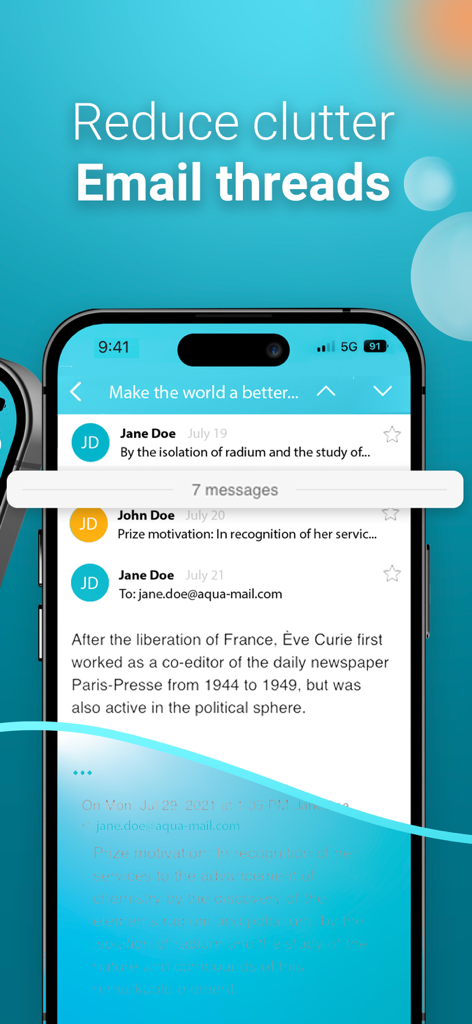
iOS の Aqua Mail アプリでの整理されたメール スレッド表示

iOS の Aqua Mail アプリでの整理されたメール スレッド表示

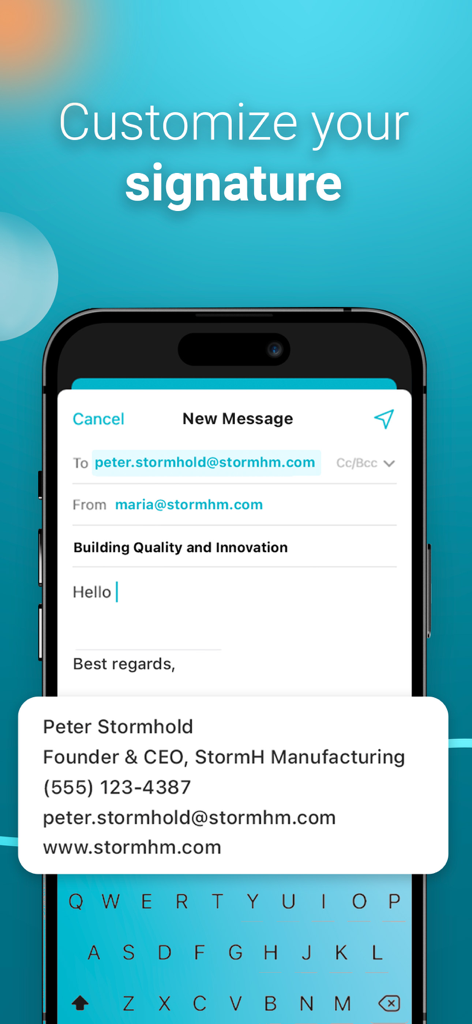
Aqua Mail アプリで編集中のプロフェッショナルなカスタム メール署名を表示するモバイル画面

Aqua Mail アプリで編集中のプロフェッショナルなカスタム メール署名を表示するモバイル画面

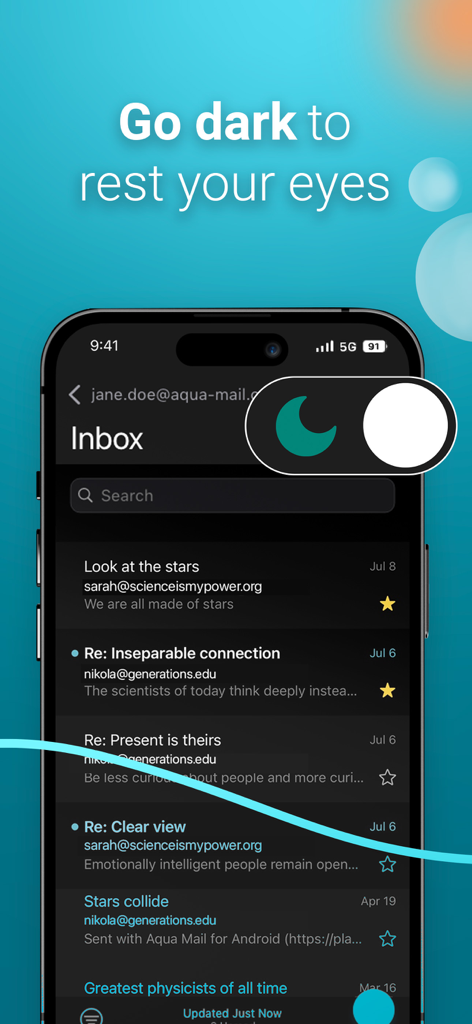
Aqua Mail メール アプリ インターフェイスで、目の快適さのためのダーク モード テーマを表示

Aqua Mail メール アプリ インターフェイスで、目の快適さのためのダーク モード テーマを表示

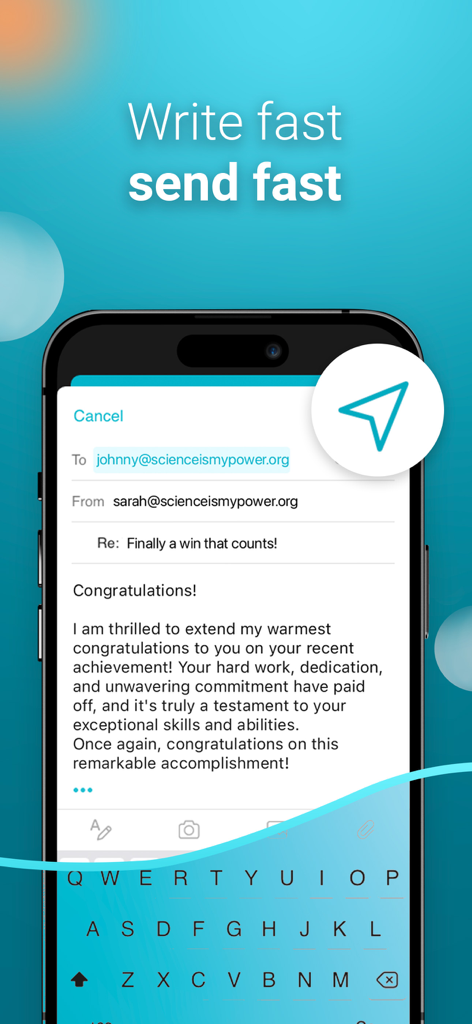
Aqua Mail アプリのインターフェイスは、スローガン「素早く書いて、素早く送信」を表示するメール作成画面を表示

Aqua Mail アプリのインターフェイスは、スローガン「素早く書いて、素早く送信」を表示するメール作成画面を表示

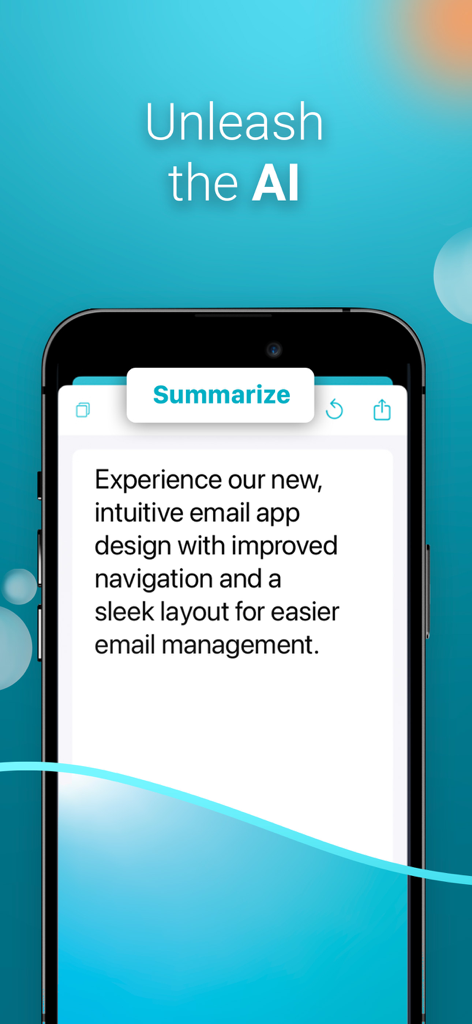
Aqua Mail AI 要約機能をメール管理のために表示するスマートフォンの画面

Aqua Mail AI 要約機能をメール管理のために表示するスマートフォンの画面

プロフェッショナルなコミュニケーションをマスターする

このアプリを際立たせるツール、 36K+ 人のユーザーが選択.

📥

統合コマンド センター

Gmail、Outlook、Exchange などを 1 つのスマート受信トレイに同期させることで、アプリの疲労を解消しましょう。単一の画面からすべてのプロフェッショナルな ID をシームレスに管理します。

🛡️

プライバシー重視のアーキテクチャ

データの所有権を完全に把握しましょう。パスワードやメール コンテンツはサーバーに保存しないため、機密性の高いビジネス コミュニケーションは厳密にプライベートに保たれます。

高速メール トリアージ

ワンタップでの購読解除、カスタマイズ可能なスワイプ アクション、ROI を最大化するように設計された一括フィルターを使用して、Inbox Zero をより迅速に達成しましょう。

アプリについて

について知っておくべきこと Email Aqua Mail Secure Client.

説明

‣ Manage multiple email accounts in one secure inbox, including IMAP and POP3. ‣ Smart inbox, fast search, customizable tools, and intuitive email management for maximum productivity. ‣ Reliable, responsive user support when you need it most. ■ ONE PLACE FOR ALL YOUR EMAILS Manage your entire email communication: Gmail, Yahoo, Hotmail, iCloud, Outlook, or Exchange. Aqua Mail supports most of the major email providers and any other IMAP or POP3-enabled email account. ■ BOOST EMAIL PRODUCTIVITY Get more done with an intuitive email UI that eliminates inbox distractions, helping you focus on the most important messages. ■ PRIVACY & SECURITY FIRST ‣ Security and Privacy are our core values. Aqua Mail does not collect and store your passwords, emails, or private message content. ‣ Touch & Face ID to unlock the app ■ EASY ACCOUNT SETUP The app will apply presets or recognize incoming and outgoing server names based on your email address. It provides automatic or manual setup, depending on the type of email provider and service. ■ SMART INBOX Sync all your email inboxes from different providers in one unified Smart inbox. ■ CONVERSATIONS Aqua Mail organizes your related messages into conversations, which outline all messages on one screen, so you can check everything at a glance, or take quick action on the message that concerns you the most. ■ CUSTOM INBOX MANAGEMENT ‣ Easily manage your custom inboxes - Create, Rename, and Delete folders. ‣ Color-code your email accounts for better clarity in the Smart Inbox. ‣ Get instant email delivery with Push mail ■ UNSUBSCRIBE Easily unsubscribe from unwanted newsletters with just one tap. ■ FAST SEARCH Find the message you need through a fast search by Sender, Header, Body, and All. ■ BULK ACTIONS ‣ Quick Select, or Select all, mark as Read, or Delete as many email messages as you wish. ‣ Filter your inbox by Unread, Read, Starred, or Attachment. ■ COMPOSE MESSAGE Switch between accounts when in Smart Inbox. Compose and send messages with simplicity. Attach photos, files, or documents directly from your device’s gallery or iCloud Drive. Save the message to Drafts to update them later. ■ PRODUCTIVE OPERATIONS & SETTINGS ‣ Swipe actions ‣ Undo Actions ‣ Manage contact images in the message list ‣ Edit Sender & Account name ‣ Set preferred language ‣ Autocompleting contacts from your address book ‣ Manage notifications ‣ Manage the content preview ‣ Break up emails by date ■ CREATE CUSTOM EMAIL SIGNATURE ■ DARK THEME Rest your eyes with a dark alternative of your inbox. ◉ GO PREMIUM and GET FULL ACCESS to: - Managing unlimited accounts from any email provider - Remove ads - Unsubscribe - Push for Exchange - Remove promo signature in sent emails - First-Rate support Your subscription fuels ongoing app updates and continuous improvement by our dedicated developers, bringing new and helpful features with each App Store release. CONTACT: If you have any questions, please contact us directly at support@aqua-mail.com Privacy Policy: https://www.aqua-mail.com/privacy-policy/ Terms of Use: https://www.aqua-mail.com/terms-of-use/

最新バージョン

1.49

サイズ

62.7 MB

リリース日

2022年10月31日

受信トレイをマスターする準備はできましたか?

すべて のメール アカウントのための究極のセキュア コマンド センターを使用する何千人ものプロフェッショナルに加わりましょう。妥協することなく、完全な生産性を体験してください。

ダウンロード: App Storeダウンロード: Google Play

App information, icons, screenshots, and descriptions displayed on this page are sourced from the Apple App Store and are the property of their respective developers. Download estimates and rankings are based on MWM's proprietary models and may not reflect actual figures. This page is provided for informational and analytical purposes only.

Believe this page infringes your intellectual property? File a dispute