File Manager - Browser

File Manager - Browser


ダウンロード: App Store
ロゴ: File Manager - Browser

File Manager - Browser:iPhoneとiPadのためのデスクトップグレードのコントロール

モバイルの制限から解放されましょう。パワーユーザーやデジタルノマドのために設計されたプログレードのツールとプライベートボルトで、ファイルを整理、解凍、保護しましょう。

ダウンロード: App Store

開発元

Binh Tran

カテゴリ

Utilities

ダウンロード

5K+

ユーザー評価

5.0/5

評価数

0

対応言語

5

モバイルでデスクトップパワーを

このインターフェースを利用する 5K+ 人のユーザー.

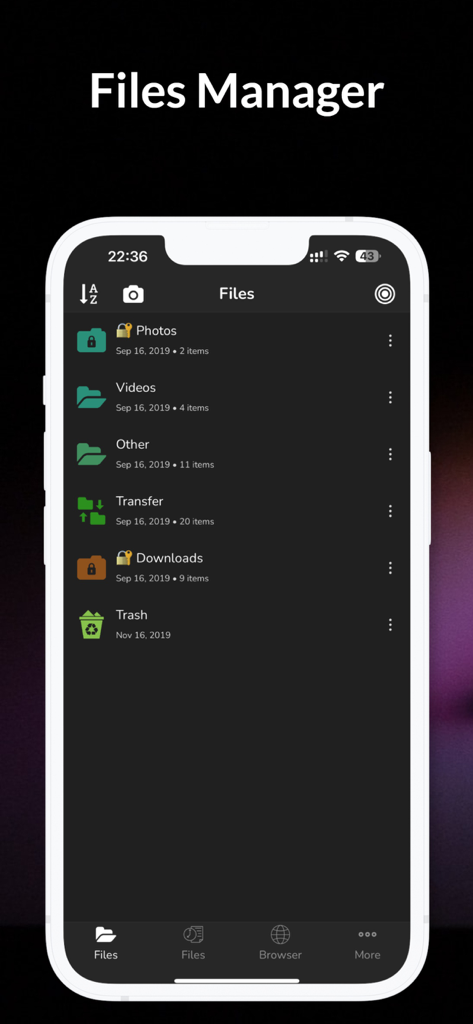
File Manager BrowserアプリのiOS用インターフェイス。整理されたフォルダのリストがダークモードで表示されています。

File Manager BrowserアプリのiOS用インターフェイス。整理されたフォルダのリストがダークモードで表示されています。

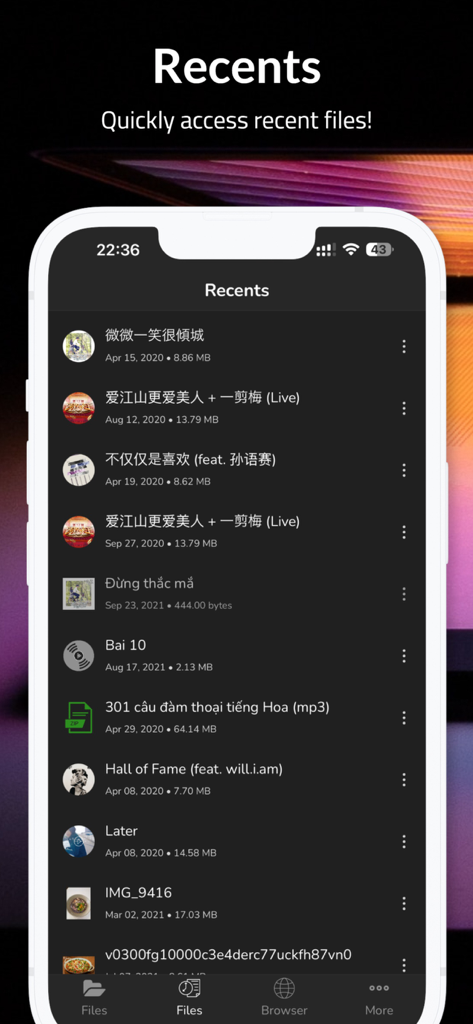
File Managerアプリのダークモードでの「最近使った項目」画面に表示される最近アクセスしたファイルのリスト。

File Managerアプリのダークモードでの「最近使った項目」画面に表示される最近アクセスしたファイルのリスト。

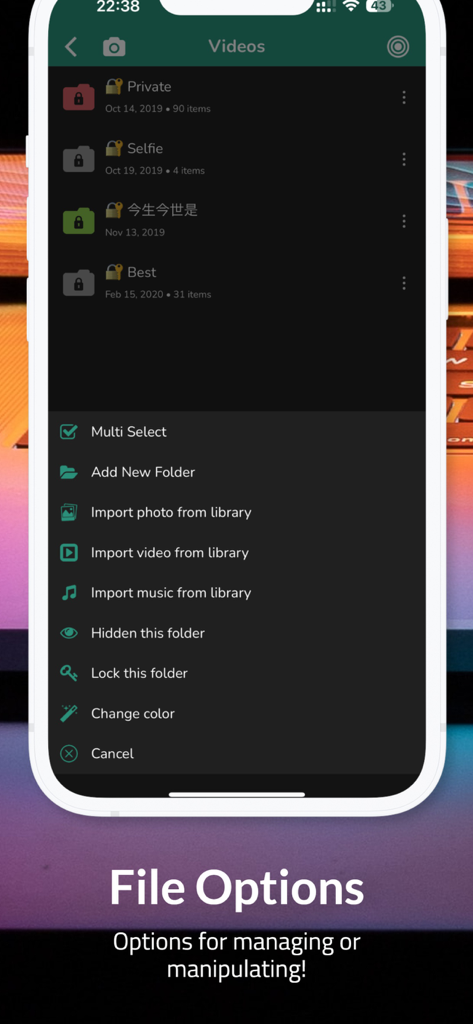
File ManagerアプリのiOS用メニュー。フォルダ管理とプライバシー設定が表示されています。

File ManagerアプリのiOS用メニュー。フォルダ管理とプライバシー設定が表示されています。

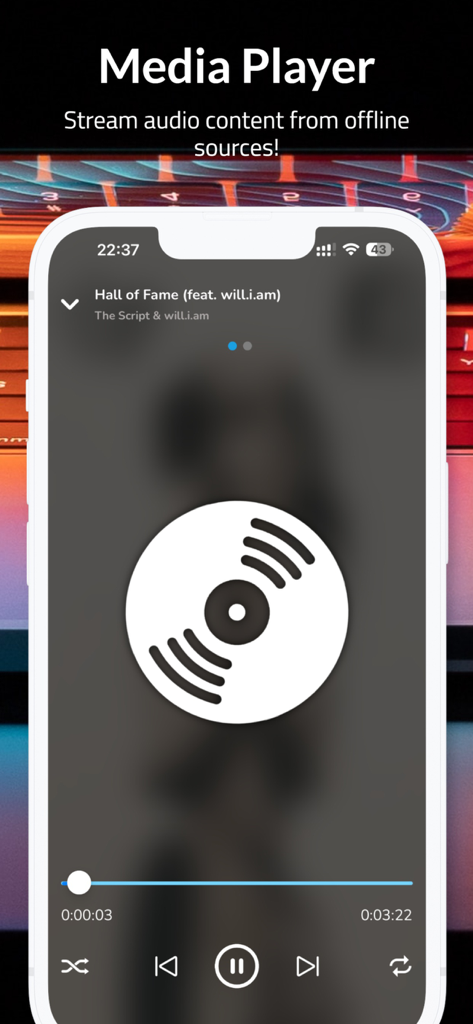
File Managerアプリのメディアプレーヤーインターフェイス。オフラインオーディオ再生が表示されています。

File Managerアプリのメディアプレーヤーインターフェイス。オフラインオーディオ再生が表示されています。

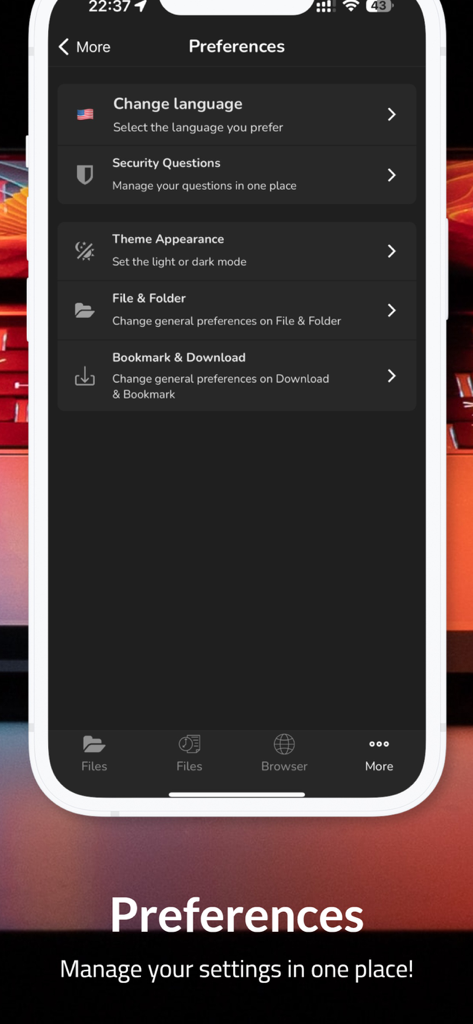
File Managerアプリの設定画面。言語、セキュリティ、テーマ、ファイル整理の設定がダークモードで表示されています。

File Managerアプリの設定画面。言語、セキュリティ、テーマ、ファイル整理の設定がダークモードで表示されています。

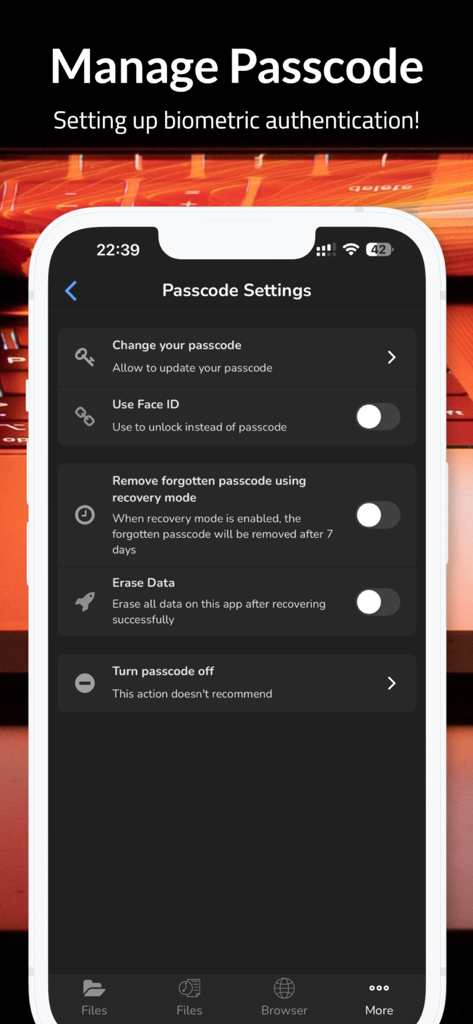
File Managerアプリのセキュリティ設定画面。Face IDとパスコード管理オプションがダークモードで表示されています。

File Managerアプリのセキュリティ設定画面。Face IDとパスコード管理オプションがダークモードで表示されています。

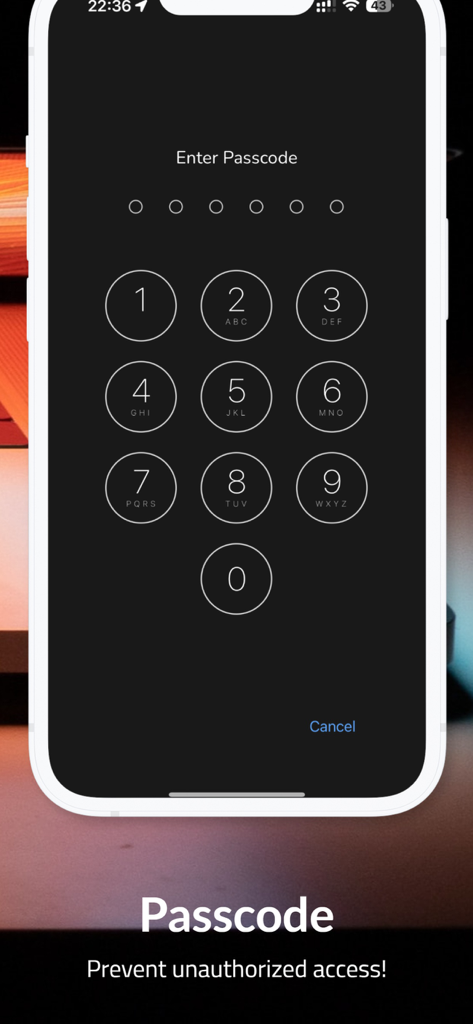
プライバシー保護と安全なファイルアクセス用のパスコード入力画面。

プライバシー保護と安全なファイルアクセス用のパスコード入力画面。

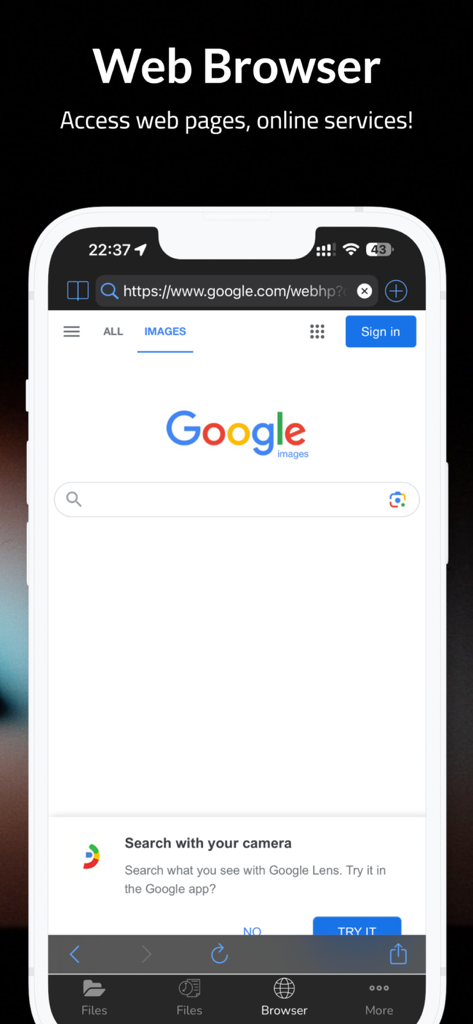
File Managerアプリ内の組み込みWebブラウザインターフェイス。検索エンジンのページが表示されています。

File Managerアプリ内の組み込みWebブラウザインターフェイス。検索エンジンのページが表示されています。

モバイルワークスペースを完全にコントロール

このアプリを際立たせるツール、 5K+ 人のユーザーが選択.

📂

デスクトップクラスのファイルコントロール

直感的な長押しメニューで、コピー、移動、解凍などを簡単に行え、iPhone上でMacやPCのような機能的な自由が得られます。

🛡️

安全なプライベートボルト

機密データを保護します。マスターパスコードまたは生体認証ロックで、プライベートドキュメントやメディアを100%隠し、完全な安心感を得られます。

🌐

統合プロブラウザ

プロフェッショナルなドキュメントを直接ローカルストレージにブラウズしてダウンロードできます。PDF、Excelシート、PPTを、統一されたワークフローで簡単に表示できます。

アプリについて

について知っておくべきこと File Manager - Browser.

説明

Using FileManager is easy. Just long-press on a file or folder icon to display a popup menu. Simply tap your selection and you’re ready to go. You can tap on the screen to copy, move, delete, unzip, create folders, and so on. There’s no need to worry about the security of MyFiles, either. Your files can be accessed remotely with a password or locally with a master passcode. No one but you will see what’s in your files. √ DARK MODE - A beautiful new dark color scheme that delivers a great viewing experience especially in low-light environments √ Capture video & photo √ File Manager! - Create new folders?- Copy, delete operations - Long press to popup menus - Support multi-selection mode - Import photos/videos from the system album - Import music from the iTunes library - Export files to photo gallery - Support to unzip the file - Copy file to the clipboard - Paste file from clipboard √ Share files via AirDops, carry them around with you, and share them with your friends. √ Powerful media player! - Support avi/flv/rmvm/rm/mov/mp4/mp3/wma/m3u8... - Show snapshot of videos √ Privacy Protection - Provide a secure private passcode to keep your secret files 100% privately. Your files are ONLY stored in your "Files Protection" and no one can touch them except yourself! - Hide files/folders - Hide image/video thumbnail - Recovery mode √ Download and browse files and documents on your iPhone, iPod, or iPad like on your computer.No limits on storage or downloads! - Web-browser like Safari with bookmarks - Simply tap on the link to download √ Document viewer ! - Support plist/word/excel/ppt/pdf/txt/page/number/html/jpeg/epub/chm- unzip (.zip file) - Open files with other apps - Open files from other apps *** IMPORTANT NOTE: This app DOES NOT support downloading of audio or video content or any other related functionality. The downloadable content must be NON-audiovisual which includes pdfs, docs, xlsxs etc... *** √ Contact with me: ichitech89@gmail.com

最新バージョン

37.0

サイズ

77.9 MB

リリース日

2020年1月12日

iOSデバイスでデスクトップレベルのパワーを体験

何千人ものパワーユーザーが、究極の自由度でファイルを管理、解凍、保護しています。今日、究極のファイルマネージャーとブラウザをダウンロードしてください。

ダウンロード: App Store

App information, icons, screenshots, and descriptions displayed on this page are sourced from the Apple App Store and are the property of their respective developers. Download estimates and rankings are based on MWM's proprietary models and may not reflect actual figures. This page is provided for informational and analytical purposes only.

Believe this page infringes your intellectual property? File a dispute