Framable | Framed Screenshots

Framable | Framed Screenshots


ダウンロード: App Store
ロゴ: Framable | Framed Screenshots

Framable | フレーム付きスクリーンショット:瞬時にプロフェッショナルなモックアップ

生のキャプチャを、リアルなAppleデバイスフレームで、見事なプレゼンテーションに変換。ソーシャルメディア、App Storeリスティング、ポートフォリオ向けの高解像度ビジュアルをわずか1秒で作成。

ダウンロード: App Store

開発元

镇 王

カテゴリ

Graphics & Design

ダウンロード

100

ユーザー評価

1.0/5

評価数

0

対応言語

13

完璧なプレゼンテーション

このインターフェースを利用する 100 人のユーザー.

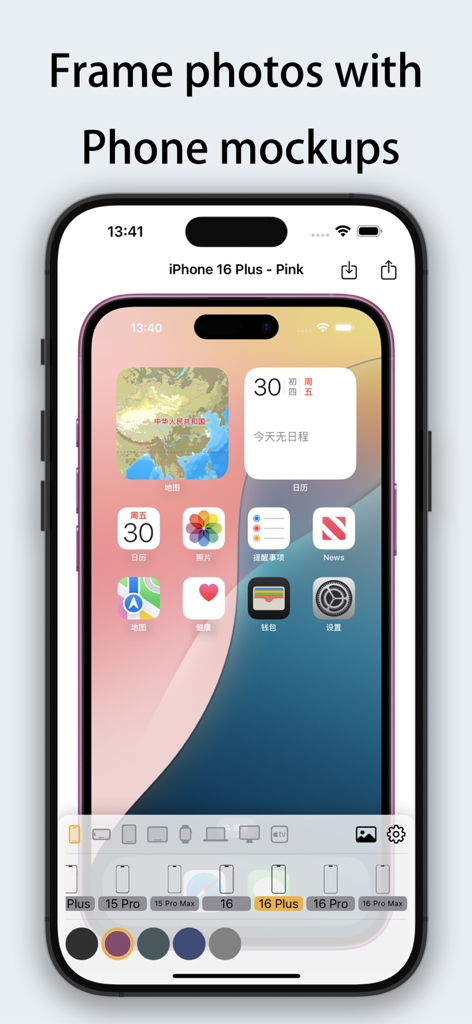
Framableアプリのインターフェース。ピンクのiPhone 16 Plusモックアップ内にスクリーンショットがフレーム表示されています。

Framableアプリのインターフェース。ピンクのiPhone 16 Plusモックアップ内にスクリーンショットがフレーム表示されています。

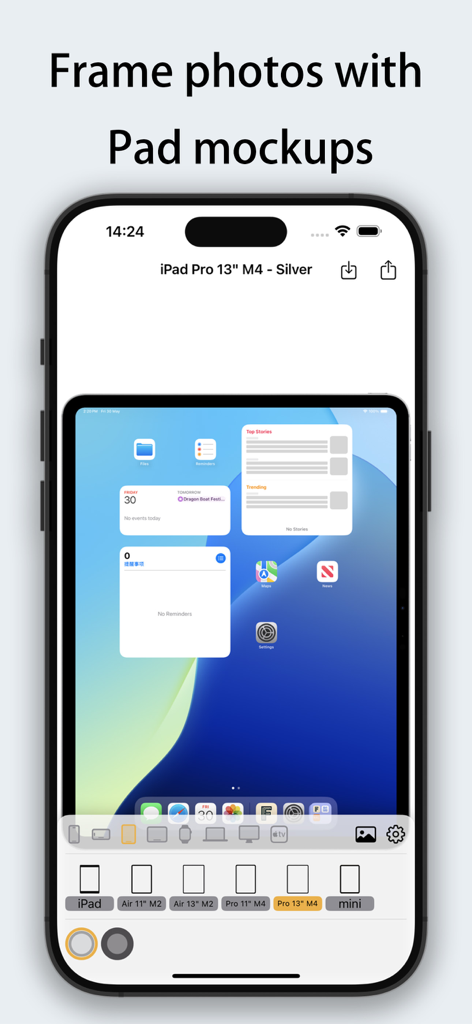
iPad Proデバイスフレームをスクリーンショットに追加するためのFramableアプリのインターフェース。

iPad Proデバイスフレームをスクリーンショットに追加するためのFramableアプリのインターフェース。

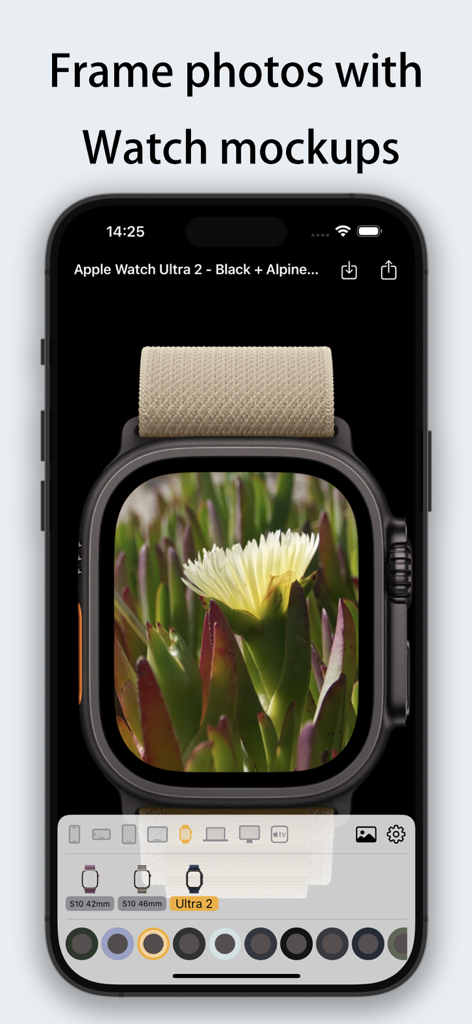
Apple Watch Ultra 2デバイスフレーム内に花の写真を配置したFramableアプリのインターフェース。

Apple Watch Ultra 2デバイスフレーム内に花の写真を配置したFramableアプリのインターフェース。

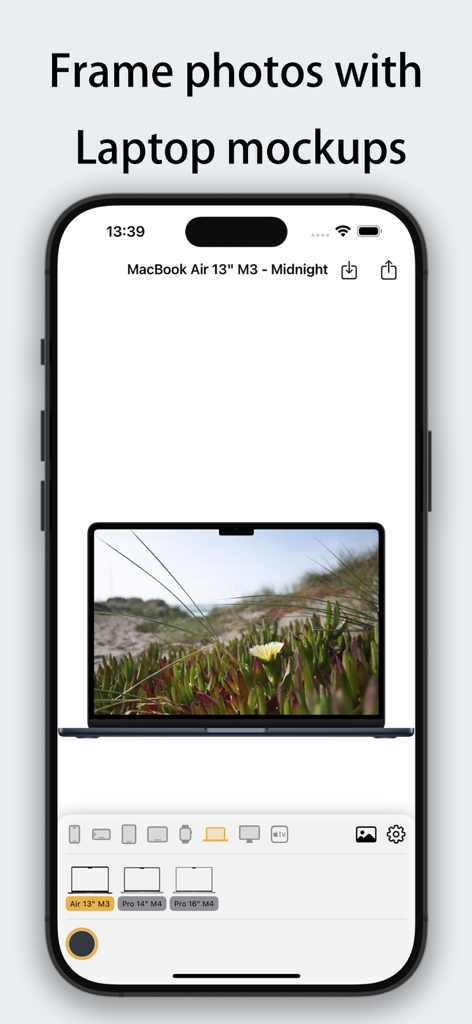
MacBook Air M3ラップトップデバイスフレームモックアップ内に写真を配置したFramableアプリのインターフェース。

MacBook Air M3ラップトップデバイスフレームモックアップ内に写真を配置したFramableアプリのインターフェース。

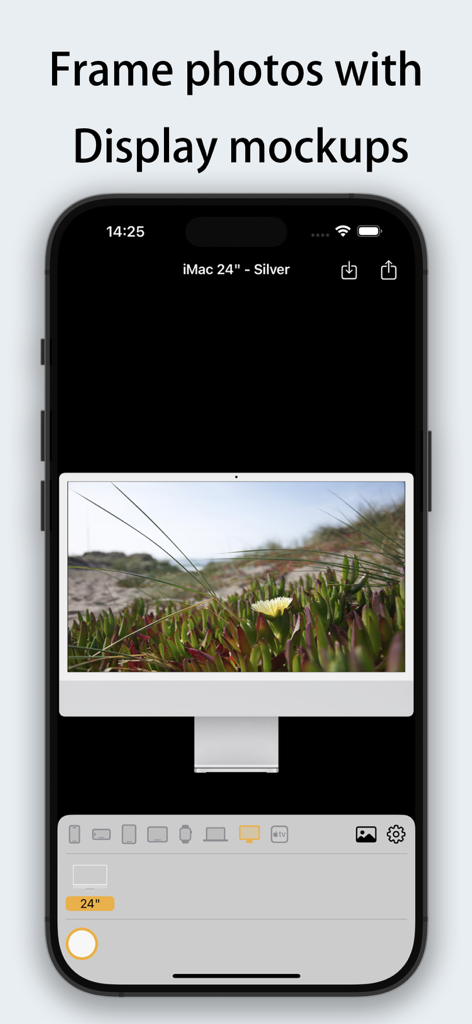
24インチiMacのシルバーモックアップ内に写真をフレーム表示したFramableアプリのインターフェース。

24インチiMacのシルバーモックアップ内に写真をフレーム表示したFramableアプリのインターフェース。

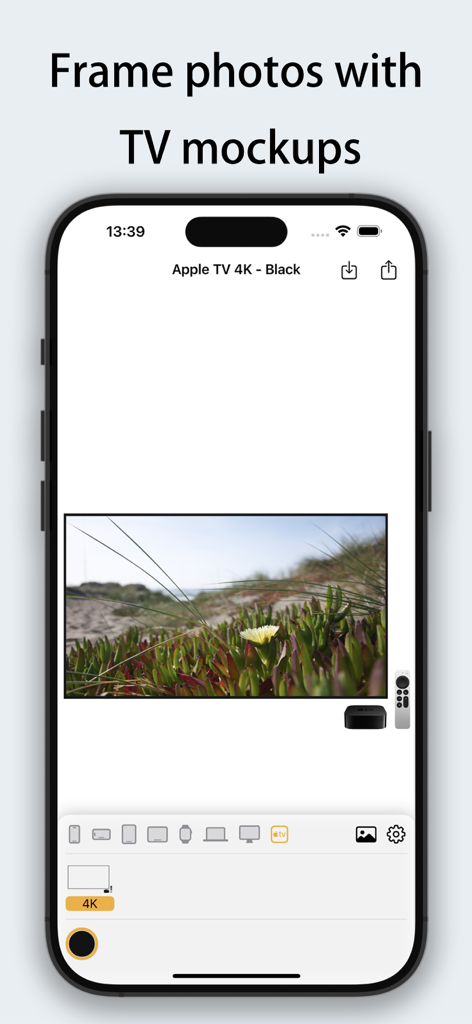
Apple TV 4Kモックアップ内に風景写真をフレーム表示したFramableアプリのインターフェース。

Apple TV 4Kモックアップ内に風景写真をフレーム表示したFramableアプリのインターフェース。

デジタルプレゼンスを瞬時に格上げ

このアプリを際立たせるツール、 100 人のユーザーが選択.

瞬時にプロフェッショナルに

基本的なキャプチャから洗練されたモックアップまで、わずか1回のタップで完了。1秒処理により、ワークフローを維持しながら、ハイエンドな結果を提供できます。

📱

最新のAppleエコシステム

最新のiPhone 16、M4 iPad、MacBook向けのピクセルパーフェクトなフレームで、常に最先端のコンテンツを保証します。

高解像度エクスポート

4K解像度サポートで、すべてのディテールを保存。プロフェッショナルなポートフォリオ、App Storeアセット、エンゲージメントの高いソーシャルメディア投稿の作成に最適です。

アプリについて

について知っておくべきこと Framable | Framed Screenshots.

説明

Framable - Add a beautiful device frame to your screenshots with one tap! Make your screenshots instantly professional! Framable supports adding realistic device frames to iPhone, iPad, Mac, Apple Watch, and Apple TV screenshots/photos. 1-second processing, easy sharing. Perfectly compatible with the latest Apple devices • iPhone 14/15/16/17/Air full series (including Pro/Pro Max) • iPad Air/Pro/mini (M2/M4 models fully covered) • MacBook Air/Pro (13"~16", M3/M4 chips) • iMac 24", Apple TV 4K • Apple Watch S10/S11/Ultra 2/Ultra 3 (42mm/46mm dial) Core Features • Ultra-fast processing - automatically generate framed images in 1 second • High-definition output - preserves original image quality, supports 4K resolution • Diverse frames - multiple color options available (Space Gray, Starlight, Midnight Blue, etc.) • Seamless sharing - directly save to album or share to social platforms Use Cases • Add device display frames for App Store screenshots • Make product demonstrations more professional • Create personalized social media graphics • Highlight device features when designing tutorials/reviews "From ordinary screenshot to professional presentation, in just 1 second!"

最新バージョン

1.0.1

サイズ

30.4 MB

リリース日

2025年6月4日

あなたの作品にプレミアムなエッジを与えませんか?

何千人ものクリエイター、開発者、デザイナーが、生のスクリーンショットをわずか1回のタップでプロフェッショナルなプレゼンテーションに変換しています。今すぐFramableをダウンロードして、最新の高解像度Appleフレームであなたのアイデアを披露しましょう。

ダウンロード: App Store

App information, icons, screenshots, and descriptions displayed on this page are sourced from the Apple App Store and are the property of their respective developers. Download estimates and rankings are based on MWM's proprietary models and may not reflect actual figures. This page is provided for informational and analytical purposes only.

Believe this page infringes your intellectual property? File a dispute