French for Beginners & Kids

French for Beginners & Kids


ダウンロード: App Store
ロゴ: French for Beginners & Kids

初心者&子供向けフランス語:遊びを通して300以上の必須単語をマスター

好奇心旺盛な子供たちや忙しい大人にぴったりの言語入門書。旅行、学校、日常生活のためにデザインされた、インタラクティブで多感覚的なレッスンで自信をつけましょう。

開発元

Curiosity Ventures LLC

カテゴリ

Education

ダウンロード

4K+

ユーザー評価

1.0/5

評価数

0

対応言語

8

アプリの中身を覗いてみよう

このインターフェースを利用する 4K+ 人のユーザー.

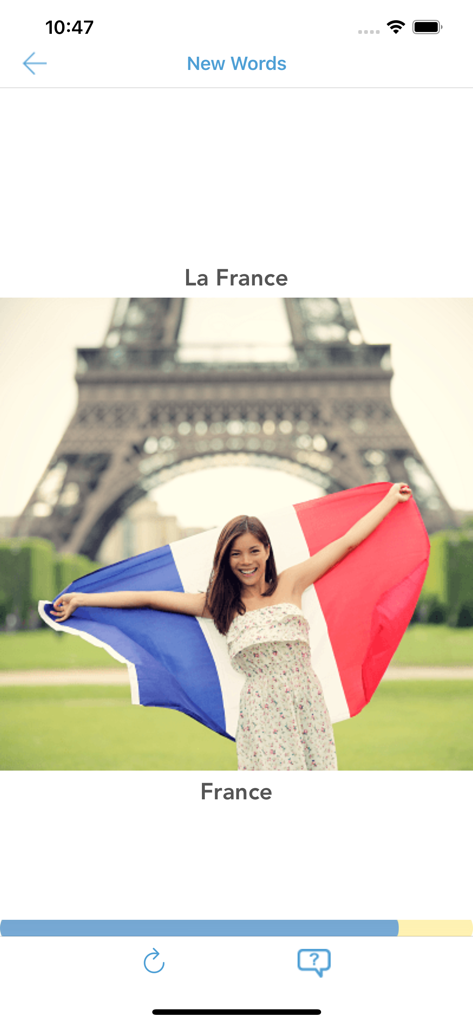
フランス語学習アプリの画面。「フランス」という単語とエッフェル塔の画像が表示されています。

フランス語学習アプリの画面。「フランス」という単語とエッフェル塔の画像が表示されています。

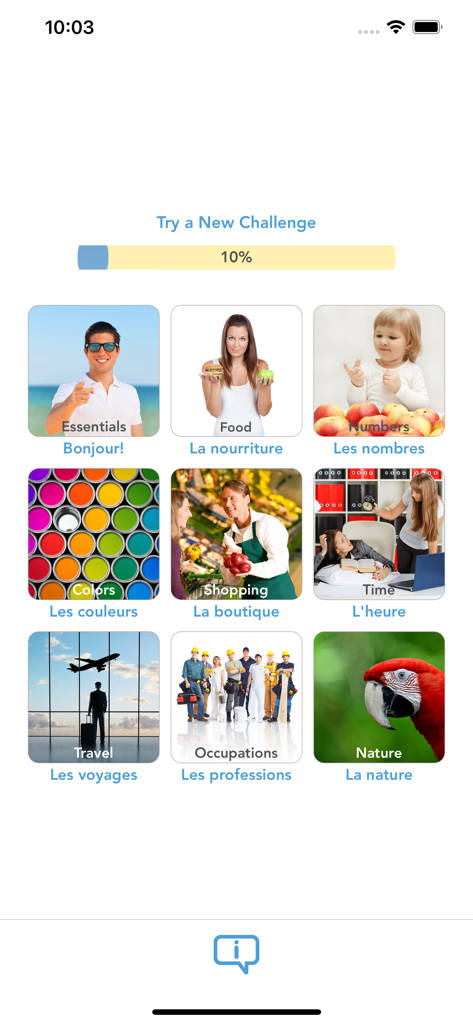
食べ物、旅行、数字などの様々なトピックが表示されたレッスン選択メニュー。進捗バー付き。

食べ物、旅行、数字などの様々なトピックが表示されたレッスン選択メニュー。進捗バー付き。

初心者&子供向けフランス語アプリのレッスン画面。「私の名前は〜です」というフレーズを教えています。

初心者&子供向けフランス語アプリのレッスン画面。「私の名前は〜です」というフレーズを教えています。

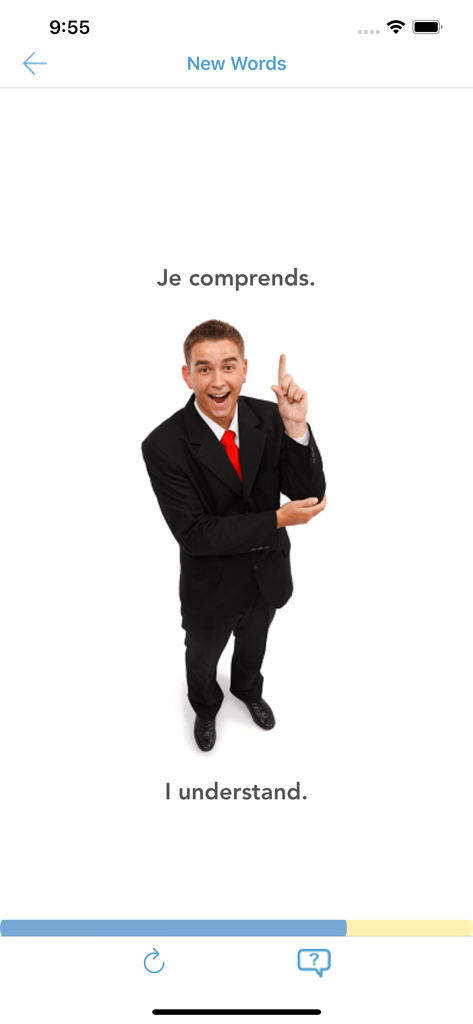
初心者向けフランス語アプリのレッスン画面。「私は理解します」というフレーズと、その英語訳「I understand」を教えています。

初心者向けフランス語アプリのレッスン画面。「私は理解します」というフレーズと、その英語訳「I understand」を教えています。

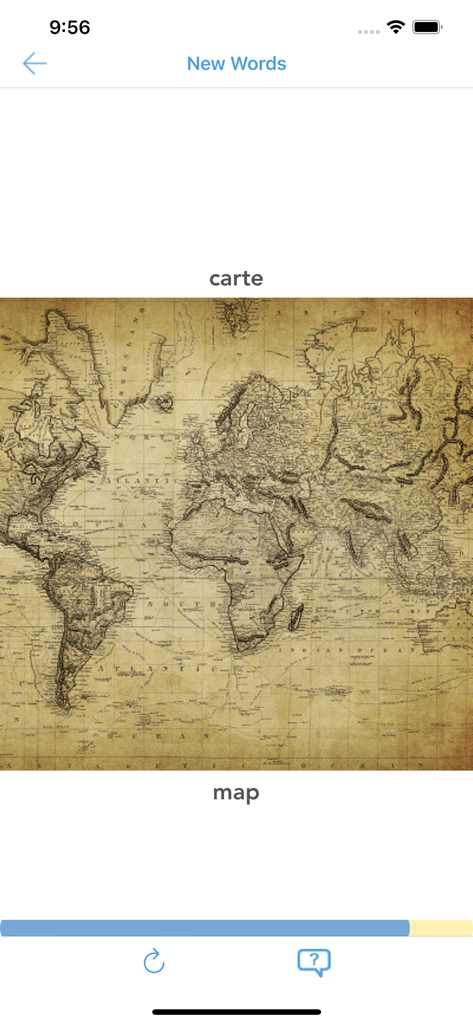
フランス語学習アプリの画面。「地図」という単語と世界地図のイラストが表示されています。

フランス語学習アプリの画面。「地図」という単語と世界地図のイラストが表示されています。

初心者向けフランス語アプリの読解チャレンジ画面。「地図」という単語を地図の画像と一致させています。

初心者向けフランス語アプリの読解チャレンジ画面。「地図」という単語を地図の画像と一致させています。

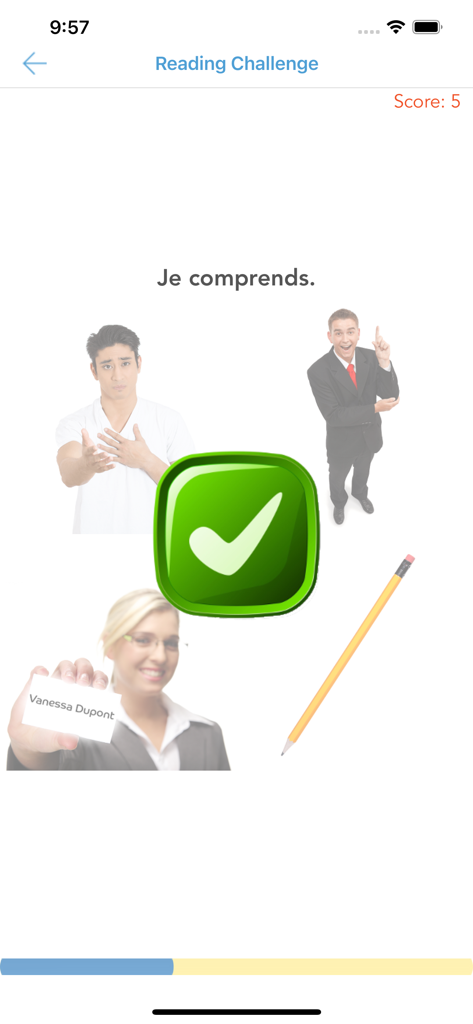
初心者&子供向けフランス語アプリの読解チャレンジ画面。「私は理解します」というフレーズの正解が緑色のチェックマークで表示されています。

初心者&子供向けフランス語アプリの読解チャレンジ画面。「私は理解します」というフレーズの正解が緑色のチェックマークで表示されています。

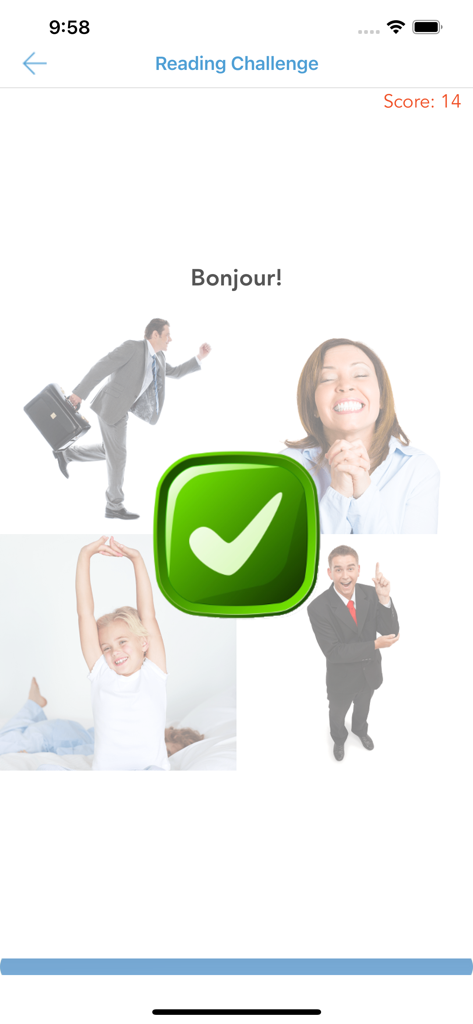
初心者&子供向けフランス語アプリの読解チャレンジ画面。「こんにちは」という単語の正解が大きな緑色のチェックマークで表示されています。

初心者&子供向けフランス語アプリの読解チャレンジ画面。「こんにちは」という単語の正解が大きな緑色のチェックマークで表示されています。

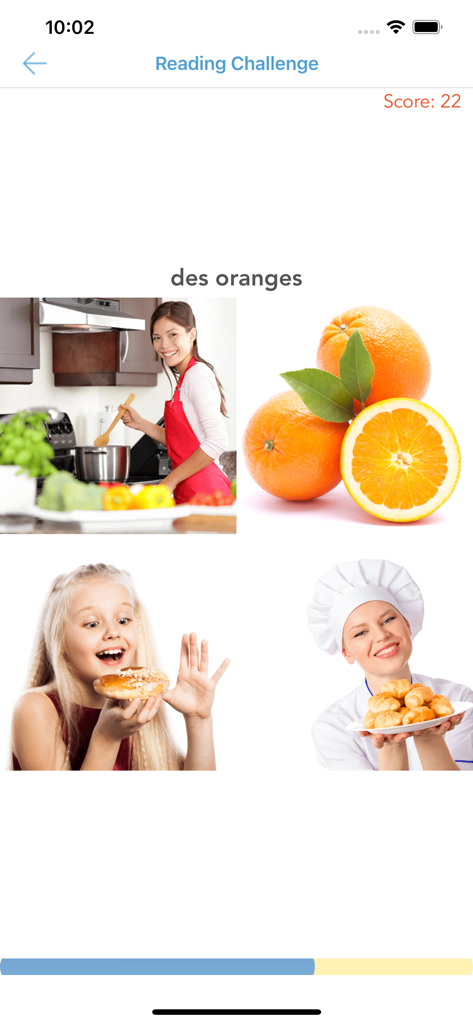
フランス語学習アプリの読解チャレンジ画面。「オレンジ」という単語の語彙一致アクティビティが表示されています。

フランス語学習アプリの読解チャレンジ画面。「オレンジ」という単語の語彙一致アクティビティが表示されています。

楽しく簡単にフランス語をマスター

このアプリを際立たせるツール、 4K+ 人のユーザーが選択.

🎨

魅力的な多感覚学習

退屈な教科書を超えて、視覚、聴覚、触覚を組み合わせた鮮やかなアクティビティで、新しい単語が自然に定着します。

✈️

実用的で実用的な語彙

旅行、買い物、日常生活に不可欠な315以上の単語とフレーズをマスターし、次の冒険に備えましょう。

📈

やりがいのある進捗追跡

インタラクティブなポイントと進捗バーでモチベーションを維持し、学習をあらゆる年齢の学生にとって楽しく目標志向のゲームに変えましょう。

アプリについて

について知っておくべきこと French for Beginners & Kids.

説明

ABOUT French for Beginners & Kids by LTApps (Language Training Apps) is great at helping students of all ages to pick up the language listening, reading and vocabulary skills quickly and naturally by engaging visual, listening and touch senses. It is also an excellent way to speed up language learning beyond traditional courseware like textbooks and of great help for educators to accelerate motivated learning by students. The course is made of 10 lessons (topics), each of them helping to grasp new words, expressions and grammar usable in daily live, overseas trips and classroom environments for all generations of beginner level learners. You can see all the topics on the first page of the app. The app teaches you around 315 new words and expressions. WHAT'S COVERED IN EACH LESSON? You will learn the following topics, words, expressions and grammatical rules in each of these lessons as follows. It is recommended to follow this order as new grammar is sometimes built on learning from previous lessons. Essentials – basic phrases, nouns, person pronouns, positive and negative verbs Food – pluralized nouns, simple clause with “I like” Numbers – numerals Colors – adjectives Shopping – nouns, verbs, questions with “How much?” useful expressions Time – telling and asking time, clock Travel – positive and negative verbs, questions with “Where?”, “How?” Occupations (Work and Hobbies) – person pronouns, genders, plurals vs. singulars, questions with “What?” Nature – simple clause with positive and negative verbs All – this chapters serves for assessment purpose and as final challenge to check one’s ability before and after the whole course. STRUCTURE OF LESSONS New contents in each lesson is introduced via section “New Words”. After that you can strengthen your language skills via reading and listening challenge sections of each class. POINTS & OVERALL PROGRESS In each lesson you can collect points from reading and listening sections. Based on these points your overall progress will be updated in the front page progress bar and saved in the app. You can retake the challenges and points for each section will be reset and taken into calculation of the overall progress updated on the front page. CHANGING YOUR LOCAL LANGUAGE If available in the current version, you can change the language you use to study from. To do that go to Settings, then choose General, then Language & Region. You can change the language un under iPhone (iPad) Language. After that move back to LTApps. Note: not all languages are supported to study from in LTApps. In that case, LTApps will select default language – English. SUPPORT Your feedback about the app is very important to us and we are happy to help you if you have any questions or require support to use LTApps (Language Training Apps).

最新バージョン

1.1

サイズ

58.3 MB

リリース日

2021年8月2日

今日からフランス語を話し始めませんか?

4,000人以上の学習者が、楽しくインタラクティブなレッスンを通して必須語彙をマスターしています。学校、旅行、家族の楽しみのために、数秒で最初のレッスンを始めましょう!

ダウンロード: App Store

App information, icons, screenshots, and descriptions displayed on this page are sourced from the Apple App Store and are the property of their respective developers. Download estimates and rankings are based on MWM's proprietary models and may not reflect actual figures. This page is provided for informational and analytical purposes only.

Believe this page infringes your intellectual property? File a dispute