Garage Door Control

Garage Door Control

ダウンロード: App Store
ロゴ: Garage Door Control

ガレージドアコントロール:スマートDIYでご自宅をアップグレード

高価なハブや月額サブスクリプションなしで、あらゆるガレージをSiri対応のエントランスに変えましょう。ローカルBluetoothセキュリティ、Apple Watch連携、カスタムショートカットで究極のハンズフリー体験を手に入れましょう。

ダウンロード: App Store

開発元

Vitalij Schaefer

カテゴリ

Utilities

ダウンロード

700

ユーザー評価

4.1/5

評価数

0

対応言語

33

コントロールを実際に

このインターフェースを利用する 700 人のユーザー.

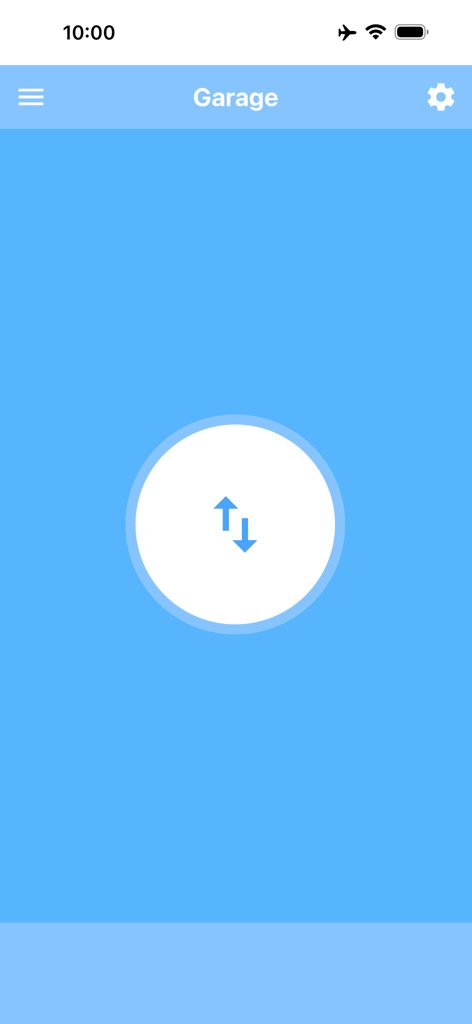
青い背景に上下の矢印が付いた中央のコントロールボタンが表示されているGarage Door Controlアプリのメイン画面

青い背景に上下の矢印が付いた中央のコントロールボタンが表示されているGarage Door Controlアプリのメイン画面

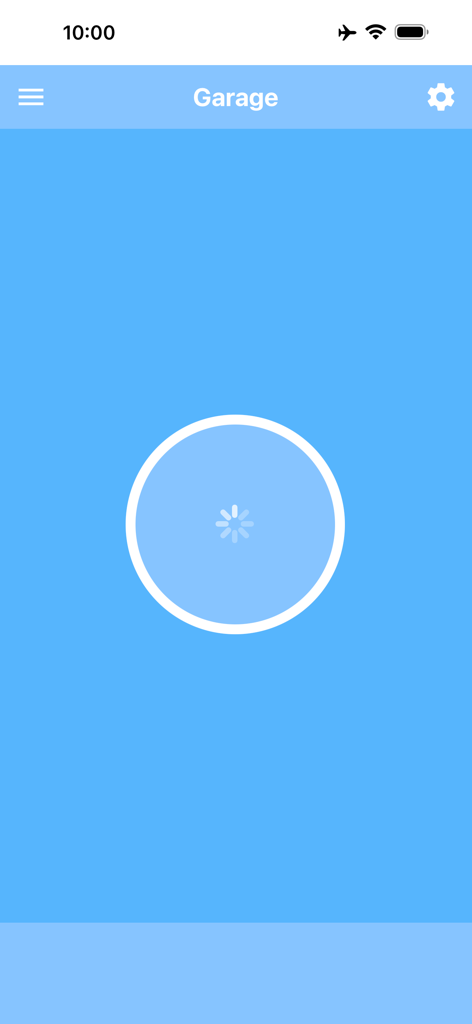
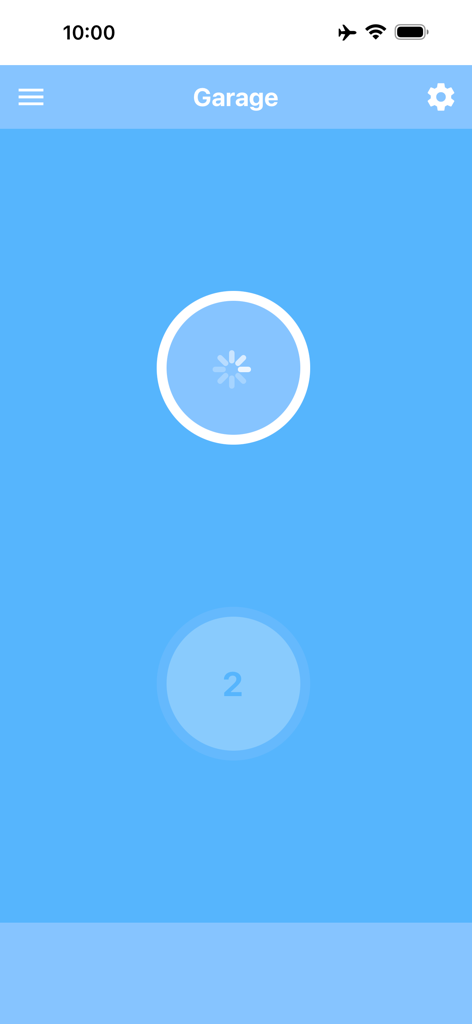
青い背景にローディングスピナーが表示されているGarage Door Controlアプリのメインインターフェース

青い背景にローディングスピナーが表示されているGarage Door Controlアプリのメインインターフェース

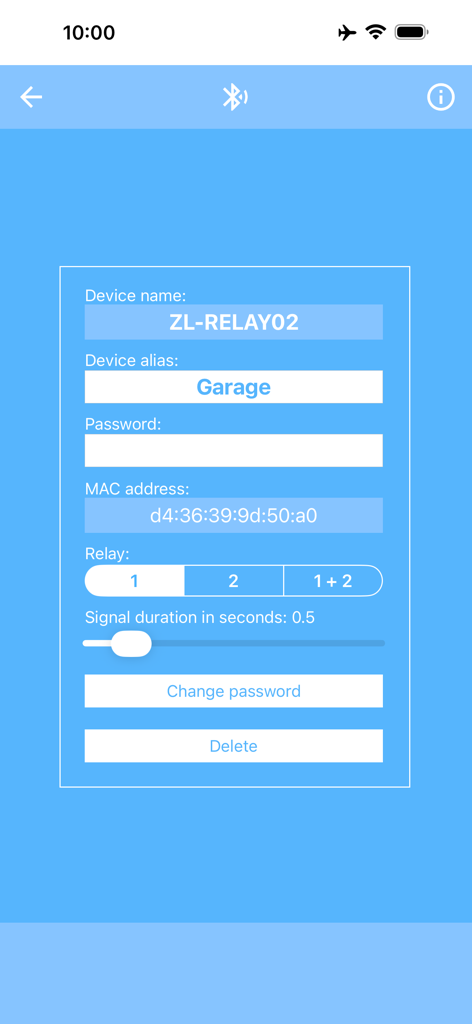
デバイスエイリアスとMACアドレス設定が表示されているGarage Door ControlアプリのBluetoothリレーモジュール設定画面

デバイスエイリアスとMACアドレス設定が表示されているGarage Door ControlアプリのBluetoothリレーモジュール設定画面

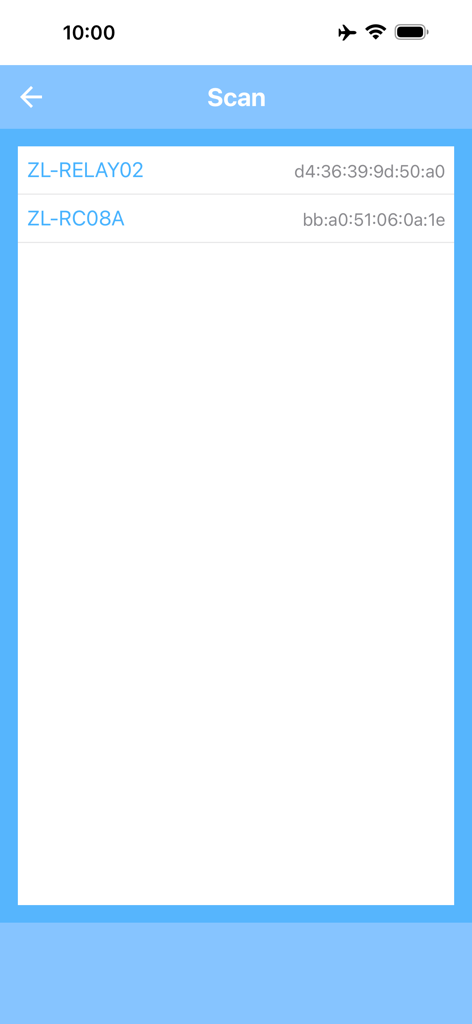
Garage Door Controlアプリで検出されたBluetoothリレーモジュールが表示されているスキャンインターフェース

Garage Door Controlアプリで検出されたBluetoothリレーモジュールが表示されているスキャンインターフェース

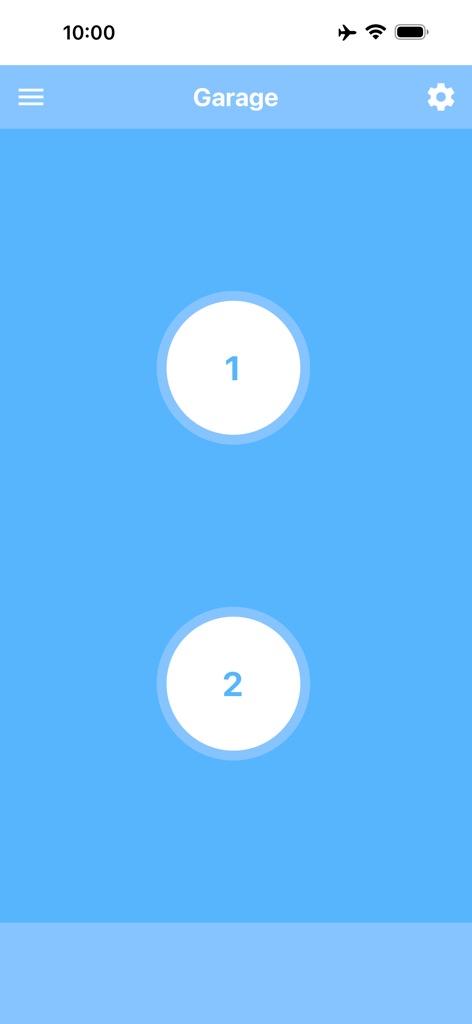
2つの別々のガレージドアを操作するための2つの大きな円形ボタンを備えたGarage Door ControlアプリのiPhoneインターフェース

2つの別々のガレージドアを操作するための2つの大きな円形ボタンを備えたGarage Door ControlアプリのiPhoneインターフェース

2チャンネルリレーモジュールを操作するためのインターフェースが表示されているGarage Door Controlアプリのメイン画面。

2チャンネルリレーモジュールを操作するためのインターフェースが表示されているGarage Door Controlアプリのメイン画面。

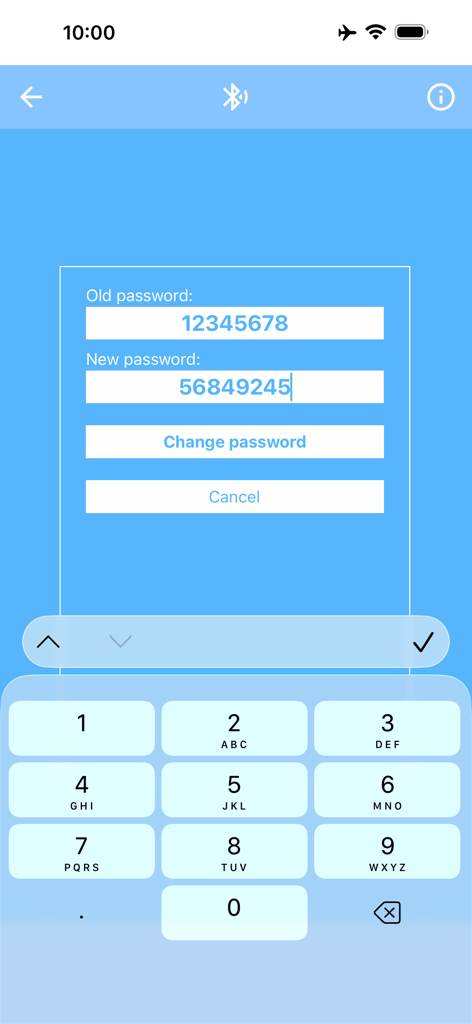
Garage Door ControlアプリでBluetoothリレーモジュールのパスワードを変更する

Garage Door ControlアプリでBluetoothリレーモジュールのパスワードを変更する

スマートDIYコントロールがあなたの指先に

このアプリを際立たせるツール、 700 人のユーザーが選択.

🗣️

ハンズフリーSiriショートカット

Siriと連携して、運転中に簡単な音声コマンドでガレージを開閉できます。安全でスムーズな到着を毎回保証します。

スタンドアロンApple Watchコントロール

iPhoneを車内や自宅に置いたままにできます。一度の設定で、Apple Watchから直接ガレージドアをコントロールでき、独立して動作します。

🏠

複数ガレージ管理

複数の入り口がある物件に最適です。各ドアにカスタムエイリアスを使用することで、自宅、ワークショップ、別荘のガレージを簡単に切り替えることができます。

アプリについて

について知っておくべきこと Garage Door Control.

説明

With this app, you can easily open and close your garage door using your iPhone, iPad, or Apple Watch. To use the app, you will need a garage door with an electric drive as well as a 2-channel relay module with Bluetooth BLE (“2 Channel Relay Module Bluetooth BLE”). This module is inexpensive and available in many online shops. Use an Internet search engine to find it. More information about the app and the relay module can be found on this website: garage-door-app.com The app can be connected to any number of modules. This way, you can equip several garage doors with a relay module each and conveniently control them all through a single app. By assigning an alias, each module can be clearly named and easily identified – for example: “Home garage,” “Workshop garage,” “Left garage door,” “Right garage door,” or “Parents’ garage.” The app also lets you set the signal duration and choose the relay number individually. For a double garage with two doors, both relays can be controlled separately. In this case, two buttons will appear: one for Door 1 and one for Door 2. The default password for these modules is “12345678.” For added security, you can change the password directly in the app. The password must be exactly eight digits long. With this app, you can also open and close your garage directly from the Apple Watch. The connection to the relay module only needs to be set up once via the iPhone. Afterwards, the control works directly from the Apple Watch, even without the iPhone. The Apple Watch app must be unlocked via a one-time in-app purchase. Additionally, you can create a Shortcut to open and close the garage. This allows you to control the door with Siri voice commands or via a shortcut on the Home Screen. The best way is to create two Shortcuts – for example, one named “Open garage” and one named “Close garage.” That way, you can use these exact commands with Siri. To use Shortcuts, you must either remove the ads or unlock the Apple Watch app – both are done with a one-time in-app purchase.

最新バージョン

6.8

サイズ

20.6 MB

リリース日

2017年5月11日

DIYガレージをアップグレードする準備はできましたか?

今すぐアプリをダウンロードして、リレーモジュールを接続しましょう。SiriショートカットとApple Watchコントロールを、完全なプライバシーと月額無料サブスクリプションでシームレスに楽しめます。

ダウンロード: App Store

App information, icons, screenshots, and descriptions displayed on this page are sourced from the Apple App Store and are the property of their respective developers. Download estimates and rankings are based on MWM's proprietary models and may not reflect actual figures. This page is provided for informational and analytical purposes only.

Believe this page infringes your intellectual property? File a dispute