iFiles — Your All-in-One File Manager & Reader
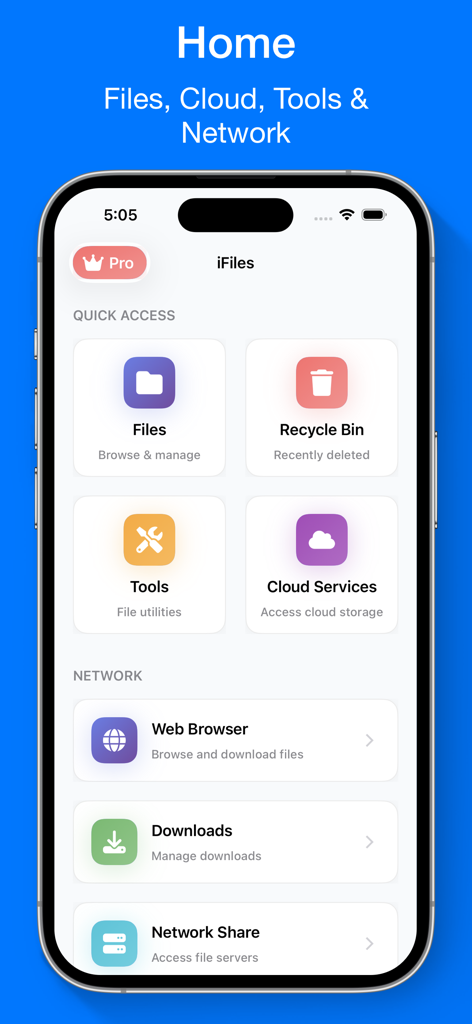
iFiles is the ultimate file manager and media hub that lets you organize, view, convert, and secure all your files in one powerful app. It includes a Music Player, Video Player, Photo Viewer, Document Scanner, PDF & EPUB Reader, Media Converter, and ZIP/RAR Extractor — all built right in.
Top Features Users Love
- Powerful File Manager
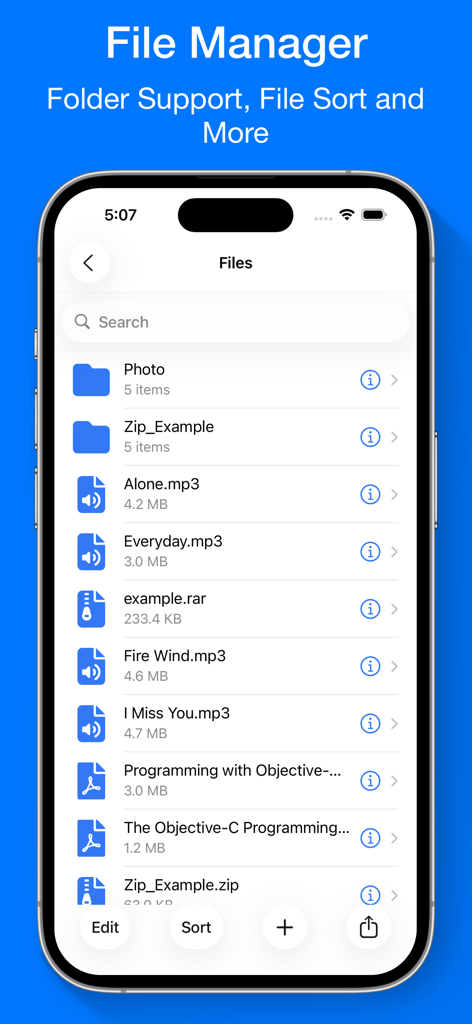
• Browse, organize, and manage all your files in one place
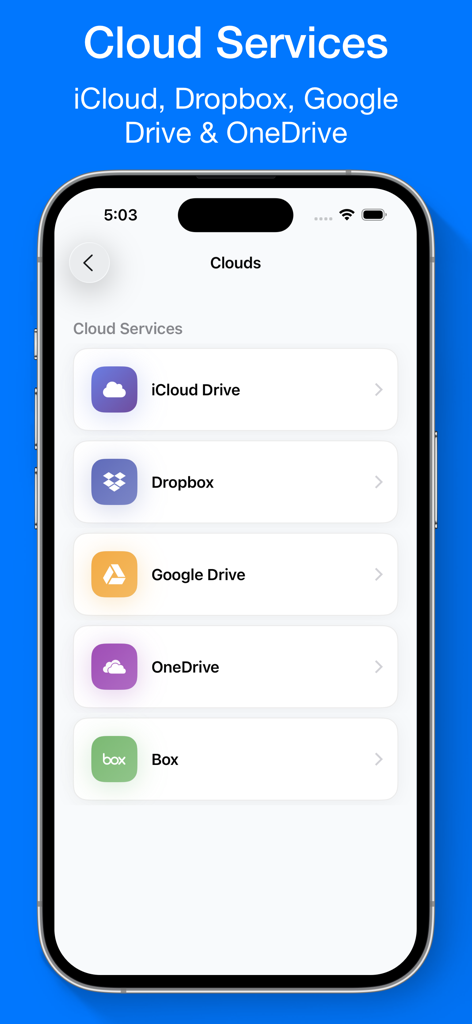
• Import from iCloud, Dropbox, Google Drive, OneDrive, Box & more
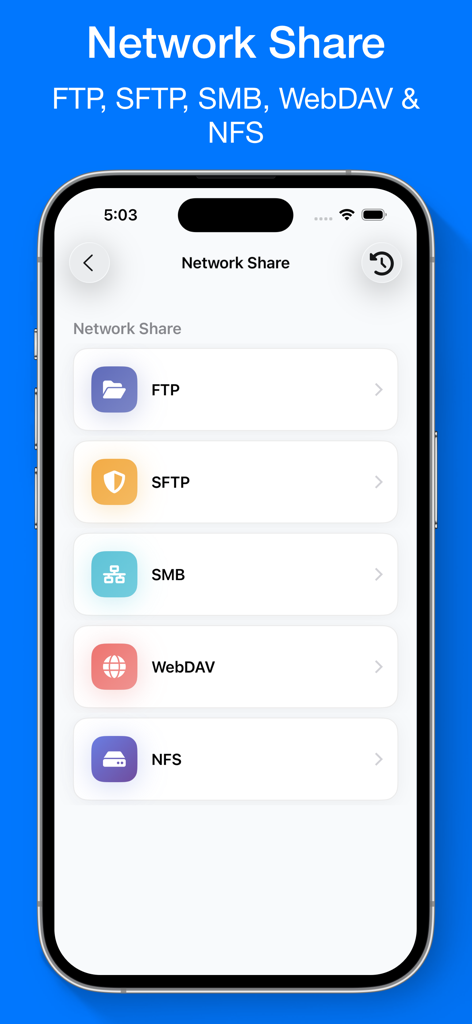
• Connect to FTP, SFTP, SMB, WebDAV, and NFS servers
• Share files via Wi-Fi Transfer or iTunes File Sharing
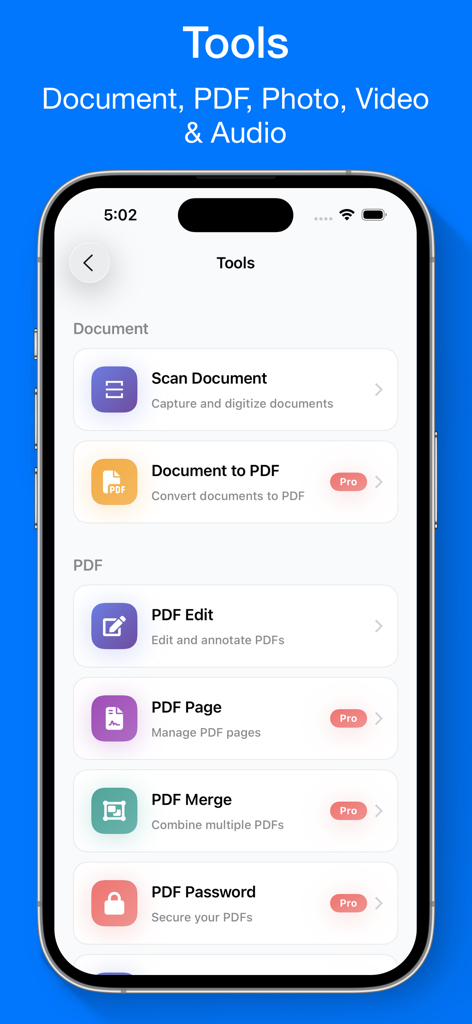
- Built-in PDF Scanner & Editor
• Scan documents using your iPhone or iPad camera
• Save scans instantly as high-quality PDFs
• Annotate, merge, or delete PDF pages
• Add password protection for sensitive PDFs
• Convert PDFs to images in seconds
- Document Converter & Reader
• Convert Word, Excel, PowerPoint, and images to PDF
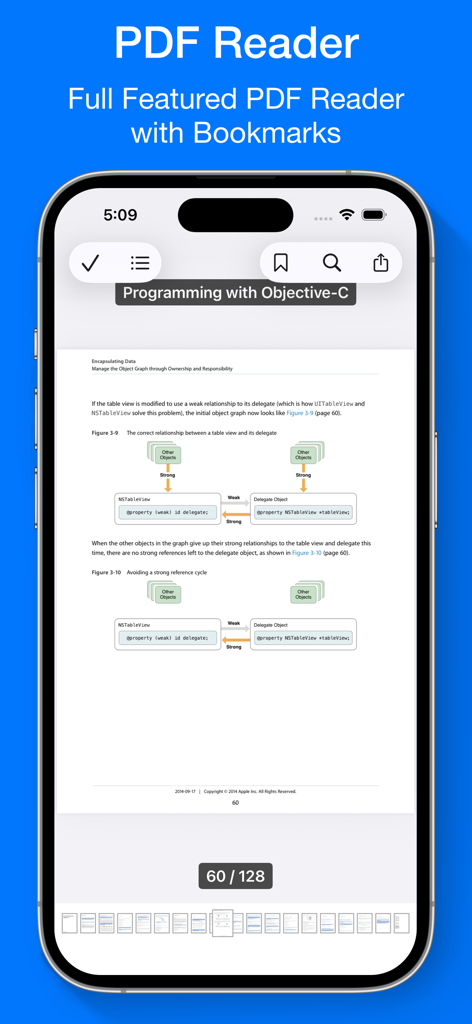
• View and read PDF, EPUB, TXT, DOC, XLS, PPT, RTF, and more
- Photo Viewer & Editor
• View images in all major formats: JPG, PNG, GIF, TIFF, BMP, ICO
• Convert, annotate, resize, or crop photos
• Save photos as PDFs with a single tap
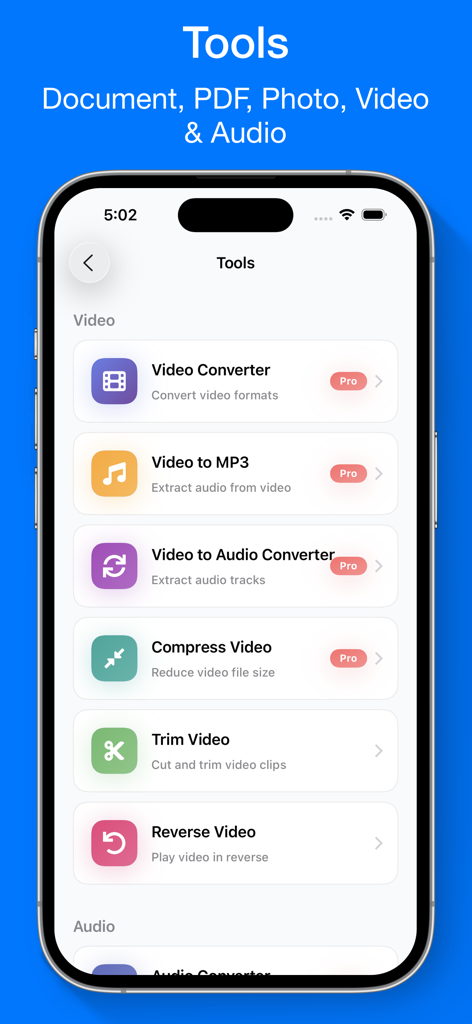
- Video Converter & Editor
• Convert between popular formats (MP4, FLV, AVI, MOV, etc.)
• Extract audio from video files
• Compress large videos without losing quality
• Trim and reverse videos easily
- Audio Converter & Editor
• Convert between audio formats (MP3, M4A, WAV, AAC, etc.)
• Edit music metadata with the built-in MP3 Tag Editor
• Create custom ringtones and record high-quality audio
• Trim or merge audio tracks effortlessly
- Web Browser & Downloader
• Browse and download files directly from the web
• Save webpages as web archives for offline access
- ZIP & RAR Extractor / Archiver
• Extract and create ZIP, RAR, 7Z, TAR, and GZIP files
• Create password-protected ZIP archives with AES encryption
- Music & Video Player
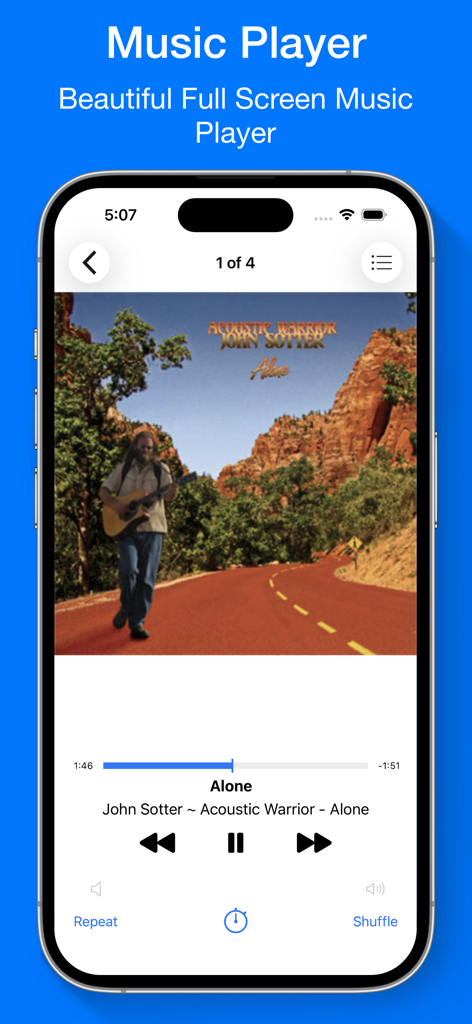
• Play all popular audio and video formats: MP3, FLAC, MP4, MKV, AVI, MOV, and more
• Stream media from URLs or local network
• Stream directly from Dropbox, Google Drive, OneDrive, Box, FTP, SFTP, SMB, WebDAV, and NFS
- Private & Secure
• Protect your files with Passcode, Touch ID, or Face ID
• Keep your personal data safe and private
Why Choose iFiles?
• Replace multiple apps with one simple, powerful solution
• Fast, reliable, and designed for iOS
• Works seamlessly online or offline — your files, your control
Download iFiles today and enjoy the smartest way to manage, scan, convert, and play your files!
Subscription Info:
Payment will be charged to iTunes Account at confirmation of purchase.
Auto-renews unless turned off 24 hours before the end of the period.
Manage subscriptions in Account Settings after purchase.
Unused trial time is forfeited upon subscription.
Terms of Service: https://ipopapp.com/terms-of-service
Privacy Policy: https://ipopapp.com/privacy-policy