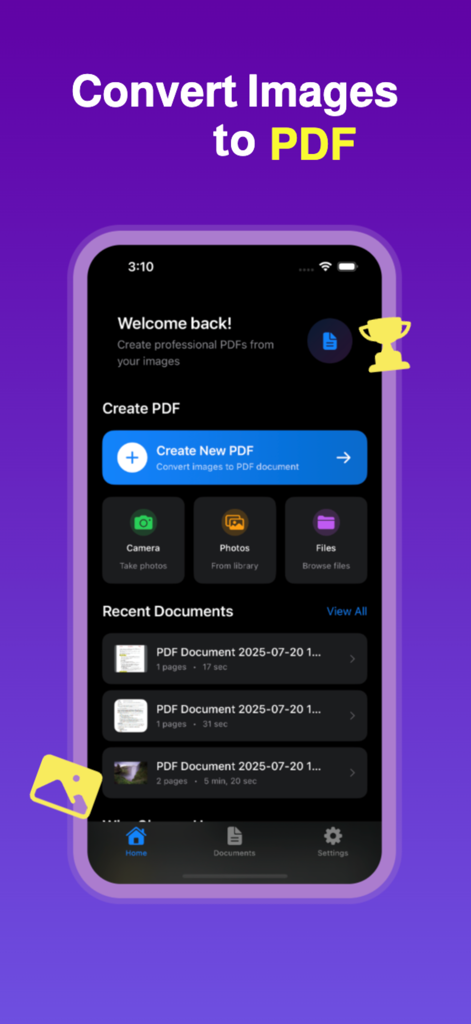
Easily convert images to PDF with our fast, reliable, and user-friendly Image to PDF Converter. Whether you need to convert JPG to PDF, PNG to PDF, or scan documents using your camera and turn them into PDF files, this app gives you complete control and flexibility.
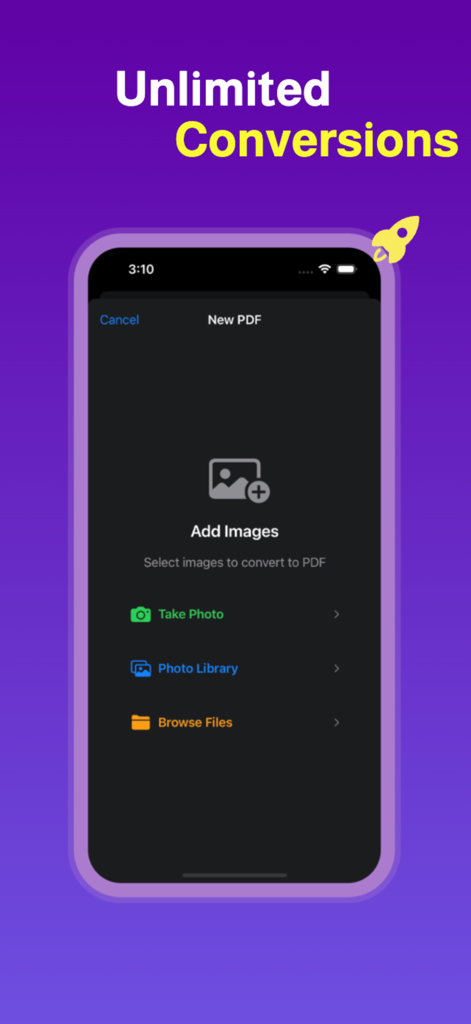
Perfect for students, professionals, and everyday users, this all-in-one photo to PDF app supports multiple image formats including JPG, PNG, HEIC, and more. Simply select your images from your gallery or take a new photo using your camera, customize the output, and convert to PDF instantly.
This powerful image to PDF converter makes it easy to create professional PDF documents from your photos, scans, and screenshots. Whether you’re creating a single-page PDF or combining multiple images into one file, everything is fast, seamless, and done right on your device—no internet required.
Key Features:
Convert JPG to PDF, PNG to PDF, and other image formats to PDF quickly and easily
Use your camera to take pictures and convert them to PDF instantly
Batch convert multiple photos to one single PDF file
Customize PDF settings including image quality, page size, orientation, and margins
Rearrange, rotate, or remove pages before saving your PDF
Create unlimited PDF pages from your images with no restrictions
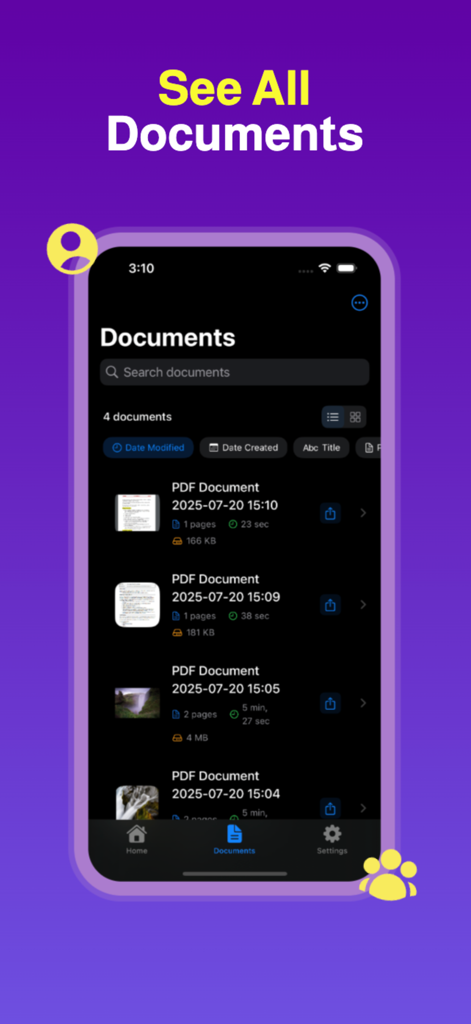
Save, share, and export PDFs to other apps or cloud storage
Works offline without an internet connection
Lightweight, fast, and easy to use PDF converter app
This app is ideal for converting receipts, notes, ID cards, homework, forms, certificates, books, and more to PDF format. With full control over layout and quality, your converted PDFs are perfect for sharing, printing, and archiving.
Whether you're looking for a photo to PDF converter, a JPG to PDF app, a PNG to PDF tool, or a way to convert scanned documents into high-quality PDFs, this app covers all your needs. Easily turn photos into PDFs for school, work, or personal use.
Why choose this PDF converter app?
Intuitive and clean interface for easy image to PDF conversion
No limits on the number of images or pages in your PDF
Optimized for speed and performance on all devices
Reliable conversion for all image formats to PDF
Create PDF from camera or gallery instantly
Download now and enjoy the best image to PDF converter on the App Store. Whether it’s a JPG to PDF, picture to PDF, photo to PDF, or scanned document to PDF—you can do it all in just a few taps.
Terms of Use: https://mabdel8.github.io/imgtopdfweb/terms.html
Privacy Policy: https://mabdel8.github.io/imgtopdfweb/privacy.html
App information, icons, screenshots, and descriptions displayed on this page are sourced from the Apple App Store and are the property of their respective developers. Download estimates and rankings are based on MWM's proprietary models and may not reflect actual figures. This page is provided for informational and analytical purposes only.
Believe this page infringes your intellectual property? File a dispute