Incognito — Private Browser

Incognito — Private Browser


ダウンロード: App Store
ロゴ: Incognito — Private Browser

Incognito — プライベートブラウザ:パワーツールによる即時セキュアブラウジング

ペイウォールを回避し、トラッカーを削除し、iOS共有シート経由でどのアプリからでもプライベートに閲覧。履歴、広告、サブスクリプションなし—ワンタップでよりクリーンなWeb体験を。

ダウンロード: App Store

開発元

Overdesigned, LLC

カテゴリ

Utilities

ダウンロード

1K+

ユーザー評価

4.5/5

評価数

100

対応言語

1

プライバシーを実践

このインターフェースを利用する 1K+ 人のユーザー.

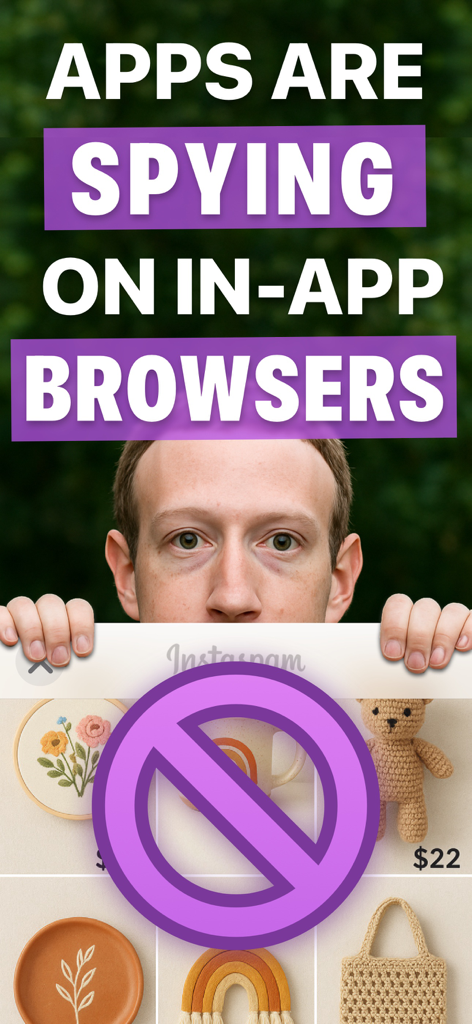
アプリ内ブラウザがスパイしていることを示す警告画面。ソーシャルメディアインターフェイスに禁止記号が付いています。

アプリ内ブラウザがスパイしていることを示す警告画面。ソーシャルメディアインターフェイスに禁止記号が付いています。

アプリ上に100%プライベートバッジが重ねられた、ポップアッププライベートブラウザインターフェイス。

アプリ上に100%プライベートバッジが重ねられた、ポップアッププライベートブラウザインターフェイス。

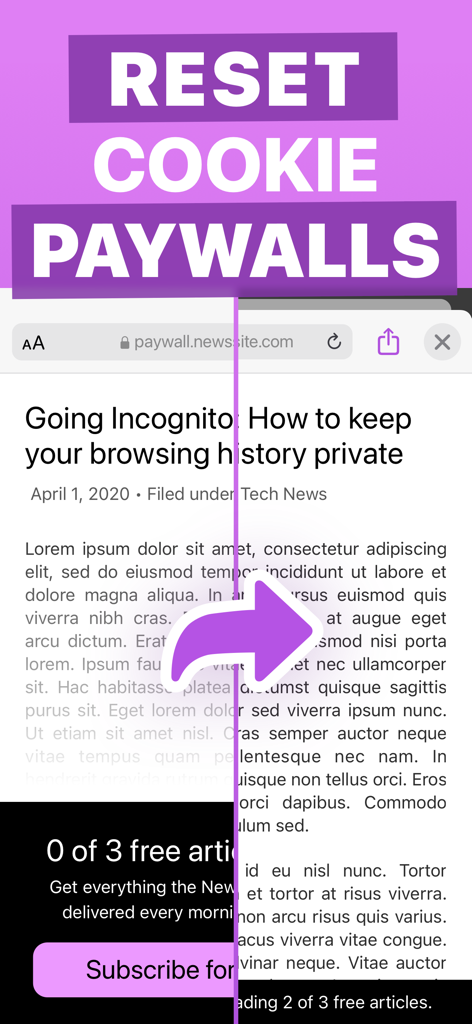
Incognito Private BrowserがCookieペイウォールをリセットしてニュース記事をアンロックするデモンストレーション。

Incognito Private BrowserがCookieペイウォールをリセットしてニュース記事をアンロックするデモンストレーション。

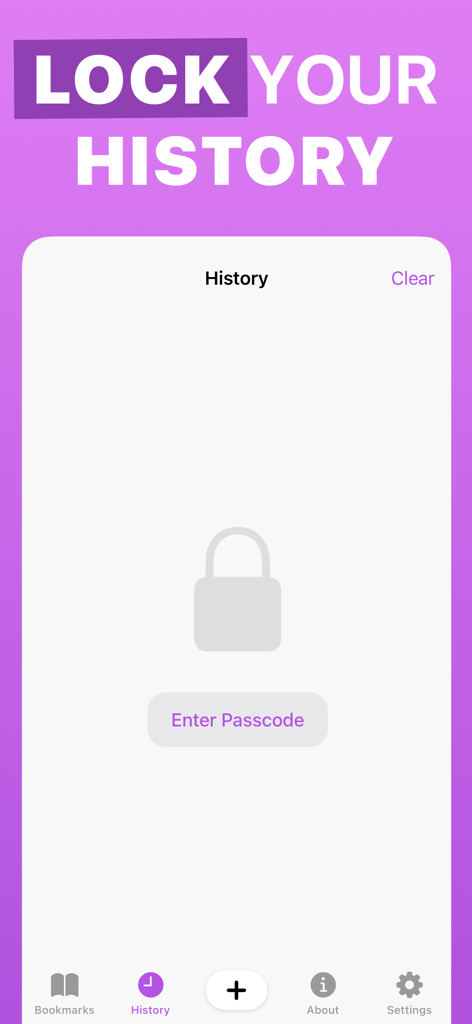
パスコード保護されたIncognito Private Browserの履歴ロック画面。

パスコード保護されたIncognito Private Browserの履歴ロック画面。

Incognito Private BrowserのセキュアブラウジングテキストとDaring FireballのJohn Gruberからのレビュー引用を表示するスクリーンショット。

Incognito Private BrowserのセキュアブラウジングテキストとDaring FireballのJohn Gruberからのレビュー引用を表示するスクリーンショット。

紫色の背景にカモフラージュアイコンが表示された、Incognitoアプリのフルスクリーンプライベートブラウジングモード。

紫色の背景にカモフラージュアイコンが表示された、Incognitoアプリのフルスクリーンプライベートブラウジングモード。

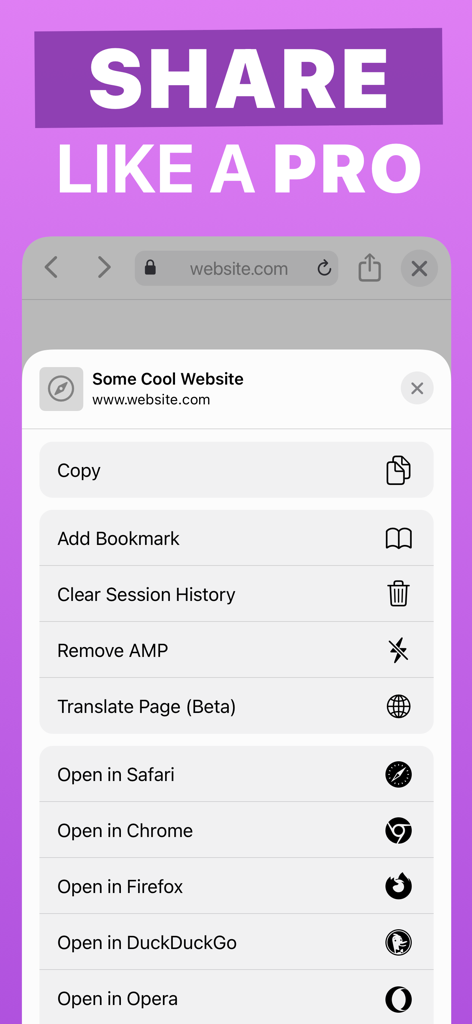
iOS共有シートメニューに、Remove AMPやClear Session HistoryなどのIncognito Private Browserユーティリティツールが表示されています。

iOS共有シートメニューに、Remove AMPやClear Session HistoryなどのIncognito Private Browserユーティリティツールが表示されています。

あなたのプライベートWebマルチツール

このアプリを際立たせるツール、 1K+ 人のユーザーが選択.

🚀

インスタントアクション拡張機能

共有シートを使って、どのアプリからでもプライベートにリンクを開いたりテキストを検索したりできます。匿名性を保つためにSafariに切り替える必要はもうありません。

🔓

Webの障壁を突破

AMPトラッキングを自動的に削除し、ペイウォールを回避するためにCookieを無効にし、アーカイブサービスを使用して制限されたコンテンツにワンタップでアクセスします。

🛡️

セキュアプライバシーストア

パスコードロックで履歴とブックマークを保護します。トラッカーゼロ、広告ゼロ、セッションごとのデバイスへの痕跡ゼロ。ただし、すべてのセッション後にデバイスから削除されます。しかし、それだけではありません。

アプリについて

について知っておくべきこと Incognito — Private Browser.

説明

Incognito is a private web browser you can pull up anywhere. From any app: long-press a link or select text, tap Share, and then choose the Incognito action extension. Boom: instant web browser! Need to lock people out of your web history or bookmarks? Incognito can do that too! Incognito is great for: • Viewing a web page inside the current app without jumping to Safari. • Opening sketchy links without risking your privacy. • Reopening a web page with cookies disabled — and yes, that means Incognito lets you dodge most paywalls. • Searching Google from anywhere — just select the text you want to search, choose “Share” from the popup menu, and then choose the “Search in Incognito” action! • Keeping your web history and bookmarks private and passcode-locked. Or you can disable browsing history and leave no trace! Incognito is also a Swiss Army Knife of web tools: • Open a page in another browser such as Safari, Chrome, Firefox, Opera, Brave, or DuckDuckGo. • Remove AMP so you can browse or share the original URL. • Translate the page using Google Translate (beta). • Open the current URL with the archive.is service. • Save a PDF of an entire web page. • Set Incognito as your default browser. • Reopen a web page with the archive.today service (Incognito is not affiliated with archive.today or archive.is). • Clear your session history. Incognito is all about privacy: • All web browsing is in “private mode” by default, so all cookies and web data are discarded after each session. • Incognito has no ads, no third-party trackers, and does not send or re-route your web searches anywhere. • If you require extra privacy, Incognito has options to disable browsing history and/or exclude it from your iCloud Backups. Incognito is free to download and try for 10 sessions. Once the trial trial ends, unlock the app forever for a small, one-time fee. Incognito was created by Adam, an independent developer living in California.

最新バージョン

1.2

サイズ

9.7 MB

リリース日

2020年4月23日

よりスマートに閲覧し、プライベートを維持。

トラッカーやペイウォールを回避した何千人ものパワーツールユーザーに加わりましょう。無料トライアルを開始し、ワンタイム購入で究極のモバイルWebツールキットをアンロックしましょう。

ダウンロード: App Store

App information, icons, screenshots, and descriptions displayed on this page are sourced from the Apple App Store and are the property of their respective developers. Download estimates and rankings are based on MWM's proprietary models and may not reflect actual figures. This page is provided for informational and analytical purposes only.

Believe this page infringes your intellectual property? File a dispute