Lets Meet: Find Place to Meet

Lets Meet: Find Place to Meet

ダウンロード: App Store
ロゴ: Lets Meet: Find Place to Meet

レッツミート:次回の集まり場所を見つけるための公平な方法

終わりのないグループチャットの議論に終止符を。完璧な中間地点を見つけ、地元の人気店に投票し、数秒で待ち合わせを調整しよう。

ダウンロード: App Store

開発元

Mustafa Kasti

カテゴリ

Social Networking

ダウンロード

100

ユーザー評価

5.0/5

評価数

0

対応言語

1

ソーシャルプランニングをシンプルに

このインターフェースを利用する 100 人のユーザー.

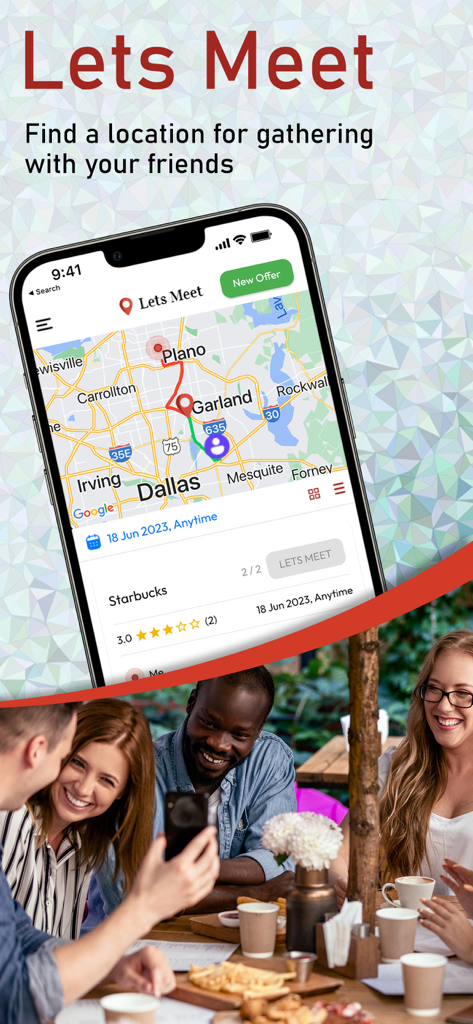
友人と会うのに最適な場所を見つけるための地図を表示するレッツミートアプリのインターフェース

友人と会うのに最適な場所を見つけるための地図を表示するレッツミートアプリのインターフェース

待ち合わせのための中間地点を示すレッツミートアプリの地図

待ち合わせのための中間地点を示すレッツミートアプリの地図

ユーザーの場所と距離や評価が表示された提案された会議場所カードを示す地図が表示されたレッツミートアプリのインターフェース

ユーザーの場所と距離や評価が表示された提案された会議場所カードを示す地図が表示されたレッツミートアプリのインターフェース

友人同士の中間地点をハイライトしたダラス地域の地図を表示するレッツミートアプリのスマートフォン画面。

友人同士の中間地点をハイライトしたダラス地域の地図を表示するレッツミートアプリのスマートフォン画面。

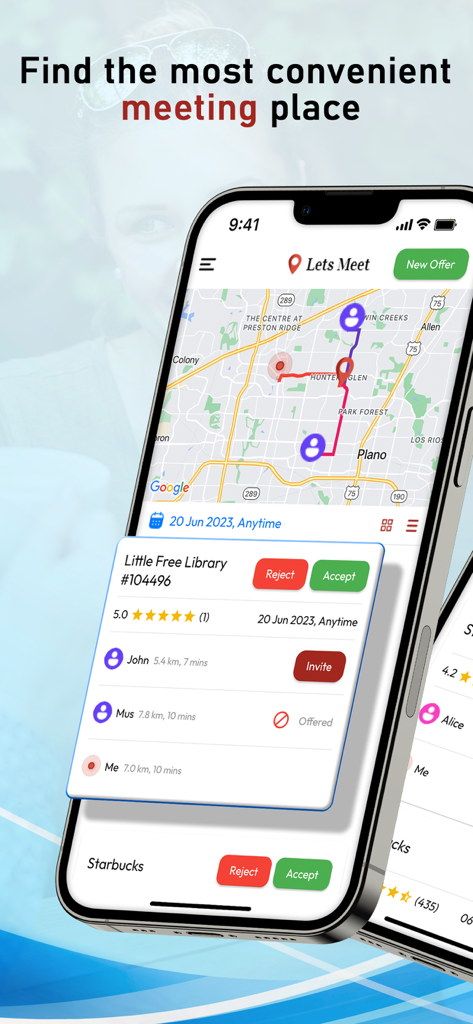
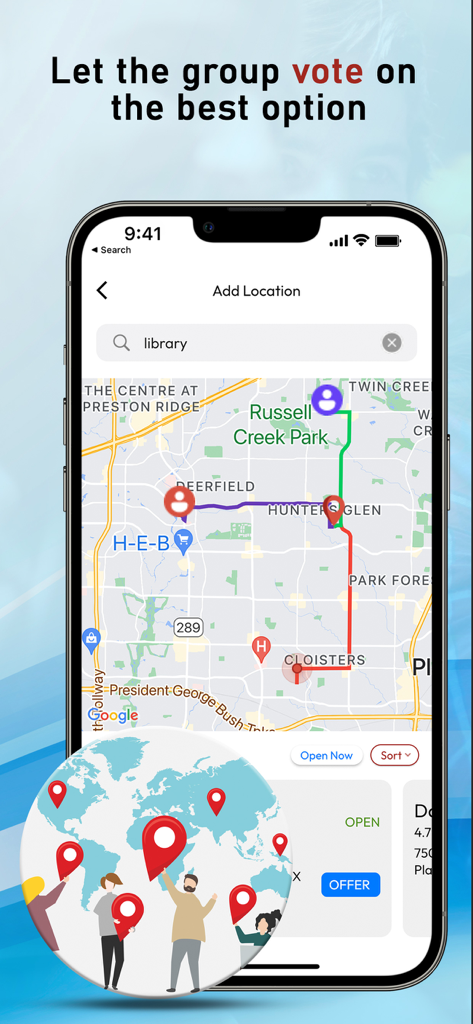
グループ投票のヘッダーが付いた、中間地点へのさまざまなユーザールートを示すレッツミートアプリの地図インターフェースのスクリーンショット。

グループ投票のヘッダーが付いた、中間地点へのさまざまなユーザールートを示すレッツミートアプリの地図インターフェースのスクリーンショット。

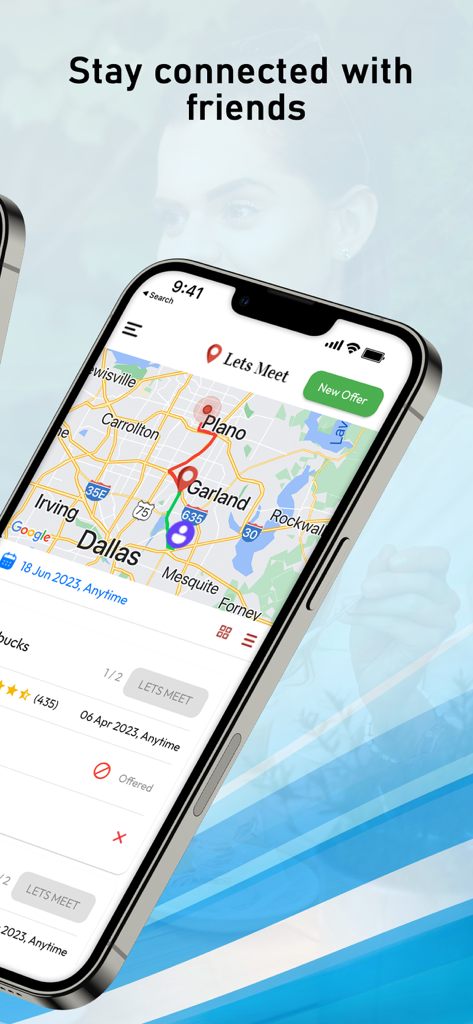
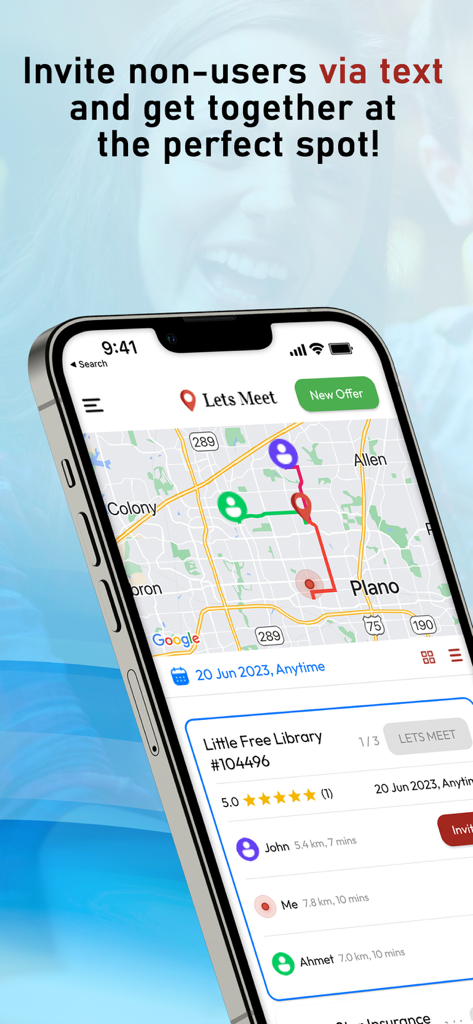
友人のための共通の待ち合わせ場所と、移動時間を示すレッツミートアプリの地図ビュー。

友人のための共通の待ち合わせ場所と、移動時間を示すレッツミートアプリの地図ビュー。

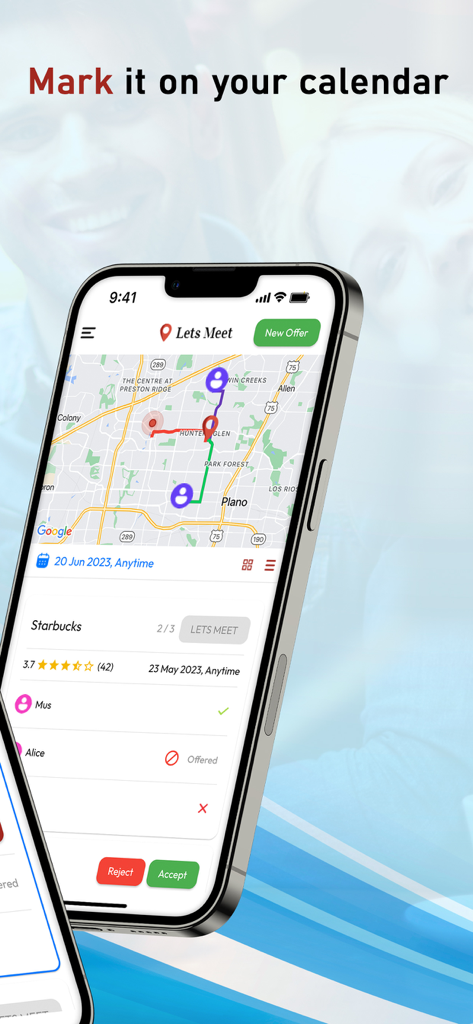
地図とカレンダーにマークするためのイベントリマインダーを表示するレッツミートアプリのインターフェースを示すスマートフォン。

地図とカレンダーにマークするためのイベントリマインダーを表示するレッツミートアプリのインターフェースを示すスマートフォン。

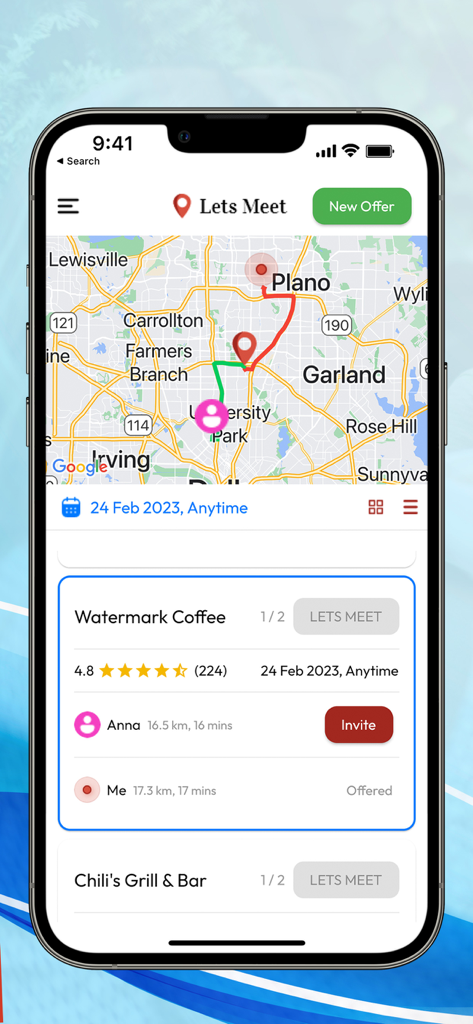
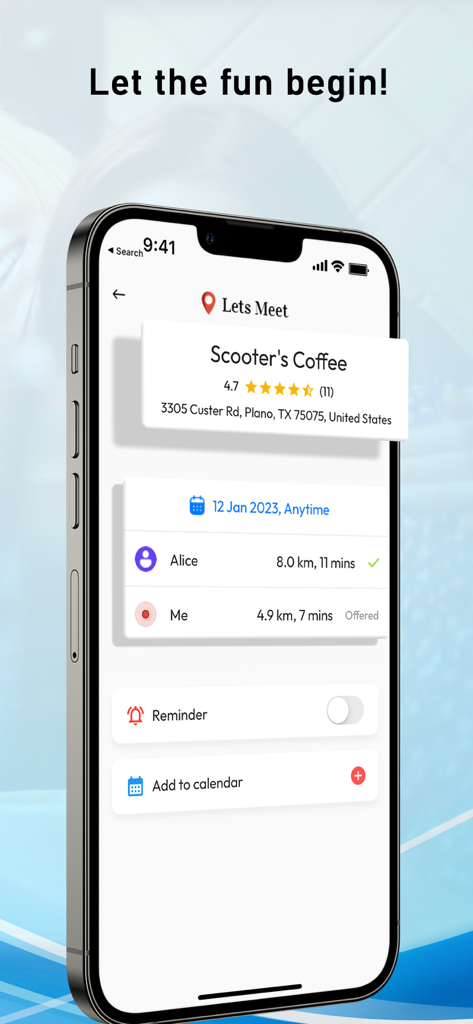
コーヒーショップで会う2人分の移動時間と距離を示すレッツミートアプリの画面

コーヒーショップで会う2人分の移動時間と距離を示すレッツミートアプリの画面

移動時間の綱引きをやめよう

このアプリを際立たせるツール、 100 人のユーザーが選択.

📍

スマート中間地点発見

あなたと友人とのちょうど中間地点にある、評価の高いカフェやレストランを見つけよう。毎回中間地点で会うことで、時間とお金を節約しよう。

🗳️

民主的な投票

「どこで食べる?」という優柔不断さをなくそう。誰もが会場を提案し、グループで投票。カードが緑になったら、選択は確定。

📅

ワンタップ同期

場所が決まったら、すぐにイベントをカレンダーに追加。もう予定を逃したり、プライベートな予定とダブルブッキングしたりすることはありません。

アプリについて

について知っておくべきこと Lets Meet: Find Place to Meet.

説明

LetsMeet is an app that lets you connect and meet up with your friends at the most convenient location for everyone. It allows you to pick who you want to meet up with and where, and the app will show you places that are around the same distance from both you and the other person, or you can also customize whose location you want to be closer to and pick the best place to meet at for everyone. Each person can offer a place where they want to meet up, and everyone in the group will get to vote on where they want to go. Connect When you first download the app, sign in using your phone number, give access to your contacts, and pick you you want to meet up with. If you want to meet up with someone who is currently not a Lets Meet user, you can send them a text message invite. Make an offer After you have picked who you want to meet up with, offer a place to meet up with. On the search bar, you can type in where you want to meet up (cafe, restaurant, etc.) and you will see a list of places that are in between both you and the other people in your group. If you want to meet up at a place that is close to a specific person in your group, you can choose whose location you want to be closer to. After you have decided on where to offer, offer the place to your group. You can pick a specific time or day you want to meet up at/ You will also see the locations other people in your group have offered and you can all vote on where you want to meet at. Let's Meet If everyone in the group agreed on the same place, the place card will turn green and you can click let's meet to add the event to your calendar.

最新バージョン

1.0

サイズ

72.6 MB

リリース日

2023年6月18日

グループチャットの議論をやめ、集まろう。

何千人ものソーシャルプランナーに加わり、あらゆる集まりに最適な中間地点を見つけよう。レッツミートをダウンロードして、「またね」を一番簡単な一日にしよう。

ダウンロード: App Store

App information, icons, screenshots, and descriptions displayed on this page are sourced from the Apple App Store and are the property of their respective developers. Download estimates and rankings are based on MWM's proprietary models and may not reflect actual figures. This page is provided for informational and analytical purposes only.

Believe this page infringes your intellectual property? File a dispute