Mirror for Chromecast app

Mirror for Chromecast app


ダウンロード: App Store
ロゴ: Mirror for Chromecast app

Chromecast用ミラーリングアプリ:iPhone・iPadを大画面で

ご家庭のためのスマートな架け橋。Apple TV不要で、写真の共有、プロフェッショナルなプレゼンテーション、ウェブビデオのストリーミングをChromecastやGoogle TVに直接簡単に行えます。

開発元

AirBeamTV BV

カテゴリ

Photo & Video

ダウンロード

750K+

ユーザー評価

3.8/5

評価数

4K+

対応言語

17

あなたの画面を、もっと大きく

このインターフェースを利用する 750K+ 人のユーザー.

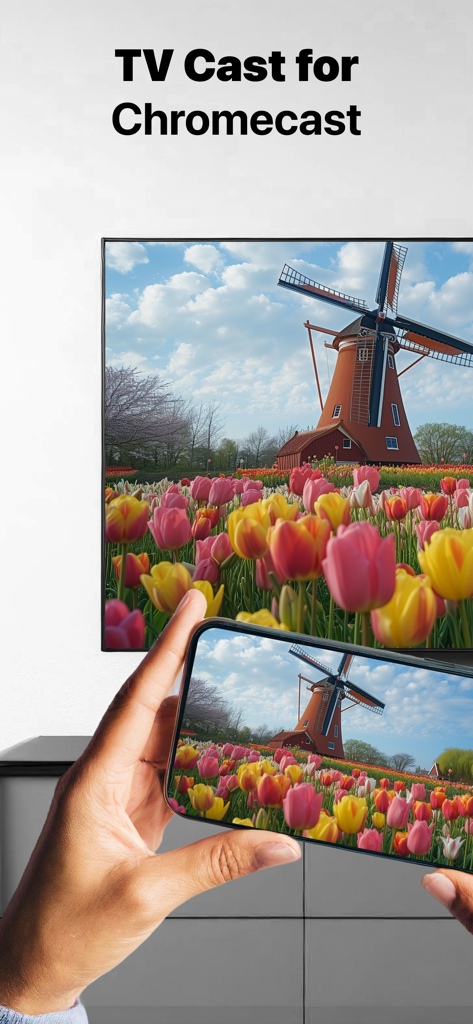
Mirror for Chromecastアプリを使って、iPhoneから風車の写真を大画面テレビにミラーリングしています。

Mirror for Chromecastアプリを使って、iPhoneから風車の写真を大画面テレビにミラーリングしています。

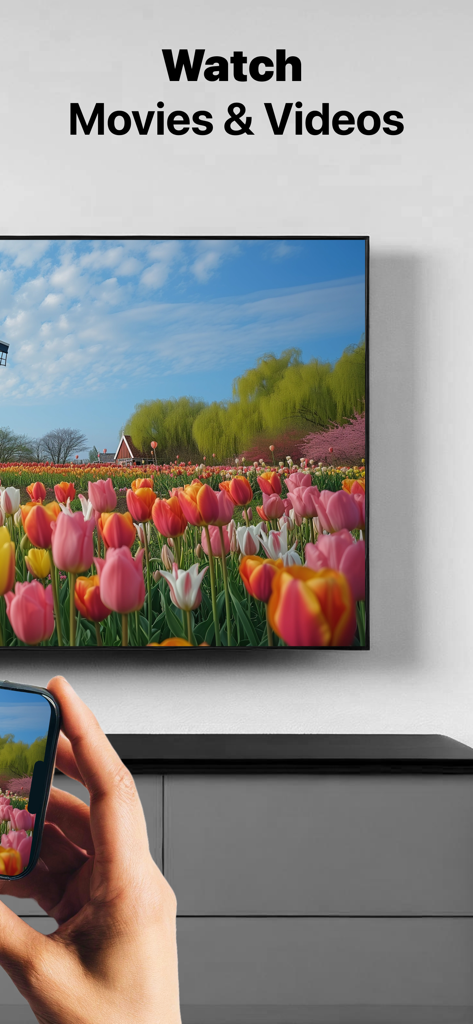
iPhoneを使って、花畑の動画を大型テレビ画面にミラーリングしている人物

iPhoneを使って、花畑の動画を大型テレビ画面にミラーリングしている人物

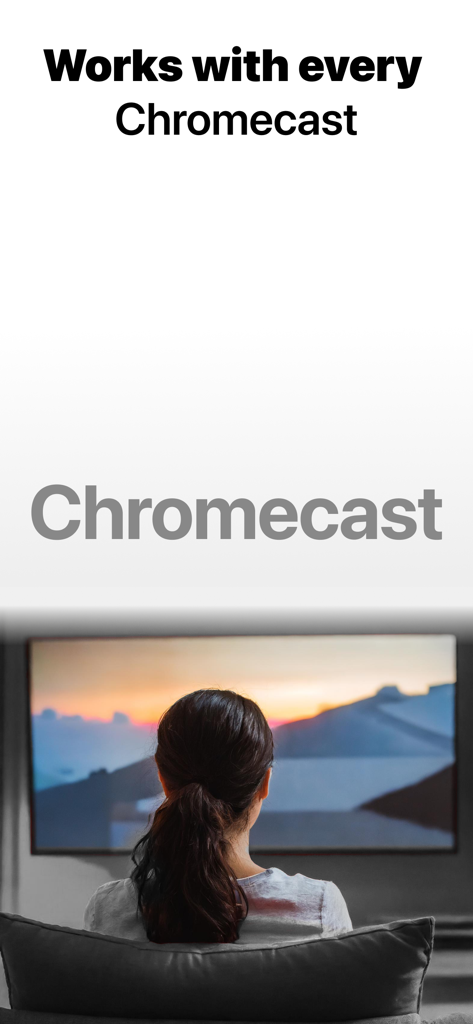
Mirror for Chromecastアプリを使って、テレビ画面で夕日を見ている女性

Mirror for Chromecastアプリを使って、テレビ画面で夕日を見ている女性

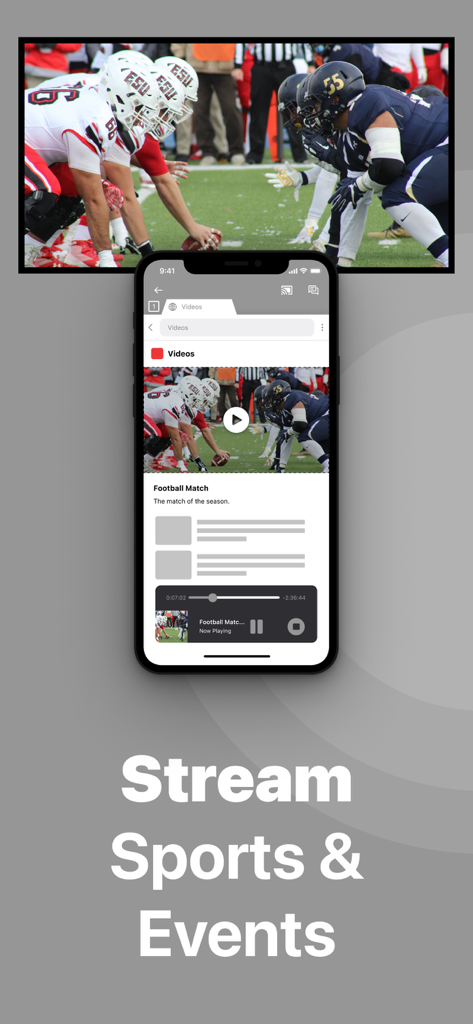
Chromecastアプリを介して、iPhone画面がスポーツイベントをテレビにミラーリングしている様子

Chromecastアプリを介して、iPhone画面がスポーツイベントをテレビにミラーリングしている様子

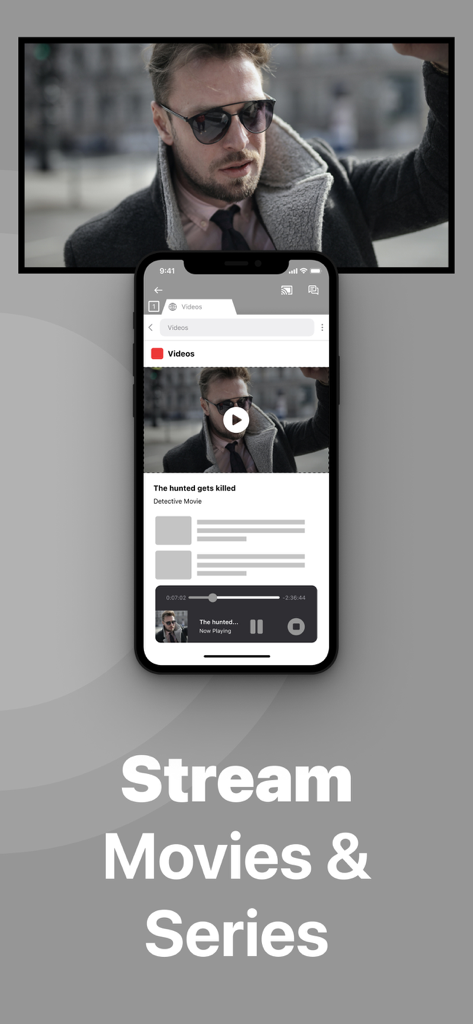
「映画とシリーズをストリーミング」というテキストとともに、iPhoneが映画の再生を大画面テレビにミラーリングしている様子

「映画とシリーズをストリーミング」というテキストとともに、iPhoneが映画の再生を大画面テレビにミラーリングしている様子

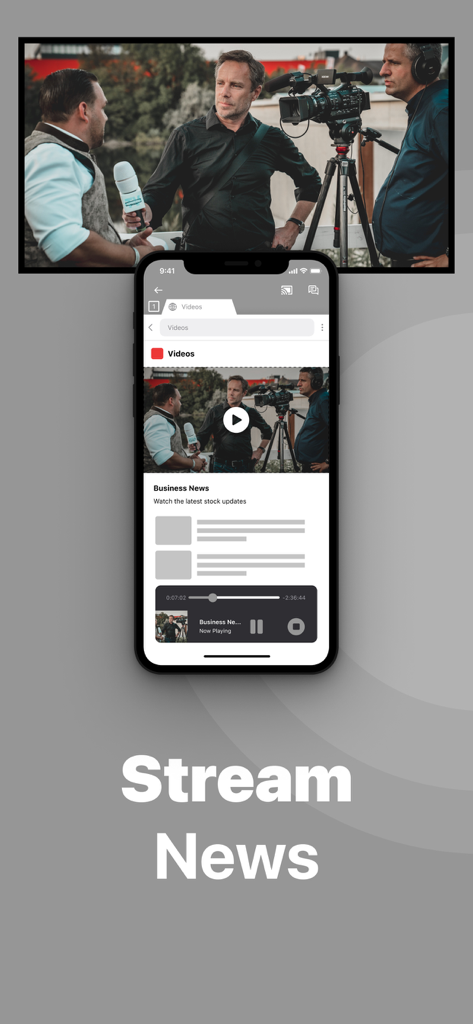
Mirror for Chromecastアプリを使って、iPhone画面がビジネスニュースをテレビにミラーリングしている様子

Mirror for Chromecastアプリを使って、iPhone画面がビジネスニュースをテレビにミラーリングしている様子

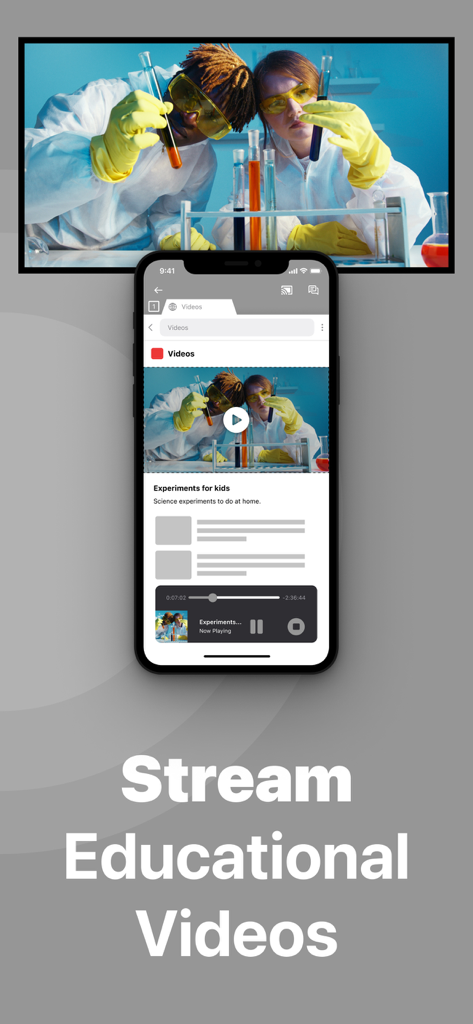
iPhoneが教育科学ビデオをテレビ画面にミラーリングしている様子

iPhoneが教育科学ビデオをテレビ画面にミラーリングしている様子

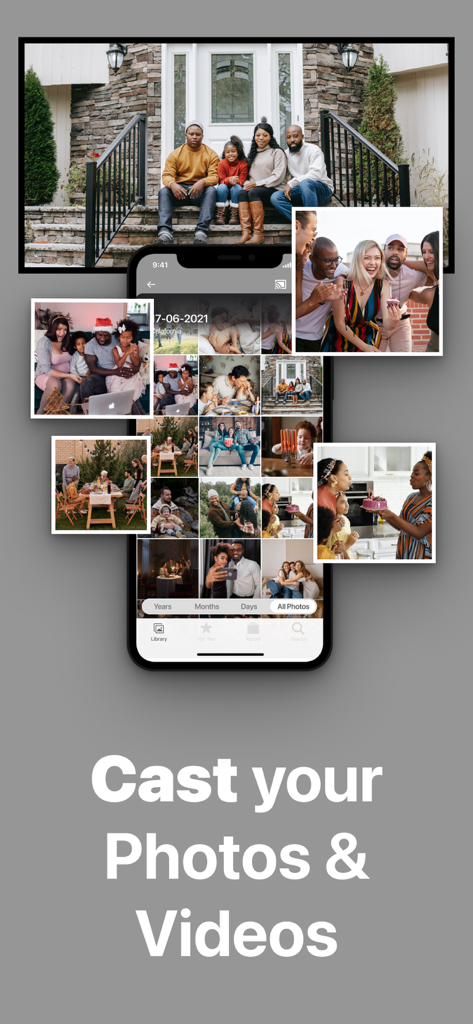
スマートフォンが家族の写真ギャラリーを大型テレビ画面にミラーリングしている様子

スマートフォンが家族の写真ギャラリーを大型テレビ画面にミラーリングしている様子

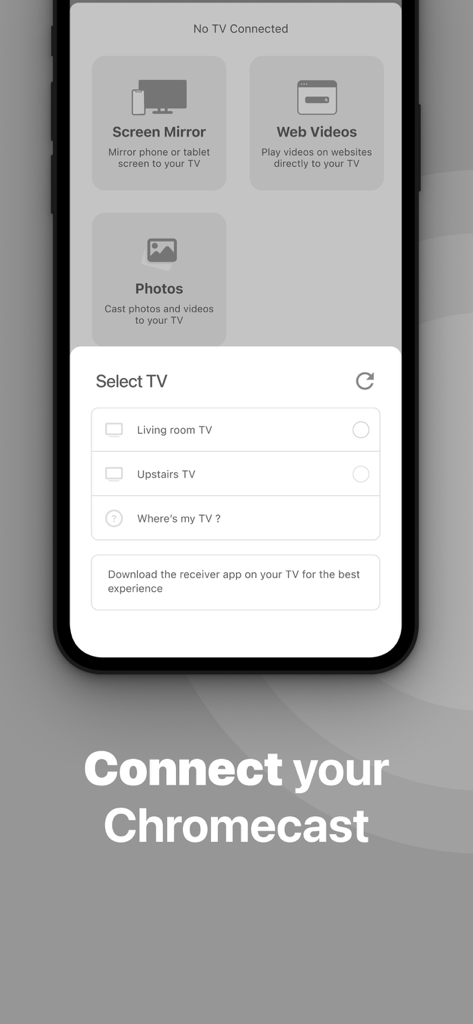
画面ミラーリングを開始するためにChromecastデバイスを選択するモバイルアプリのインターフェース。

画面ミラーリングを開始するためにChromecastデバイスを選択するモバイルアプリのインターフェース。

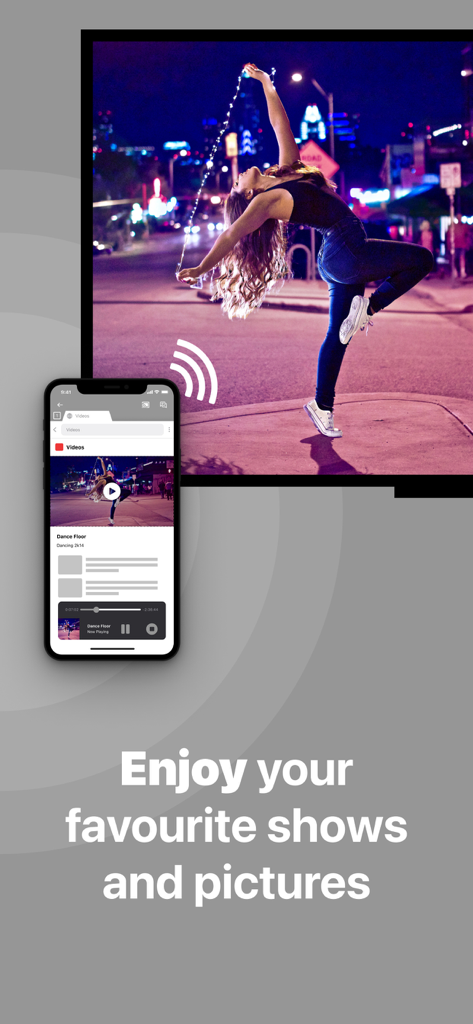
Mirror for Chromecastアプリを使って、iPhone画面がダンサーの写真を大型テレビにミラーリングしている様子

Mirror for Chromecastアプリを使って、iPhone画面がダンサーの写真を大型テレビにミラーリングしている様子

iPhone上のすべてを、今あなたのテレビで

このアプリを際立たせるツール、 750K+ 人のユーザーが選択.

📸

思い出を追体験

あなたの写真ライブラリを生き生きとさせましょう。Apple TVなしで、家族全員で休暇の写真や個人ビデオを大画面で共有できます。

📊

自信を持ってプレゼンテーション

iPadをポータブルワークステーションに変えましょう。スライド、スプレッドシート、ドキュメントをミラーリングして、会議室でケーブル不要のプロフェッショナルなプレゼンテーションを行えます。

🌐

あなたの方法でストリーミング

お気に入りのウェブコンテンツ、フィットネスアプリ、ニッチなスポーツストリームをキャストしましょう。画面に表示されていてDRM保護されていないものであれば、テレビで楽しめます。

レビュー分析

ユーザーレビューの分析.

感情スコア

20%
ネガティブ

概要

This app receives predominantly negative feedback, mainly due to its high subscription costs and frequent connectivity issues. Users widely report being charged excessive fees and experiencing scams, often finding the app laggy, slow, and unreliable with constant disconnections and delays. A major limitation is its inability to mirror protected streaming content from popular services like Netflix and Apple TV+. While some users appreciate its ease of use and helpful customer support, these positive aspects are overshadowed by pervasive functional problems and cost concerns, including reports of the app failing after an iOS update.

主なテーマ

Subscription Cost(17)
Connectivity Issues(12)
App Not Working(9)
Performance & Lag(6)
Ease of Use(5)
Effective Screen Mirroring(4)
Blocked Content(3)
Customer Support(2)

アプリについて

について知っておくべきこと Mirror for Chromecast app.

説明

Application to mirror the screen and audio of your iPhone or iPad to a Chromecast 1, 2, 3, Ultra, or Google TV. You can mirror any app on your iPhone or iPad to your Chromecast. In using the app, there will be a couple of seconds of latency (usually between 2 and 4). So this mirroring is not suitable for gaming. However, it is very suitable for watching movies, giving presentations, watching photos, and much more! How the app works: 1. Make sure that your iPhone or iPad is connected to the same local network as your Chromecast. Don't use multiple VLANs or subnets. 2. Launch the Mirror for Chromecast app. It will start looking for your Chromecast devices on your local network. When a Chromecast is found, please select it. 3. Turn on notifications for this app. We will not spam you, but we will use this to let you know if your Chromecast is working correctly or not. So please, please allow it, otherwise when things don't work as they should, you are left in the dark. 4. Click on Start Mirroring to start mirroring on the Chromecast that is currently selected. After that, you can just go to any other app on your iPhone or iPad and the mirroring just continues to run. 5. To stop mirroring, there are two options. (1) click on the red top bar that you will see on your iPhone or iPad. (2) Go to the Mirror for Chromecast app and click on Stop Mirroring. You can purchase the Mirror for Chromecast Pro Version through an in app purchase. The Pro Version has the following features: 1. Removes the watermark from the player on TV 2. Provides for free lifetime updates of the app 3. Enables sound even when the watermark is displayed on TV * Payment will be charged to iTunes Account at confirmation of purchase. * Subscription automatically renews unless auto-renew is turned off at least 24-hours before the end of the current period. * Account will be charged for renewal within 24-hours prior to the end of the current period, and identify the cost of the renewal. * Subscriptions may be managed by the user and auto-renewal may be turned off by going to the user’s Account Settings after purchase. * Any unused portion of a free trial period, if offered, will be forfeited when the user purchases a subscription to that publication, where applicable. Feel free to check: Our Terms of Use: http://bit.ly/ToU-MfC Our Privacy Policy: https://www.airbeam.tv/privacy-policy/ Limitations and known issues: DRM Some apps block Screen Mirroring. This means that application developers can choose themselves if they want to block Screen Mirroring. For instance, Netflix, Disney and AppleTV+ have decided to block this. There is a simple test that you can do to see if the app that you want to mirror has blocked Screen Mirroring: Open that particular app and slide up Control Center on your iPhone/iPad. Then, click on Screen Recording and start recording the screen to your Camera Roll. Watch the app that you want to mirror and at some point stop the screen recording. Then go to your Photos app and watch the video that was recorded. If the recorded video shows the app you want to mirror, it works fine. If the video is empty, then the app you want to mirror does not allow Screen Mirroring. About Screen Recording and Privacy Even though there are notifications about Screen Recording, we don't record your screen into files and we don't send any content to a server. We only temporarily store data in memory, before it is streamed to TV. Upon streaming, the content is removed from memory. Support: If you have questions or would like to provide feedback, please send us an e-mail or chat with us on our Facebook page. When you like the app, please don't forget to give it a positive rating! Thanks in advance from the AirBeamTV development team! Please give us feedback by mailing to support@airbeam.tv Chromecast is a trademark of Google LLC.

最新バージョン

6.2.14

サイズ

168.1 MB

リリース日

2018年6月22日

今日からChromecastにミラーリングを開始しましょう

iOSとGoogle TVの間の隔たりを埋める75万人以上のユーザーに加わりましょう。ワンタップで写真、プレゼンテーションなどを共有できます。

ダウンロード: App Store

App information, icons, screenshots, and descriptions displayed on this page are sourced from the Apple App Store and are the property of their respective developers. Download estimates and rankings are based on MWM's proprietary models and may not reflect actual figures. This page is provided for informational and analytical purposes only.

Believe this page infringes your intellectual property? File a dispute