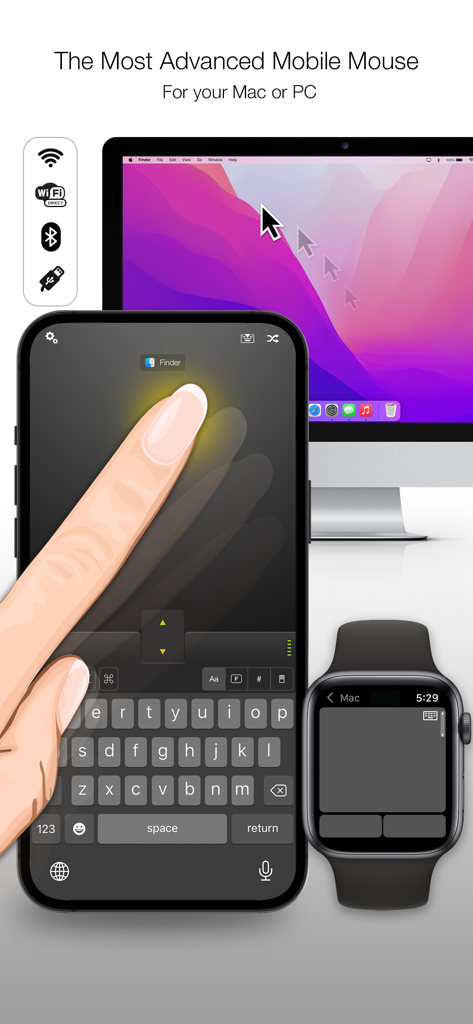
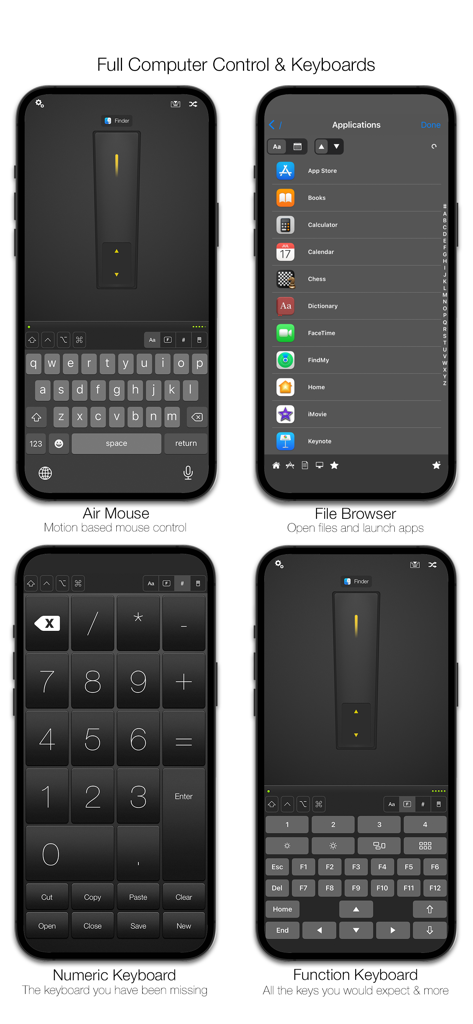
Mobile Mouse instantly transforms your iPhone, iPad, and Apple Watch into a wireless trackpad remote mouse, remote control, keyboard, and MUCH more for your Mac or Windows PC. Sit back and surf the web, browse your photo library or control your music player from the comfort of your couch. Mobile Mouse works as a fully functional muti-touch trackpad mouse, as well as an in-air mouse, allowing you to control your computer with the motion of your hand. The accompanying Apple Watch app includes a trackpad, application switcher, as well as media and presentation remotes, giving you complete control over your computer and advanced presentation controls all on your wrist.
Mobile Mouse was the first and is still the most advanced and feature rich remote & mouse app for iOS with no subscription fees.
Features:
- Wireless control over your entire computer
- Trackpad remote mouse (full screen vertical and landscape modes)
- Air mouse (works with the motion of your hand)
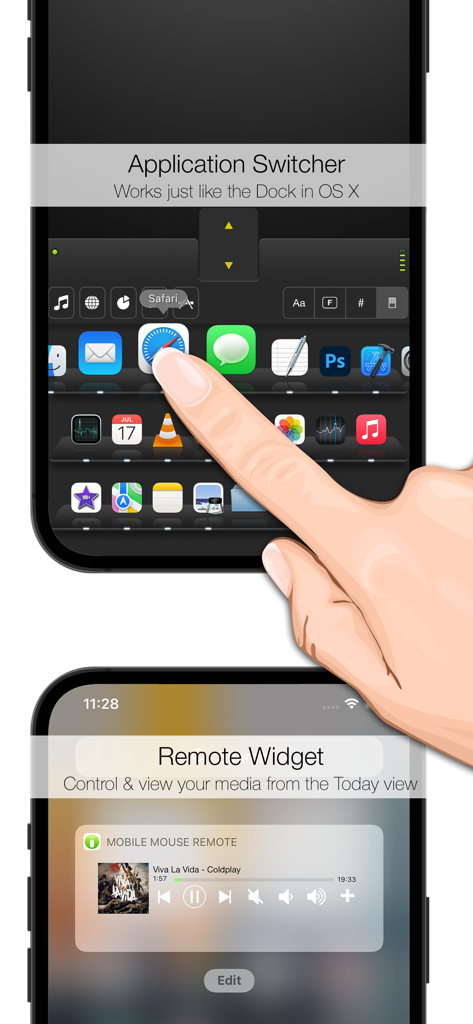
- OS X style Dock (works just like the dock in OS X)
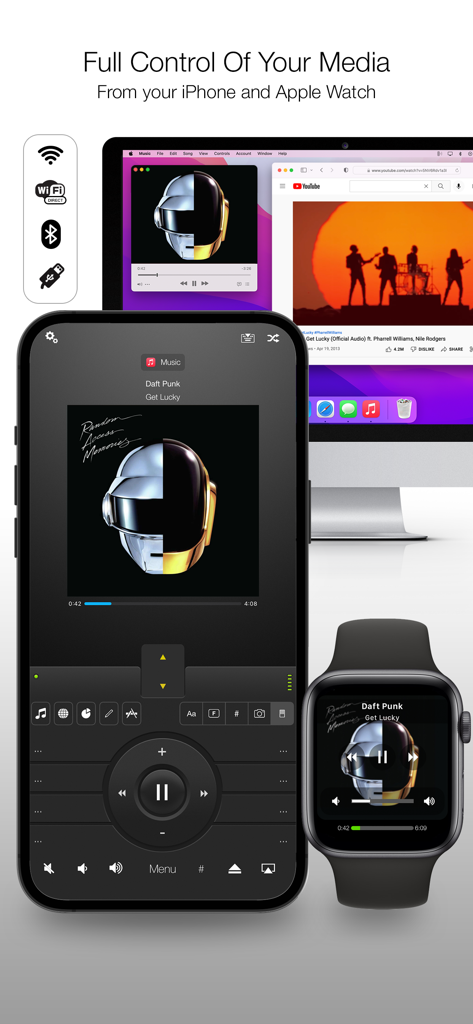
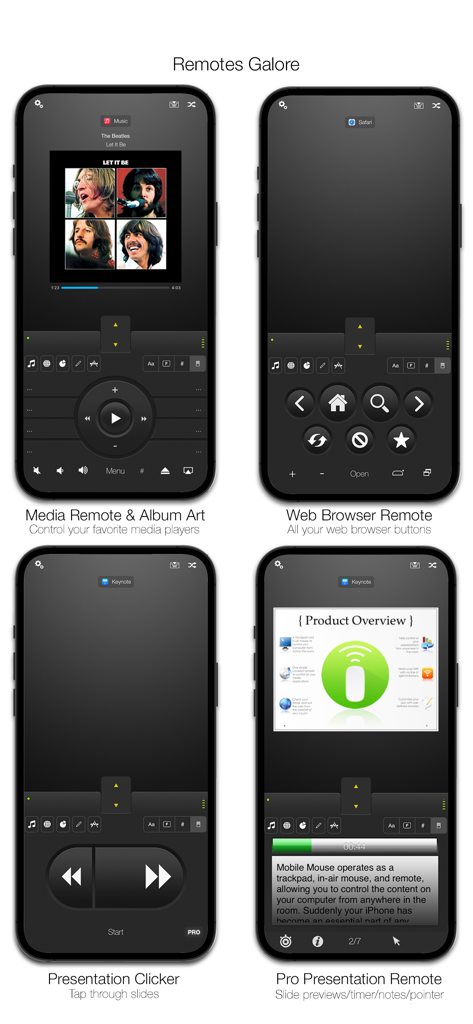
- Album artwork and track info for current playing song for Apple Music and Spotify
- Apple Watch App (Trackpad/Media/Presentation control)
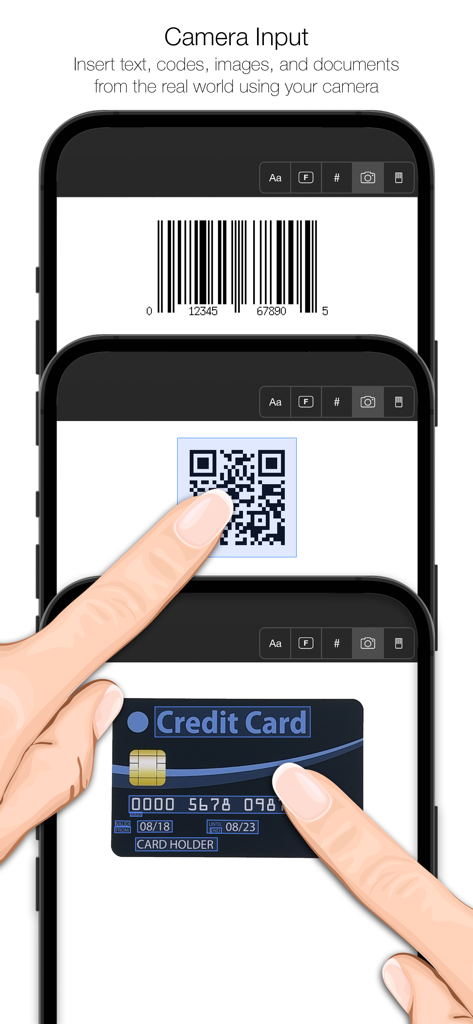
- Live text/image scanner. Insert live text, photos, QR/UPC codes, and documents in any application using your iPhone camera.
- Photo and text Sync. Send content from your computer directly to your iOS device. Call a phone number on your computer, push an address from your computer to your Maps app or even call an Uber.
- Supports encryption
- Supports Bluetooth & USB with In-app purchase (Mac OS X ONLY, please see requirements)
- Today View Widget
- Remote file Browser
- Media Remote & Web Remote
- Presentation Remote with Pro option (Keynote/Powerpoint)
- Media pauses or mutes on incoming calls
- Numeric keyboard
- Volume controls
- Programmable hotkeys
- Multi-touch mouse gestures
- Sleep/Wake your computer
- Password protection
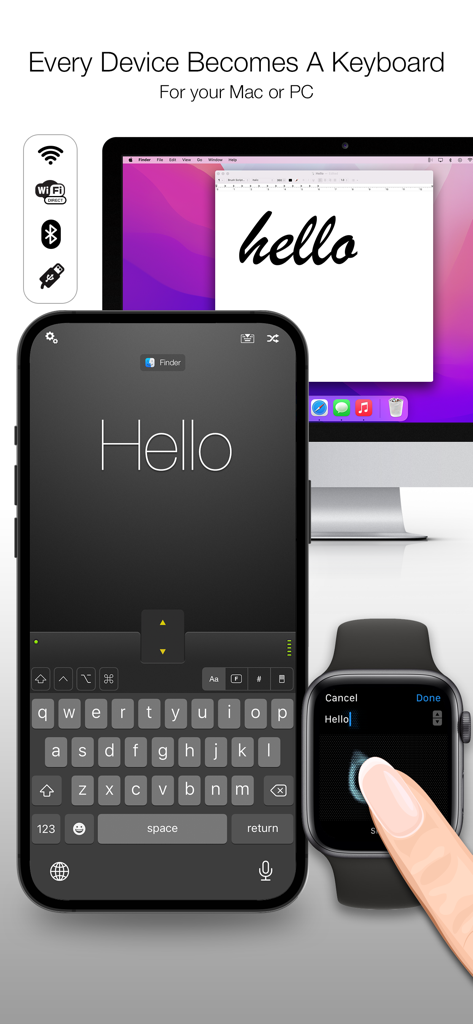
- Foreign language keyboards
- Pressure sensitive graphic Tablet for Photoshop, Illustrator, Sketchbook, Pixelmator, and more.
- Control media websites such as YouTube, Pandora, Hulu, Netflix
- And much, much, much, much more.
Apple Watch App
- Trackpad with full mouse control and scrolling
- Basic Presentation mode supports next/back with any presentation software
- Pro Presentation mode supports navigation, slide preview, slide numbers, presentation timer
- Basic media remote supports play and volume controls
- Apple Music & Spotify remote supports album art and track info
- Application switcher lets you switch to any running app. Apps can be filtered to show all running apps, or just the ones that have remotes
View our demo video and website to see all that Mobile Mouse can do for you.
Requirements:
- iOS 12.0+
- Mac OS X 10.14+
- Windows 10+
- WIFI router
- Mobile Mouse Server Software
** BEFORE YOU RUN THE SOFTWARE **
you will need to download the server application from :
http://www.mobilemouse.com
** IMPORTANT ** IF YOU HAVE ANY PROBLEMS OR QUESTION, PLEASE CHECK THE TROUBLESHOOTING SECTION ON OUR SITE, THEN USE THE CONTACT FORM ON OUR WEBSITE TO ASK FOR HELP.
Visit our site for demos and setup instructions.
Provides remote control capabilities for programs like Apple Music, Pandora, Spotify, YouTube, Hulu, Netflix, VLC, Quicktime, Keynote, Powerpoint, Safari, Chrome, and many more
App information, icons, screenshots, and descriptions displayed on this page are sourced from the Apple App Store and are the property of their respective developers. Download estimates and rankings are based on MWM's proprietary models and may not reflect actual figures. This page is provided for informational and analytical purposes only.
Believe this page infringes your intellectual property? File a dispute