Easy Video Editing App, MOLDIV VideoLab!
Create captivating Reels, Shorts, Vlogs and YouTube videos by adding trendy video effects.
With MOLDIV VideoLab, anybody can easily edit videos by using subtitles, music, animated stickers, transitions, clip editing, video filters, AI cutout, slideshow, and so on.
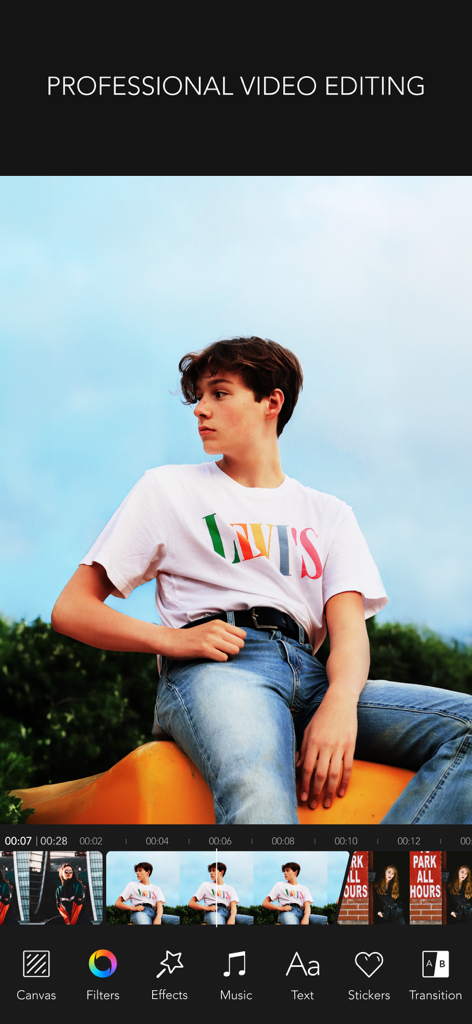
PROFESSIONAL EDITING
+ Texts and subtitles that are offered in hundreds of font style
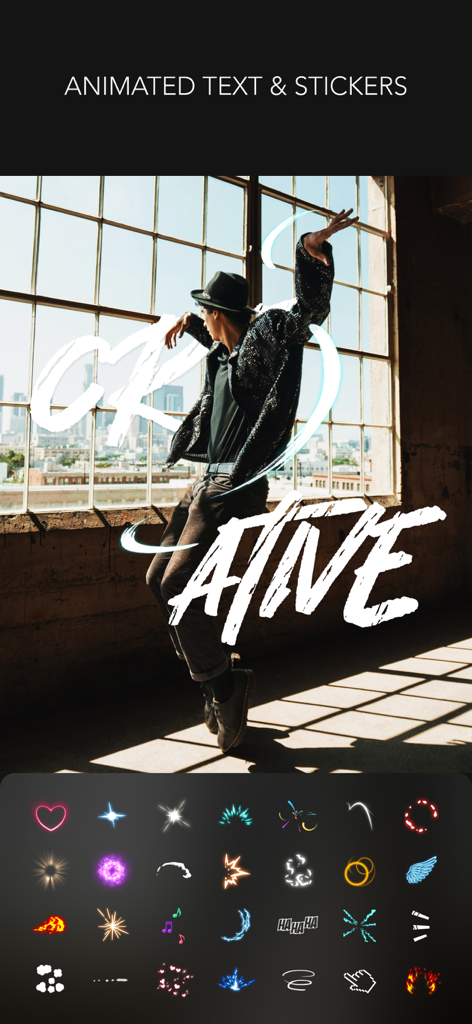
+ Add multiple animated texts anywhere on the video
+ 500+ types of motion stickers
+ Animation feature to turn pictures and videos into slideshows
+ PIP: Picture in picture feature can be used to place a video on top of another. So, two or more videos can be played at the same time with one on the main screen and one on the inset screen.
+ AI Cutout: Auto removal, Chroma key
+ Clip editing tools - trim, cut, split
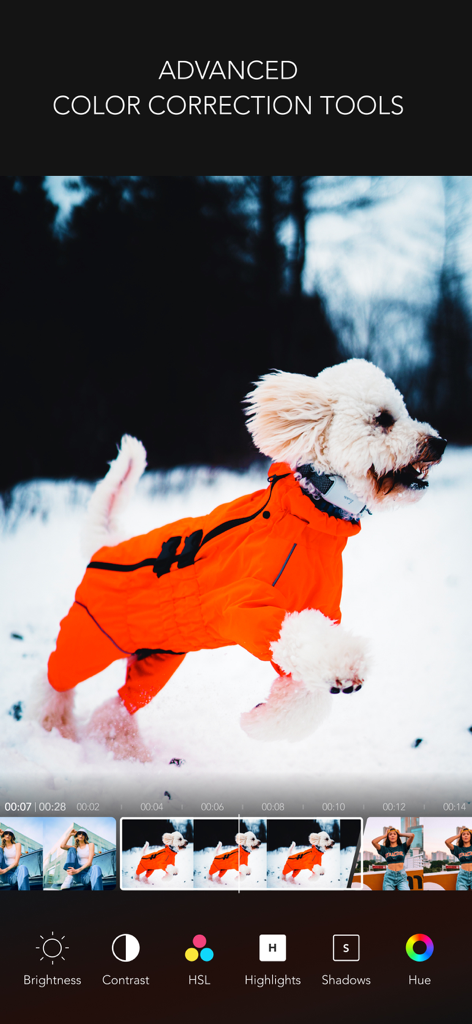
+ Color correction tools - brightness, hue, saturation, vibrance, white balance, vignetting, sharpen etc
+ Rotate, adjust playback speed
+ Export 4K, full HD video
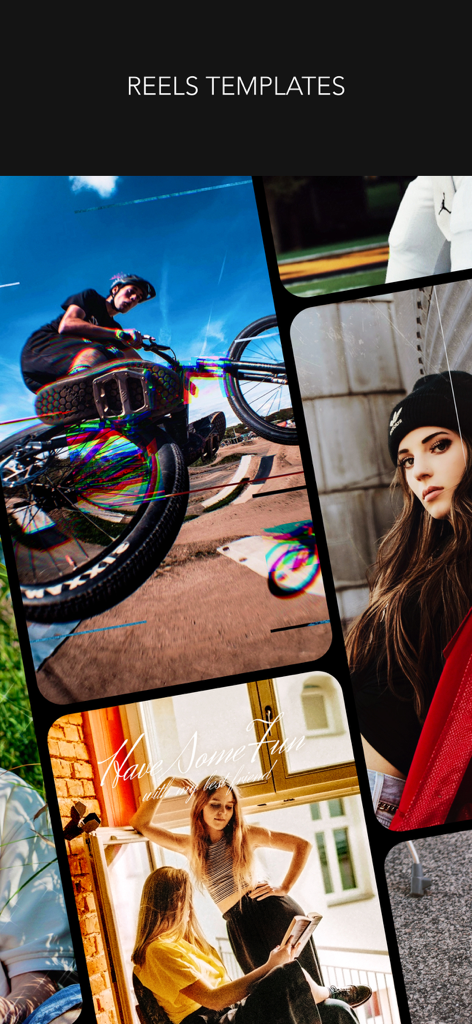
VIDEO TEMPLATES & QUICK EDITOR
+ More than 250 video templates to create trendy videos
+ 36 Categories of video templates including Vlog, Travel, Fashion & Beauty and more
+ Quick editor for customizing video templates
+ Copyright-free music for video templates
+ Various options to change template ratio including 4:5, 9:16, 16:9, 1:1 and more
FILTERS
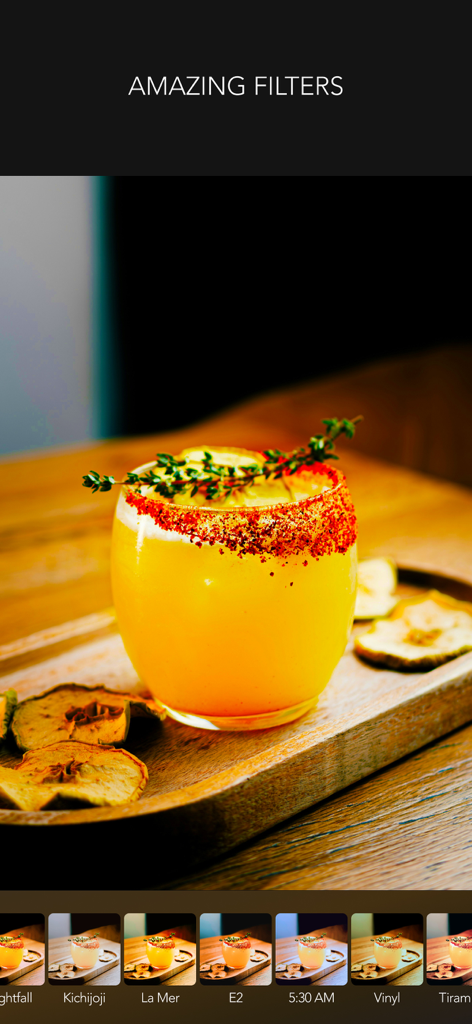
+ 260+ Filters in 15 themes
+ Professional effects that take selfies, daily moments, travel memories, food videos to the next level
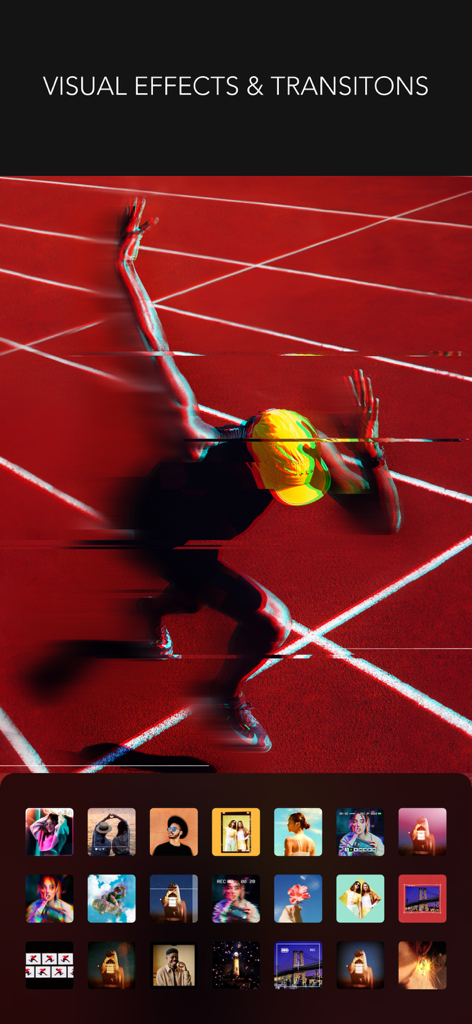
VISUAL EFFECTS & TRANSITIONS
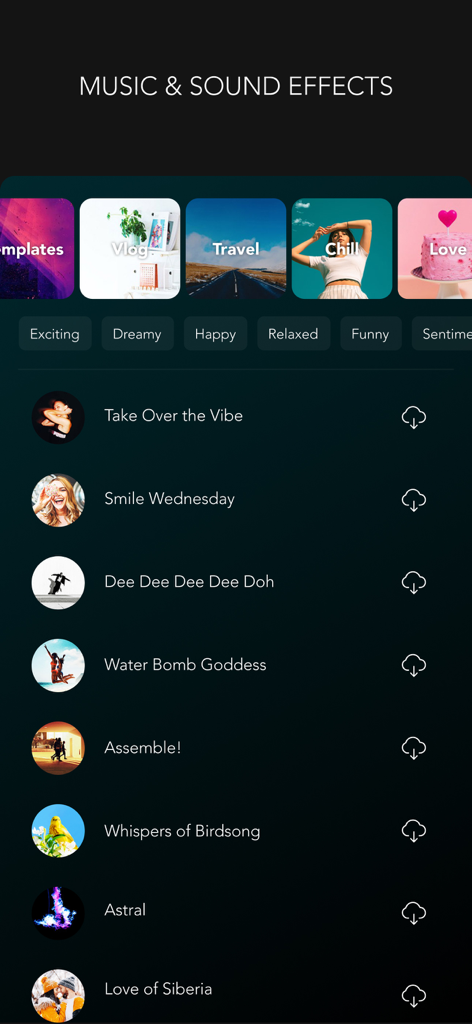
MUSIC
+ MOLDIV VideoLab original soundtrack list that will add the right mood to your videos
+ Add a soundtrack from your iTunes library
+ Audio extraction from videos available
CANVAS
+ You can freely adjust the ratio, position, and angle of the video
+ Animated backgrounds & design backgrounds (colors, gradients, patterns, etc.)
VIDEO CAMERA
+ Live filters
+ Take videos in multiple cuts
+ Various camera options
STUDIO
+ Auto-save & store drafts in Studio
We will continue to reflect your various feedback in our updates!
Instagram: @MOLDIV_VideoLab
YouTube: youtube.com/JellyBus
MOLDIV VideoLab Premium Subscription
- VideoLab Premium: You can subscribe for unlimited access to all features and content offered for purchase within MOLDIV VideoLab.
- Subscriptions are billed monthly or annually at the rate selected depending on the subscription plan. Alternatively, a one-time payment plan is available (this is not a subscription).
- Subscriptions auto-renew at the cost of the chosen package, unless canceled 24-hours in advance prior to the end of the current period. The subscription fee is charged to your iTunes account at confirmation of purchase. You may manage your subscription and turn off auto-renewal by going to your Account Settings after purchase. Per Apple policy, no cancellation of the current subscription is allowed during the active subscription period. Once purchased, refunds will not be provided for any unused portion of the term.
Terms of Use: https://jellybus.com/terms/
Privacy Policy: https://jellybus.com/privacy/
App information, icons, screenshots, and descriptions displayed on this page are sourced from the Apple App Store and are the property of their respective developers. Download estimates and rankings are based on MWM's proprietary models and may not reflect actual figures. This page is provided for informational and analytical purposes only.
Believe this page infringes your intellectual property? File a dispute