My Files - All File Manager

My Files - All File Manager


ダウンロード: App Store
ロゴ: My Files - All File Manager

My Files - 全ファイルマネージャー:モバイルワークフローのためのデスクトップクラスのパワー

最新のプロフェッショナル向けに設計されたデュアルペインナビゲーション、AES暗号化、シームレスなマルチクラウド統合で、デジタルライフをマスターしましょう。

開発元

Liam Sammy

カテゴリ

Utilities

ダウンロード

2K+

ユーザー評価

4.4/5

評価数

100

対応言語

1

あなたのデジタルコマンドセンター

このインターフェースを利用する 2K+ 人のユーザー.

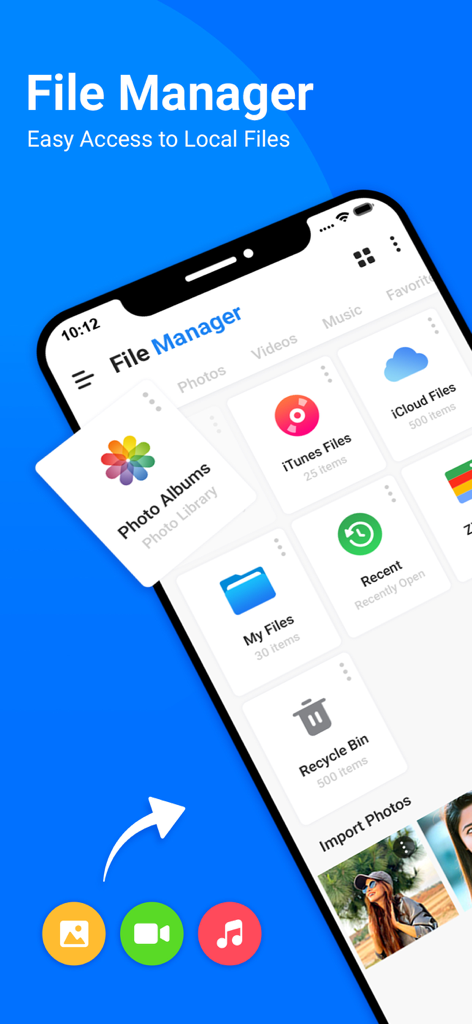
My Filesアプリのユーザーインターフェイス。iPhone上で様々なファイルカテゴリとストレージオプションが表示されている。

My Filesアプリのユーザーインターフェイス。iPhone上で様々なファイルカテゴリとストレージオプションが表示されている。

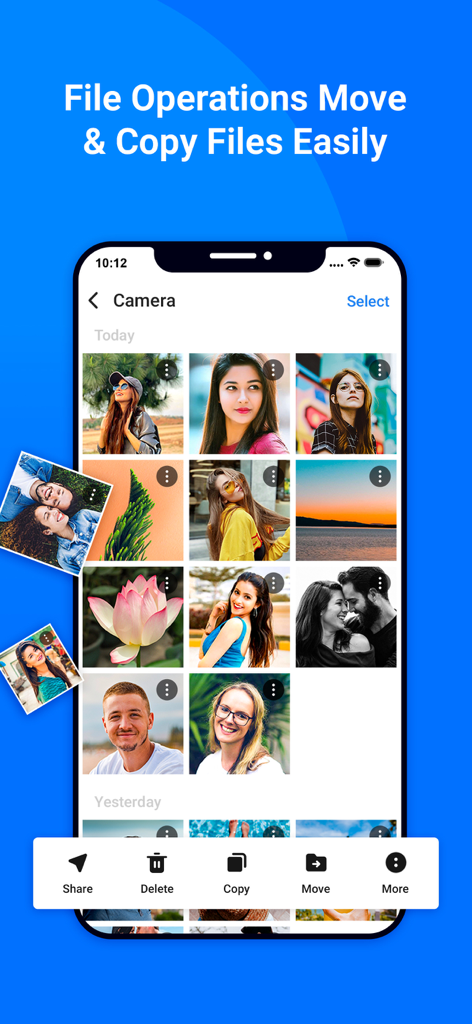
My Filesアプリの写真ギャラリー管理画面。移動およびコピーツールが表示されているiPhoneのスクリーンショット。

My Filesアプリの写真ギャラリー管理画面。移動およびコピーツールが表示されているiPhoneのスクリーンショット。

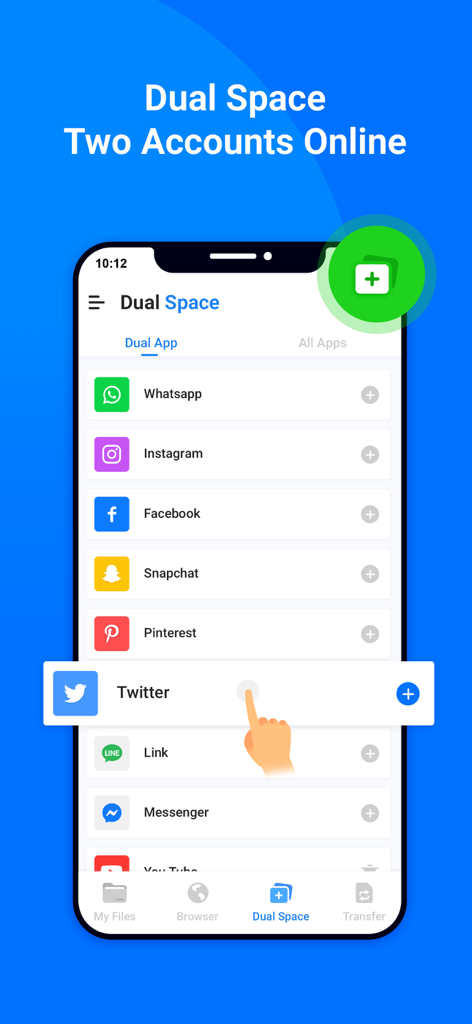
WhatsAppやInstagramなどの複数のソーシャルメディアアカウントを管理するためのデュアルスペース機能を示すスマートフォンのインターフェイス。

WhatsAppやInstagramなどの複数のソーシャルメディアアカウントを管理するためのデュアルスペース機能を示すスマートフォンのインターフェイス。

安全で匿名なWebブラウジングのためのシークレットモードを備えたプライベートブラウザ機能を示すモバイルインターフェイス。

安全で匿名なWebブラウジングのためのシークレットモードを備えたプライベートブラウザ機能を示すモバイルインターフェイス。

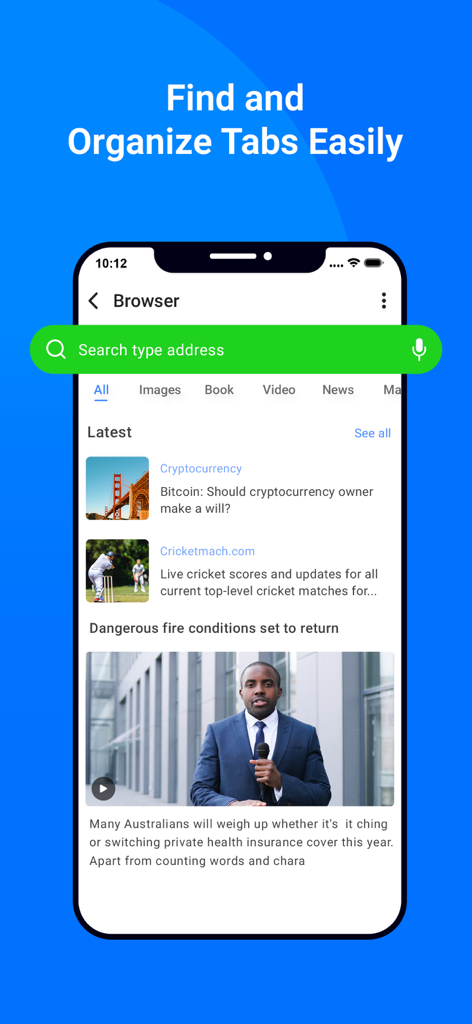
My Filesアプリの検索バー、ニュースフィード、整理されたタブが表示されているアプリ内ブラウザ画面。

My Filesアプリの検索バー、ニュースフィード、整理されたタブが表示されているアプリ内ブラウザ画面。

My FilesアプリのHDビデオプレーヤーと整理されたメディアアルバムを示すインターフェイス。

My FilesアプリのHDビデオプレーヤーと整理されたメディアアルバムを示すインターフェイス。

My FilesアプリのHDオーディオミュージックプレーヤーのインターフェイス。再生コントロールと曲情報が表示されている。

My FilesアプリのHDオーディオミュージックプレーヤーのインターフェイス。再生コントロールと曲情報が表示されている。

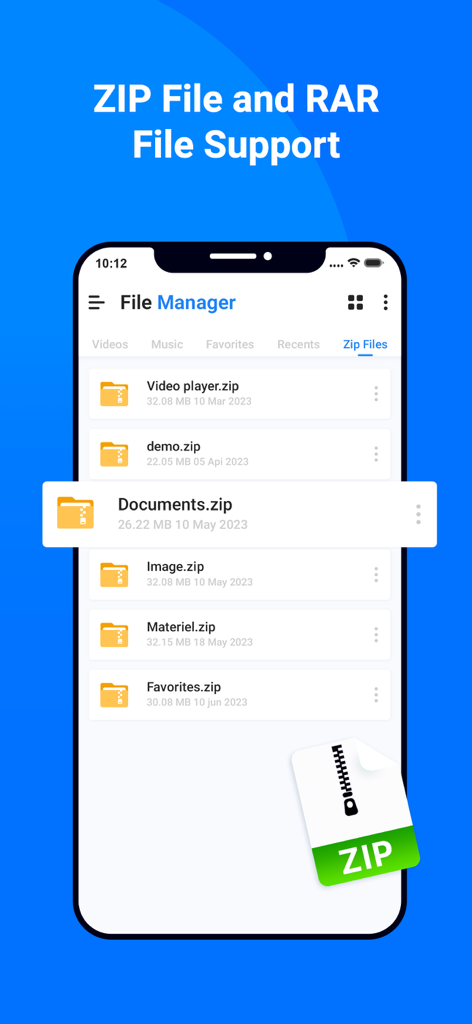
モバイル画面でZIPおよびRARファイルサポートを表示するファイルマネージャーアプリのインターフェイス。

モバイル画面でZIPおよびRARファイルサポートを表示するファイルマネージャーアプリのインターフェイス。

デジタルワークスペースをマスターする

このアプリを際立たせるツール、 2K+ 人のユーザーが選択.

↔️

デュアルペインによる生産性

クラシックなサイドバイサイドレイアウトで、2つの場所間でファイルを一度に簡単に管理および移動できます。高速ワークフローに最適化されています。

🔐

プログレードの暗号化

機密性の高いプロフェッショナル資産および個人文書を、軍用グレードのAES暗号化とシームレスな生体認証で保護します。

☁️

究極のクラウドハブ

ローカルストレージ、FTPサーバー、および複数のクラウドアカウントを1つのインターフェイスで接続し、デバイスを集中管理センターに変えます。

アプリについて

について知っておくべきこと My Files - All File Manager.

説明

All File Manger - Solid Explorer is a file management app inspired by the old school file commander applications. It will help you: • Easily manage files in dual pane layout • Protect files with strong encryption • Manage files on your cloud storage or NAS • Backup apps and files to any desired destination • Explore your device All File Manger - Solid Explorer lets you navigate to files stored on your device and automatically organizes them into collections. You can view, delete, move, rename or share any files. It also allows you to quickly find the files you need through indexed search with filters. • Keep your files safe All File Manger - Solid Explorer can protect selected files with strong AES encryption and put them in a secure folder, which contents are unreadable for other apps. The file manager will ask for password or fingerprint confirmation when you browse the folder. Even if you uninstall All File Manger - Solid Explorer, the files stay on your device and are still protected. • Analyze Storage Although this file manager doesn’t feature a dedicated storage analyzer, you can find out which files take up most of space by going to folder properties of internal storage or SD card. You will find the information about the percentage of space each folder takes and the list of biggest files. You can also use search with a file size filter. • Organize remote files All File Manger - Solid Explorer supports major network protocols and cloud providers to let you organize multiple remote file locations in one place. You can easily transfer files between cloud locations/servers just by dragging them from one panel to another. ◆ Major feature list: • Files management - main storage, other store from PC • Cloud storage - easily connect and manage files on Google Drive, OneDrive, Dropbox • File encryption - password and fingerprint protection • Archives - support for ZIP, 7ZIP, RAR and TAR files • Indexed search - quickly find files on your device • Analyze storage - manage files taking too much space on your device • Organized collections - files categorized in Downloads, Recent,Photos, Videos, Music, Documents and Apps • Internal image viewer, music player and text editor - for easier browsing on remote storages • Batch rename - with support for naming patterns • FTP Server to Share File - for accessing your local files from PC • Themes and icon sets - rich customization options. This app include Subscribe All File Manager Pro Monthly at $1.99 and All File Manager Pro Yearly at $9.99 to use ads free versions of the app for a Month and user can cancel it anytime. – Privacy Policy: https://sites.google.com/view/liam-sammy-pp – Terms of Use: https://sites.google.com/view/liam-sammy-tos If you are looking for a file manager app that has simple and sleek interface with full features, All File Explorer would be the best choice.

最新バージョン

1.3

サイズ

54.7 MB

リリース日

2023年6月8日

プロのようにファイルをコマンドせよ

デュアルペインの効率性と軍用グレードのセキュリティのためにiOSの制限を捨てた、数千人ものデジタルプロフェッショナルの仲間入りをしましょう。

ダウンロード: App Store

App information, icons, screenshots, and descriptions displayed on this page are sourced from the Apple App Store and are the property of their respective developers. Download estimates and rankings are based on MWM's proprietary models and may not reflect actual figures. This page is provided for informational and analytical purposes only.

Believe this page infringes your intellectual property? File a dispute