Passwords & Passkeys-Safe

Passwords & Passkeys-Safe


ダウンロード: App Storeダウンロード: Google Play
ロゴ: Passwords & Passkeys-Safe
SafeInCloud: あなたが真に所有するオールインワンパスワードマネージャー

軍事グレードの暗号化と内蔵2FAでデジタルセキュリティを管理。サブスクリプションなし、独自のクラウドなし—あなたのデータ、あなたの方法で同期。

ダウンロード: App Store

開発元

SAFEINCLOUD SAS

カテゴリ

Productivity

ダウンロード

237K+

ユーザー評価

4.7/5

評価数

4K+

対応言語

33

あなたのデジタルボールト、可視化

このインターフェースを利用する 237K+ 人のユーザー.

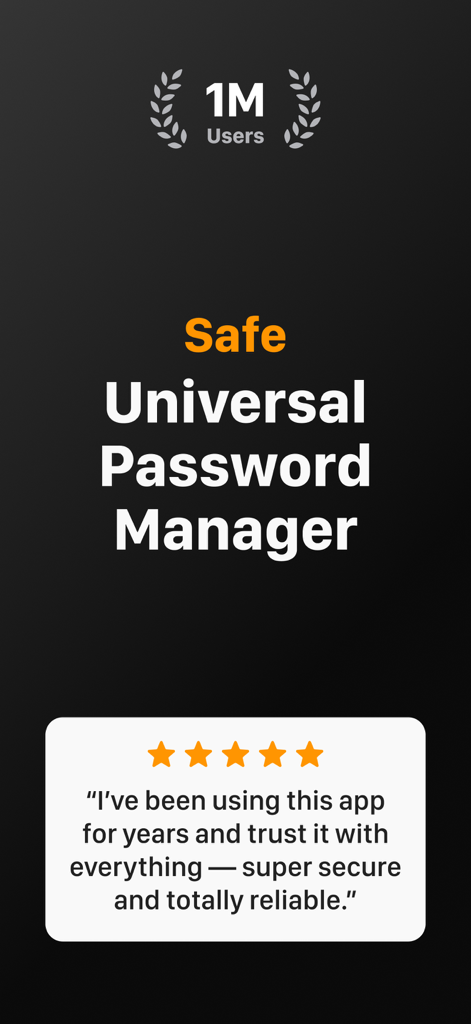
SafeInCloudアプリのスクリーンショット。100万人のユーザーと5つ星のユーザーレビューを表示。

SafeInCloudアプリのスクリーンショット。100万人のユーザーと5つ星のユーザーレビューを表示。

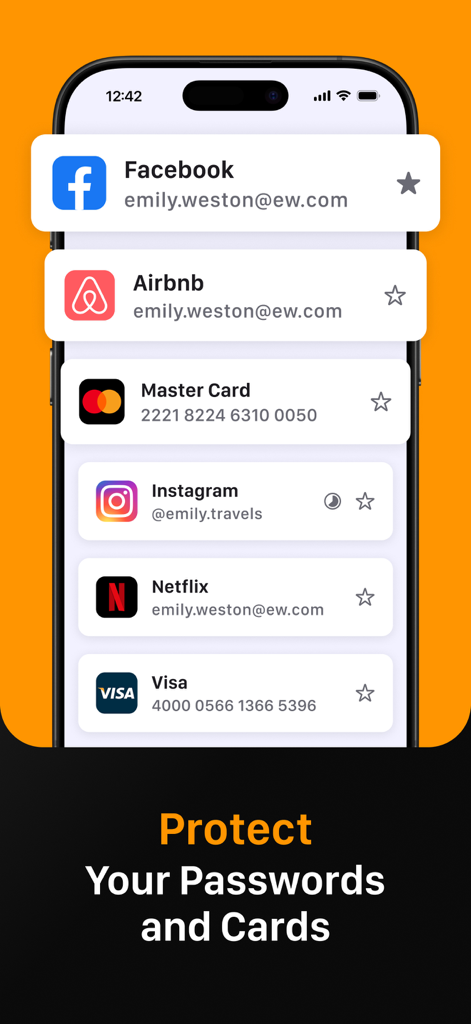
SafeInCloudアプリがFacebook、Instagram、クレジットカードの詳細の安全なログインを管理している様子を示すスマートフォンの画面

SafeInCloudアプリがFacebook、Instagram、クレジットカードの詳細の安全なログインを管理している様子を示すスマートフォンの画面

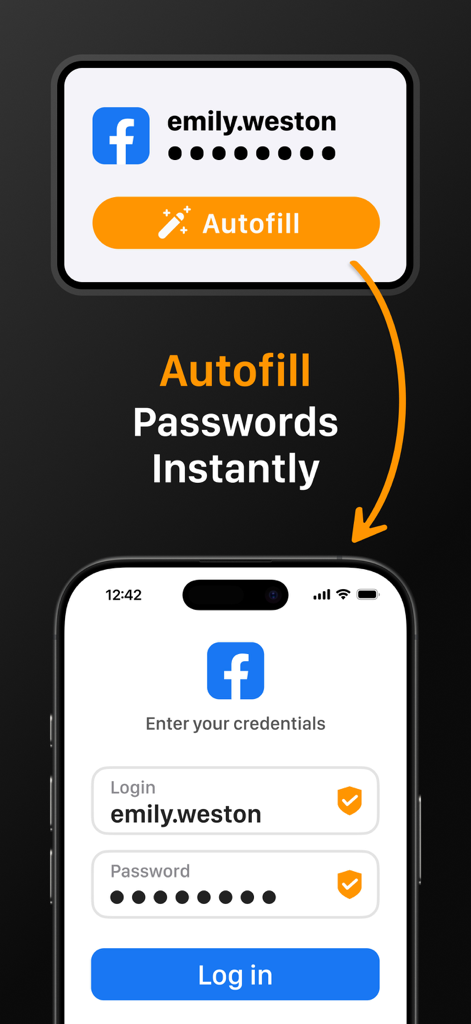
SafeInCloudアプリがモバイルデバイスのログイン画面でパスワードの自動入力を実演

SafeInCloudアプリがモバイルデバイスのログイン画面でパスワードの自動入力を実演

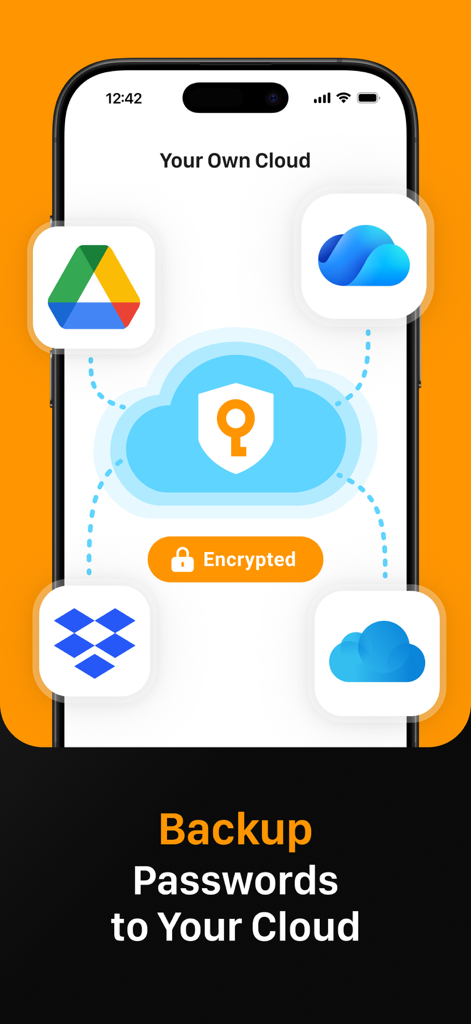
SafeInCloudアプリのインターフェース。Google DriveやDropboxなどの個人用クラウドサービスとのパスワードバックアップと同期を表示

SafeInCloudアプリのインターフェース。Google DriveやDropboxなどの個人用クラウドサービスとのパスワードバックアップと同期を表示

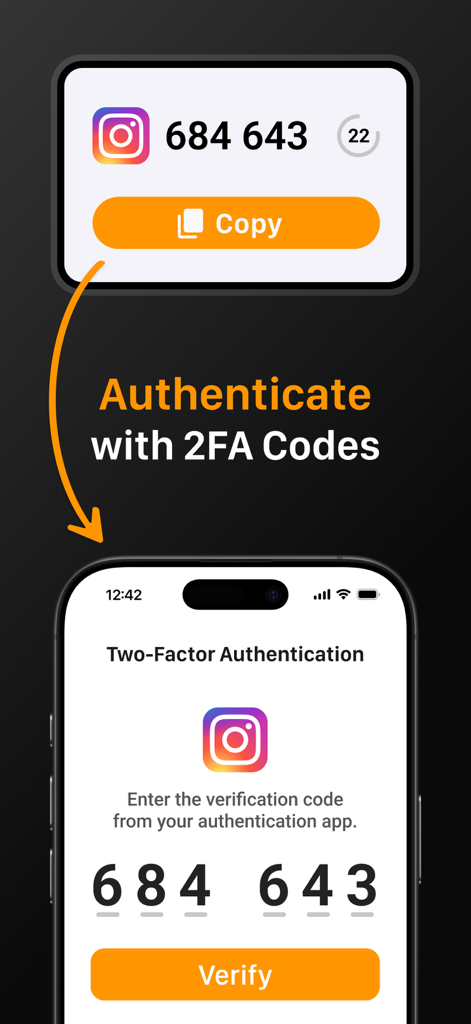
SafeInCloudインターフェース。Instagramアカウントの2FAコードで認証する方法を表示

SafeInCloudインターフェース。Instagramアカウントの2FAコードで認証する方法を表示

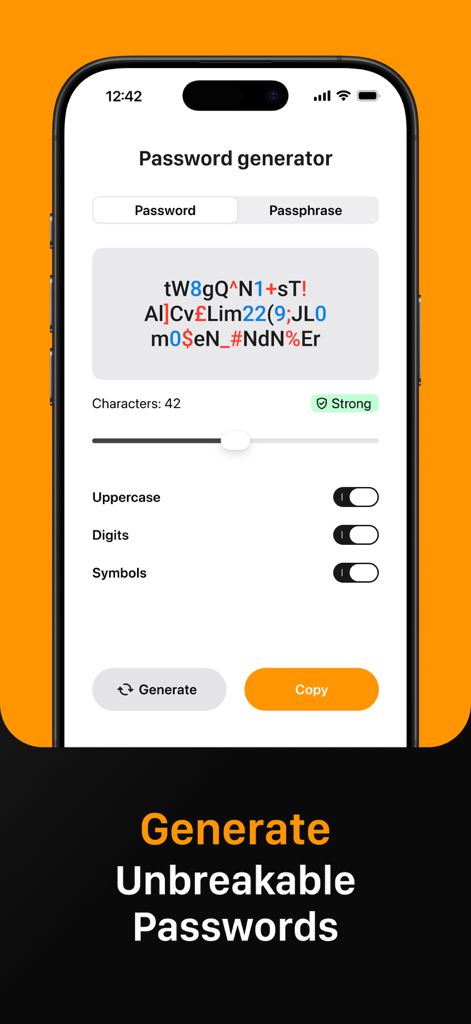
SafeInCloudアプリのインターフェース。強力で壊れないパスワードを作成するためのパスワードジェネレーター機能を表示

SafeInCloudアプリのインターフェース。強力で壊れないパスワードを作成するためのパスワードジェネレーター機能を表示

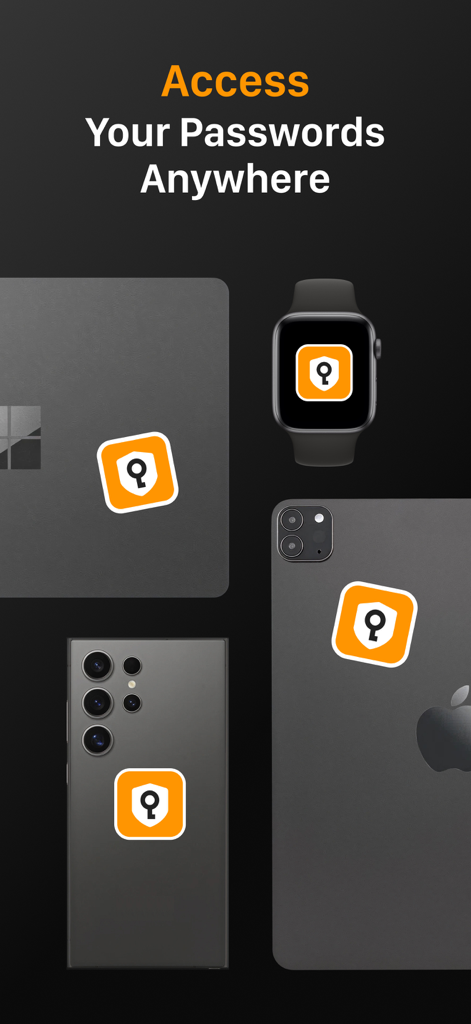
ラップトップ、スマートウォッチ、スマートフォンの複数のデバイスに表示されるSafeInCloudアプリのアイコン。クロスプラットフォームアクセスを実証

ラップトップ、スマートウォッチ、スマートフォンの複数のデバイスに表示されるSafeInCloudアプリのアイコン。クロスプラットフォームアクセスを実証

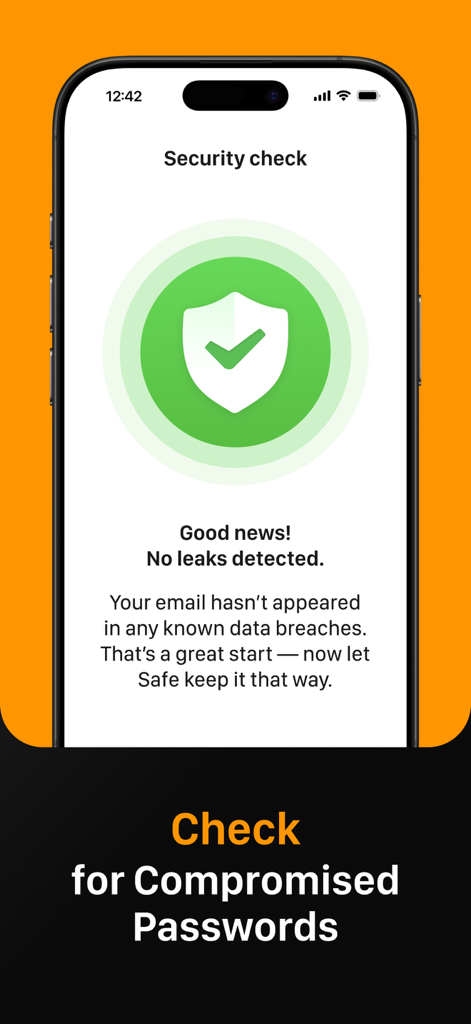
SafeInCloudセキュリティチェック画面。侵害されたパスワードのデータ漏洩がないことを検出

SafeInCloudセキュリティチェック画面。侵害されたパスワードのデータ漏洩がないことを検出

あなたの世界をあなたの条件で保護

このアプリを際立たせるツール、 237K+ 人のユーザーが選択.

☁️

完全なデータ主権

サードパーティサーバーの代わりに、iCloud、Google Drive、Dropboxなどの独自のクラウドアカウント経由で暗号化されたボールトを同期することで、管理権を維持します。

🔐

内蔵2FA認証アプリ

個別の認証アプリの必要性をなくす、ワンタイムコードを生成する統合認証アプリでワークフローを簡素化します。

シームレスなクロスプラットフォームアクセス

無料のデスクトップコンパニオンを使用して、iPhone、iPad、Mac、Windows PC全体でFace ID、Touch ID、およびシステム全体の自動入力で即座にログインできます。

アプリについて

について知っておくべきこと Passwords & Passkeys-Safe.

説明

SafeInCloud Password Manager allows you to keep your logins, passwords, and other private info safe and secure in an encrypted database. You can synchronise your data with another phone, tablet, Mac or PC via your own cloud account. SafeInCloud is not just a password keeper, but also a 2FA authenticator that generates one-time codes for any website. This means you won't need a separate 2FA authenticator app. ALL-IN-ONE PASSWORD MANAGER ◆ Easy to Use ◆ Strong Encryption (256-bit Advanced Encryption Standard) ◆ Cloud Synchronisation (iCloud, Google Drive, Dropbox, Microsoft OneDrive, NAS, WebDAV) ◆ Login with Touch ID & Face ID ◆ Multiple Databases ◆ Autofill Passwords in Apps ◆ Password Strength Analysis ◆ Password Generator ◆ 2FA Authenticator (MFA, TOTP, OTP) ◆ Check for Compromised Passwords ◆ Free Desktop App (Windows & Mac) ◆ Automatic Data Import ◆ Apple Watch App ◆ Cross Platform EASY TO USE Try it yourself and enjoy an easy-to-use yet powerful user interface. STRONG ENCRYPTION Your data is always encrypted on a device and in a cloud with a strong 256-bit Advanced Encryption Standard (AES). CLOUD SYNCHRONISATION Your database is automatically synchronised with your own cloud account. Thus you can easily restore your entire database from a cloud to a new phone or computer (in case of a loss or an upgrade). LOGIN WITH TOUCH ID & FACE ID You can instantly unlock SafeInCloud with a fingerprint on devices with Touch ID. You can also unlock SafeInCloud by face recognition using Face ID technology. AUTOFILL PASSWORDS IN APPS You can autofill login and password fields into any app on your phone directly from SafeInCloud. You don't need to copy and paste them manually. PASSWORD STRENGTH ANALYSIS SafeInCloud analyses your password strengths and shows a strength indicator next to each password. PASSWORD GENERATOR The password generator helps you generating random and secure passwords. There is also an option to generate memorable, but still strong passwords. 2FA AUTHENTICATOR SafeInCloud supports two factor authentication (2FA, MFA, TOTP, OTP), providing an additional layer of security without the need for a separate verification app like Microsoft authenticator. CHECK FOR COMPROMISED PASSWORDS Hundreds of millions of real world passwords have previously been exposed in data breaches. Safely and anonymously check your passwords for being compromised. FREE DESKTOP APP Download a free Desktop application for Windows or Mac OS from www. AUTOMATIC DATA IMPORT The Desktop application can automatically import your passwords from another password manager like 1password or LastPass. You don't need to manually reenter all your passwords. APPLE WATCH APP You can put some selected cards on your wrist to easily access them on the run. These could be your credit card PINs, door and locker codes. Terms of Use: https://www.apple.com/legal/internet-services/itunes/dev/stdeula/

最新バージョン

26.1.9

サイズ

76.6 MB

リリース日

2014年10月21日

今日、あなたのセキュリティを完全に管理しよう

サブスクリプションよりもデータの主権を選ぶ237,000人以上のユーザーに加わりましょう。独自のクラウドアカウントでAES-256暗号化でパスワードを保護—月額料金なし、妥協なし。

ダウンロード: App Storeダウンロード: Google Play

App information, icons, screenshots, and descriptions displayed on this page are sourced from the Apple App Store and are the property of their respective developers. Download estimates and rankings are based on MWM's proprietary models and may not reflect actual figures. This page is provided for informational and analytical purposes only.

Believe this page infringes your intellectual property? File a dispute