PDF Converter: Docx to PDF

PDF Converter: Docx to PDF

ダウンロード: App Store
ロゴ: PDF Converter: Docx to PDF

PDF変換: DocxからPDFへ – 高速、プライベート、プロフェッショナルなドキュメント変換

Word、Excel、画像をワンタップで高品質PDFに変換。外出中の学生やプロフェッショナル向けに設計された、安全なローカル処理と一括変換。

ダウンロード: App Store

開発元

辽远 孙

カテゴリ

Utilities

ダウンロード

20K+

ユーザー評価

4.6/5

評価数

100

対応言語

3

一目でわかる効率性

このインターフェースを利用する 20K+ 人のユーザー.

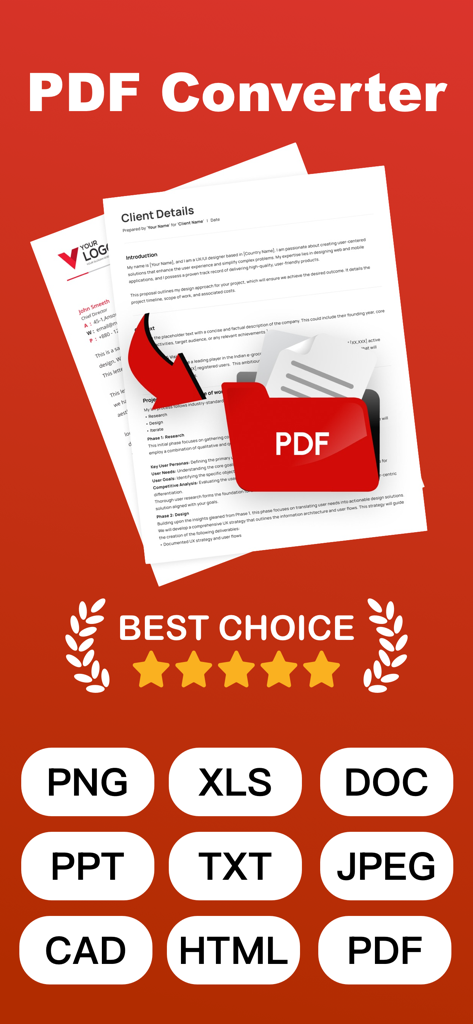
PDF変換アプリのインターフェースで、PNG、XLS、DOC、PPTを含む複数のフォーマットのサポートが表示されています

PDF変換アプリのインターフェースで、PNG、XLS、DOC、PPTを含む複数のフォーマットのサポートが表示されています

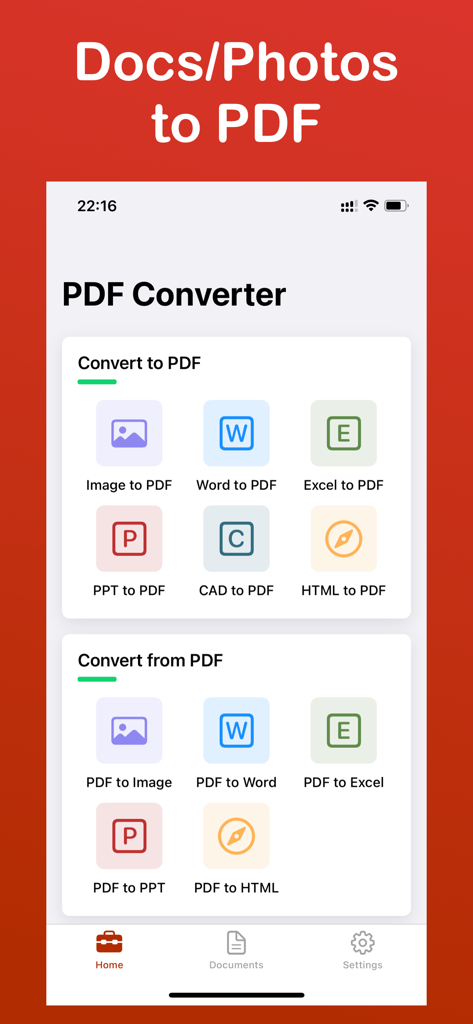
PDF変換アプリのホーム画面で、画像およびオフィスドキュメントの変換ツールが表示されています

PDF変換アプリのホーム画面で、画像およびオフィスドキュメントの変換ツールが表示されています

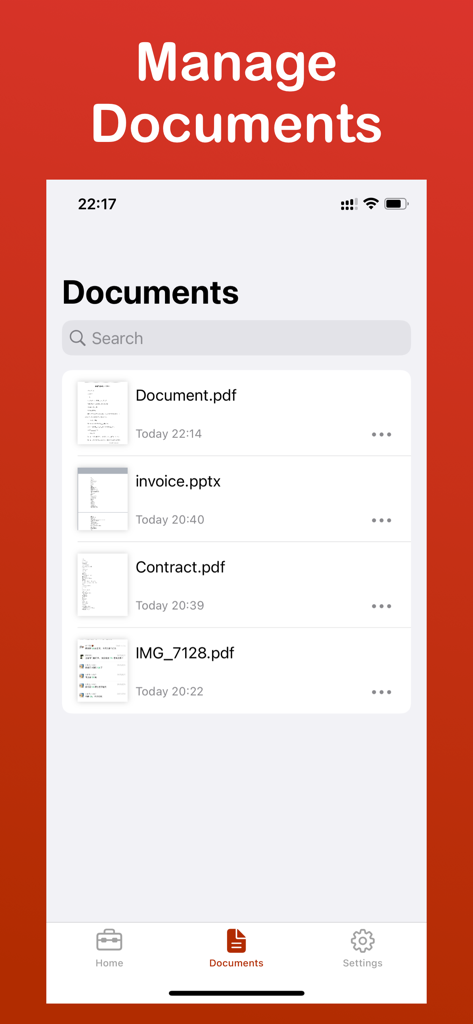
PDF変換アプリのドキュメント管理画面で、PDFやPPTXのようなファイルリストが表示されています

PDF変換アプリのドキュメント管理画面で、PDFやPPTXのようなファイルリストが表示されています

よりスマートなドキュメント管理のための強力なツール

このアプリを際立たせるツール、 20K+ 人のユーザーが選択.

🔒

安全なローカル処理

データはデバイスから離れません。機密性の高い契約書やプライベートなドキュメントを、完全なプライバシーとオプションの暗号化で変換します。

ワンクリック一括変換

単一ファイルでの時間の無駄をなくしましょう。数十のドキュメント、スプレッドシート、または画像を数秒で同時にPDFに変換します。

ピクセルパーフェクトな精度

元のレイアウトと書式設定を維持します。Word、Excel、PPT間で、1つの詳細や余白を失うことなく変換します。

アプリについて

について知っておくべきこと PDF Converter: Docx to PDF.

説明

Efficient PDF Converter - One-click Conversion, Easy Management Introduction PDF Converter is a simple to use yet powerful tool that helps you quickly convert PDF files into multiple formats. Whether for work, study, or daily use, it will make your document processing more efficient! Key Features - Support for conversion between PDF and Word, Excel, PPT, images, and many other formats - Batch conversion to save time - Preserves original document layout and content - File encryption and decryption to protect privacy - Clean interface, convenient operation Use Cases - Document conversion needs for students, teachers, and professionals - Quickly convert scans and images into editable documents - Users who need to process PDF files in batch Why Choose Us? - Fast conversion with high accuracy - No ads, pure experience - Local processing, ensuring file security Download now and experience how PDF processing can be simpler and more efficient! This app includes an optional auto-renewable subscription (ImgConv Pro): ImgConv Pro beings with a free trial period, then an auto-renewable monthly subscription when trial ends. Payment will be charged to your Apple account at confirmation of purchase and will automatically renew (at the duration/price selected) unless auto-renew is turned off at least 24 hrs before the end of the current period. Account will be charged for renewal within 24-hours prior to the end of the current period. Current subscription may not be cancelled during the active subscription period; however, you can manage your subscription and/or turn off auto-renewal by visiting your Apple Account Settings after purchase. Any unused portion of the free initial period will be forfeited when you purchase a subscription. Terms of Service:http://simp.ly/p/wJsLBy Privacy Policy:https://docs.qq.com/doc/DRXBIWFh1ZnFLZE1h EULA:https://www.apple.com/legal/internet-services/itunes/dev/stdeula/ Contact us:support_pdf_conv@gmail.com

最新バージョン

1.3.6

サイズ

9.7 MB

リリース日

2025年8月24日

数秒でドキュメントをマスター

ローカルで安全な処理で、 lightning-fastな変換を信頼する20,000人以上のプロフェッショナルや学生に加わりましょう。今日のiOS向け究極のオールインワンPDFツールをダウンロードしてください。

ダウンロード: App Store

App information, icons, screenshots, and descriptions displayed on this page are sourced from the Apple App Store and are the property of their respective developers. Download estimates and rankings are based on MWM's proprietary models and may not reflect actual figures. This page is provided for informational and analytical purposes only.

Believe this page infringes your intellectual property? File a dispute