PDF Converter: Word to PDF!

PDF Converter: Word to PDF!

ダウンロード: App Store
ロゴ: PDF Converter: Word to PDF!

PDF変換:WordからPDFへ! あなたのオールインワンプロフェッショナル文書ハブ

Word、Excel、写真を高品質PDFに即時変換。外出先で文書に署名、編集、共有できる究極のモバイルオフィスツールです。

ダウンロード: App Store

開発元

Abaid Ullah Javeed Tariq Javeed

カテゴリ

Utilities

ダウンロード

36K+

ユーザー評価

4.7/5

評価数

200

対応言語

27

あなたのポケットサイズのオフィス

このインターフェースを利用する 36K+ 人のユーザー.

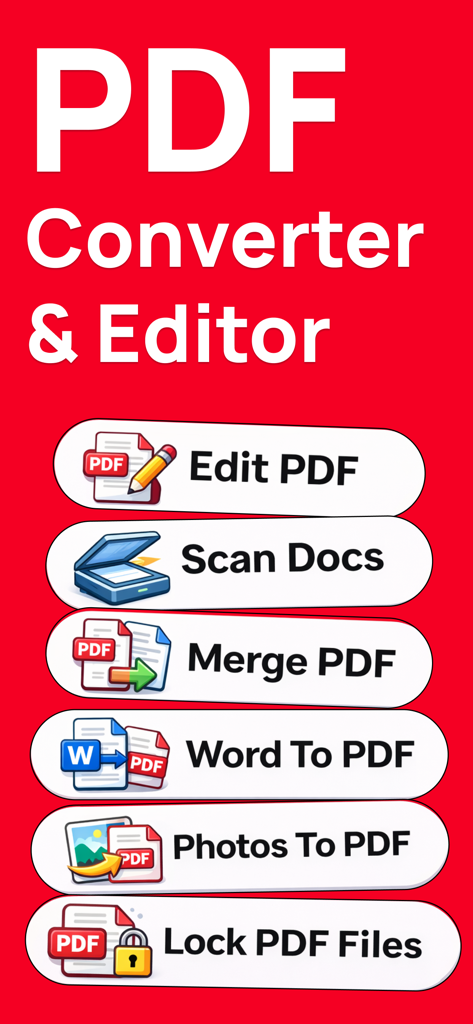
PDF変換アプリの機能(編集、スキャン、マージ、PDFへの変換など)を表示する画面

PDF変換アプリの機能(編集、スキャン、マージ、PDFへの変換など)を表示する画面

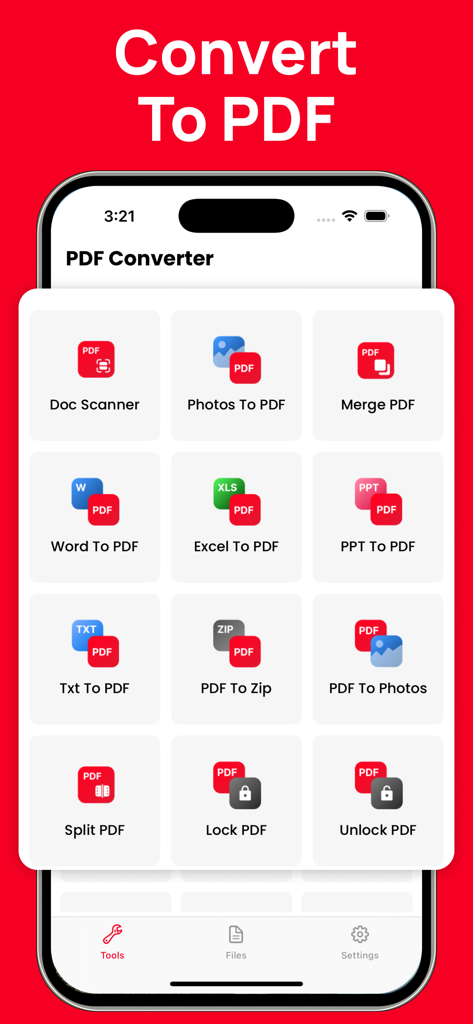
Doc Scanner、WordからPDFへ、PDFの結合など、さまざまなPDFツールを表示するモバイルアプリ画面

Doc Scanner、WordからPDFへ、PDFの結合など、さまざまなPDFツールを表示するモバイルアプリ画面

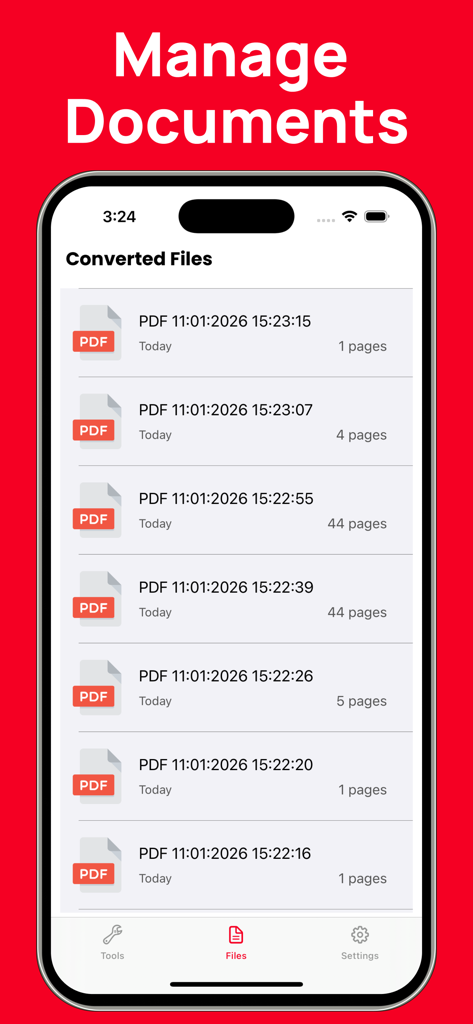
ファイルマネージャーセクションに変換されたPDF文書のリストを表示するモバイルアプリインターフェイス

ファイルマネージャーセクションに変換されたPDF文書のリストを表示するモバイルアプリインターフェイス

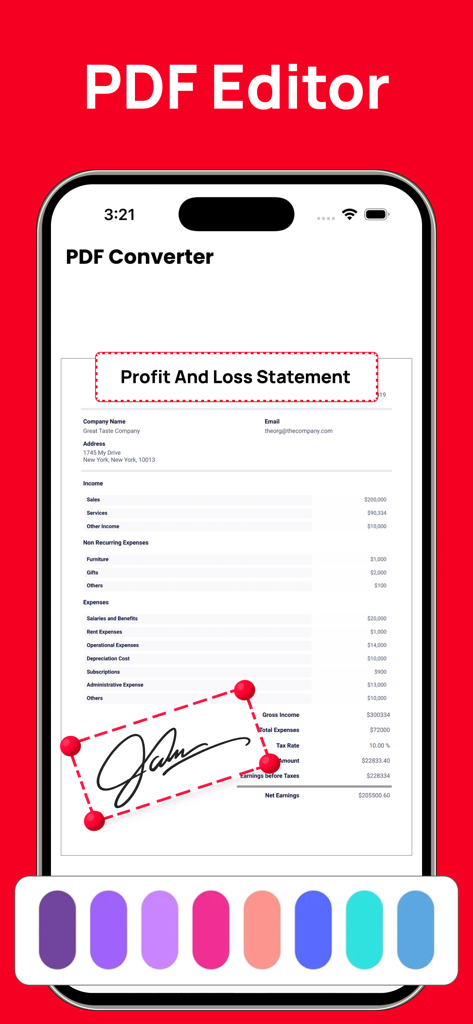
iPhoneで損益計算書に電子署名を追加している様子を示すPDFエディターインターフェイス

iPhoneで損益計算書に電子署名を追加している様子を示すPDFエディターインターフェイス

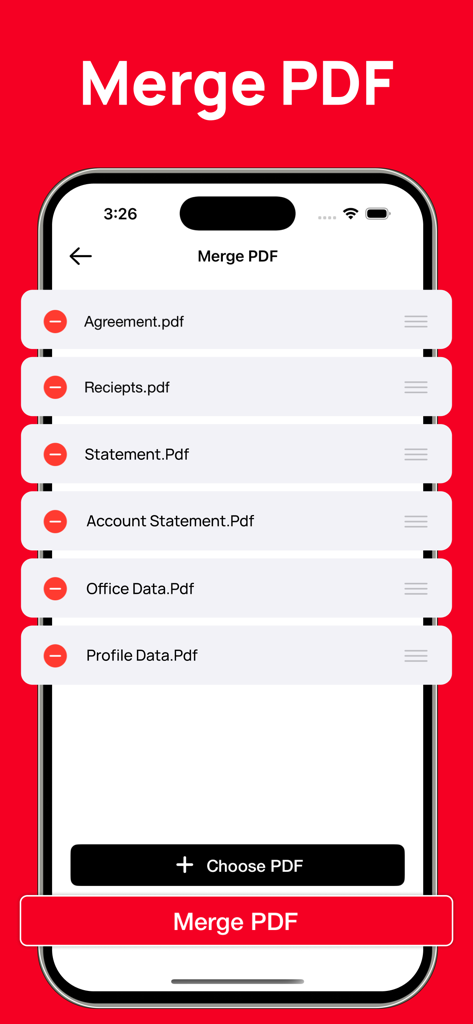
モバイルデバイスで複数のPDFファイルを結合する方法を示すインターフェイス

モバイルデバイスで複数のPDFファイルを結合する方法を示すインターフェイス

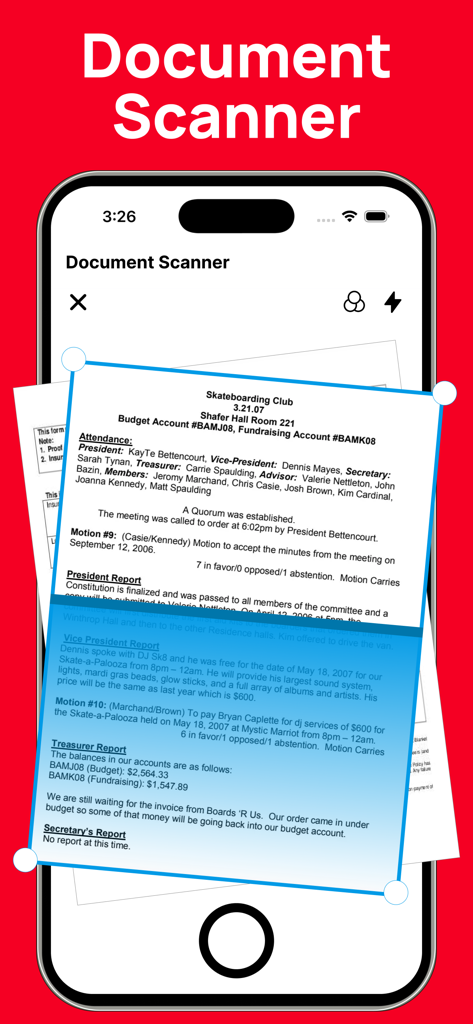
紙のファイルをPDFにデジタル化するためのドキュメントスキャナーツールを示すスマートフォン画面

紙のファイルをPDFにデジタル化するためのドキュメントスキャナーツールを示すスマートフォン画面

外出先でも文書をマスター

このアプリを際立たせるツール、 36K+ 人のユーザーが選択.

🔄

即時、完璧な変換

Word、Excel、PPT、写真を、レイアウトや品質を損なうことなくPDFに変換します。常に、あらゆるデバイスで文書が完璧に見えるようにします。

✍️

数秒で署名&承認

プリンターはありませんか? 問題ありません。契約書、賃貸契約、税務フォームなどに、指先でプロフェッショナルな電子署名を追加し、即座に処理を完了させましょう。

📂

完全なPDFツールボックス

複数のレシートを結合したり、大きなレポートを分割したり、物理的な書類をスキャンしてデジタルファイルにしたりできます。ポケットからビジネスを管理するために必要なすべてがここにあります。

アプリについて

について知っておくべきこと PDF Converter: Word to PDF!.

説明

PDF Converter & PDF Tools is a simple and powerful solution for creating, converting, and managing PDF documents. It makes it easy to convert files from Word, Excel, PowerPoint, images, and more into high-quality PDF format—all in one place. PDF Converter allows you to easily create professional-quality PDF files from a wide range of formats. You can convert documents such as Word (DOC, DOCX), PowerPoint (PPT, PPTX), Excel files, and images including JPG and photos into PDF with just a few taps. The app also lets you create PDFs directly from other apps, making it fast and convenient to save, share, or archive your documents. All conversions are processed with high accuracy to preserve the original layout, formatting, and content quality. With PDF Converter, you can quickly find, create, convert, scan, merge, split, edit, share, and save your PDF documents anytime, anywhere. Key Features PDF Converter - Create PDFs directly from other apps - Convert documents such as DOC, DOCX, PPT, PPTX, Word files, photos, JPG, and more into PDF - Fast and reliable conversion with high output quality PDF Editor - Open and read PDF documents easily - Edit PDFs with essential tools - Add electronic signatures to documents for quick approval and signing File Manager - Organize and manage your saved PDF files - Delete unwanted files or share documents with other devices and apps - Easy access to all your converted and saved PDFs If you have any questions, feedback, or suggestions, please contact us via our support email. We’re always happy to help. Subscription Information Payment will be charged to your iTunes account at the time of purchase confirmation. Subscriptions automatically renew unless auto-renewal is turned off at least 24 hours before the end of the current subscription period. Your account will be charged for renewal within 24 hours prior to the end of the current subscription period. The renewal cost will be the same as the original subscription price. You can manage your subscriptions and disable auto-renewal at any time by going to your Account Settings on the App Store after purchase. Privacy Policy: https://sites.google.com/view/watchfacesassist/privacy-policy Terms & Conditions: https://sites.google.com/view/watchfacesassist/terms-conditions

最新バージョン

2.1

サイズ

16.4 MB

リリース日

2021年9月20日

ワークフローを簡素化する準備はできましたか?

数千人もの専門家や学生が、数秒で文書を変換、署名、管理しています。今すぐiPhoneとiPadで、あなたのオールインワンPDFパワーハウスを手に入れましょう。

ダウンロード: App Store

App information, icons, screenshots, and descriptions displayed on this page are sourced from the Apple App Store and are the property of their respective developers. Download estimates and rankings are based on MWM's proprietary models and may not reflect actual figures. This page is provided for informational and analytical purposes only.

Believe this page infringes your intellectual property? File a dispute