PDF Editor ©

PDF Editor ©

ダウンロード: App Store
ロゴ: PDF Editor ©

PDF Editor ©:どこにいても書類を編集、署名、変換できるオールインワンパワーハウス

デスクに戻るまで待つのはやめましょう。究極のプロフェッショナル生産性スイートで、iPhone上でテキストを簡単に編集し、契約に署名し、ファイルを圧縮しましょう。

開発元

Ultra Logic Limited

カテゴリ

Productivity

ダウンロード

85K+

ユーザー評価

4.1/5

評価数

0

対応言語

33

効率を実際に

このインターフェースを利用する 85K+ 人のユーザー.

PDF Editorモバイルアプリのプロモーション画面。1億人以上のユーザーに信頼されている書類の変換、編集、署名機能を紹介しています。

PDF Editorモバイルアプリのプロモーション画面。1億人以上のユーザーに信頼されている書類の変換、編集、署名機能を紹介しています。

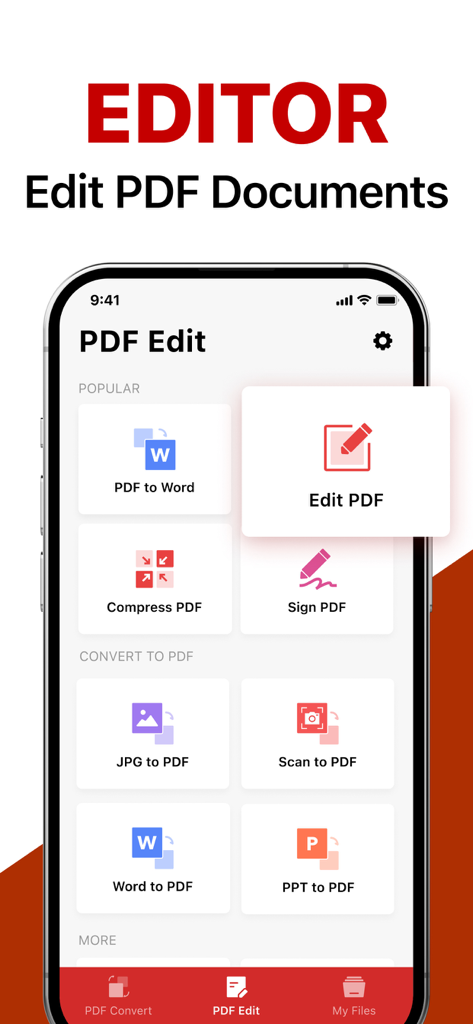
PDF Editorアプリのメイン画面。書類編集および変換ツールを紹介しています。

PDF Editorアプリのメイン画面。書類編集および変換ツールを紹介しています。

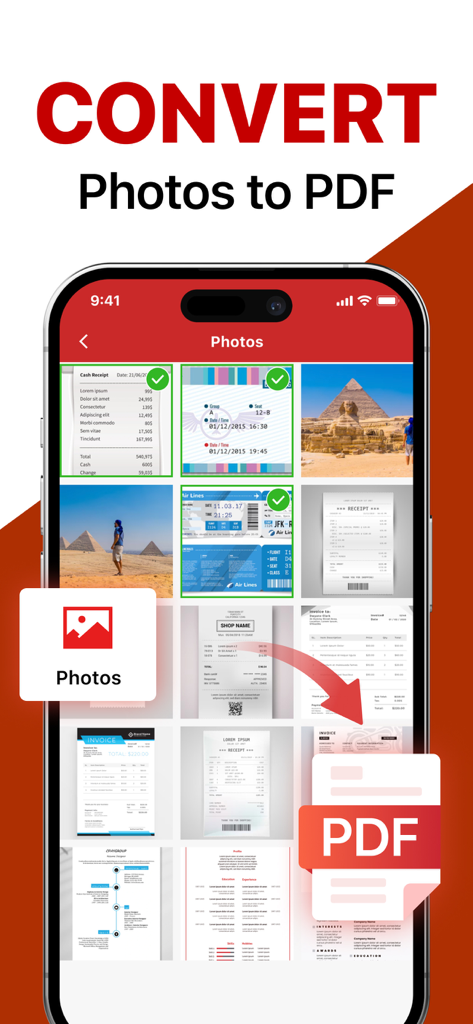
複数の写真や書類を選択してPDFファイルに変換するモバイルアプリのインターフェースを表示しています。

複数の写真や書類を選択してPDFファイルに変換するモバイルアプリのインターフェースを表示しています。

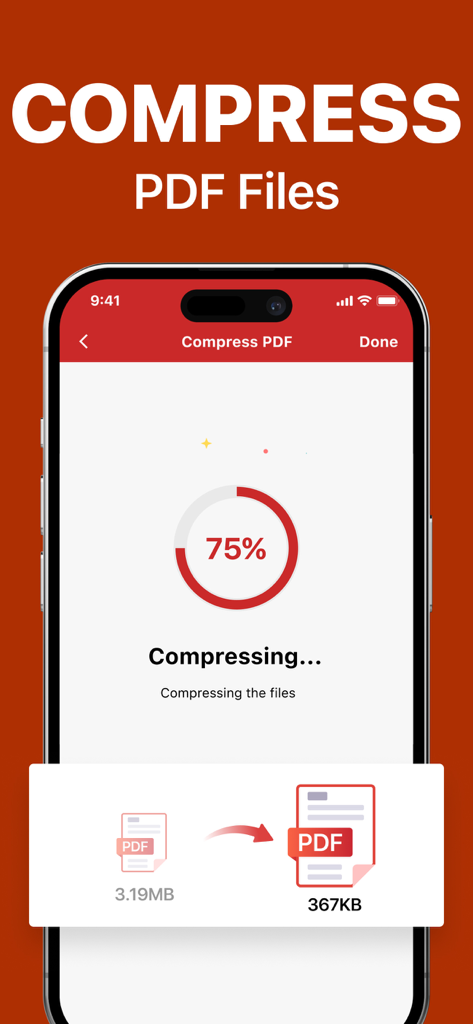
PDF Editorアプリのインターフェース。3.19MBのファイルを367KBに圧縮する進行状況インジケーターを表示しています。

PDF Editorアプリのインターフェース。3.19MBのファイルを367KBに圧縮する進行状況インジケーターを表示しています。

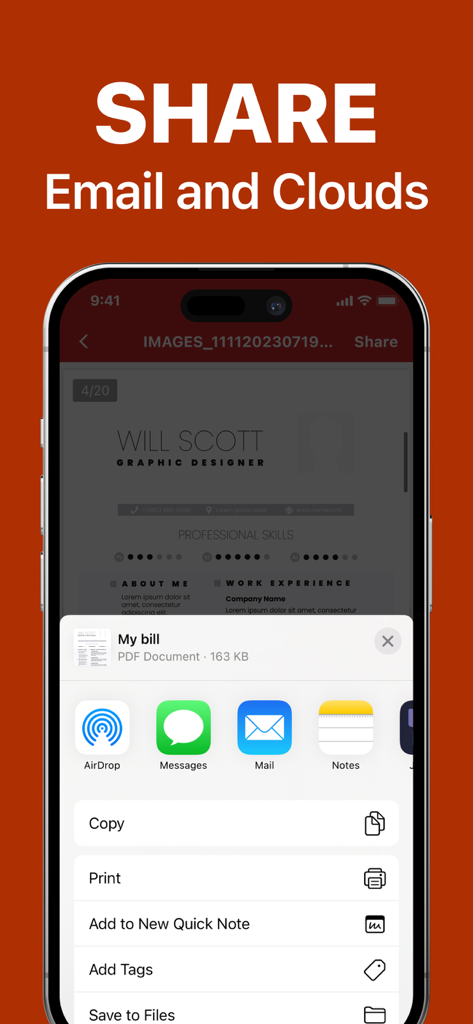
iPhone上でメールおよびクラウドサービス経由で書類を共有するためのPDF Editorアプリのインターフェース。

iPhone上でメールおよびクラウドサービス経由で書類を共有するためのPDF Editorアプリのインターフェース。

あなたのモバイルオフィスを再考

このアプリを際立たせるツール、 85K+ 人のユーザーが選択.

✍️

数秒で契約に署名

移動中でも、あらゆる書類にプロフェッショナルな電子署名を追加して契約を締結しましょう。プリンターやスキャナーは不要です。

📝

外出先でテキストを編集

タイプミスを見つけましたか?携帯電話で直接修正しましょう。デスクトップレベルのパワーでテキストや画像を編集し、モバイルワークフロー用に簡素化しました。

📤

瞬時に変換と共有

写真をきれいなPDFに変換し、大きなファイルを圧縮して、メールサイズ制限を簡単に回避し、常にプロフェッショナルに見えるようにしましょう。

アプリについて

について知っておくべきこと PDF Editor ©.

説明

From converting photos and text documents to PDFs, to compressing PDF files for easy sharing, signing documents anytime and anywhere, effortlessly editing PDFs, and ensuring everything is automatically saved and shared as needed, Top PDF ® offers a comprehensive solution to boost productivity and simplify document management. Features 1. Versatile File Conversion Convert photos, Word documents, PowerPoint presentations, and text files into high-quality PDFs. Conversely, transform PDF documents back into editable Word files or even high-resolution JPG images. This feature is especially useful for professionals who need to maintain document quality and format consistency across various platforms. 2. Efficient PDF Compression Reduce the size of large PDF files with our efficient compression tool. Essential for users who need to meet email size limits or save storage space while maintaining the integrity of document content and layout. Compressed PDFs are easier to share and quicker to upload without compromising quality. 3. Convenient Document Signing Our e-signature feature allows you to sign documents directly within the app, significantly streamlining the process of authorizing official documents and contracts. Whether you’re a corporate executive, legal professional, or just need to sign personal documents, this feature saves you time and enhances your workflow flexibility. 4. Comprehensive PDF Editing Edit your PDF files like never before. Add or remove content directly from your smartphone or tablet. This powerful editing tool ensures you can make last-minute changes or major edits without needing access to a desktop computer. 5. Seamless Sharing and Auto-Save Functionality Easily share your documents directly from Top PDF ® with colleagues, friends, or on social media. Combined with auto-save functionality, you never have to worry about losing your latest edits or updates. Every change is saved instantly, ensuring your work is secure and up-to-date. Subscription information: After purchase confirmation, the fee will be deducted from your iTunes account. The subscription will automatically renew at least 24 hours before the end of the current period unless auto-renewal is turned off. Renewal fees depend on your subscription plan. Users can manage subscriptions and turn off auto-renewal in the account settings. Any unused portion of a free trial period (if offered) will be forfeited when purchasing a premium subscription during the free trial period. Privacy Policy:https://www.ultralogicapps.com/privacy Terms of Use: https://www.ultralogicapps.com/terms

最新バージョン

1.3

サイズ

55.8 MB

リリース日

2024年8月12日

外出先で書類をマスターしましょう

デスクを手放した85,000人以上のプロフェッショナルに加わりましょう。どこにいても、数秒でPDFに署名、編集、圧縮できます。

ダウンロード: App Store

App information, icons, screenshots, and descriptions displayed on this page are sourced from the Apple App Store and are the property of their respective developers. Download estimates and rankings are based on MWM's proprietary models and may not reflect actual figures. This page is provided for informational and analytical purposes only.

Believe this page infringes your intellectual property? File a dispute