Pixaki 4 Intro

Pixaki 4 Intro

ダウンロード: App Store
ロゴ: Pixaki 4 Intro

Pixaki 4 Intro:iPadでピクセルアートとアニメーションの達人になろう

プロフェッショナルグレードのツールで、インディーゲームの夢やローファイなビジョンを現実に。精密切断、簡単なアニメーション、シームレスなソーシャル共有のために設計されています。

開発元

Rizer Creative Ltd

カテゴリ

Graphics & Design

ダウンロード

214K+

ユーザー評価

4.1/5

評価数

100

対応言語

1

すべてのピクセルを丁寧に作成

このインターフェースを利用する 214K+ 人のユーザー.

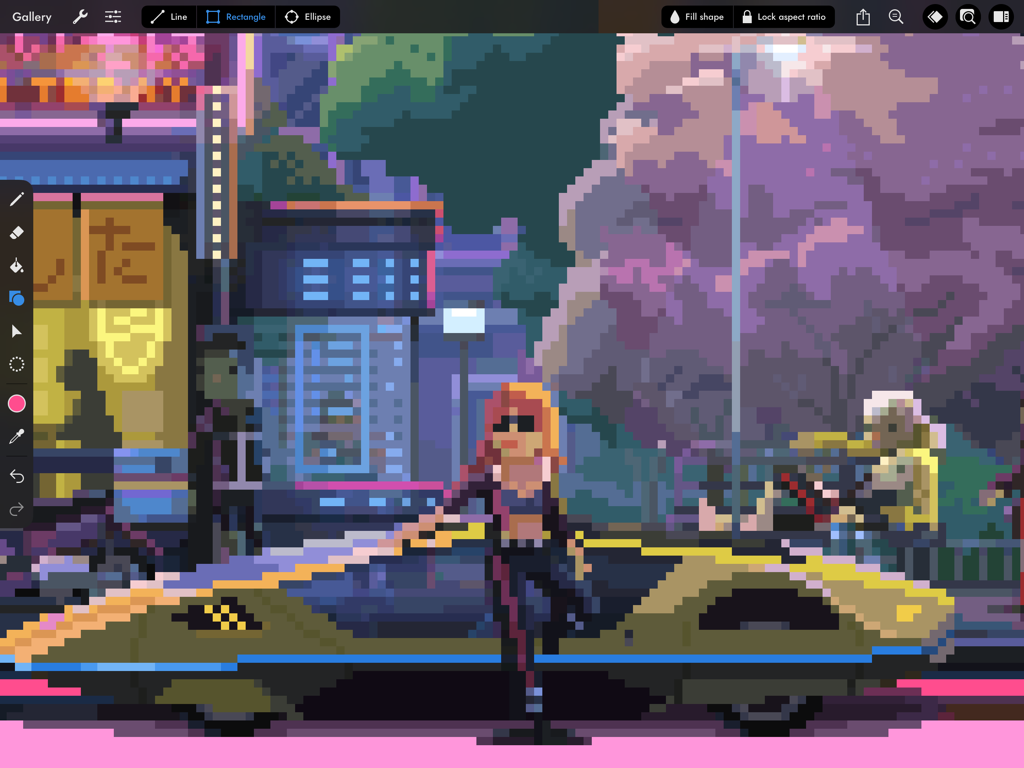
サイバーパンクなピクセルアートのシーン、キャラクターと未来的な車が表示されているPixaki 4 Introアプリのインターフェース

サイバーパンクなピクセルアートのシーン、キャラクターと未来的な車が表示されているPixaki 4 Introアプリのインターフェース

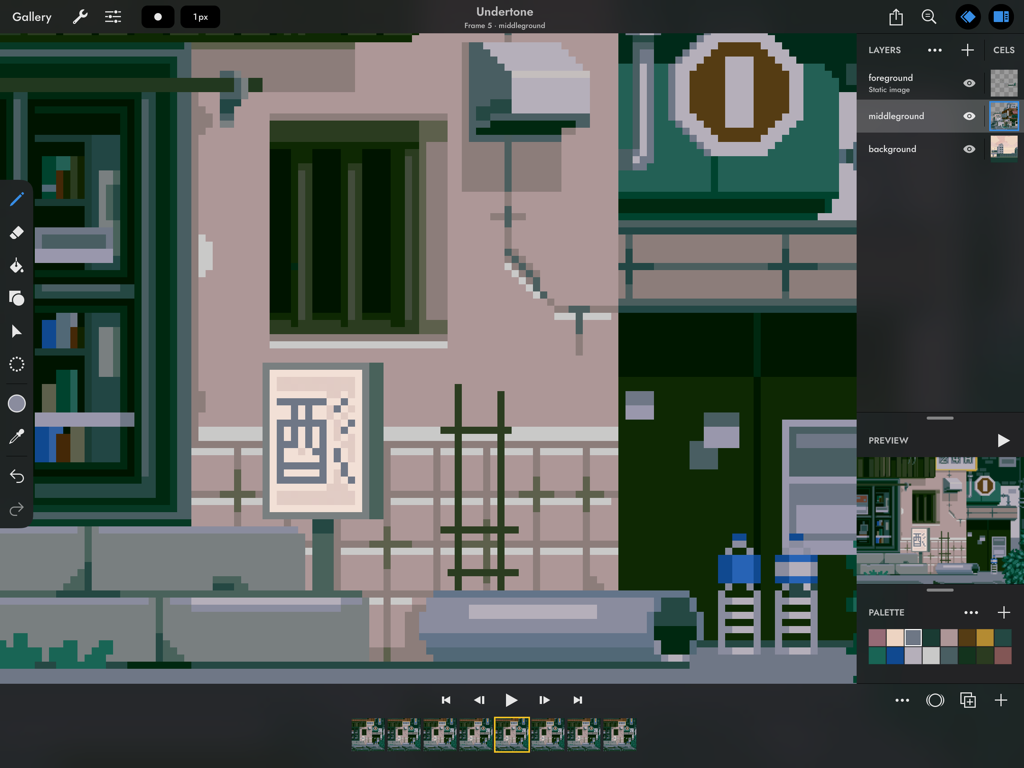
iPad上のPixaki 4 Introアプリのインターフェース。ピクセルアートの都市のシーン、アニメーションタイムライン、レイヤーが表示されています。

iPad上のPixaki 4 Introアプリのインターフェース。ピクセルアートの都市のシーン、アニメーションタイムライン、レイヤーが表示されています。

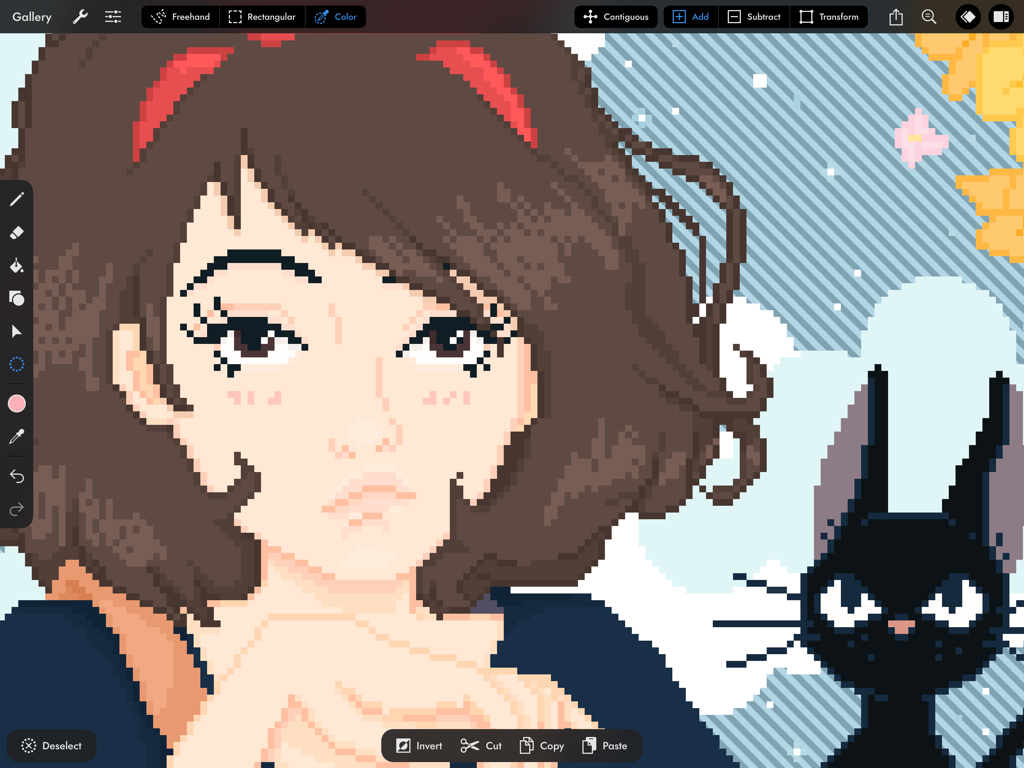
iPad上で、ピクセルアートのキャラクターと選択ツールが表示されているPixaki 4 Introアプリのインターフェース

iPad上で、ピクセルアートのキャラクターと選択ツールが表示されているPixaki 4 Introアプリのインターフェース

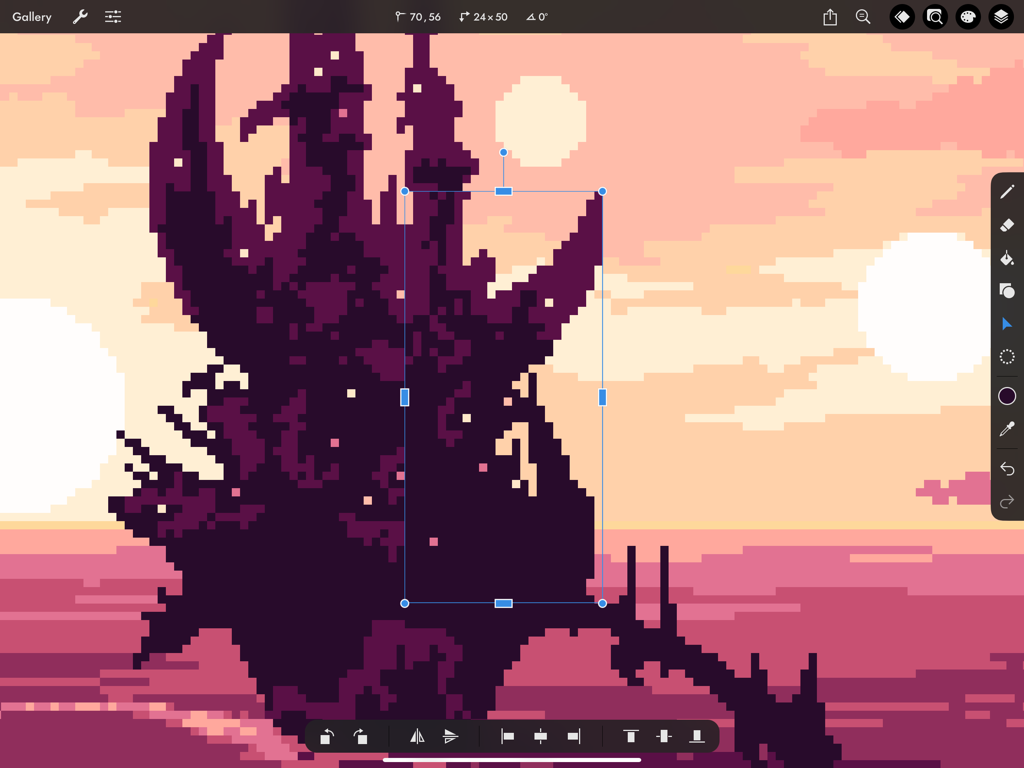
iPad用のPixaki 4 Introで、変換ツールを使って編集されている紫色のピクセルアートの城。

iPad用のPixaki 4 Introで、変換ツールを使って編集されている紫色のピクセルアートの城。

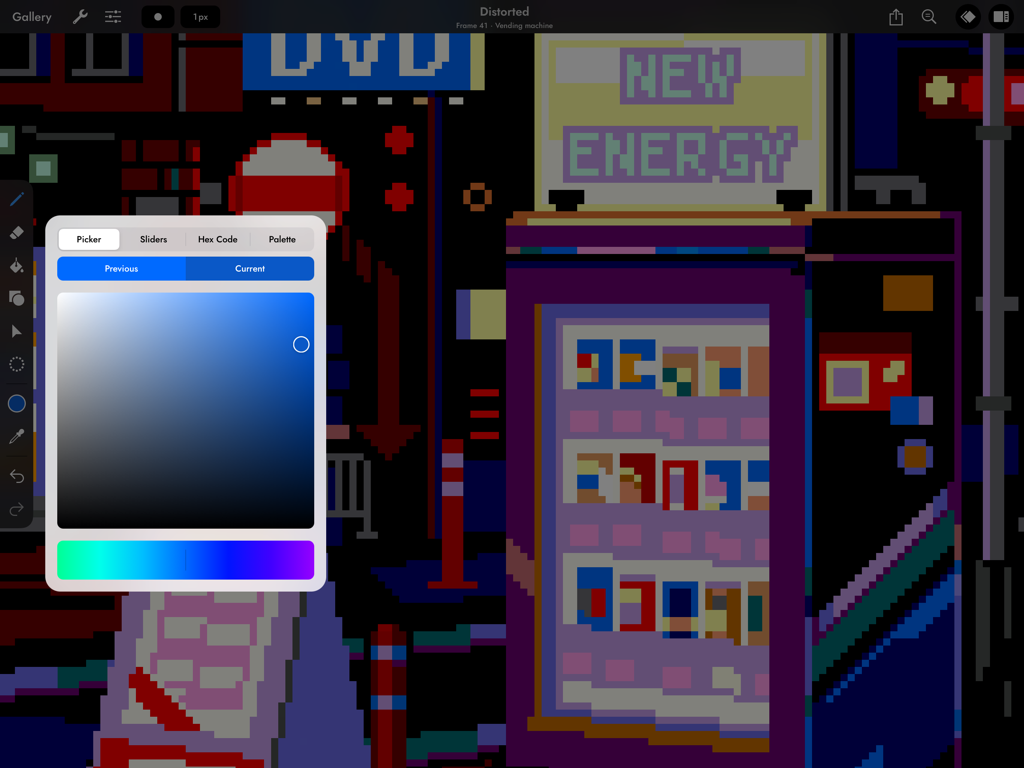
Pixaki 4 Introアプリ内で、夜のレトロスタイルのピクセルアートの都市景観の上に開かれたカラーピッカーツール。

Pixaki 4 Introアプリ内で、夜のレトロスタイルのピクセルアートの都市景観の上に開かれたカラーピッカーツール。

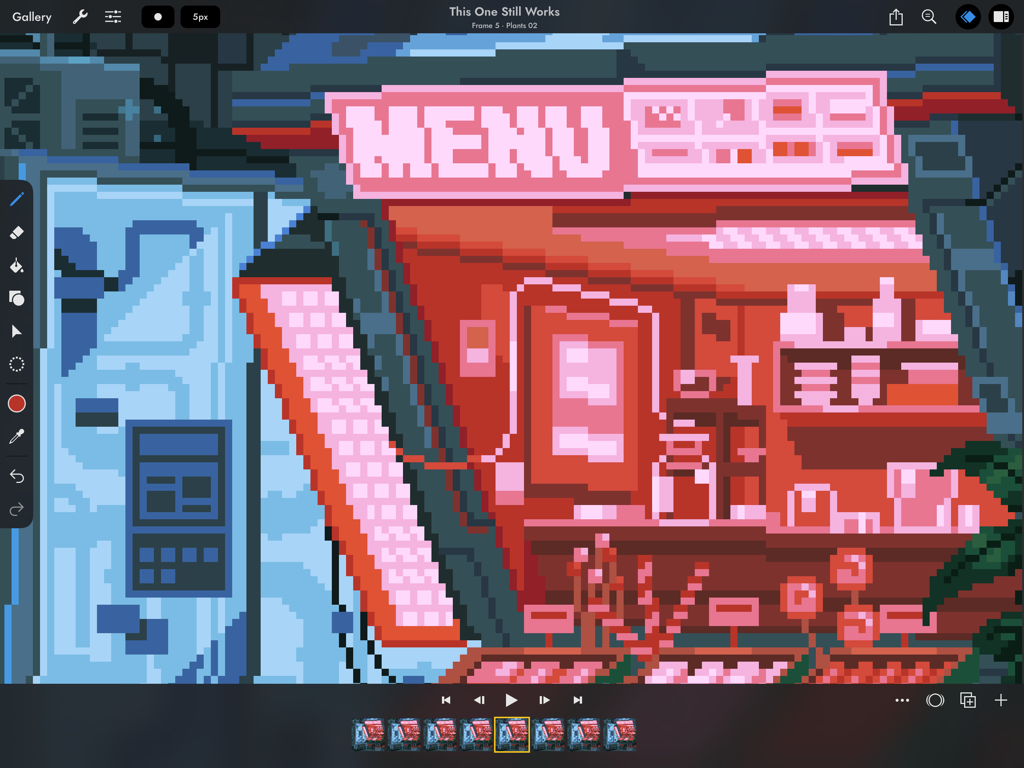
iPad上のレトロな storefront シーンを特徴とする、Pixaki 4 Introのピクセルアートアニメーションエディター。

iPad上のレトロな storefront シーンを特徴とする、Pixaki 4 Introのピクセルアートアニメーションエディター。

ピクセルの芸術をマスターしよう

このアプリを際立たせるツール、 214K+ 人のユーザーが選択.

🎨

ピクセルパーフェクトな精度

ぼやけた線とはお別れ。スマート描画モードは、ダブルピクセルを自動的にクリーンアップし、最初のストロークから線画をシャープでプロフェッショナルに保ちます。

🎞️

想像力にアニメーションを

スクラブル可能なタイムラインと高度なオニオンスキンでキャラクターに命を吹き込もう。ゲーム用スプライト、ステッカー、ローファイループの作成に最適です。

🚀

あらゆるプラットフォームに対応

Unityなどのゲームエンジン用の設定可能なスプライトシートや、ソーシャルメディア用の高解像度GIFとして作品をエクスポート。アートと開発の間のギャップをシームレスに埋めます。

アプリについて

について知っておくべきこと Pixaki 4 Intro.

説明

Pixaki Intro is perfect for anyone getting started with pixel art, and a great way to try out the features found in Pixaki Pro. Pixaki Intro lets you create sprites up to 160 × 160 px, with 3 layers and 8 frames of animation. DRAWING • Pixel perfect painting mode automatically removes double pixels when doing line art. • Round, square, and matrix dither brushes. • Line tool, which can be locked to isometric angles. • Rectangle and ellipse tools. LAYERS OF ANIMATION • Layers are shared across the whole project, which means every layer has its own timeline. • Static image layers for background and foreground elements that are the same on every frame. • 18 layer blend modes. • Rename layers. • Reorder layers and frames by using drag and drop. • Scrubbable timeline. • Advanced onion skin options. • Select multiple layers or frames at once to quickly make bulk adjustments. • Use high resolution reference layers to pixel over your sketches and photos. COLOR • Four color selection modes: a square picker with an infinitely scrolling hue slider, sliders for HSB and RGB, hex code input, and the project palette. • Eyedropper to sample any color from the canvas. • Bucket fill, with contiguous or discontiguous options. • Color replace across the whole project. SELECTION • Freehand, rectangular, and color selection. • Use the active selection as a mask. • Cut or copy the selected pixels and paste them to any app that supports pasting images. TRANSFORM • Move without needing to select. Position the image on or off the canvas without clipping. • Scale uniformly up and down, or squash and stretch. • Rotate by any angle. • Flip horizontally and vertically. IMPORT & EXPORT • Import any static image, or a GIF. • Use magnification when sharing to upscale without the results looking blurry. • Export as a single image or image sequence as PNG, TIFF, or JPEG-2000. • Export animated images as GIF or APNG. • Export as a sprite sheet, with configurable columns. Screenshot artwork by Genuine Human, waneella, Chelsea Faust, and rachels_ham. Find out more at pixaki.com.

最新バージョン

4.6

サイズ

28.3 MB

リリース日

2021年3月4日

ピクセルに命を吹き込もう

iPadで20万人以上のクリエイターに加わろう。Pixaki Introでアニメーション、スプライトデザイン、レトロな美学の習得を無料で始めよう。

ダウンロード: App Store
FAQ

よくある質問

について知っておくべきこと Pixaki 4 Intro

Pixaki 4 Introの制限事項は何ですか?

Pixaki 4 Introでは、最大160x160ピクセルのピクセルアートスプライトを作成できます。最大3つのレイヤーと8フレームのアニメーションをサポートしており、初心者向けです。

Pixaki 4 Introではアニメーションを作成できますか?

はい、Pixaki 4 Introは最大8フレームのアニメーションをサポートしています。ダイナミックなピクセルアートを作成するための、スクラブル可能なタイムラインや高度なオニオンスキンオプションなどの機能が含まれています。

Pixaki 4 Introにはどのような描画ツールが含まれていますか?

Pixaki 4 Introには、ピクセルパーフェクトなペイント、ディザブラシ、線、長方形、楕円形のツールが用意されています。線ツールは、正確な描画のためにアイソメトリック角度にロックすることもできます。

Pixaki 4 Introで色をカスタマイズできますか?

はい、Pixaki 4 Introは包括的な色のカスタマイズを提供しています。正方形ピッカー、HSB/RGBスライダー、16進コード入力、プロジェクトパレットを含む4つのカラー選択モードを備えています。

Pixaki 4 Introはピクセルアートプロジェクトのレイヤーをどのように管理しますか?

Pixaki 4 Introは、プロジェクト全体で共有されるレイヤーを備えており、それぞれに独自のタイムラインがあります。静止画レイヤー、18種類のブレンドモードをサポートし、レイヤーの名前変更や並べ替えが可能です。

Pixaki 4 Introの画像およびアニメーションのエクスポートオプションは何ですか?

Pixaki 4 Introは、単一の画像またはシーケンスをPNG、TIFF、またはJPEG-2000としてエクスポートします。アニメーション画像はGIFまたはAPNGとしてエクスポートでき、設定可能な列を持つスプライトシートエクスポートもサポートしています。

Pixaki 4 Introに画像やGIFをインポートできますか?

はい、Pixaki 4 Introではさまざまなアセットをインポートできます。ピクセルアートデザインに統合するために、任意の静止画像またはGIFのインポートをサポートしています。

Pixaki 4 Introには画像変換機能が含まれていますか?

Pixaki 4 Introは、堅牢な変換ツールを提供します。ユーザーは、要素を移動、スケーリング(均一または縦横比を変えて)、任意の角度で回転、水平または垂直に反転させることができます。

App information, icons, screenshots, and descriptions displayed on this page are sourced from the Apple App Store and are the property of their respective developers. Download estimates and rankings are based on MWM's proprietary models and may not reflect actual figures. This page is provided for informational and analytical purposes only.

Believe this page infringes your intellectual property? File a dispute