
Rollbar Error Simulator


リアルタイムエラー監視のパワーを指先で体験しましょう。ワンタップで即座にエラーをシミュレートし、Rollbarのセットアップとダッシュボードを確認できます—技術的な専門知識は不要です。
開発元
カテゴリ
Developer Toolsダウンロード
4K+ユーザー評価
評価数
0対応言語
1このインターフェースを利用する 4K+ 人のユーザー.
このアプリを際立たせるツール、 4K+ 人のユーザーが選択.
現実世界のエラーシナリオを即座にトリガーします。Rollbarの動作を確認するために、技術的な専門知識や環境セットアップは必要ありません。
アラートが発火し、ダッシュボードが正しく表示されているかを確認します。監視が意図したとおりに機能していることを即座に証明します。
安全なサンドボックスでRollbarの機能を探求しましょう。ライブのプロダクションコードベースやユーザーエクスペリエンスに影響を与えることなく、統合ワークフローをテストします。
について知っておくべきこと Rollbar Error Simulator.
説明
最新バージョン
1.2.0
サイズ
2.7 MB
リリース日
2023年10月30日
何千人ものプロダクトマネージャーや非技術系ステークホルダーが、当社のモバイルシミュレーターを使用して、コーディング不要で数秒でエラー監視セットアップを検証しています。
について知っておくべきこと Rollbar Error Simulator
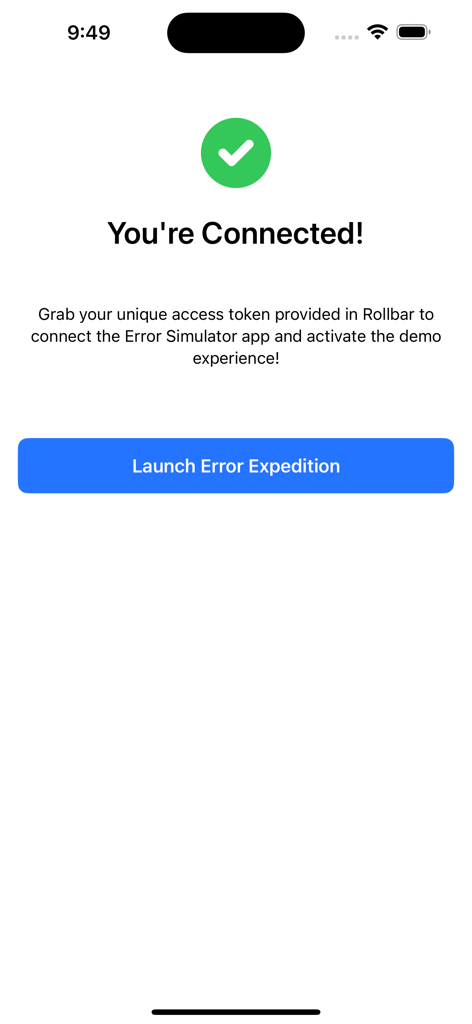
Rollbar Error Simulatorアプリを使用すると、コーディング経験のないユーザーでも簡単にエラーをシミュレートできます。Rollbarアカウントに接続し、タップするだけでRollbarの設定をテストし、シームレスなエラー追跡を確保できます。
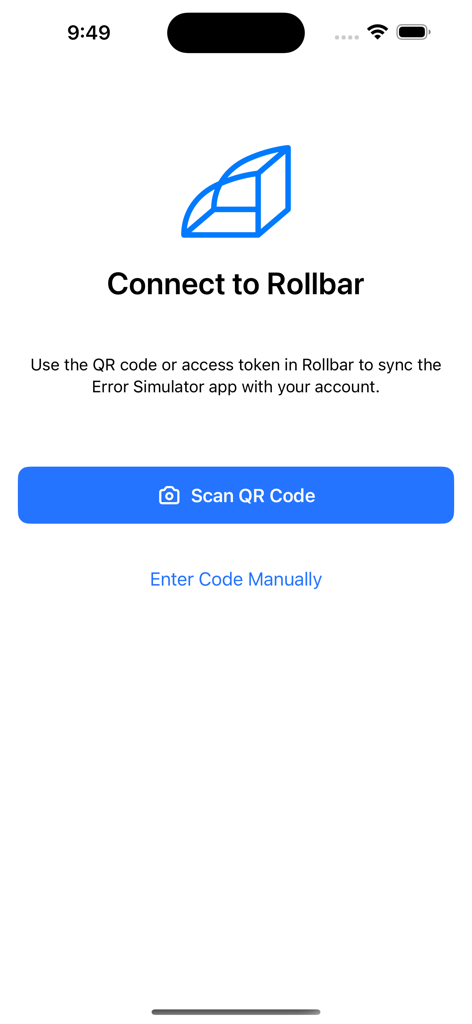
Rollbar Error Simulatorアプリは、QRコードまたはアクセストークンを使用してRollbarアカウントに接続します。アプリには、QRコードをスキャンするか、同期のためにコードを手動で入力するオプションがあります。
いいえ、Rollbar Error Simulatorを使用するためにコーディング経験は必要ありません。このアプリは、技術的な専門知識のないユーザーがエラーをシミュレートし、Rollbarの設定をテストできるように特別に設計されています。
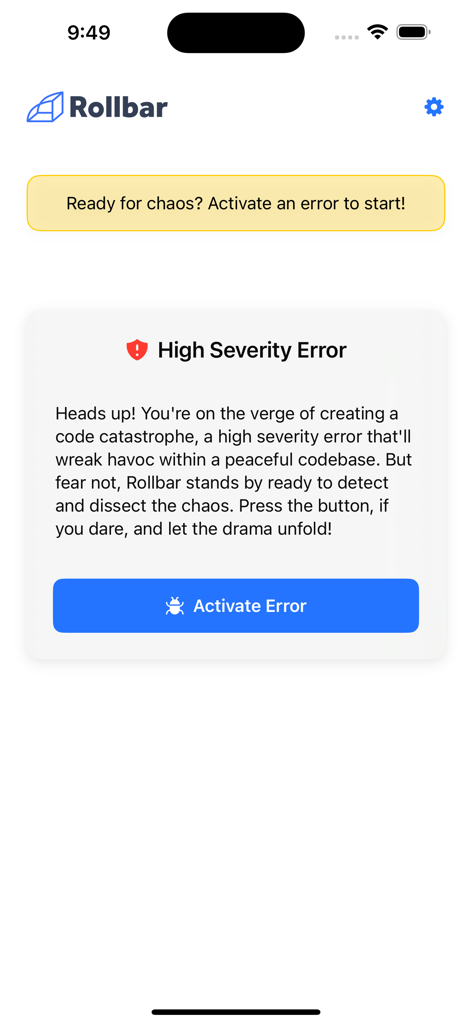
Rollbar Error Simulatorアプリは、「高重大度エラー」をアクティブにできます。これにより、ユーザーはRollbarがコードベース内でエラーをどのように検出し、分析するかをテストし、堅牢なエラー追跡機能を確認できます。
ユーザーは、URL https://docs.rollbar.com/docs/trying-rollbar-with-the-error-simulator でRollbar Error Simulatorのドキュメントを見つけることができます。発生した問題については、直接サポートも利用できます。
同じカテゴリのトップランクアプリ

Apple Inc.

Replit, Inc

GitHub

Shenzhen VeePai IoT Intelligent Technology LLC

Apple Inc.

650 Industries, Inc.

Simon Stovring

Apple Inc.

Stream Lab Inc.
App information, icons, screenshots, and descriptions displayed on this page are sourced from the Apple App Store and are the property of their respective developers. Download estimates and rankings are based on MWM's proprietary models and may not reflect actual figures. This page is provided for informational and analytical purposes only.
Believe this page infringes your intellectual property? File a dispute