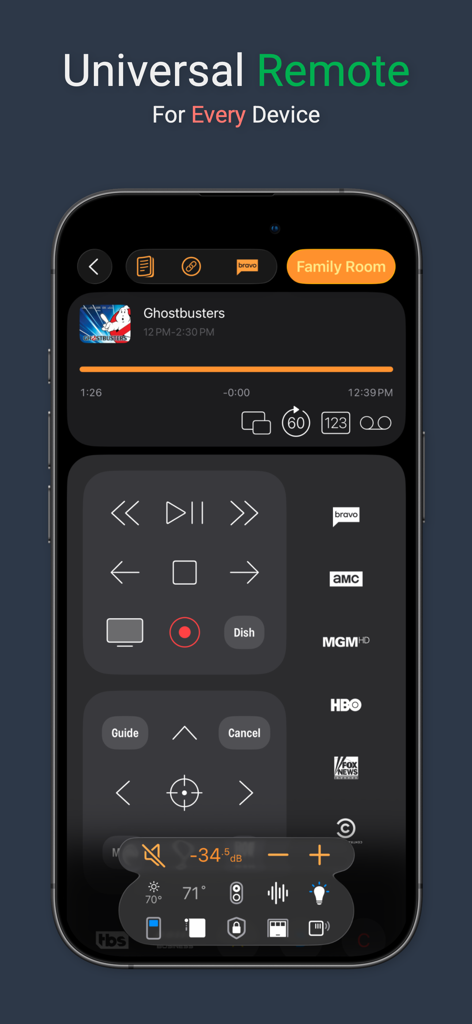
Take control of your home with Roomie Remote X, the next generation of the leading app turning your iPhone or iPad into a powerful Universal Remote. Seamlessly manage TVs, media players, A/V receivers, switchers, lights, thermostats, cameras, and more with a vibrant, intuitive interface—whether at home or across the globe.
SUBSCRIPTION REQUIRED: All functionality requires a subscription. Free Trials are available.
Roomie Remote unifies your entertainment and smart home devices in one elegant app. With unmatched compatibility, personalized media guides, and advanced automation, it’s the ultimate solution for tech enthusiasts and families seeking effortless home control.
Key Features:
* Vibrant Liquid Glass Interface: Enjoy a modern, color-rich design with Light and Dark mode support for an immersive experience.
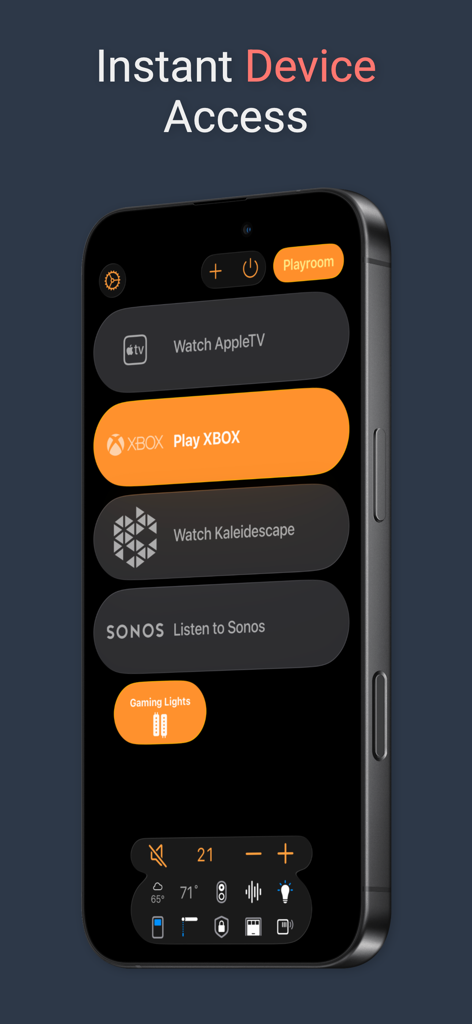
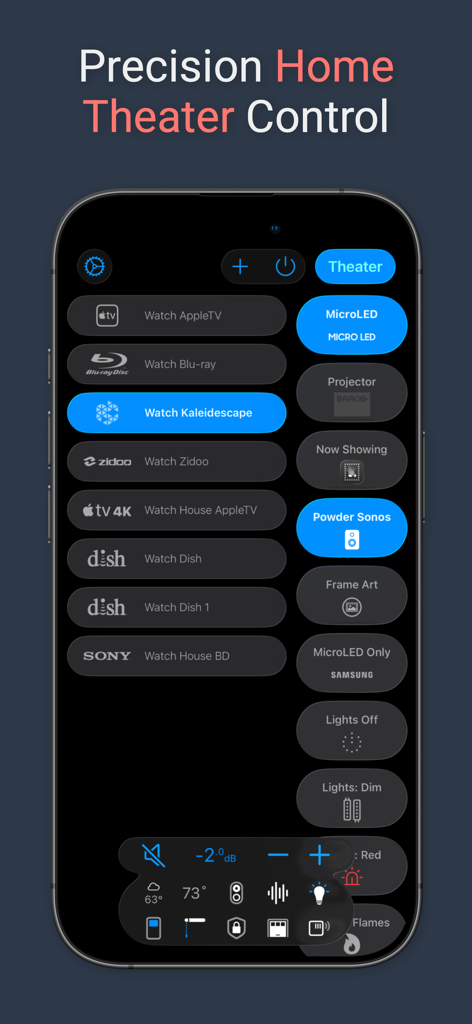
* Broad Device Compatibility: Control TVs (LG, Samsung, Sony, Vizio, TCL, Roku), Apple TV, Fire TV, Sonos, Plex, Kodi, and thousands more with automatic network discovery.
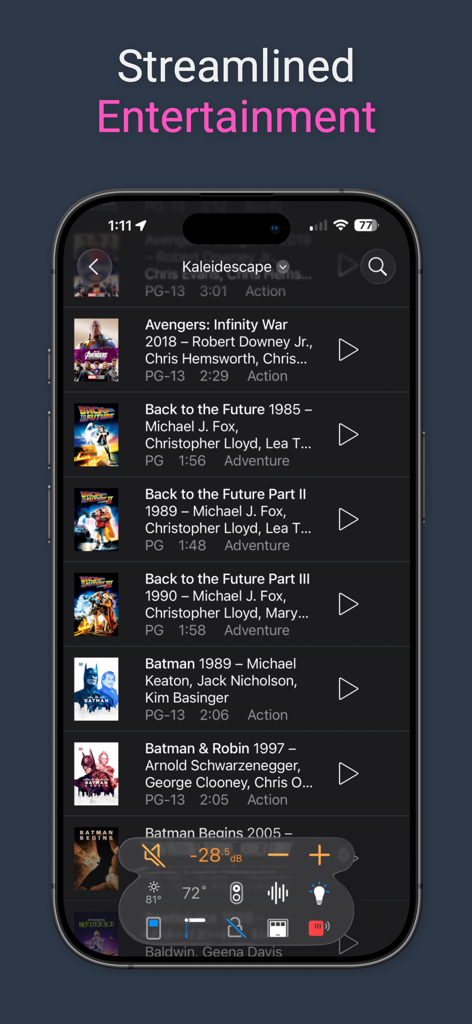
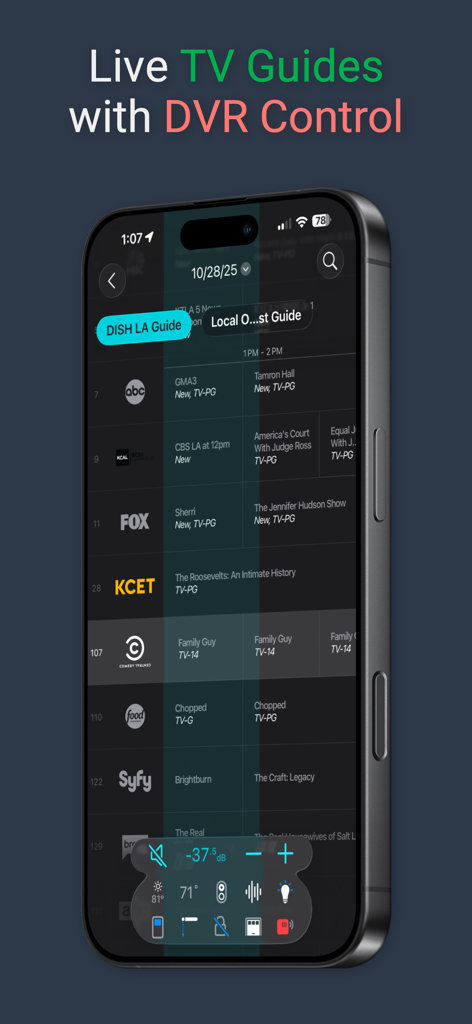
* Personalized TV & Media Guides: Access TV listings for the Americas and Europe, plus guides for Plex, Sonos, Kaleidescape, Zidoo, and more with episode and cast details.
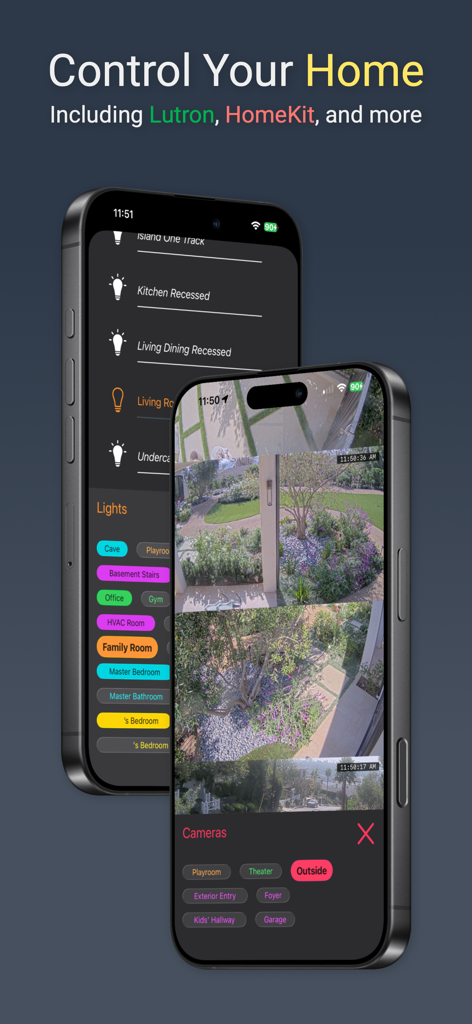
* Smart Home Control: Integrate with Lutron, Philips Hue, Ecobee, SmartThings, and more.
* Family-Friendly Features: Set Restricted Rooms, View-only mode for kids, and setup for users under 13 with no account needed.
* HomeKit Integration: Manage HomeKit accessories alongside audio/video devices for unified control.
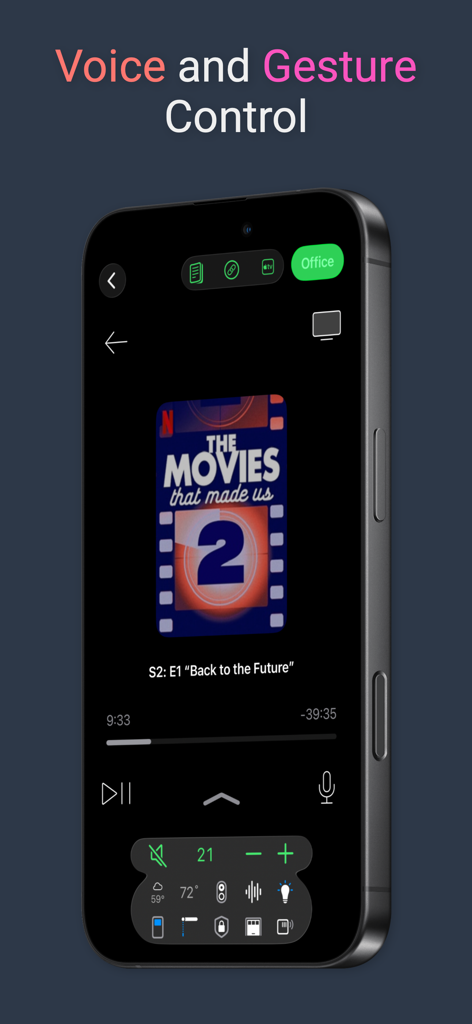
* Voice Control: Command your home with Roomie Voice (on-device processing with far-field microphone support), or Amazon Alexa.
* Camera Monitoring: View HomeKit, Arlo, Ring, RTSP, and ONVIF cameras. iPad supports cameras in their own windows.
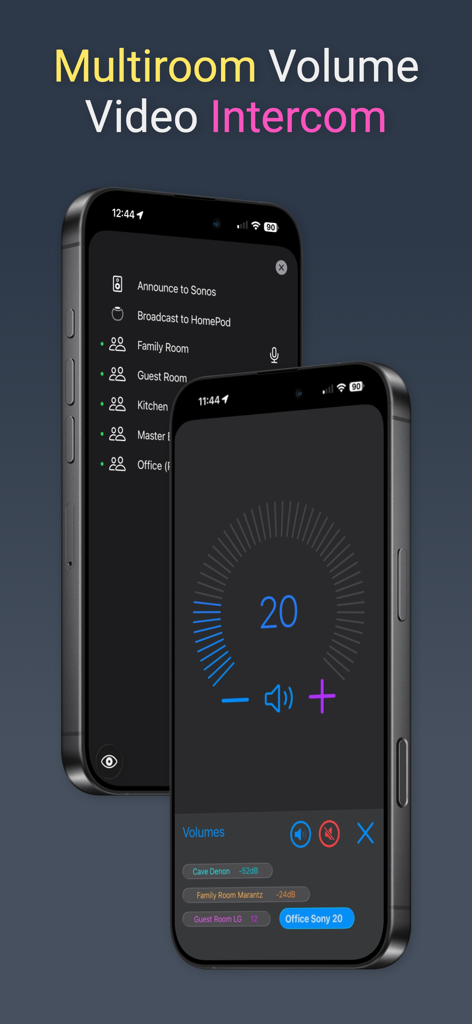
* Sonos & Receiver Management: Run Sonos systems, group speakers, and control receivers from Denon, Yamaha, Marantz, and more, including HEOS and MusicCast.
* Intercom: Connect via video conferencing between Roomie devices or send announcements to Sonos speakers and HomePods.
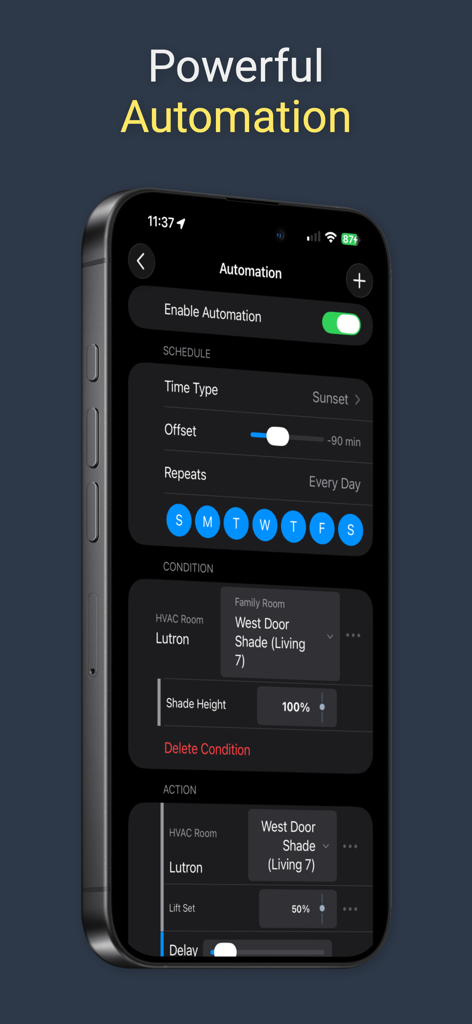
* Automation & Macros: Create automations like turning on lights when motion is detected or shutting down systems at night as well as Siri Shortcuts integration.
* Remote Access: Control your home from anywhere with instant, secure connectivity — no VPN needed.
* Three Up Layout: View Activities, Remotes, and Guides simultaneously for easy navigation.
* Synchronization: Instant sync of configurations across devices to easily share your home control with family members.
* Widgets & More: Access Recent Activities and Rooms via widgets and even sync with legacy Harmony remotes.
Choose a Plan:
Unlimited: Unlimited Devices, Rooms, Activities, Homes, Family Sharing.
One Home: 1 Home, 5 Rooms, 8 Activities per Room, 24 Devices, Family Sharing.
One Room: 1 Home, 1 Room, 5 Activities, 8 Devices.
Getting Started:
Requires iOS/iPadOS/tvOS/macOS 26. All subscriptions include support for all platforms with a single universal purchase.
Some features, like Amazon Alexa support, need an always-on controller (e.g., a dedicated iPad, iPhone, Apple TV, or a Mac running the app in the background).
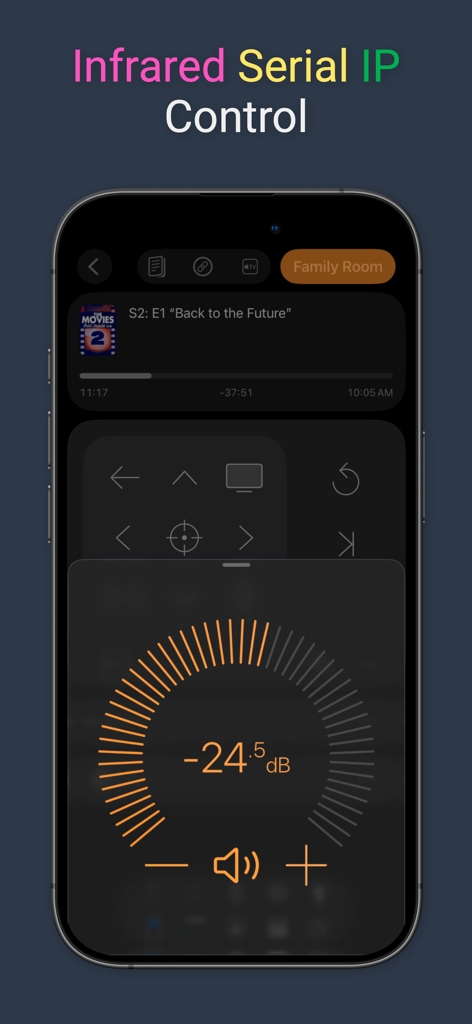
Controlling some legacy devices may require an infrared adapter. Visit the Compatibility Assistant in the app for more information. Modern devices support IP control for direct integration.
For existing users of the previous Roomie Remote 9 app, Roomie Remote X brings a completely redesigned interface based on iOS 26 along with many new additions. Active Subscriptions started in the V9 app will work with this app as well. Visit roomieremote.com for details and start mastering your home today!
Privacy Policy: https://roomieremote.com/privacy-policy/
Terms of Use: https://roomieremote.com/terms-conditions/
App information, icons, screenshots, and descriptions displayed on this page are sourced from the Apple App Store and are the property of their respective developers. Download estimates and rankings are based on MWM's proprietary models and may not reflect actual figures. This page is provided for informational and analytical purposes only.
Believe this page infringes your intellectual property? File a dispute