ShowMe Interactive Whiteboard

ShowMe Interactive Whiteboard


ダウンロード: App Store
ロゴ: ShowMe Interactive Whiteboard

ShowMeインタラクティブホワイトボード: オンラインで教え、共有する最も簡単な方法

iPadをパワフルなインタラクティブホワイトボードに変えましょう。音声オーバーチュートリアルを録画し、複雑な概念を説明し、数千人もの教育者が反転授業を簡単に行うのに参加しましょう。

開発元

Learnbat, Inc.

カテゴリ

Education

ダウンロード

455K+

ユーザー評価

4.4/5

評価数

38K+

対応言語

1

あなたの教室を視覚化

このインターフェースを利用する 455K+ 人のユーザー.

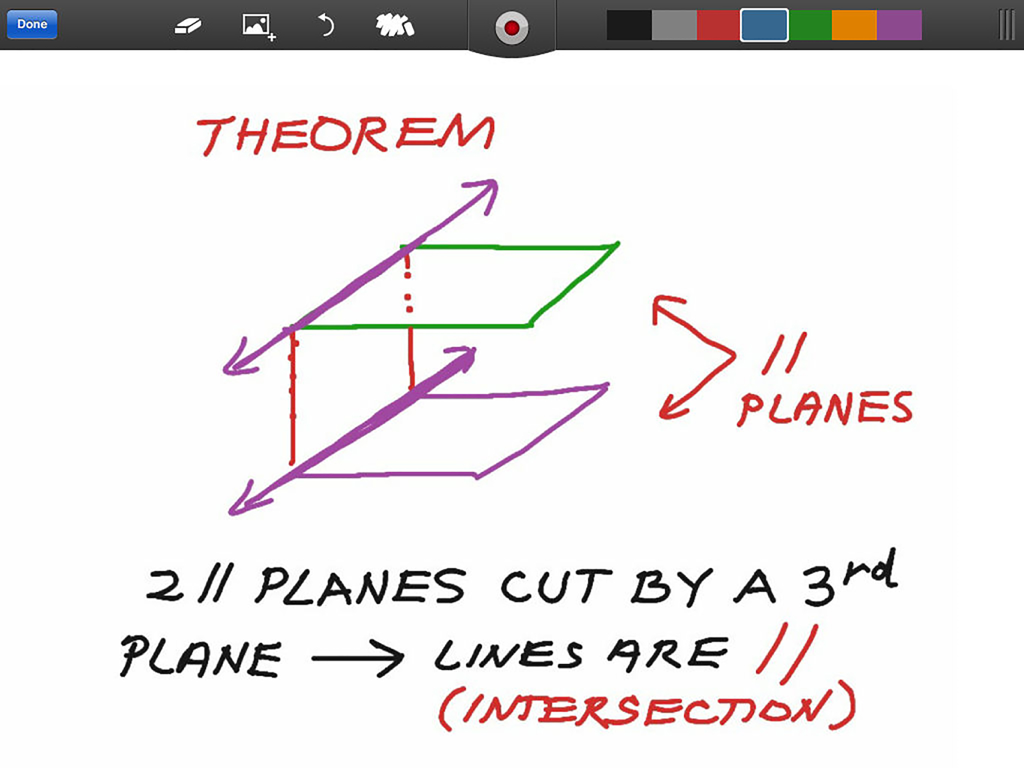
ShowMeインタラクティブホワイトボードアプリで示された平行平面に関する幾何学のレッスン

ShowMeインタラクティブホワイトボードアプリで示された平行平面に関する幾何学のレッスン

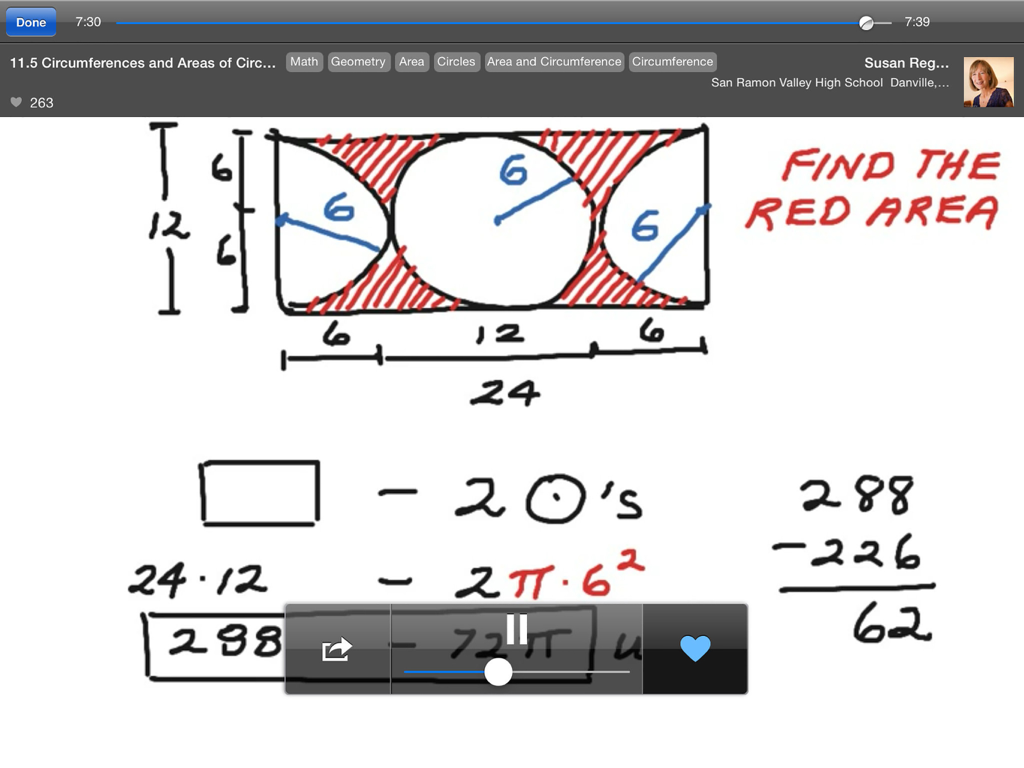
ShowMeインタラクティブホワイトボードアプリで幾何学の概念を説明する数学教師

ShowMeインタラクティブホワイトボードアプリで幾何学の概念を説明する数学教師

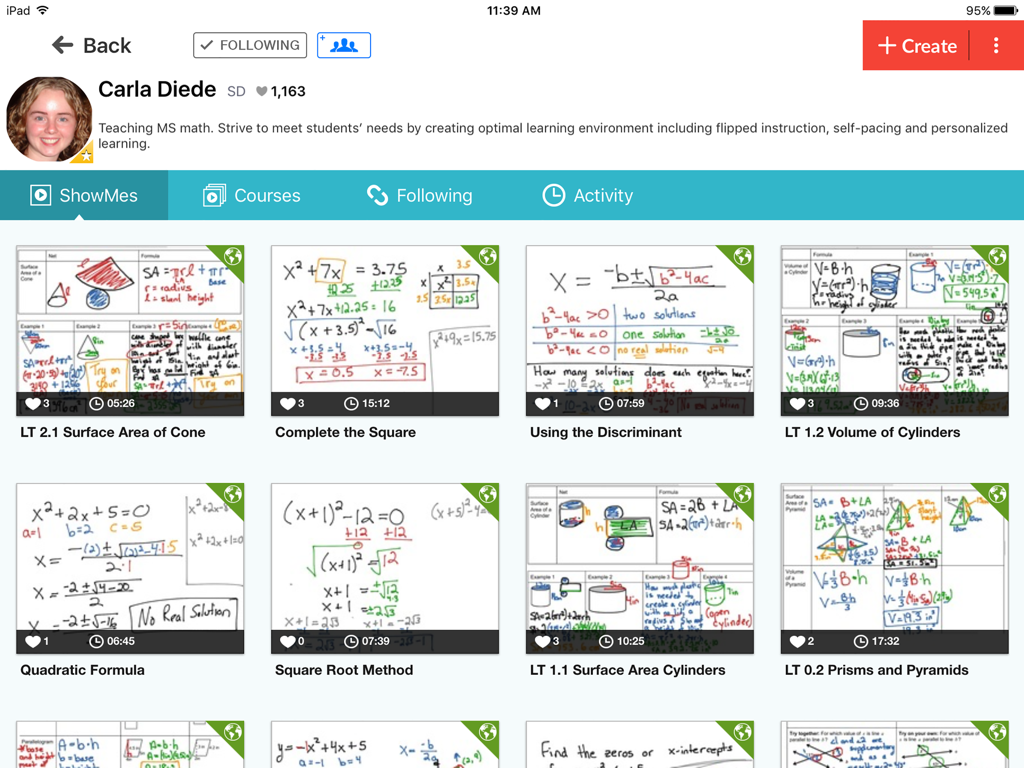
代数や幾何学などのトピックに関する数学教師のホワイトボードビデオチュートリアルのコレクションを示すShowMeアプリのプロファイル画面。

代数や幾何学などのトピックに関する数学教師のホワイトボードビデオチュートリアルのコレクションを示すShowMeアプリのプロファイル画面。

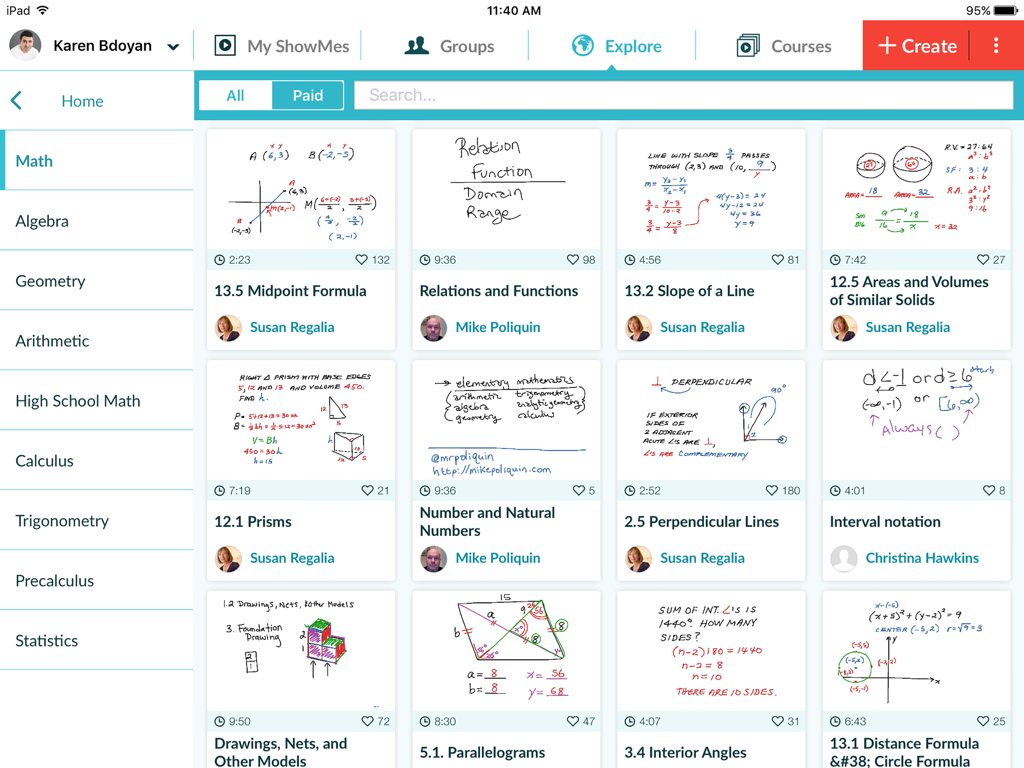
ShowMeの探索画面に、さまざまな数学ホワイトボードレッスンが表示されています。

ShowMeの探索画面に、さまざまな数学ホワイトボードレッスンが表示されています。

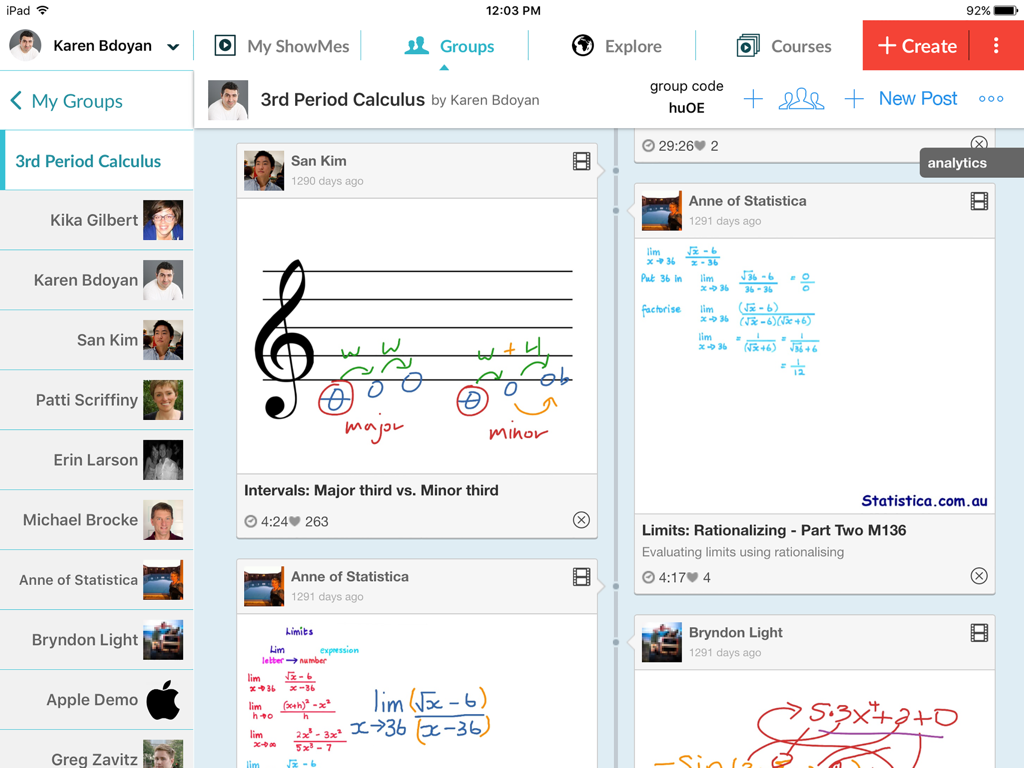
さまざまな手書きの教育レッスンや図が含まれるクラスグループフィードを示すShowMeアプリのiPadインターフェイス。

さまざまな手書きの教育レッスンや図が含まれるクラスグループフィードを示すShowMeアプリのiPadインターフェイス。

ビジュアルストーリーテリングで授業を変革

このアプリを際立たせるツール、 455K+ 人のユーザーが選択.

🎙️

即座に録画・説明

リアルタイムで音声と描画をキャプチャして、魅力的なビデオチュートリアルを作成します。マニュアルや複雑な編集は不要です。録画ボタンを押して教えるだけです。

📝

ダイナミックなドキュメントマークアップ

Google DriveまたはDropboxからワークシートやドキュメントを直接インポートします。複雑な概念を生徒にとって明確にするために、あらゆるファイルに注釈を付けます。

🏫

反転授業をマスターする

レッスンをコースに整理し、生徒グループとプライベートに共有します。リモート学習、スポーツコーチング、個別評価に最適です。

アプリについて

について知っておくべきこと ShowMe Interactive Whiteboard.

説明

Turn your iPad into your personal interactive whiteboard! ShowMe allows you to record voice-over whiteboard tutorials and share them online. It’s an amazingly simple app that anyone can use, no matter how young or old! INTUITIVE AND POWERFUL - Record your ShowMe tutorial right away — no manuals or complicated menus needed - Drop in images onto the whiteboard - Easily switch between drawing and erasing (as well as pausing and playing) to make your ShowMe flow from concept to concept - You can make your ShowMe as long or as short as it needs to be, and record as many ShowMe’s as you want. Go nuts! - Once you’re finished recording, upload your ShowMe to share with the community (or keep it private if you prefer) - Discover awesome tutorials created by other members of the ShowMe community A VARIETY OF USES - Easily explain a range of topics from math to chemistry to music theory to basket weaving. - Add ShowMe’s to your Do-It-Yourself blog - Attach a personal message to any travel photos you want to share - Diagram offensive and defensive strategies for sports - Grade student work with commentary explaining the reasoning behind their performance - Use ShowMe as an interactive whiteboard substitute Implement a “flipped classroom” - Showcase your ShowMes online and share your knowledge with your students, friends, family, or the world! FEATURES - Voice-record - Multiple brush colors - Enter text - Pause and erase - Import pictures from your photo library, built-in camera, or web image search - Import documents as pictures from Dropbox, or Google drive - Create video from any document - Unlimited lesson length - Free to upload and share your recordings with friends - Easy embedding for sharing anywhere - Manage students with Groups USING GROUPS "Groups" allows teachers to share their ShowMes and interact with students privately. A teacher with ShowMe Premium subscription can create an unlimited amount of groups and invite their students. Students can join groups for free! SHOWME PREMIUM ShowMe Premium is an auto-renewing monthly or yearly subscription which unlocks all ShowMe features. For just $9.99 a month or $89.99 a year: - Upload up to 300 hours of ShowMes - Post privately - Create study groups - Markup and share any documents in groups - Import documents into ShowMe - Search and import images from the web - Download your video files - Create student accounts - Create courses COURSES With "Courses" ShowMe creators can organize multiple ShowMe lessons and tutorials into one comprehensive lesson plan. PAID COURSES The ShowMe Marketplace allows premium users to earn extra income by posting paid premium courses for other educators or students within the ShowMe community. AS SEEN ON - TechCrunch - Business Insider - Numerous teacher blogs and educational blogs WE’RE HERE FOR YOU The ShowMe team is small, nimble, and quick to respond to suggestions/requests. Follow us on twitter at @showmeapp. Or feel free to drop us a line at support@showme.com with any questions, concerns, or stories about how you’re using ShowMe. LEGAL Privacy Policy: http://www.showme.com/privacy Terms & Conditions: http://www.showme.com/termsofuse - Payment will be charged to iTunes Account at confirmation of purchase - Subscription automatically renews unless auto-renew is turned off at least 24-hours before the end of the current period - Account will be charged for renewal within 24-hours prior to the end of the current period, and identify the cost of the renewal - Subscriptions may be managed by the user and auto-renewal may be turned off by going to the user's Account Settings after purchase - No cancellation of the current subscription is allowed during active subscription period

最新バージョン

8.9.0

サイズ

54.7 MB

リリース日

2011年6月24日

次のクラスを刺激する準備はできましたか?

ShowMeを使用して反転授業を行い、複雑な概念を単純化している455,000人以上の教育者および生徒の仲間入りをしましょう。最初のインタラクティブチュートリアルを今日から始めましょう。

ダウンロード: App Store

App information, icons, screenshots, and descriptions displayed on this page are sourced from the Apple App Store and are the property of their respective developers. Download estimates and rankings are based on MWM's proprietary models and may not reflect actual figures. This page is provided for informational and analytical purposes only.

Believe this page infringes your intellectual property? File a dispute