Slideshow Add Music to Photos

Slideshow Add Music to Photos


ダウンロード: App Store
ロゴ: Slideshow Add Music to Photos

SlideLab:最高の思い出を感動的なストーリーに

音楽、フィルター、プロフェッショナルなトランジションを使って、写真や動画を映画のようなスライドショーに変えましょう。数回タップするだけで、ソーシャルメディアで人生のハイライトを共有する最も簡単な方法です。

開発元

Easy Tiger Apps, LLC.

カテゴリ

Photo & Video

ダウンロード

4M+

ユーザー評価

4.4/5

評価数

27K+

対応言語

12

動きのある思い出

このインターフェースを利用する 4M+ 人のユーザー.

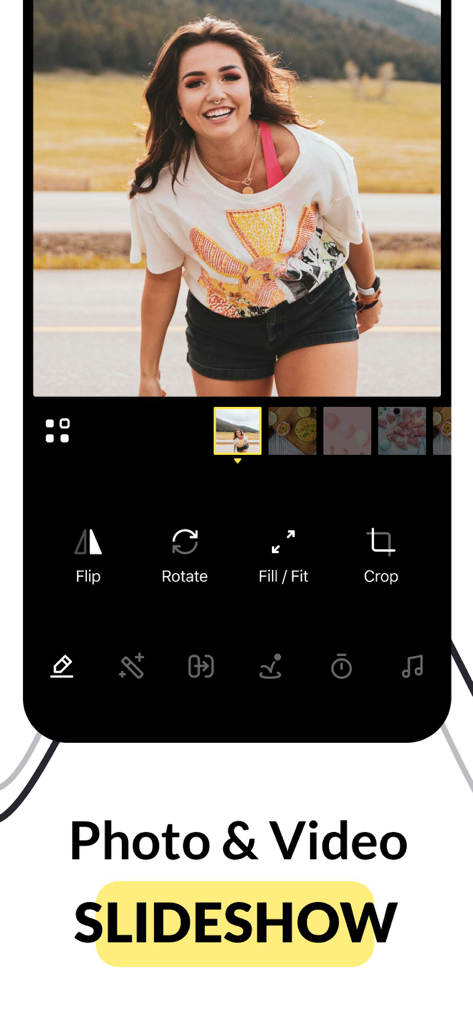
スライドショー作成のための写真編集ツール(回転や切り抜きなど)を表示するSlideLabアプリのインターフェース

スライドショー作成のための写真編集ツール(回転や切り抜きなど)を表示するSlideLabアプリのインターフェース

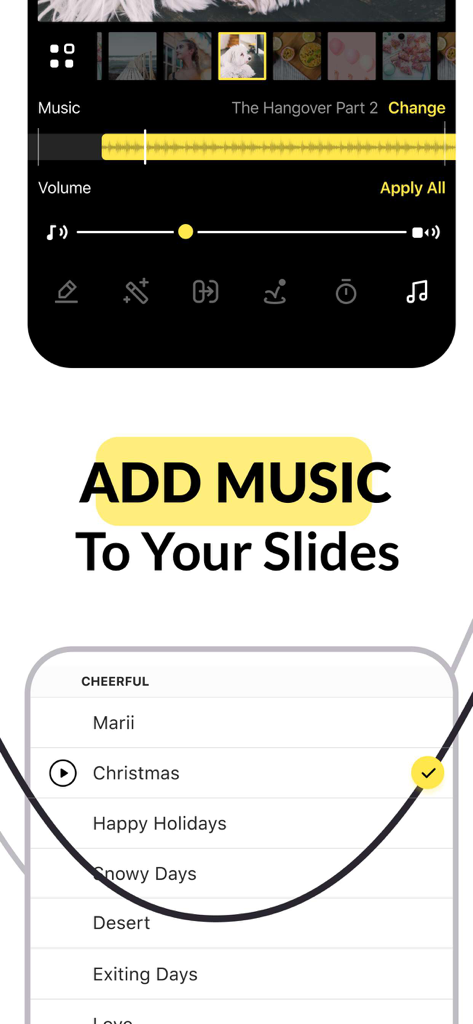
写真スライドショー用の音楽トラック選択画面を表示するモバイルアプリのインターフェース

写真スライドショー用の音楽トラック選択画面を表示するモバイルアプリのインターフェース

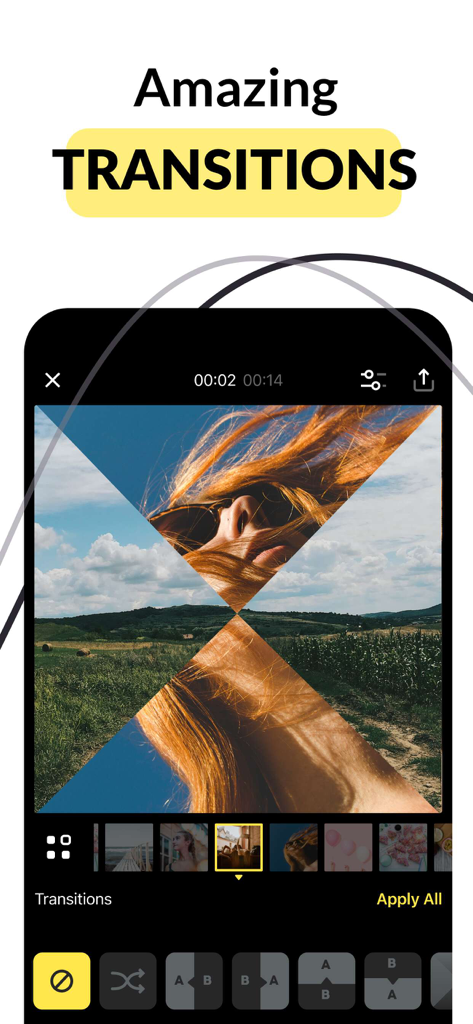
スライドショー作成者で写真間のX字型トランジション効果を示すSlideLabのスマートフォン画面

スライドショー作成者で写真間のX字型トランジション効果を示すSlideLabのスマートフォン画面

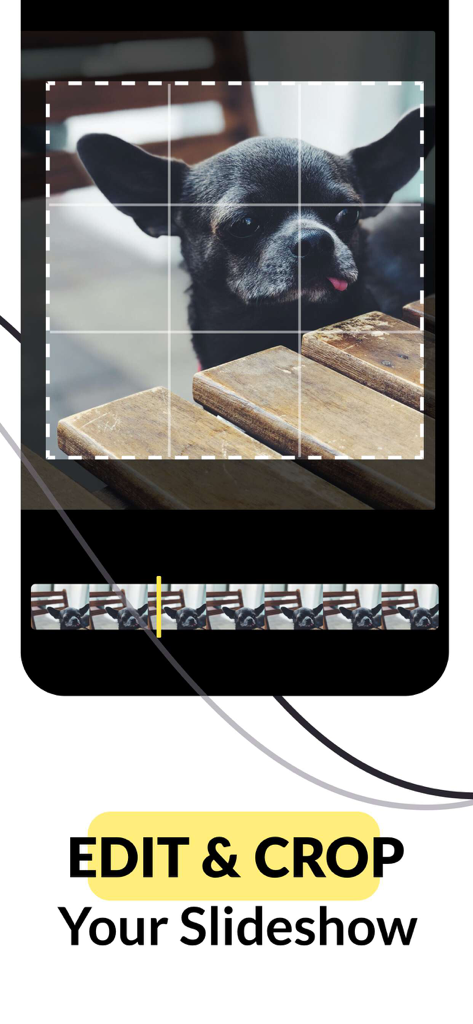
犬の写真に編集と切り抜き機能が使用されていることを示すSlideLabアプリのインターフェース

犬の写真に編集と切り抜き機能が使用されていることを示すSlideLabアプリのインターフェース

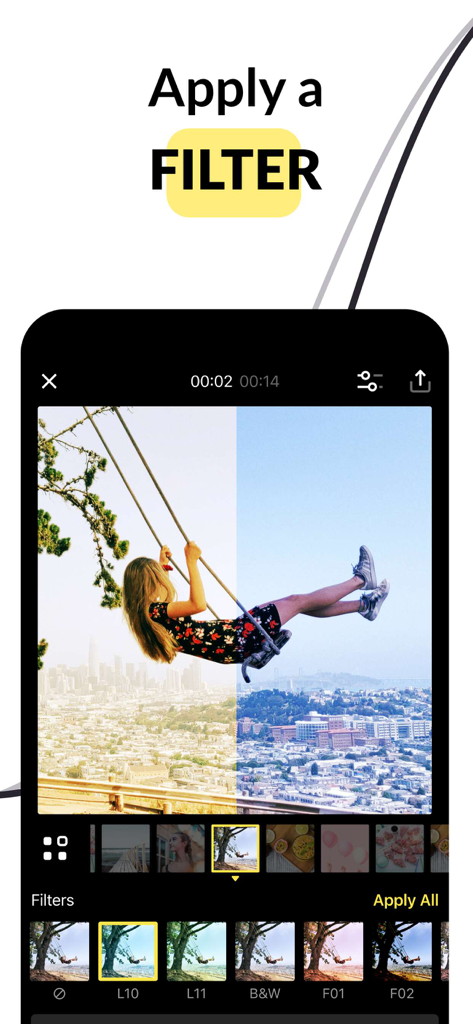
SlideLabアプリのインターフェースに、分割画面の写真フィルター比較と下部にあるフィルター効果の選択が表示されています。

SlideLabアプリのインターフェースに、分割画面の写真フィルター比較と下部にあるフィルター効果の選択が表示されています。

思い出を傑作に変える

このアプリを際立たせるツール、 4M+ 人のユーザーが選択.

迅速で簡単な編集

学習曲線はスキップ。お気に入りの写真や動画をシームレスなストーリーに素早く組み合わせて並べ替え、数秒で共有できる状態にしましょう。

🎶

映画のような音楽とムード

厳選されたサウンドトラックコレクションとダイナミックなトランジションで、あらゆるスライドショーをプロフェッショナルなプロダクションに変え、思い出に命を吹き込みましょう。

ソーシャルメディアに最適なスタイル

追加の労力なしで、Instagram、Facebook、Reels向けにカスタマイズされたプロフェッショナルフィルターとカスタムフォーマットでフォロワーを感動させましょう。

アプリについて

について知っておくべきこと Slideshow Add Music to Photos.

説明

SlideLab is the best app to transform your photos and videos into amazing slideshows. Record your precious moments, tell your stories, and express your emotions! Just pick your favorite photos & videos and enjoy SlideLab's brand new features with a few taps. Create a unique blend of your photos and videos using the video support feature. Your slideshows will be more dynamic than ever! REVIEWS: 5/5 "Goes straight to the point and lets you do what you want with your video!" 5/5 "Great and simple!" 5/5 "Compared to dozen others I tried this one is user friendly and allows for more flexible duration times." FEATURES: • Combine & reorder photos and videos • Edit each clip and apply the changes easily to the rest of the slideshow • Personalize your videos with tens of filters • Add life to your memories with dynamic transitions and animations • Pick the best background music for your video from the large collection of tracks • Edit the format and add colorful backgrounds • Share your masterpiece easily on social media! SUBSCRIPTION INFO: Subscribe to take advantage of the features described above. • Subscription length: weekly • Your payment will be charged to your iTunes Account as soon as you confirm your purchase. • You can manage your subscriptions and turn off auto-renewal from your Account Settings after the purchase. • Your subscription will renew automatically, unless you turn off auto-renew at least 24 hours before the end of the current period. • The cost of renewal will be charged to your account in the 24 hours prior to the end of the current period. • When canceling a subscription, your subscription will stay active until the end of the period. Auto-renewal will be disabled, but the current subscription will not be refunded. • Any unused portion of a free trial period, if offered, will be forfeited when purchasing a subscription. Terms of service: https://support.bendingspoons.com/tos?app=919610704 Privacy policy: https://bendingspoons.com/privacy.html?app=919610704 Have a feature request you would like to see in a future version of the app? Do not hesitate to contact us at slidelab@bendingspoons.com Disclaimer: You will be required to sign up for an auto-renewable In-App Purchase before you are able to access the app.

最新バージョン

4.3.4

サイズ

108.4 MB

リリース日

2014年10月12日

思い出に命を吹き込む準備はできましたか?

400万人以上のクリエイターが、写真の散らかりを感動的な映画のようなストーリーに変えています。SlideLabをダウンロードして、今日から音楽付きの最初の傑作を作成しましょう。

ダウンロード: App Store

App information, icons, screenshots, and descriptions displayed on this page are sourced from the Apple App Store and are the property of their respective developers. Download estimates and rankings are based on MWM's proprietary models and may not reflect actual figures. This page is provided for informational and analytical purposes only.

Believe this page infringes your intellectual property? File a dispute