Smart View - All TV Cast

Smart View - All TV Cast

ダウンロード: App Store
ロゴ: Smart View - All TV Cast

Smart View - 全てのテレビキャスト: あなたの画面を瞬時に大画面へ

iPhoneをあらゆるスマートTVやコンピューターに簡単にミラーリング。映画、家族の写真、プロフェッショナルなプレゼンテーションのために、遅延ゼロで高画質のビデオとクリアなオーディオをお楽しみください。

開発元

Rambhaben Usadadiya

カテゴリ

Utilities

ダウンロード

21K+

ユーザー評価

4.4/5

評価数

200

対応言語

10

大画面を見てみよう

このインターフェースを利用する 21K+ 人のユーザー.

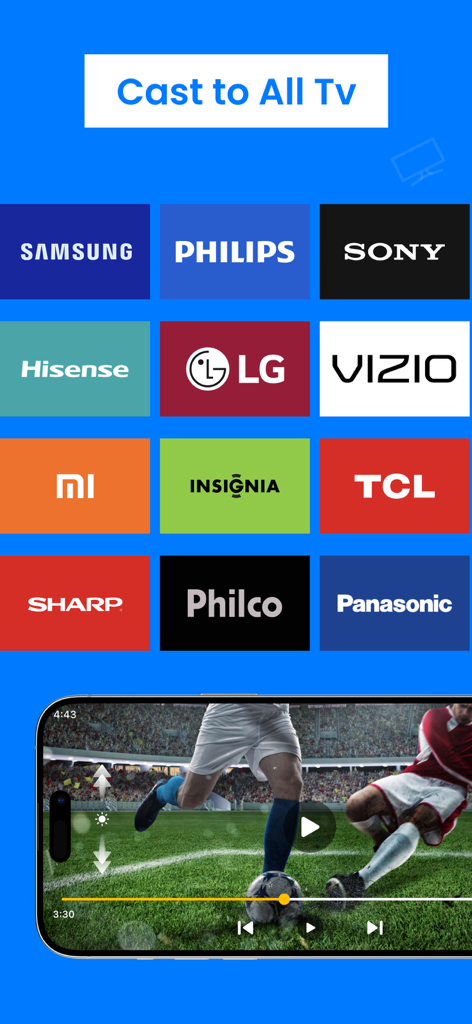
Samsung、Sony、LGなどの主要テレビブランドとの互換性を示すSmart Viewアプリ画面

Samsung、Sony、LGなどの主要テレビブランドとの互換性を示すSmart Viewアプリ画面

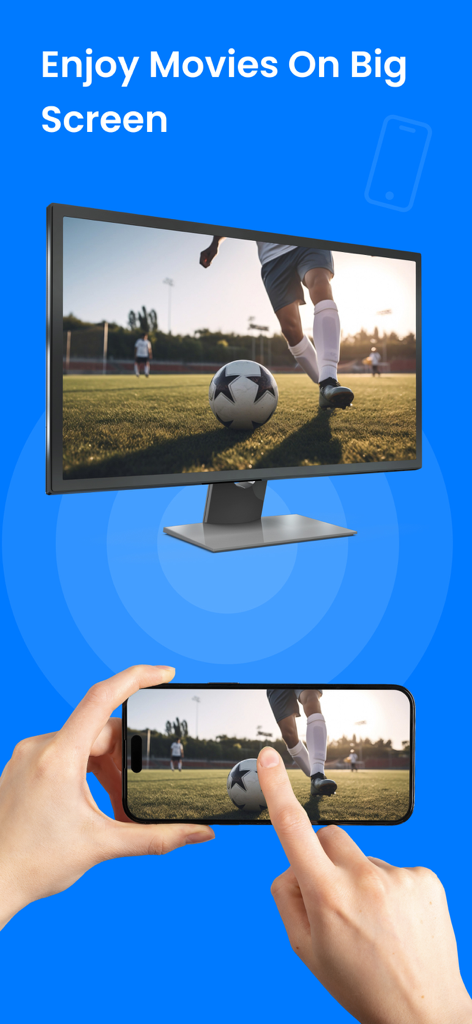
より大きなテレビモニターにサッカーの動画をミラーリングしているスマートフォンの画面

より大きなテレビモニターにサッカーの動画をミラーリングしているスマートフォンの画面

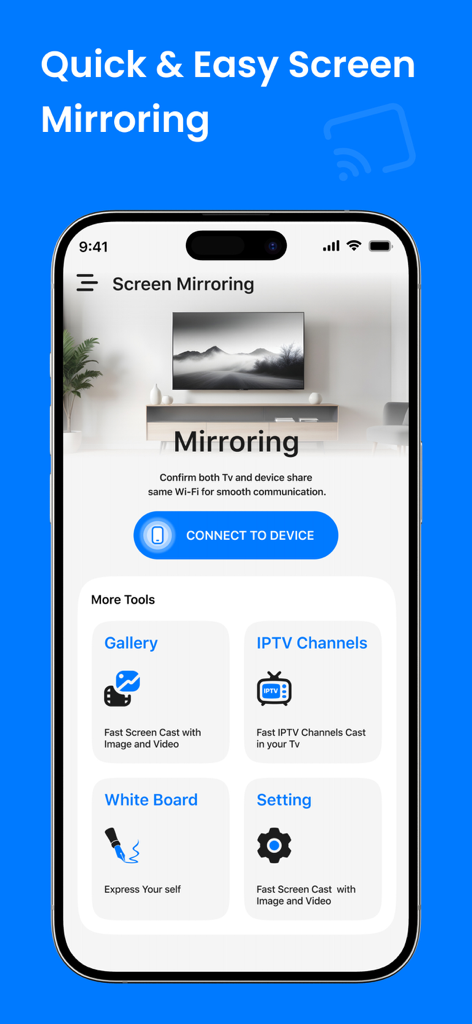
画面ミラーリングとメディアギャラリーツールを示すSmart View All TV Castアプリのインターフェース

画面ミラーリングとメディアギャラリーツールを示すSmart View All TV Castアプリのインターフェース

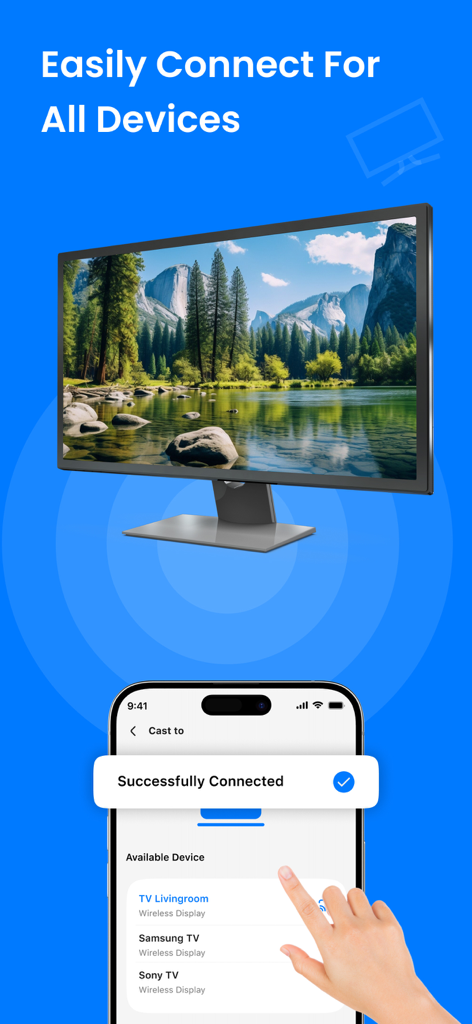
風景画像が画面にミラーリングされているスマートTVへの正常な接続を示すiPhoneインターフェース

風景画像が画面にミラーリングされているスマートTVへの正常な接続を示すiPhoneインターフェース

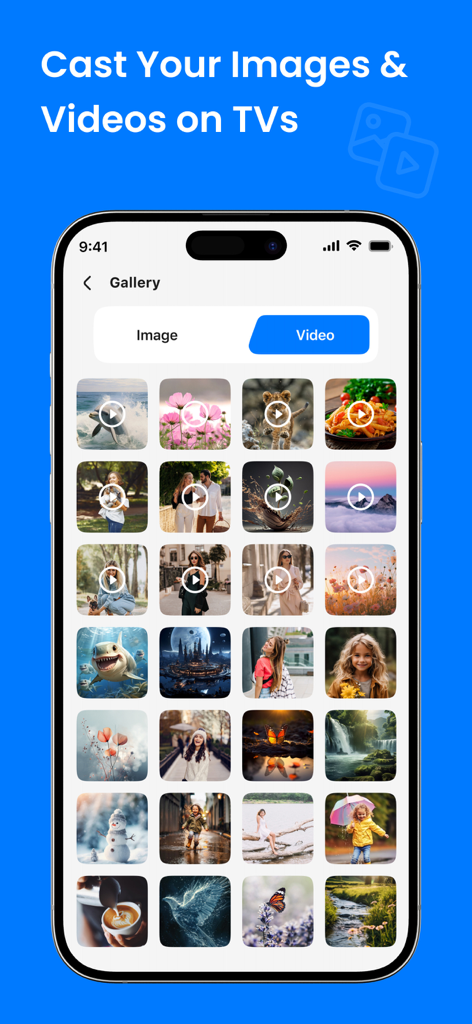
スマートTVに画像や動画をキャストするためのメディアギャラリーを表示するSmart Viewアプリのインターフェース

スマートTVに画像や動画をキャストするためのメディアギャラリーを表示するSmart Viewアプリのインターフェース

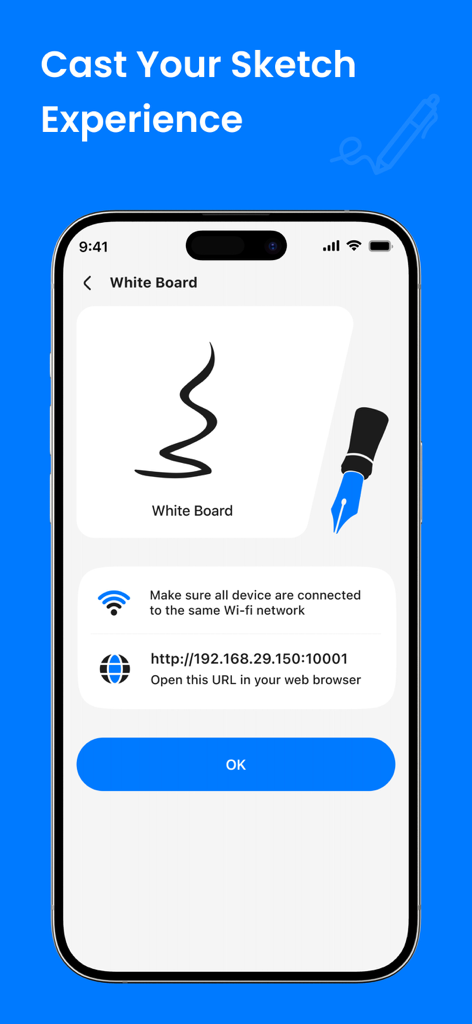
スマートTVまたはWebブラウザにスケッチや描画をキャストするためのホワイトボード機能を表示するiPhone画面

スマートTVまたはWebブラウザにスケッチや描画をキャストするためのホワイトボード機能を表示するiPhone画面

すべてを大画面で体験

このアプリを際立たせるツール、 21K+ 人のユーザーが選択.

📺

ユニバーサルTV互換性

Appleのエコシステムから解放されましょう。Samsung、LG、Roku、Vizio、Fire TVに、追加のハードウェアやケーブルなしで即座にキャストできます。

遅延ゼロHDストリーミング

高画質のビデオとオーディオの同期を体験してください。バイラルクリップ、映画、またはテレビでのリアルタイムソーシャルメディアの視聴に最適です。

💼

仕事と遊びの両方に対応

家族旅行の写真を共有することから、プロフェッショナルなプレゼンテーションを行うことまで、エンターテイメントと生産性の切り替えをワンタップで行えます。

アプリについて

について知っておくべきこと Smart View - All TV Cast.

説明

Smart View All TV Cast Mirror Your Screen Instantly Experience seamless screen mirroring with Smart View - All TV Cast! Effortlessly cast your iPhone display to any compatible smart TV, streaming device, or computer. Enjoy stunning video and audio quality without lag or buffering. Perfect for sharing presentations, movies. Key features include: * Easy setup and connection * Compatible with a wide range of devices * High-definition video and audio output * Stable and reliable performance * Mirror your world effortlessly with Smart View - All TV Cast! Download Smart View - All TV Cast now and start enjoying the big screen experience. SUBSCRIPTION AND TERMS: You may purchase an auto-renewing subscription through an In-App Purchase to enjoy all App Features without Ads: • Auto-renewable subscription • Weekly, 1 month and 1-year durations • Your subscription will be charged to your iTunes account at confirmation of purchase and will automatically renew (at the duration selected) unless auto-renew is turned off at least 24 hours before the end of the current period. • Current subscription may not be canceled during the active subscription period; however, you can manage your subscription and/or turn off auto-renewal by visiting your iTunes Account Settings after purchase. * Link to Privacy Policy: https://quickcastapp.blogspot.com/2024/08/privacy-policy.html
 * Link to Terms of use: https://quickcastapp.blogspot.com/2024/08/terms-conditions.html * Link to EULA: https://quickcastapp.blogspot.com/2024/08/end-user-license-agreement-agreement.html

最新バージョン

7.0

サイズ

30.4 MB

リリース日

2024年8月14日

より大きな画面で見る準備はできましたか?

21,000人以上のユーザーに加わり、お気に入りのコンテンツをHDで即座にキャストし始めましょう。シームレスで遅延のないミラーリングを、本日あらゆるスマートTVでお楽しみいただくために今すぐダウンロードしてください。

ダウンロード: App Store

App information, icons, screenshots, and descriptions displayed on this page are sourced from the Apple App Store and are the property of their respective developers. Download estimates and rankings are based on MWM's proprietary models and may not reflect actual figures. This page is provided for informational and analytical purposes only.

Believe this page infringes your intellectual property? File a dispute