Solve - Graphing Calculator

Solve - Graphing Calculator

ダウンロード: App Store
ロゴ: Solve - Graphing Calculator

Solve - グラフ電卓:計算と可視化の方法に革命を

入力と同時に計算されるモダンなインターフェースで、古風なハードウェアはもう不要です。カラーコード化されたタブで複数の計算を管理し、鮮やかな2D、3D、アニメーショングラフで複雑な関数を生き生きとさせましょう。

開発元

Pomegranate Apps LLC

カテゴリ

Utilities

ダウンロード

206K+

ユーザー評価

3.6/5

評価数

2K+

対応言語

1

動き出す数学

このインターフェースを利用する 206K+ 人のユーザー.

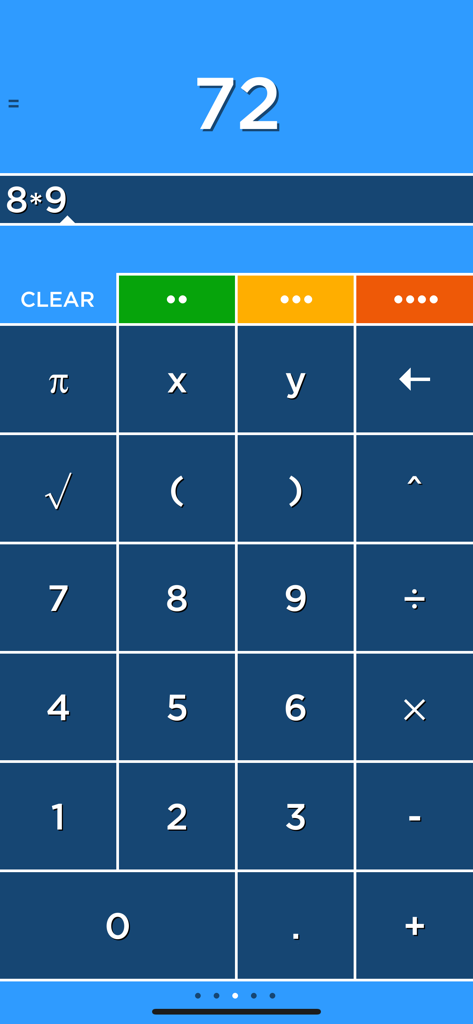
Solveグラフ電卓アプリのインターフェース。乗算計算と4つのカラータブが表示されています。

Solveグラフ電卓アプリのインターフェース。乗算計算と4つのカラータブが表示されています。

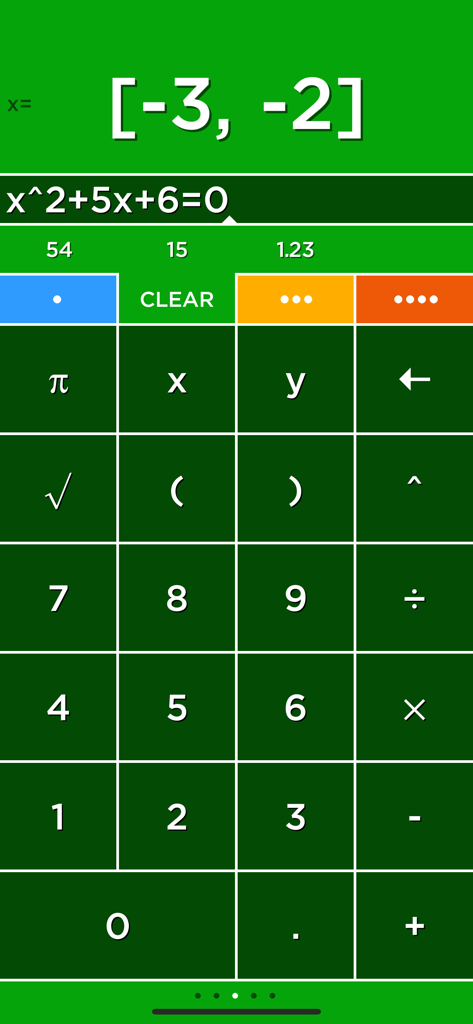
Solveグラフ電卓アプリのインターフェース。二次方程式の解が表示されています。

Solveグラフ電卓アプリのインターフェース。二次方程式の解が表示されています。

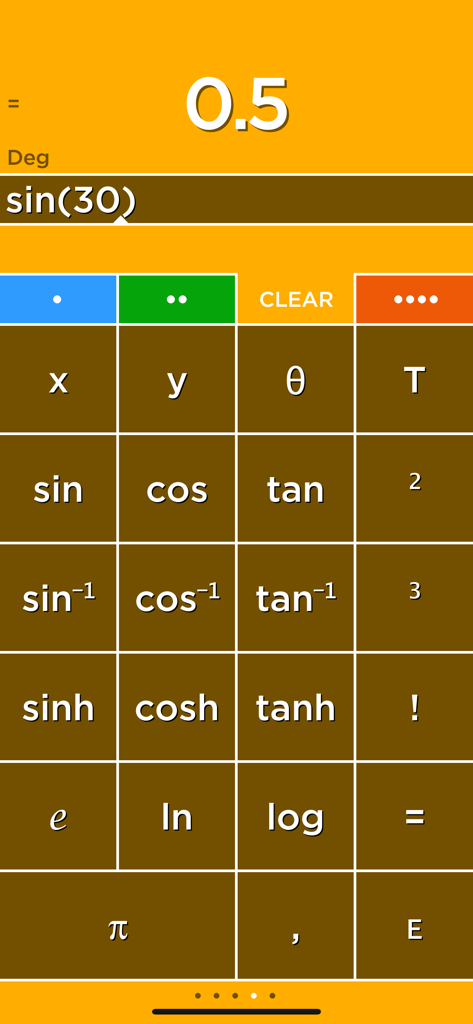
Solveグラフ電卓のインターフェース。サイン計算と科学関数ボタンが表示されています。

Solveグラフ電卓のインターフェース。サイン計算と科学関数ボタンが表示されています。

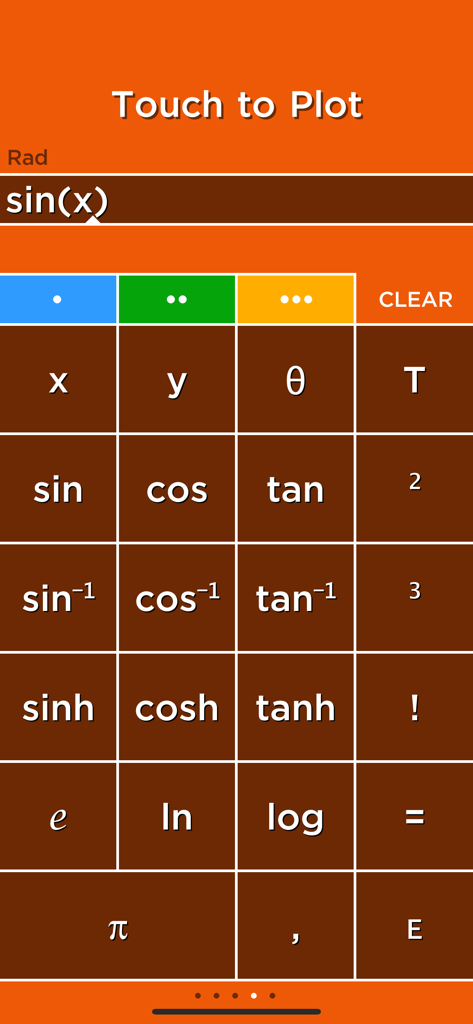
Solveアプリの科学電卓インターフェース。サイン関数のキーパッドと、入力されたプロット用方程式が表示されています。

Solveアプリの科学電卓インターフェース。サイン関数のキーパッドと、入力されたプロット用方程式が表示されています。

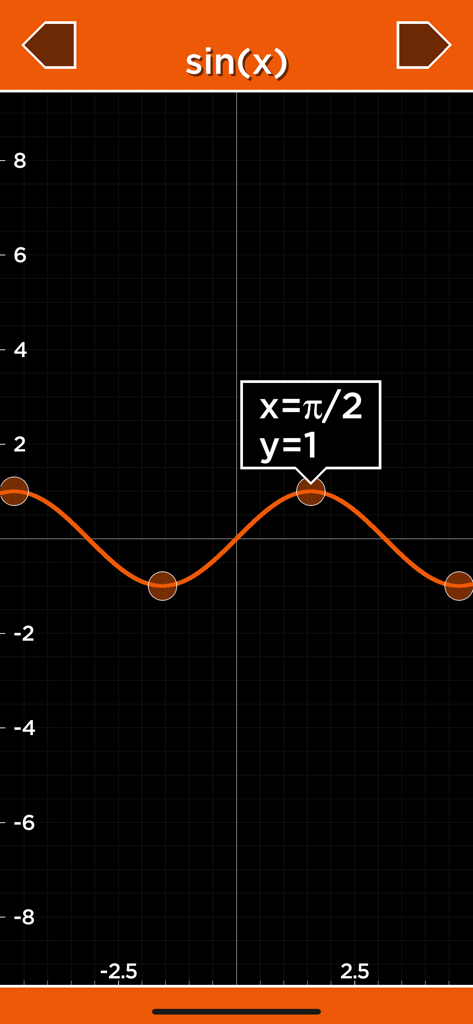
Solveグラフ電卓アプリでのサイン関数の2Dプロット。

Solveグラフ電卓アプリでのサイン関数の2Dプロット。

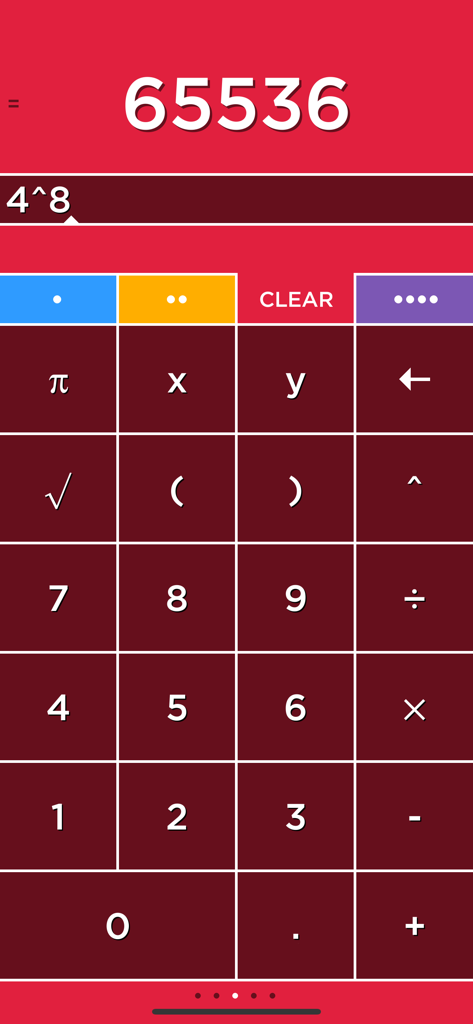
Solve電卓インターフェース。カラーコード化されたタブが付いた数学計算が、赤い背景に表示されています。

Solve電卓インターフェース。カラーコード化されたタブが付いた数学計算が、赤い背景に表示されています。

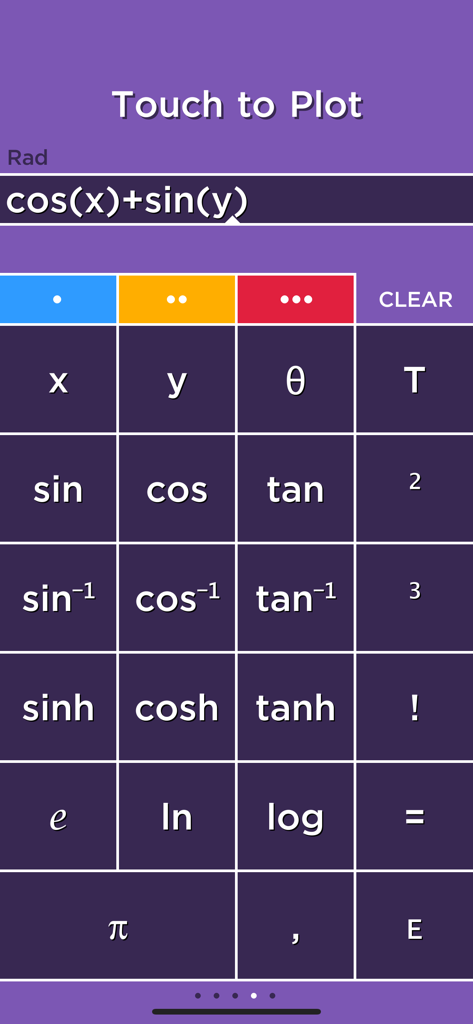
三角関数と3Dプロット用の数式入力準備が整った科学電卓インターフェース。

三角関数と3Dプロット用の数式入力準備が整った科学電卓インターフェース。

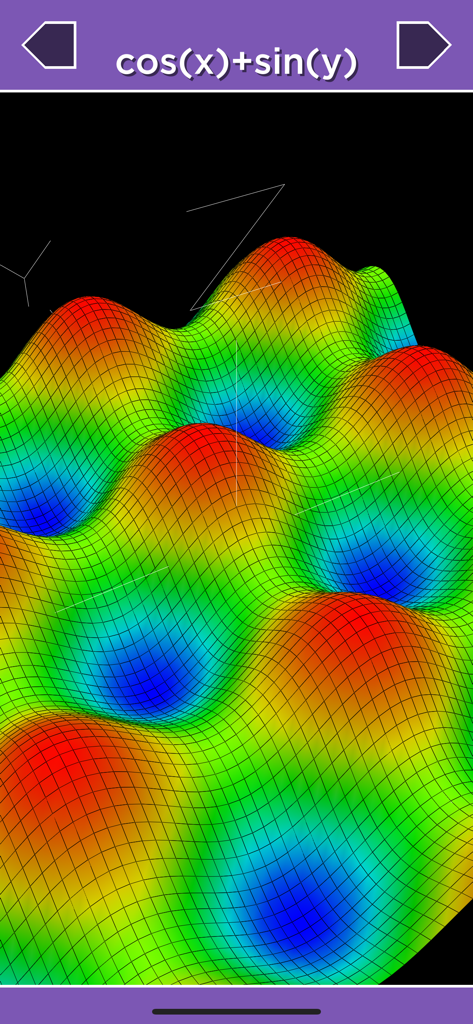
Solveアプリでの数学関数cos(x) + sin(y)のカラフルな3D表面プロット。

Solveアプリでの数学関数cos(x) + sin(y)のカラフルな3D表面プロット。

高度な数学、モダンな効率

このアプリを際立たせるツール、 206K+ 人のユーザーが選択.

瞬時のリアルタイム計算

入力と同時に式が計算されます。結果をタッチしてメモリに保存し、瞬時に呼び出すことができます。もう計算用紙は必要ありません。

📑

4つのタブでマルチタスク

カラーコード化されたタブで、4つの異なる計算を同時に実行できます。複雑な宿題やプロフェッショナルなタスクをこなすのに最適です。

📐

ダイナミックな2D & 3Dグラフ

3Dプロットとアニメーションの時系列グラフで多変数解析を可視化し、複雑な関数を簡単に理解できるようにします。

アプリについて

について知っておくべきこと Solve - Graphing Calculator.

説明

Solve is a calculator like no other! Solve solves expressions as you type and features an innovative memory system to store and recall answers. Simply touch the answer to store it and touch the stored answer to use it in an expression. Solve has four tabs that select four different calculators each with its own color. Multiply numbers, calculate a tip and find a square root all without clearing your results! Plot graphs with a single touch! Solve plots 2D and 3D functions using the x, y and θ variables. When you use the x, y and θ variables in an equation the answer will say Touch to Plot. Touch this label to graph the equation. GRAPHING Plot functions using the x variable. For example, "y=sin(x)" is just entered as "sin(x)". • cos(x) • abs(x) • x^2+2x+6 POLAR GRAPHING Plot polar equations using the θ variable. For example, "r=2θ" is just entered as "2θ". • 2θ • sin(2θ) 3D GRAPHING Plot 3D functions by using the x and y variables. For example, "z=x+y" is just entered as "x+y". • cos(x)+sin(y) • x^2+y^2 PLOT MULTIPLE GRAPHS Graph multiple functions by separating each equation with a comma. • sin(x),cos(x) • x,x^2,x^3 TIME GRAPHING The T variable is used to create animated or time plots. • cos(x+T) • sin(x+T)*x • cos(x+T)+sin(y+T) USER REVIEWS Really nice calculator by NeedHim "Having multiple calculators that you can use your calculations in is really a cool function. Prevents you from having to have a pad and paper to figure out multiple calculations. Also the colors are just incredible." Simply amazing. by oddgoingson "I was blown away by this app. When I first tried it and the tutorial came up, my first instinct was to skip past it. Then I started... Blown away. This calculator has everything and more. It is so logical for those who always wondered why calculators are sometimes so archaic. Forget copy and paste. Then I got to the graphing.... A must have period!" Perfect! by Michael "I've always hated how calculators didn't save answers. It made working out equations very hard and time consuming. But this app does that, and it does it well! Finally, a calculator app that actually works." Outstanding calculator -- full featured! by ofloveandhate "I have been using Solve for a few years now. Prompt updates, excellent controls, and a ton of features make it the best calculator I have used. I love having four separate units which I can use in each other and the plotting is easy as pi." Great app by biosci "It does everything I need in a 'fun' way that's intuitive to how I think and operate. I'll take it!" Great Calculator by Carl E. M. "This is a great calculator, aesthetically and functionally. Having the answer appear as you enter numbers will be the future of all calculators." I love this calculator by Alan63134 "I work on a shipping dock and it saves me a lot of time and headache. I can have 4 different calculator in one place. I can see the different weights or counts and know where I am if I have to do a lot of weighing or counting on different pallets. I use it every day. I also use it while shopping and can add the price of my shopping list and calculate what things cost. I love this calculator." Awesome! by smart-music-fan "This app is great. It easily graphs functions on the xy plane, and adding T as a variable to make the graph move is so fun. Its 3D graphing capability is great - quick, easy (it sets nice bounds on the z axis so you can see things clearly), and helpful for visualizing my Multivariable Calculus homework." Fantastic by xTricksterz "This app is beautiful, I use on my iPad and I'm first to answer most of the problems in class. This app shreds TI's calculator OS." Awesome!!! by llikeadodachacha "Does just about everything my TI-84 Plus but quicker and much easier to manipulate the graphs. It loads instantly and the 3D function is awesome for higher level math classes (I'm in Calc 3 now and it's already come in hand!)

最新バージョン

5.4

サイズ

5.1 MB

リリース日

2008年12月11日

古い電卓を凌駕する準備はできましたか?

瞬時の結果のスピード、3Dグラフのパワー、そして1つのアプリに4つの電卓を搭載した効率性を体験してください。今すぐSolveをダウンロードして、数学の未来にアップグレードした20万人以上の学生や専門家の一員になりましょう。

ダウンロード: App Store

App information, icons, screenshots, and descriptions displayed on this page are sourced from the Apple App Store and are the property of their respective developers. Download estimates and rankings are based on MWM's proprietary models and may not reflect actual figures. This page is provided for informational and analytical purposes only.

Believe this page infringes your intellectual property? File a dispute