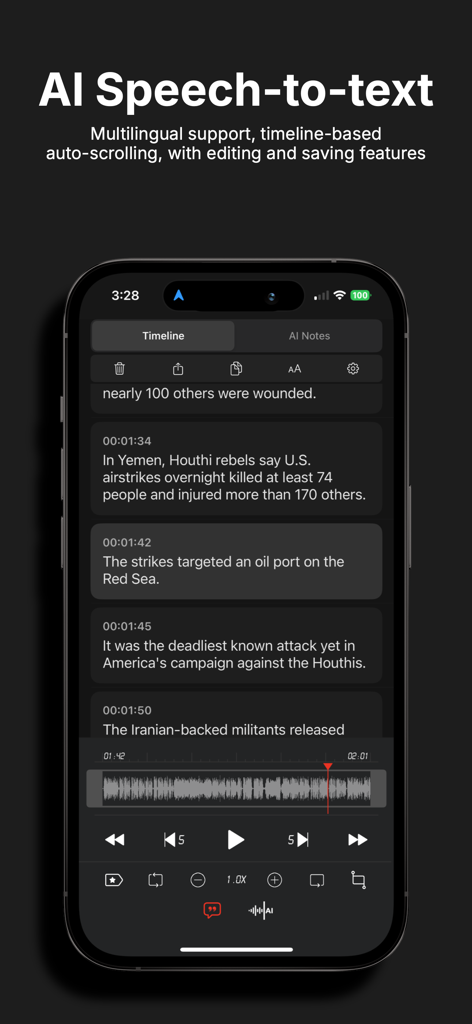
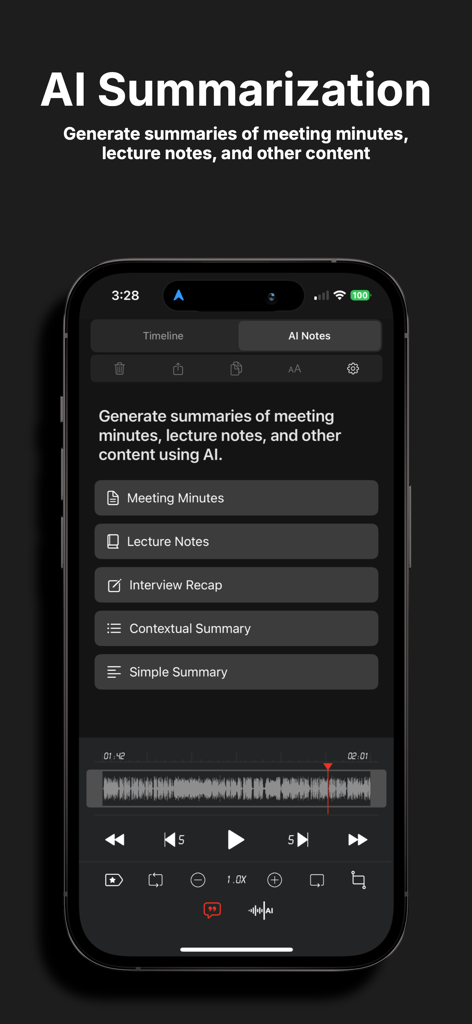
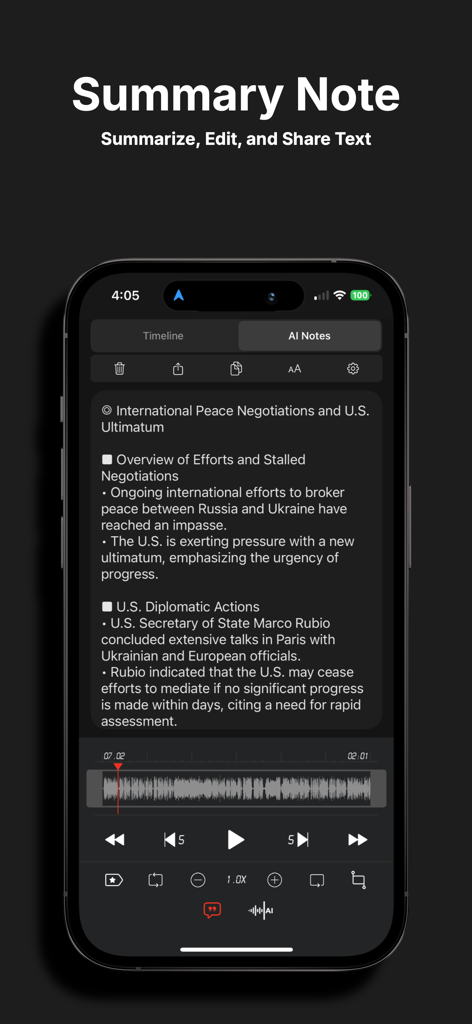
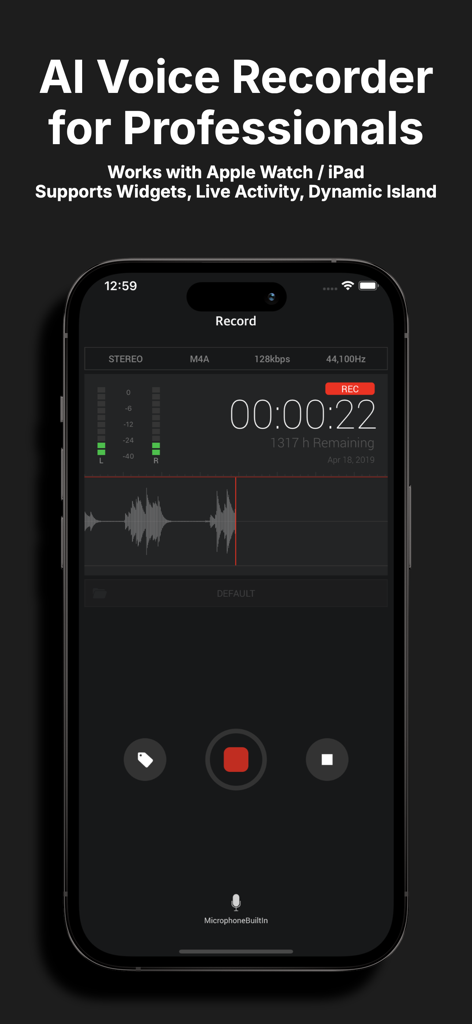
SoundNote offers AI-powered transcription features that easily generate meeting minutes, class notes, interview summaries, and paragraph summaries. It allows you to quickly capture important information, save time, and enhance work efficiency. The AI-driven transcription and summarization features significantly reduce work time and provide a smarter, more productive work environment.
Supporting MP3, WAV, and M4A formats, SoundNote is a high-quality voice recorder with speech-to-text conversion and AI noise reduction capabilities. It's the perfect solution for anyone needing to manage voice memos, including business professionals, reporters, tutors, audio experts, sound engineers, and students.
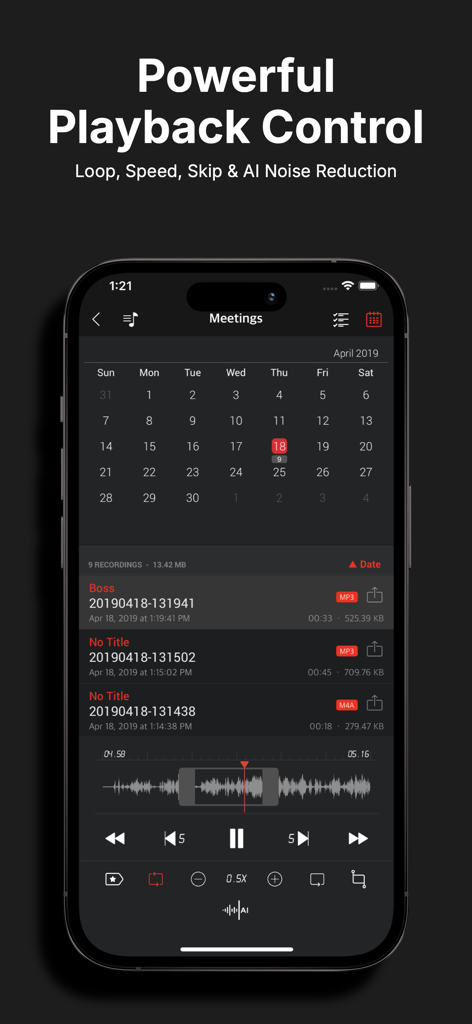
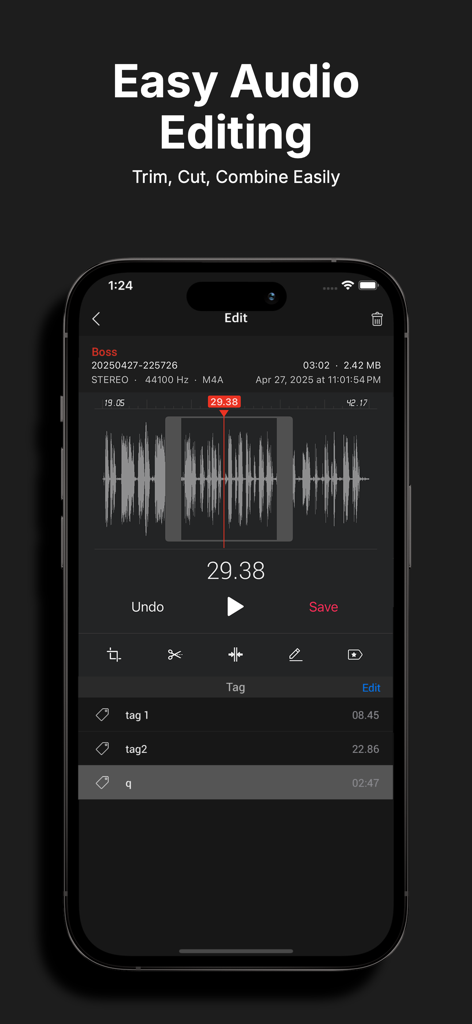
With excellent playback control and audio editing features, SoundNote makes it easy to edit and modify recorded files for greater efficiency.
It supports Apple Watch and is available on both iPhone and iPad.
■ Main Features
· AI-powered meeting minutes, lecture notes, interview summaries, and general summarization
· AI noise reduction
· Speech-to-text transcription
· Live Activities (Dynamic Island), Now Playing
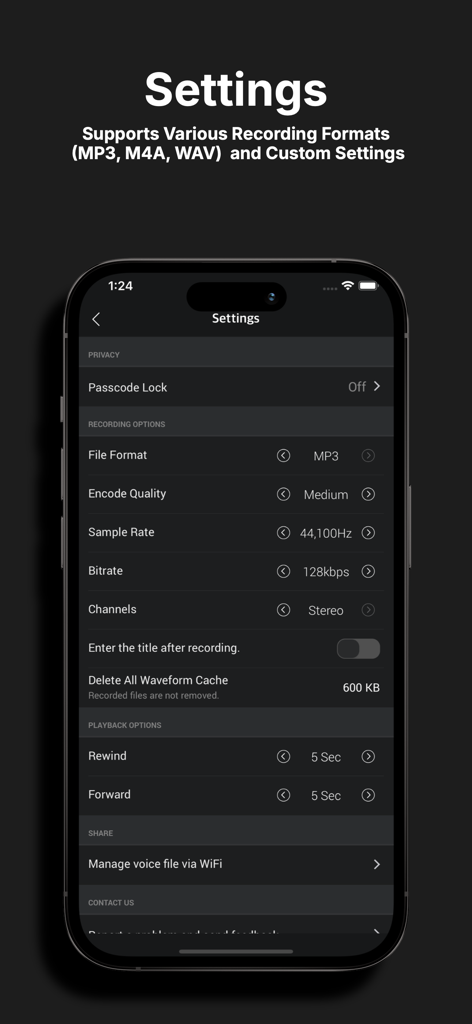
· Direct recording in MP3, WAV, and M4A formats
· High-quality audio recording
· Unlimited recording time
· Background recording
· Wave display for recording status
· Various audio quality options (11,025KHz, 22,050KHz, 44,100KHz, 48,000KHz)
· Mono/stereo recording
· Playable on various media
· Resume recording after phone call pause (up to 3 minutes)
· Add descriptions to recordings
· Easy and fast to use
· Display file size
· Safe stop for low battery or storage space
· Bluetooth support
· Music library import function
· File sorting
· Voice-to-text transcription
■ AI-powered
· Meeting minutes, lecture notes, interview summaries, and general summarization
· Noise reduction
· Speech-to-text transcription
■ Powerful File Sharing & Management
· Transfer files via iTunes, Email, AirDrop, or Wi-Fi
· File sharing with other apps (“Open in”)
■ Folder Management
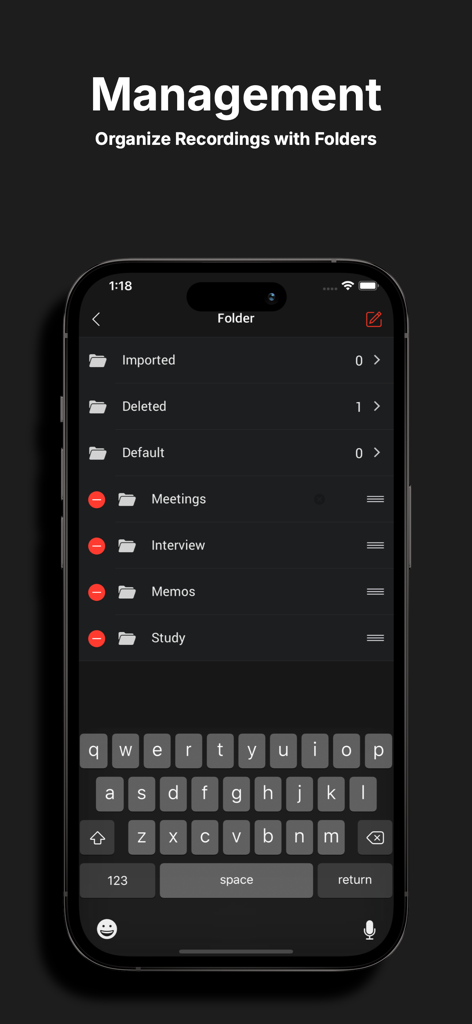
· Create, edit, delete, and organize folders efficiently
■ Playback Control
· Repeat, slow, or fast play; adjust playback speed (0.1x ~ Play)
■ Trim & Cut Audio
· Trim and cut recordings as needed (MP3, WAV, M4A formats)
■ Audio Visualization
· Visualize recordings to identify sections easily
■ Sound Tags
· Add tags to specific locations for instant playback
■ File Combination
· Combine multiple audio files into one, creating a custom sequence
■ PREMIUM Subscription
· Payment will be charged to your Apple ID upon confirmation. Subscriptions automatically renew unless canceled at least 24 hours before the end of the current period. Renewal charges occur within 24 hours of the period's end. You can manage or cancel your subscription anytime through your App Store account settings.
Subscription Options:
· Monthly Subscription: Auto-renew with 3-day free trial, unlocks all features / AD-Free
· Yearly Subscription: Auto-renew with 3-day free trial, unlocks all features / AD-Free
Privacy Policy: https://newkline.com/apps/avrx/privacy_en.html
Terms of Service: https://newkline.com/apps/avrx/terms.html
App information, icons, screenshots, and descriptions displayed on this page are sourced from the Apple App Store and are the property of their respective developers. Download estimates and rankings are based on MWM's proprietary models and may not reflect actual figures. This page is provided for informational and analytical purposes only.
Believe this page infringes your intellectual property? File a dispute