
このページはアプリまたはその開発者の公式ページではなく、情報提供および論評を目的として作成された独立した編集出版物です。明示的に別段の記載がない限り、アプリおよびその開発者は、MWM、Apple、Google Play、アプリのパブリッシャー、またはアプリの開発者と提携、承認、後援、認可、またはその他の公式的な関係はなく、このページのいかなる内容も、アプリがMWMのサービスを使用して開発されたことを意味するものではありません。すべての商標、ロゴ、スクリーンショット、その他のコンテンツはそれぞれの所有者の財産です。

Transkriptor - Speech to Text
手作業でのメモ取りに時間を浪費するのはやめましょう。音声や動画を高精度に文字起こしし、AIによる即時要約を生成し、文字起こし内容とチャットして、数秒で必要なインサイトを得ましょう。
ダウンロード
1M+ユーザー評価
評価数
8K+開発元
カテゴリ
Productivity対応言語
33最新バージョン
2.1.13サイズ
153.7 MBリリース日
2022年3月13日あらゆる会話を実行可能なインテリジェンスに変換
文字起こしをやめて、実行に移しましょう。Transkriptorは高度なAIを活用して、会議、ボイスメモ、動画を整理された、すぐに使えるプロフェッショナルな資産に凝縮します。
文字起こし内容とチャット
長文を読むのはスキップしましょう。AIアシスタントを使用して、アクションアイテムを即座に抽出し、数時間の音声を要約し、録音から直接フォローアップメールをドラフトします。
超高速動画変換
ウェビナーやYouTubeコンテンツを検索可能なテキストやキャプションに変換します。プロフェッショナルなワークフローに合わせて、MP4、WAV、MP3ファイルを高精度に変換します。
よくある質問
について知っておくべきこと Transkriptor - Speech to Text
Transkriptorは音声をテキストに変換できますか?
はい、Transkriptorはボイスメモを高精度でテキストに変換します。文字起こしのためにMP3、WAV、M4Aなどのさまざまなオーディオ形式をサポートしています。
Transkriptorとは何ですか?
Transkriptorは、AIを活用した音声テキスト変換アプリであり、生産性向上ツールです。会議の文字起こし、ボイスメモや動画のテキストへの変換、要約やメール作成のためのAIアシスタントを提供します。
Transkriptorは無料の文字起こしプランを提供していますか?
はい、Transkriptorは無料プランを提供しています。このプランでは90分間の文字起こしクレジットが提供され、ユーザーはAIチャットやAI要約などの機能を試すことができます。
Transkriptorは動画コンテンツをテキストに文字起こしできますか?
はい、Transkriptorは動画をテキストに変換します。この機能は、キャプションの作成、動画コンテンツの文字起こし、ウェビナーやYouTube動画からのメモ作成に最適です。
TranskriptorにはどのようなAI機能が含まれていますか?
Transkriptorには、要約やメール作成のためのAIアシスタント、文字起こしと対話できるAIチャット、文字起こしの精度を高めるAIボイスメモが含まれています。
Transkriptorは文字起こしのために複数の言語をサポートしていますか?
はい、Transkriptorは40以上の言語での文字起こしをサポートしています。また、グローバルユーザーや多言語環境のために100以上の言語への翻訳も提供しています。
Transkriptorはデータセキュリティとプライバシーをどのように確保していますか?
Transkriptorは、ユーザーデータを安全に保存し、機密性を保つことで、データセキュリティとプライバシーを確保しています。ユーザー情報は第三者と共有されることはありません。
Transkriptorは文字起こしのためにどのようなエクスポート形式を提供していますか?
Transkriptorでは、文字起こしを複数の形式でダウンロードできます。PDF、DOCX、TXT、SRTなどが含まれており、これらはドキュメント作成、共有、アーカイブに適しています。
Transkriptorアプリ内で直接音声を録音できますか?
はい、Transkriptorには統合された音声レコーダーが含まれています。ユーザーはデバイスから直接講義、考え、または話されたコンテンツをキャプチャし、AIチャットで録音をナビゲートできます。
Transkriptorは文字起こしで異なる話者を特定できますか?
はい、Transkriptorは文字起こしで異なる話者を自動的にタグ付けします。この機能により、複数の声や参加者が関わる会話を追跡しやすくなります。
Transkriptorは文字起こしから要約を生成できますか?
はい、TranskriptorのAIアシスタントはAI要約を生成します。これにより、メモや文字起こしの簡潔な概要を提供することでワークフローを強化します。
ユーザーはTranskriptorでどのように文字起こしと対話できますか?
ユーザーはTranskriptorのAIチャット機能を使用して、文字起こしと直接対話できます。質問したり、重要な詳細を抽出したり、使いやすいインターフェースを通じて要約を取得したりできます。
以下のスクリーンショットと説明は、アプリの公式ストアリスティングから直接取得されたものであり、アプリ開発者の所有物です。
アプリストア
スクリーンショット
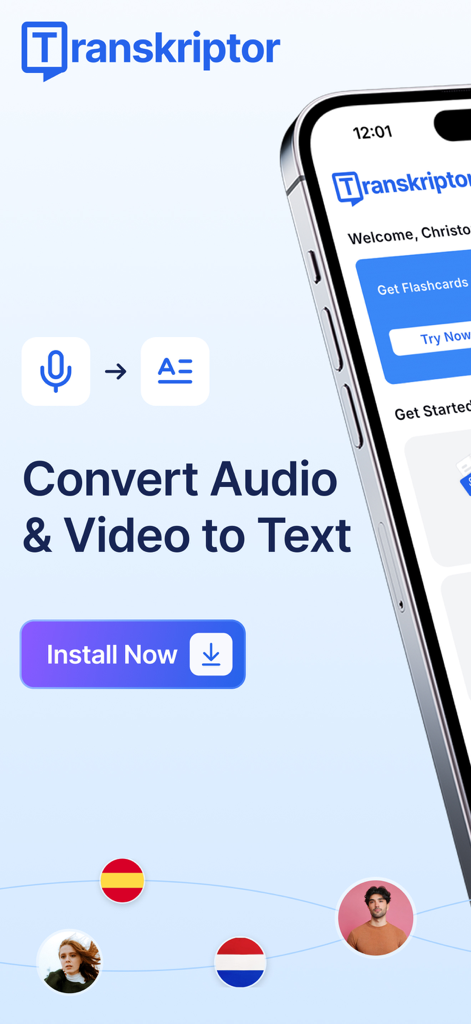
Transkriptorアプリの画面。音声・動画からテキストへの変換機能とインストールボタンが表示されています。
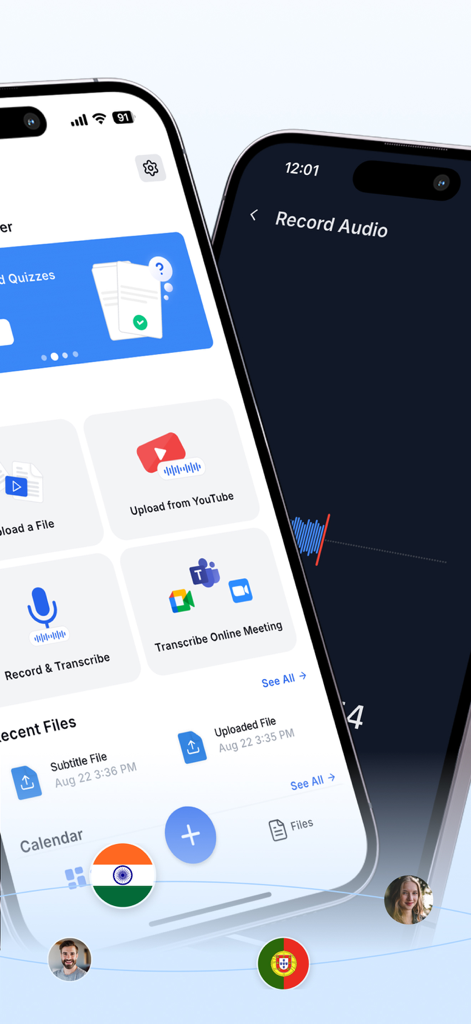
2台のiPhoneにTranskriptorアプリのインターフェースが表示されており、音声録音、YouTubeからのアップロード、ZoomやMicrosoft Teamsからのオンライン会議の文字起こしのオプションがあります。
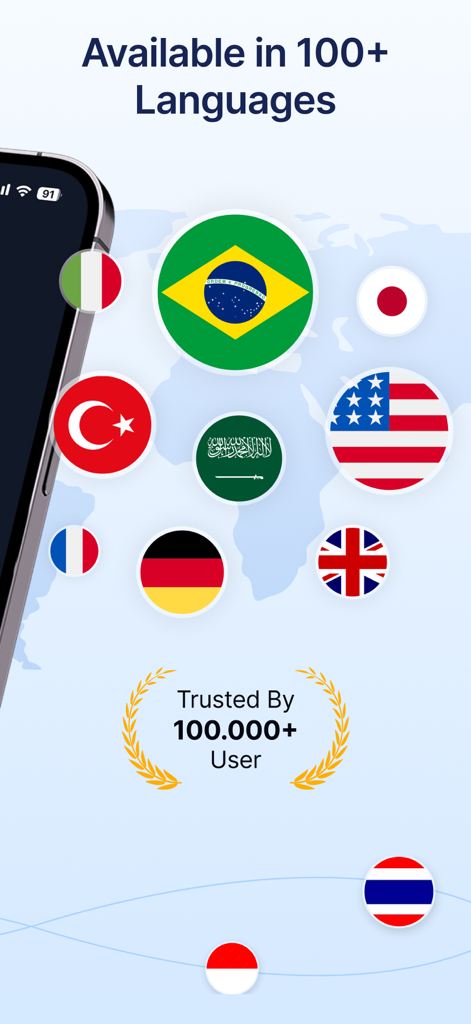
Transkriptorアプリのインターフェース。多数の国旗と共に100以上の言語のサポートが表示されており、ユーザー信頼バッジもあります。
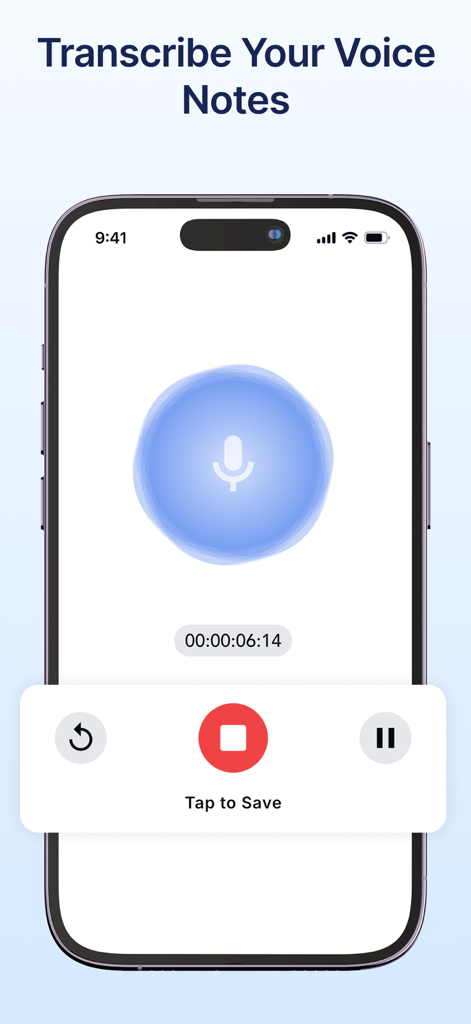
モバイルアプリのインターフェース。マイクアイコンとボイスメモの文字起こし用タイマーを備えた音声録音機能が表示されています。
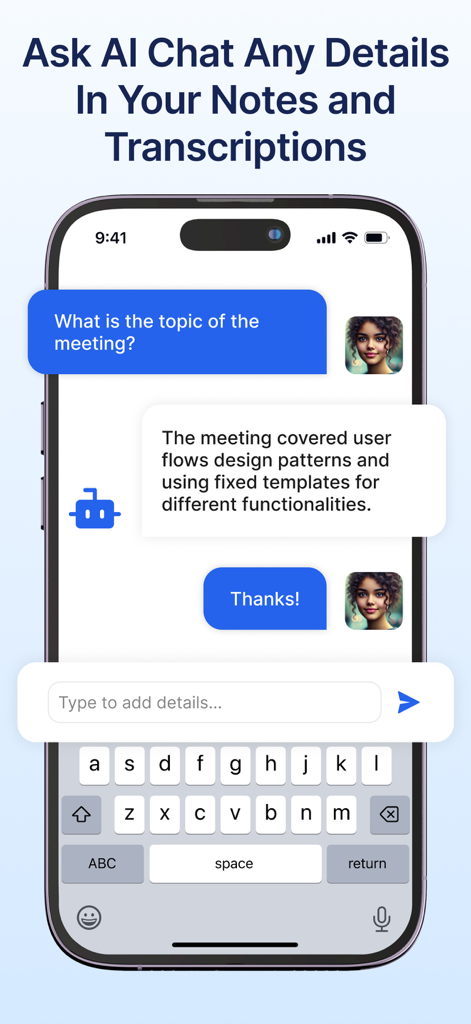
Transkriptor AIチャットが会議メモを要約している様子のモバイルアプリ画面。
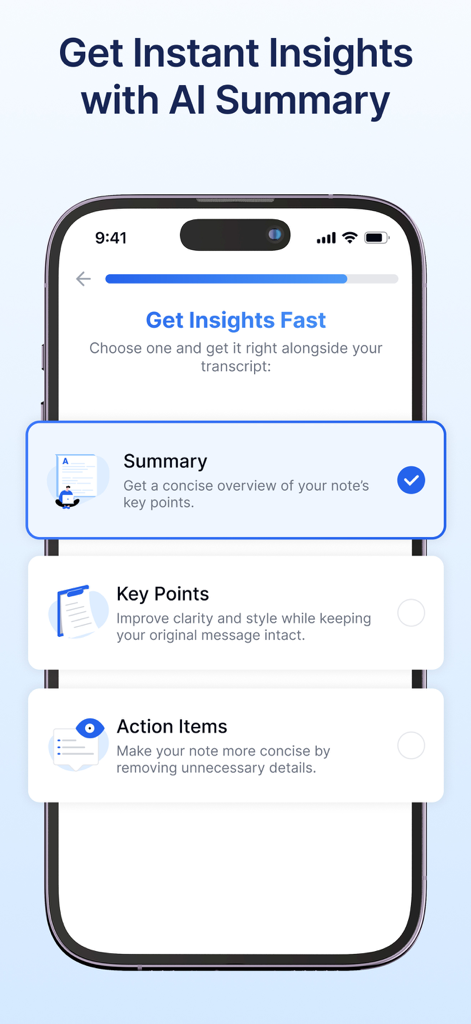
Transkriptorアプリが表示されたスマートフォン画面。文字起こしのAI要約オプションとして、要点の要約やアクションアイテムが含まれています。
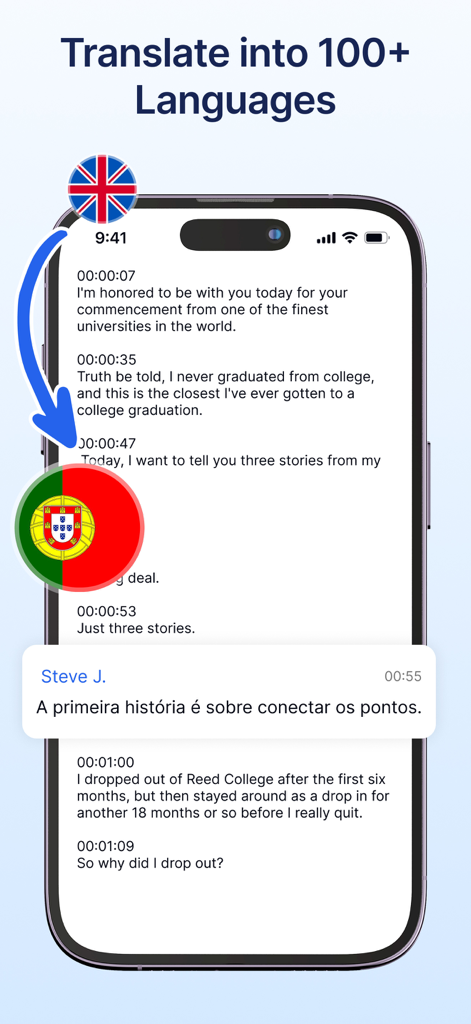
iPhone画面にTranskriptorアプリのインターフェースが表示され、英語の音声文字起こしがポルトガル語に翻訳されています。
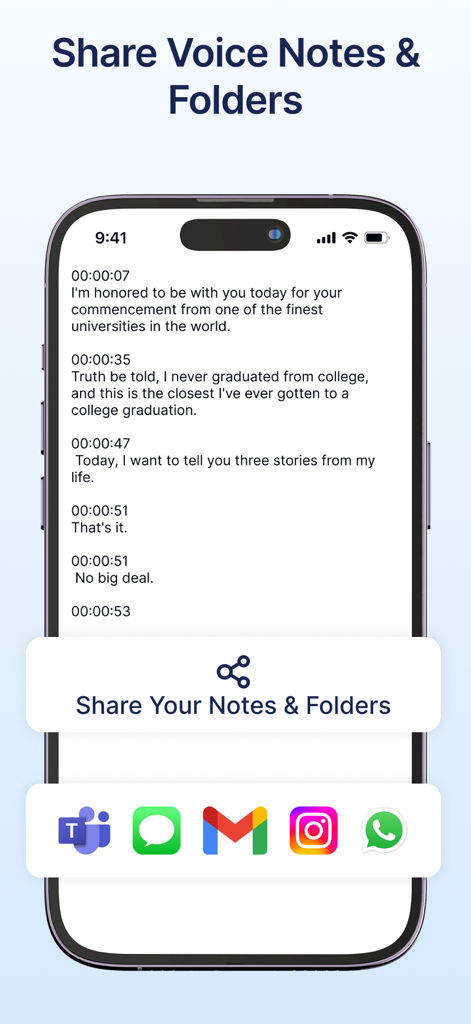
テキスト文字起こしが表示されたスマートフォン画面。共有メニューには、Microsoft Teams、Gmail、WhatsAppのアイコンが含まれています。
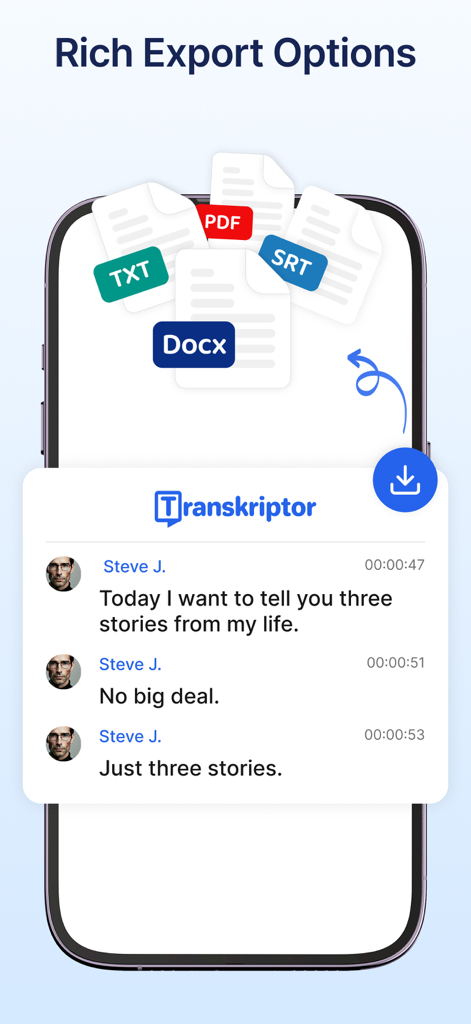
Transkriptorアプリの画面。音声からテキストへの文字起こしと、PDF、Docx、SRT、TXT形式のエクスポートオプションが表示されています。
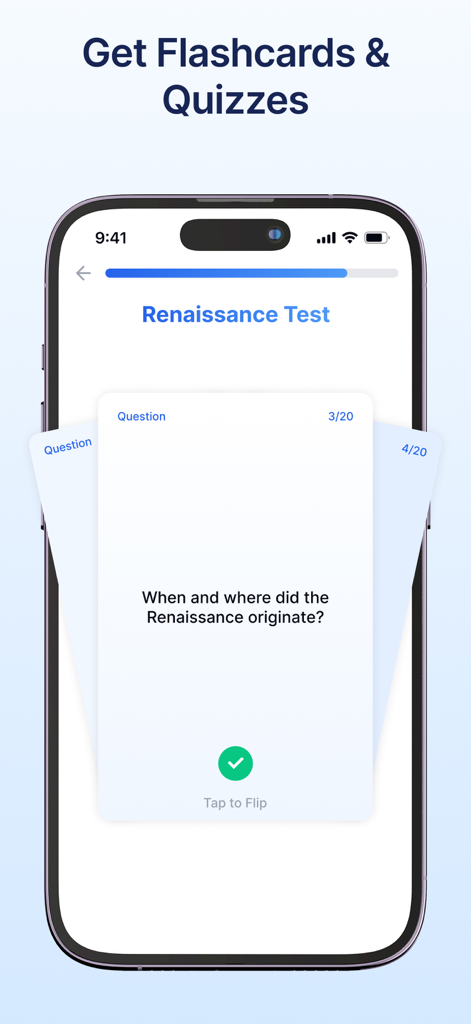
Transkriptorアプリのインターフェース。AI生成されたフラッシュカードと学習クイズがスマートフォンに表示されています。
説明
Download
類似アプリ
似た機能とユーザー体験を持つアプリ

Plaud: AI Note Taker
PLAUD LLC

Notee: AI Note Taker
GM UniverseApps Limited

클로바노트 - 음성 그 이상의 기록
NAVER Corp.

录音专家-专业录音转文字助手
Chongqing Yeyuegua Technology Co., Ltd

听脑AI - 实时录音转文字总结助手
Shanghai Xiuyu Network Technology Co., Ltd

Granola - AI Meeting Notes
Granola inc

Minutes: AI Meeting Note Taker
Minutes AI, LLC

Fireflies: AI notetaker
FIREFLIES.AI CORP.

Anotar: Work Meeting Recorder
Genio Tech, LLC
このページはアプリまたはその開発者の公式ページではなく、情報提供および論評を目的として作成された独立した編集出版物です。明示的に別段の記載がない限り、アプリおよびその開発者は、MWM、Apple、Google Play、アプリのパブリッシャー、またはアプリの開発者と提携、承認、後援、認可、またはその他の公式的な関係はなく、このページのいかなる内容も、アプリがMWMのサービスを使用して開発されたことを意味するものではありません。すべての商標、ロゴ、スクリーンショット、その他のコンテンツはそれぞれの所有者の財産です。